
Esta página no es una página oficial de la aplicación ni de su desarrollador, sino una publicación editorial independiente creada con fines informativos y de comentario. Salvo que se indique expresamente lo contrario, ni la aplicación ni su desarrollador están afiliados, respaldados, patrocinados, autorizados ni conectados oficialmente con MWM, Apple, Google Play, el editor de la aplicación ni su desarrollador, y nada en esta página implica que la aplicación haya sido desarrollada utilizando los servicios de MWM. Todas las marcas comerciales, logotipos, capturas de pantalla y demás contenidos son propiedad de sus respectivos propietarios.


AI Photo Culling — PhotoPicker
Deja el portátil y recupera tu tiempo. Selecciona, califica y marca tus mejores tomas sobre la marcha con análisis inteligente de IA e integración perfecta con Lightroom.
Descargas
22K+Valoración
Total valoraciones
200Editor
Categoría
Photo & VideoIdiomas
23Última versión
3.5.4Tamaño
65.0 MBFecha de lanzamiento
20 jun 2013Pasa Más Tiempo Creando, Menos Tiempo Seleccionando
El flujo de trabajo definitivo con IA para fotógrafos profesionales que viajan ligeros. Selecciona miles de tomas en tu iPad o iPhone sin necesidad de un portátil ni conexión a internet.
Selección Inteligente con IA
Deja de examinar píxeles durante horas. Nuestra IA detecta instantáneamente desenfoques, ojos cerrados y duplicados, marcando tus mejores fotogramas para que puedas terminar un día de trabajo en minutos.
Flujo de Trabajo sin Importación
Conecta tu tarjeta SD o SSD y empieza a clasificar de inmediato. Accede a tus archivos RAW directamente a través de la aplicación Archivos sin desperdiciar espacio de almacenamiento ni esperar las importaciones.
Las siguientes capturas de pantalla y la descripción provienen directamente del listado oficial de la tienda de la aplicación y son propiedad del desarrollador.
App Store
Capturas
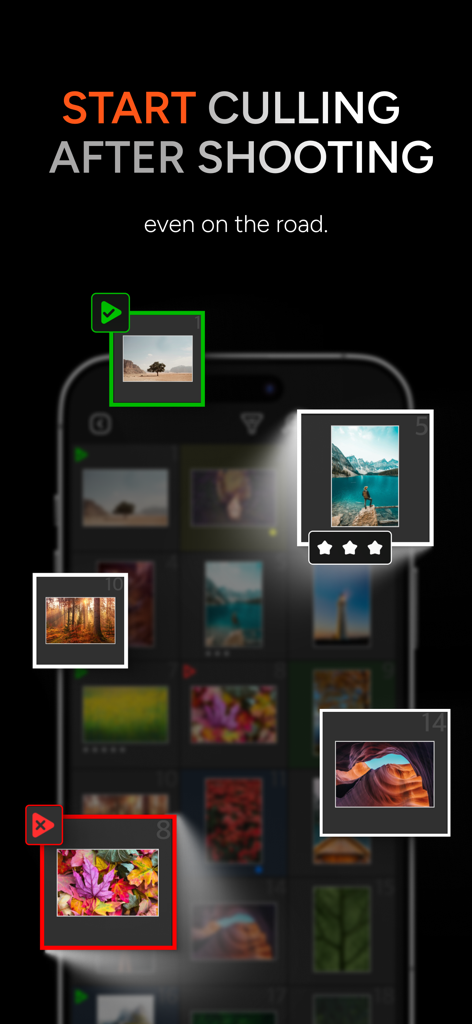
Interfaz de la aplicación móvil de corte y calificación de fotos con IA en movimiento
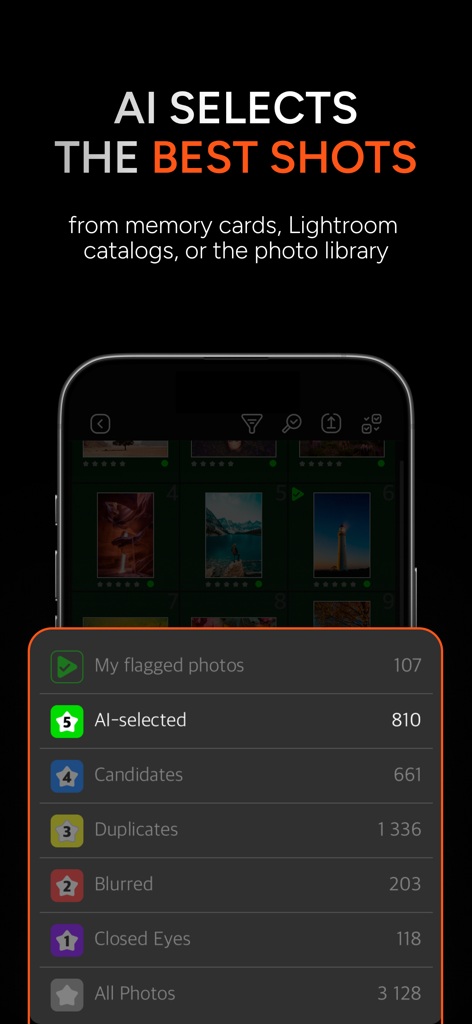
Interfaz de la aplicación de Corte de Fotos con IA que muestra categorías como fotos seleccionadas por IA, duplicadas y borrosas para una selección rápida.
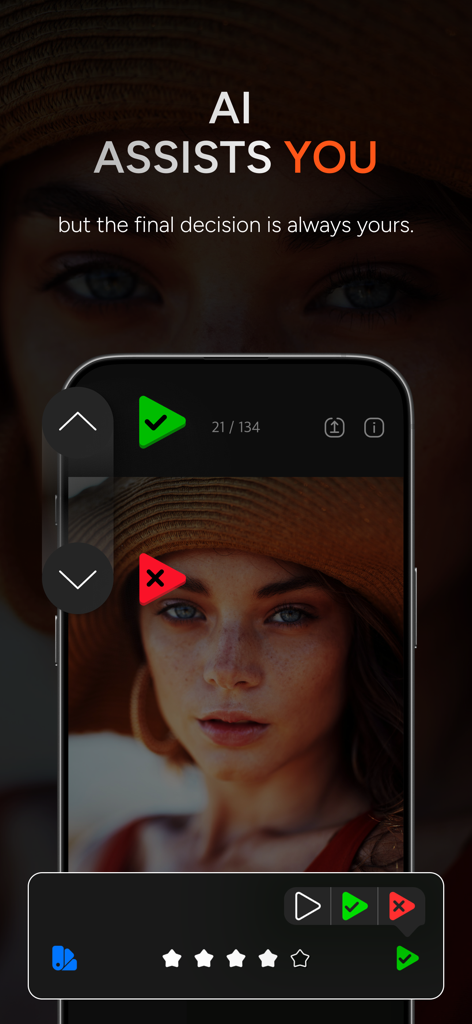
Interfaz de la aplicación PhotoPicker que muestra la clasificación de fotos asistida por IA y opciones de corte manual en la pantalla de un smartphone
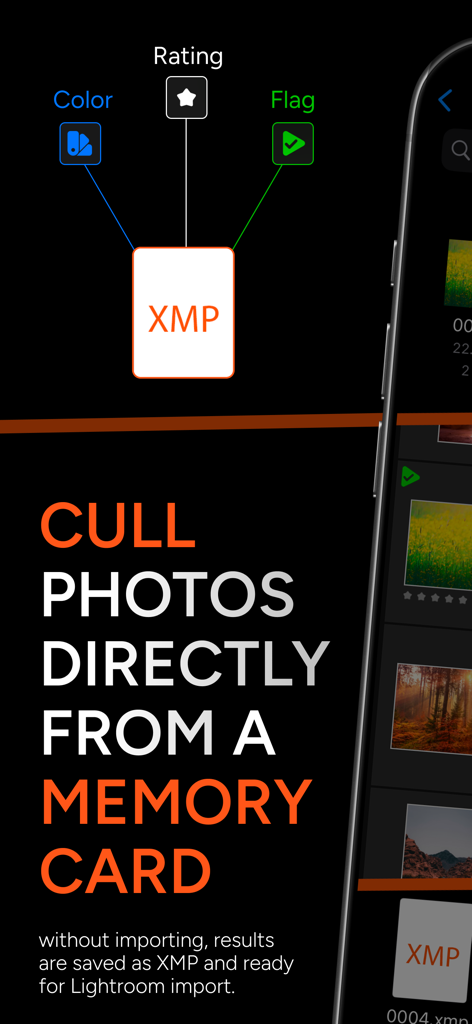
Captura de pantalla de la aplicación PhotoPicker que explica cómo seleccionar fotos directamente de una tarjeta de memoria con integración XMP para Lightroom
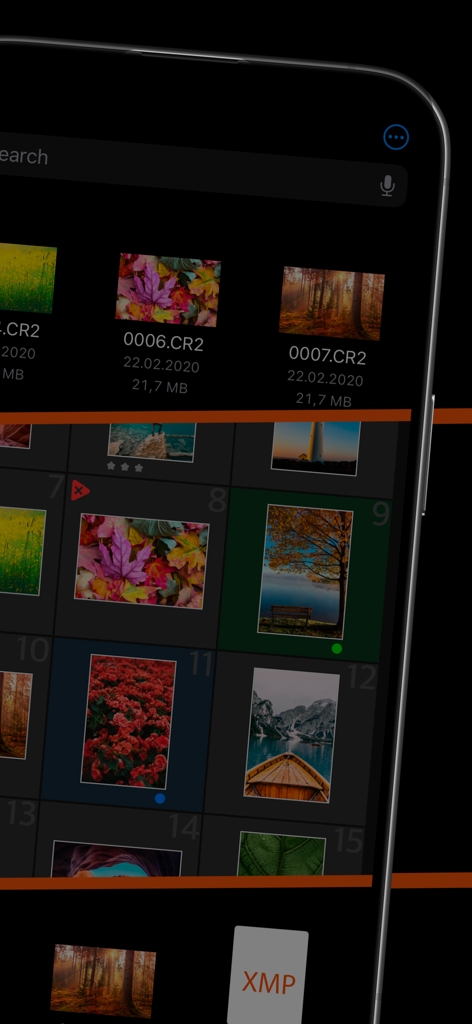
Interfaz de la aplicación móvil PhotoPicker para seleccionar fotos RAW con soporte de archivos XMP
Descripción
Download
Apps Similares
Apps mejor clasificadas en la misma categoría

CapCut: Photo & Video Editor
BYTEDANCE PTE. LTD.

Instagram, Inc.

YouTube
Google LLC

Canva: AI Photo & Video Editor
Canva Pty Ltd

Snapchat
Snap, Inc.

快手
Beijing Kwai Technology Co., Ltd.

Edits: Video Editor
Instagram, Inc.

Meitu- AI Photo & Video Editor
Xiamen Meitu Technology Co., Ltd.

Google Photos: Backup & Edit
Google LLC
Esta página no es una página oficial de la aplicación ni de su desarrollador, sino una publicación editorial independiente creada con fines informativos y de comentario. Salvo que se indique expresamente lo contrario, ni la aplicación ni su desarrollador están afiliados, respaldados, patrocinados, autorizados ni conectados oficialmente con MWM, Apple, Google Play, el editor de la aplicación ni su desarrollador, y nada en esta página implica que la aplicación haya sido desarrollada utilizando los servicios de MWM. Todas las marcas comerciales, logotipos, capturas de pantalla y demás contenidos son propiedad de sus respectivos propietarios.