
Esta página no es una página oficial de la aplicación ni de su desarrollador, sino una publicación editorial independiente creada con fines informativos y de comentario. Salvo que se indique expresamente lo contrario, ni la aplicación ni su desarrollador están afiliados, respaldados, patrocinados, autorizados ni conectados oficialmente con MWM, Apple, Google Play, el editor de la aplicación ni su desarrollador, y nada en esta página implica que la aplicación haya sido desarrollada utilizando los servicios de MWM. Todas las marcas comerciales, logotipos, capturas de pantalla y demás contenidos son propiedad de sus respectivos propietarios.

AR Solar System PRO
Transforma tu hogar en un observatorio personal. Camina entre planetas, observa sus rotaciones en tiempo real y explora las maravillas del cosmos con esta experiencia espacial premium y científicamente precisa.
Descargas
10K+Valoración
Total valoraciones
0Editor
Categoría
EntertainmentIdiomas
1Última versión
1.2Tamaño
62.8 MBFecha de lanzamiento
21 dic 2017Un Planetario Portátil en tu Bolsillo
Transforma tu hogar en un laboratorio galáctico. Sistema Solar AR PRO utiliza realidad aumentada de alta fidelidad para traer las maravillas del universo a estudiantes y entusiastas del espacio.
Recorrido Inmersivo en RA
Camina físicamente entre los planetas y obsérvalos desde cualquier ángulo, simulando una misión espacial real en tu sala de estar o patio trasero.
Datos Astronómicos Auténticos
Accede a velocidades de rotación en tiempo real y datos detallados sobre gravedad, atmósfera y composición para 15 cuerpos celestes diferentes.
Las siguientes capturas de pantalla y la descripción provienen directamente del listado oficial de la tienda de la aplicación y son propiedad del desarrollador.
App Store
Capturas
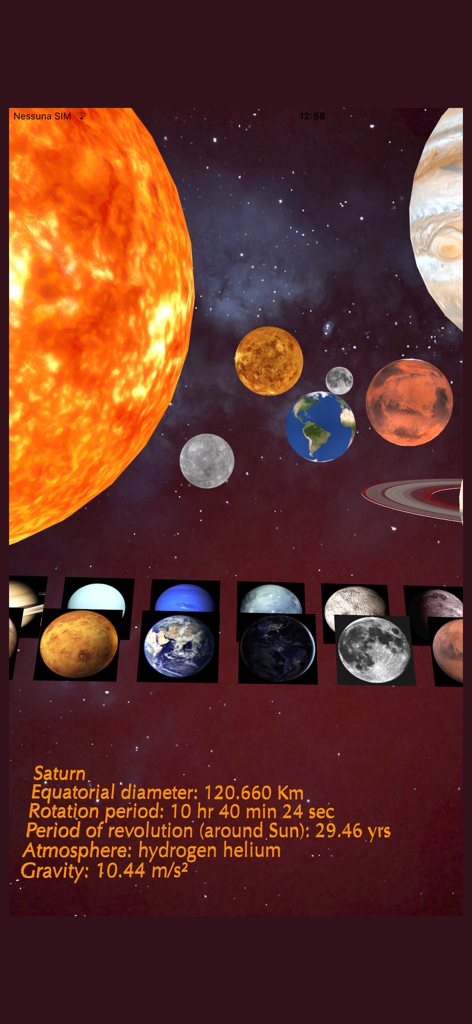
Interfaz de la aplicación Sistema Solar AR PRO mostrando planetas 3D y datos científicos para Saturno
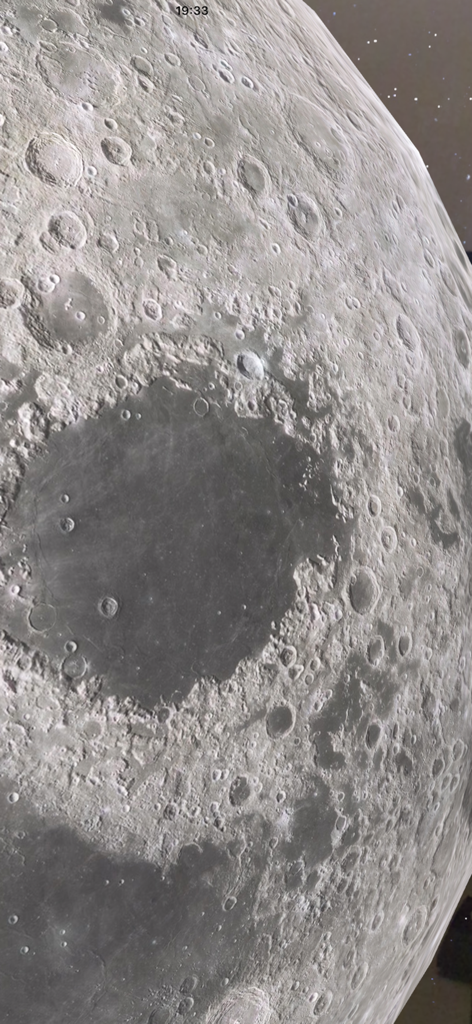
Primer plano de alta calidad de la superficie lunar mostrando cráteres en realidad aumentada
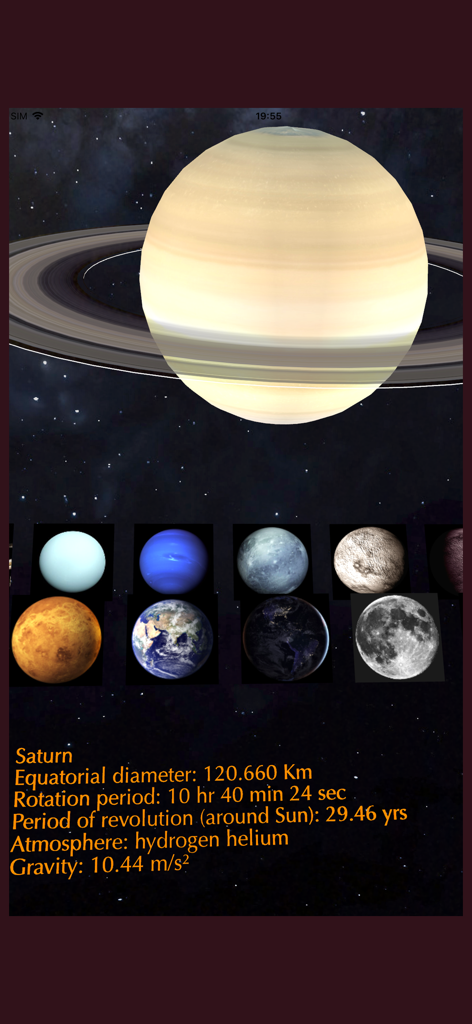
Vista de realidad aumentada de Saturno con datos planetarios y una selección de otros cuerpos celestes
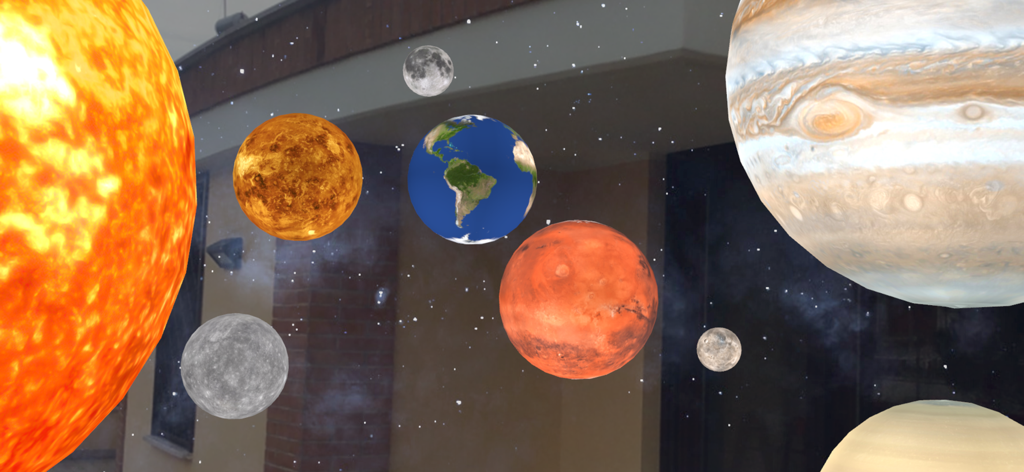
Vista de realidad aumentada de varios planetas y el Sol desde la aplicación Sistema Solar AR PRO superpuesta en un entorno del mundo real
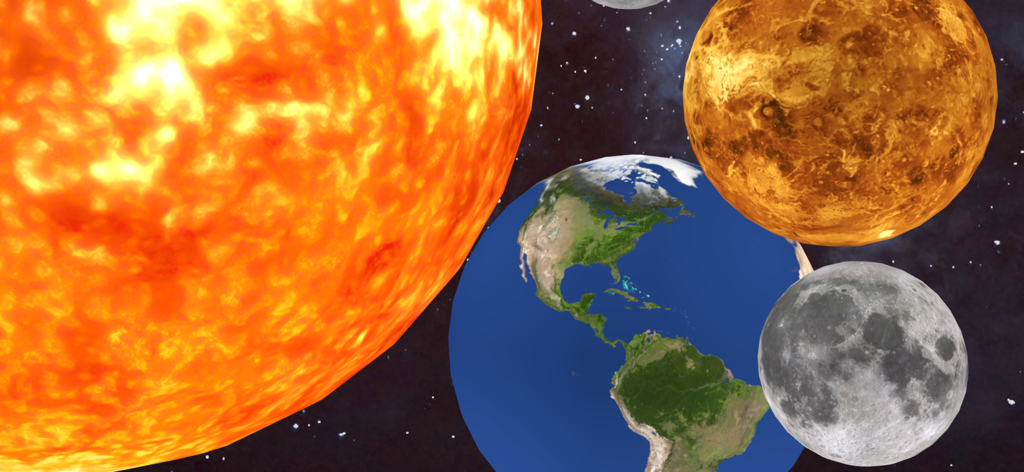
Visualización detallada de realidad aumentada que muestra el Sol, la Tierra y la Luna en el espacio profundo
Descripción
Download
Apps Similares
Apps mejor clasificadas en la misma categoría

TikTok - Videos, Shop & LIVE
TIKTOK PTE. LTD.

Netflix
Netflix, Inc.

Freecash - Get Paid Real Money
256 REWARDS LTD

DramaBox - Stream Drama Shorts
STORYMATRIX PTE. LTD

HBO Max: Stream Movies & TV
WarnerMedia Global Digital Services, LLC

Amazon Prime Video
AMZN Mobile LLC

NetShort - Popular Dramas & TV
NETSTORY PTE. LTD.

ReelShort - Stream Drama & TV
New Leaf Publishing, Inc.

Disney+
Disney Electronic Content, Inc.
Esta página no es una página oficial de la aplicación ni de su desarrollador, sino una publicación editorial independiente creada con fines informativos y de comentario. Salvo que se indique expresamente lo contrario, ni la aplicación ni su desarrollador están afiliados, respaldados, patrocinados, autorizados ni conectados oficialmente con MWM, Apple, Google Play, el editor de la aplicación ni su desarrollador, y nada en esta página implica que la aplicación haya sido desarrollada utilizando los servicios de MWM. Todas las marcas comerciales, logotipos, capturas de pantalla y demás contenidos son propiedad de sus respectivos propietarios.