
Esta página no es una página oficial de la aplicación ni de su desarrollador, sino una publicación editorial independiente creada con fines informativos y de comentario. Salvo que se indique expresamente lo contrario, ni la aplicación ni su desarrollador están afiliados, respaldados, patrocinados, autorizados ni conectados oficialmente con MWM, Apple, Google Play, el editor de la aplicación ni su desarrollador, y nada en esta página implica que la aplicación haya sido desarrollada utilizando los servicios de MWM. Todas las marcas comerciales, logotipos, capturas de pantalla y demás contenidos son propiedad de sus respectivos propietarios.
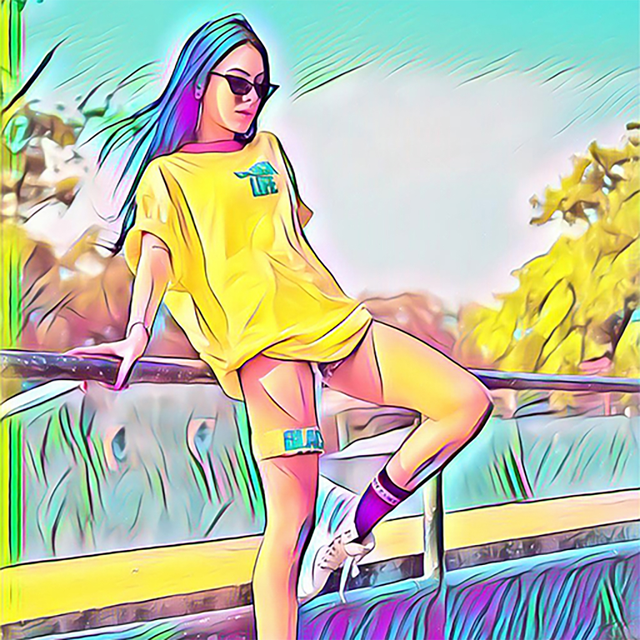

ArtistA: Cartoon Photo Editor
Crea impresionantes pinturas al óleo y bocetos a lápiz con un solo toque. Únete a miles de narradores visuales que usan IA avanzada para convertir momentos cotidianos en obras de arte dignas de galería.
Descargas
391K+Valoración
Total valoraciones
5K+Editor
Categoría
Photo & VideoIdiomas
11Última versión
1.1.2Tamaño
73.1 MBFecha de lanzamiento
2 may 2019Tu Estudio de Arte Personal con IA
Transforma tus recuerdos favoritos en obras maestras de calidad profesional. Desde pinturas al óleo clásicas hasta bocetos a lápiz modernos, ArtistA pone estilos de arte de clase mundial al alcance de tus dedos con un solo toque.
Filtros de Arte Avanzados con IA
Elige entre más de 100 filtros que se adaptan automáticamente a la iluminación y textura únicas de tu foto para un look artístico verdaderamente auténtico.
Edición Sencilla con Un Solo Toque
Diseñado para el creador ocupado, obtén resultados dignos de galería en segundos. No se requieren habilidades técnicas: pura magia digital.
Preguntas Frecuentes
Todo lo que necesitas saber sobre ArtistA: Cartoon Photo Editor
¿Qué es ArtistA: Cartoon Photo Editor?
ArtistA: Cartoon Photo Editor es una aplicación impulsada por IA que transforma las fotos en arte. Ofrece docenas de filtros y efectos artísticos, incluyendo pintura al óleo y boceto, convirtiendo tu galería de fotos en una galería de arte móvil.
¿Cómo crea ArtistA efectos fotográficos artísticos?
ArtistA utiliza IA avanzada para crear y mejorar sus filtros artísticos. Aplica más de 100 filtros y efectos fotográficos, permitiendo a los usuarios transformar instantáneamente las fotos en obras maestras como bocetos a lápiz o pinturas al óleo.
¿Puede ArtistA convertir fotos en bocetos a lápiz?
Sí, ArtistA puede convertir tus fotos en obras maestras de bocetos a lápiz. La aplicación ofrece filtros artísticos específicos para crear este efecto a partir de tu propia galería de fotos o selfies.
¿Ofrece ArtistA filtros de pintura al óleo para imágenes?
Sí, ArtistA ofrece filtros de pintura al óleo. Estos filtros transforman las fotos normales en pinturas al óleo, permitiendo a los usuarios crear piezas de arte únicas con funciones de IA y FX épicos.
¿Es posible ajustar la intensidad del filtro en ArtistA?
Sí, puedes ajustar la densidad del efecto artístico en ArtistA. Los usuarios simplemente deslizan un dedo hacia la izquierda o la derecha en la pantalla después de aplicar un filtro para ajustar su intensidad.
¿Qué características se incluyen con ArtistA PRO?
ArtistA PRO ofrece una experiencia sin anuncios y acceso completo a todos los efectos y filtros disponibles dentro de la aplicación ArtistA. Mejora las capacidades artísticas del usuario sin interrupciones.
¿Cómo se facturan las suscripciones a ArtistA PRO?
Las suscripciones a ArtistA PRO son de renovación automática y se facturan mensual o anualmente, según el plan elegido. El pago se carga a la Cuenta de iTunes en la confirmación de la compra.
¿Se puede desactivar la renovación automática de ArtistA PRO?
Sí, se puede desactivar la renovación automática de ArtistA PRO. Los usuarios administran las suscripciones y desactivan la renovación automática en la Configuración de su Cuenta de iTunes al menos 24 horas antes de que finalice el período actual.
¿Ofrece ArtistA: Cartoon Photo Editor una prueba gratuita?
Los términos de suscripción de ArtistA establecen que cualquier porción no utilizada de una prueba gratuita, si se ofrece, se perderá al comprar una suscripción. Esto indica que puede estar disponible una prueba gratuita.
¿Dónde se encuentran los Términos de Uso de ArtistA?
Los Términos de Uso oficiales de ArtistA se encuentran en https://lyrebirdstudio.net/terms.htm. Este documento describe las condiciones de servicio de la aplicación.
¿Dónde puedo encontrar la Política de Privacidad de ArtistA?
La Política de Privacidad de ArtistA está disponible en https://lyrebirdstudio.net/privacy_policy.htm. Este documento detalla cómo se manejan los datos del usuario.
Las siguientes capturas de pantalla y la descripción provienen directamente del listado oficial de la tienda de la aplicación y son propiedad del desarrollador.
App Store
Capturas
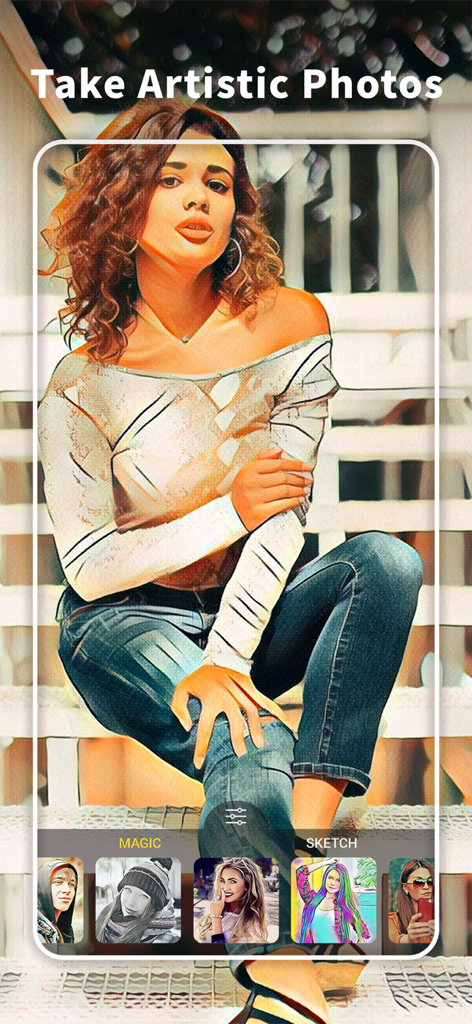
Una mujer sentada en escaleras con un filtro de caricatura artística aplicado usando la interfaz de la app ArtistA
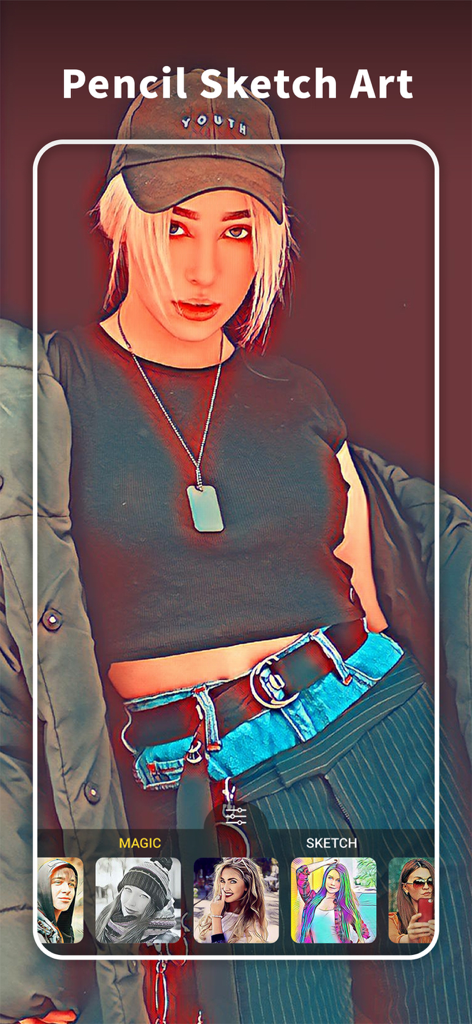
Interfaz de la app editor de fotos ArtistA mostrando un efecto de arte de boceto a lápiz en un retrato
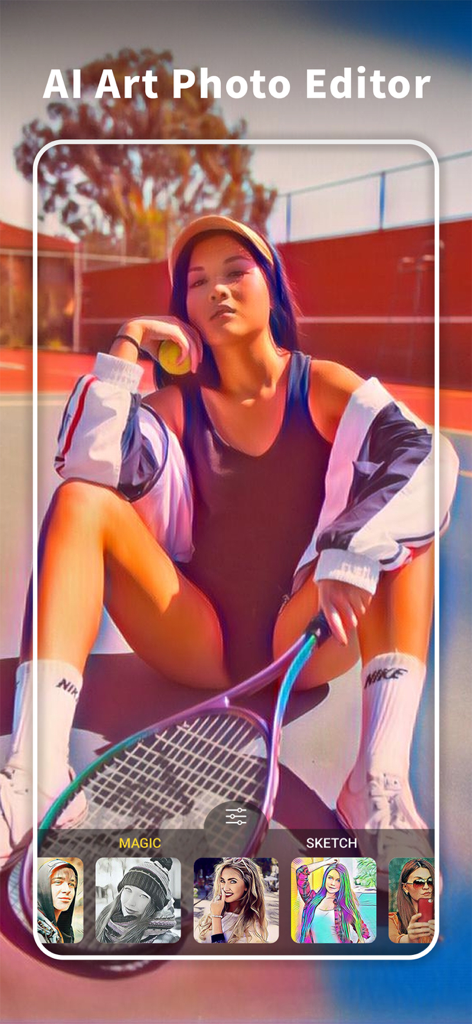
Interfaz de la app ArtistA mostrando un retrato con un filtro de arte IA aplicado.
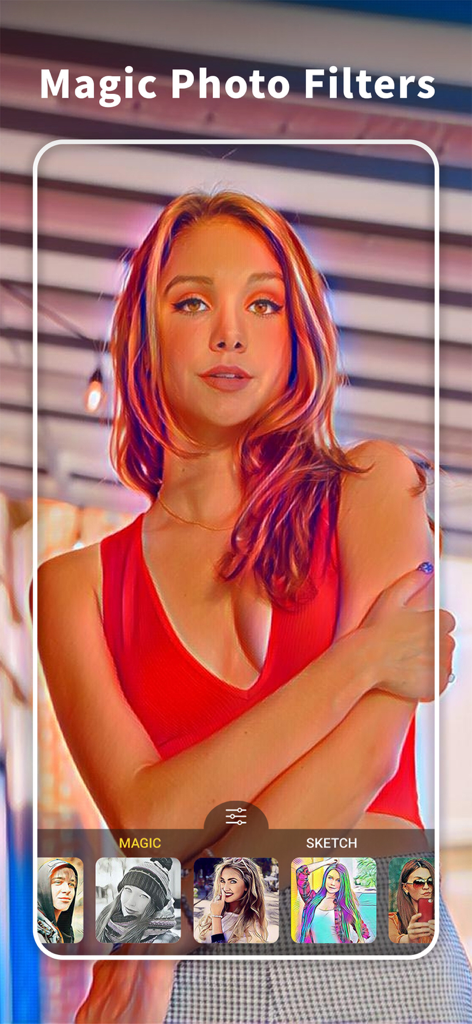
Interfaz de la app ArtistA mostrando filtros mágicos y efectos artísticos aplicados a un retrato
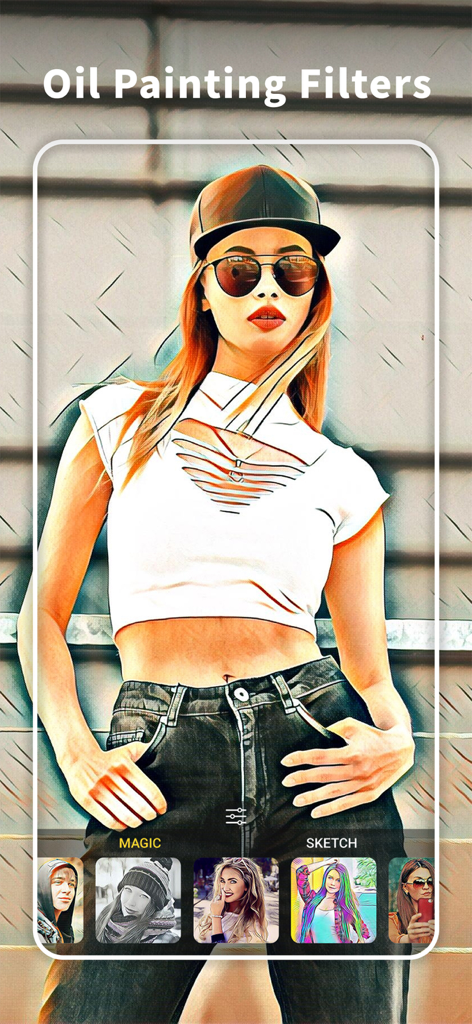
Un retrato de mujer con un efecto de filtro artístico de pintura al óleo aplicado en la app ArtistA
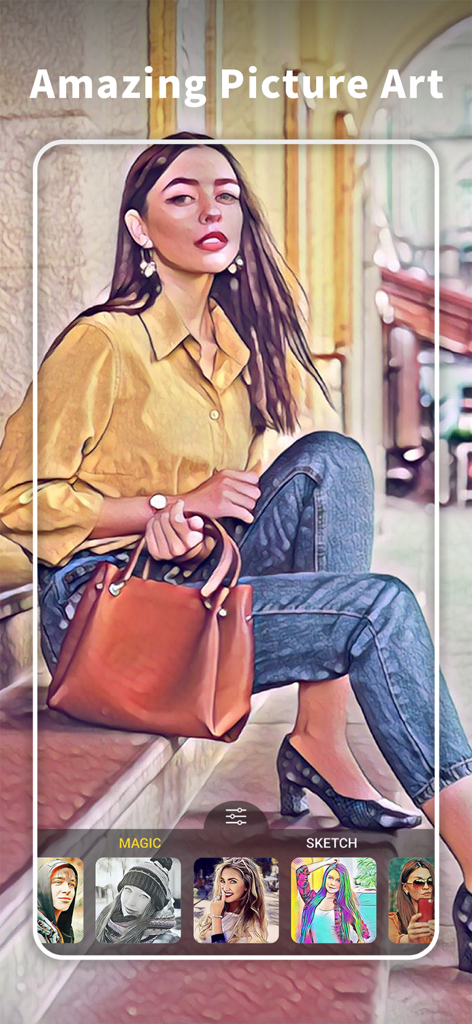
Un retrato de mujer editado con un efecto de filtro artístico de pintura al óleo en la interfaz de la app ArtistA
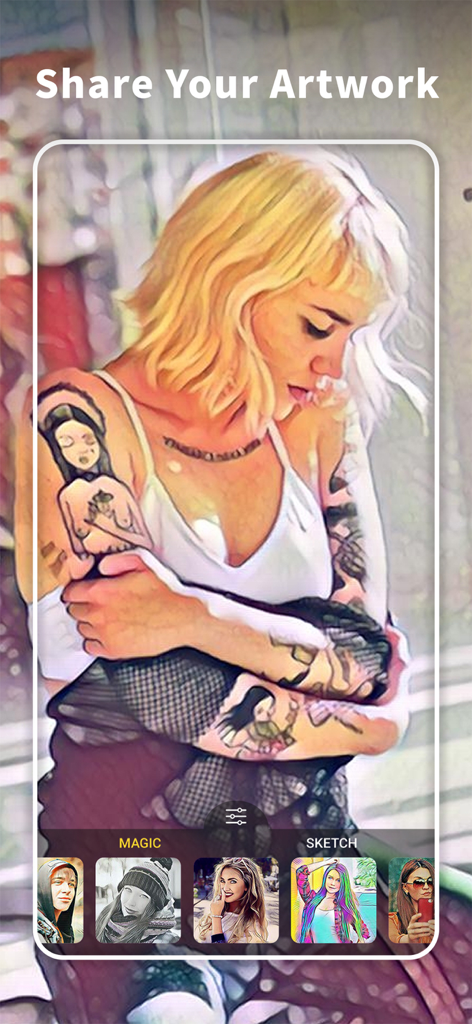
Interfaz de ArtistA Cartoon Photo Editor mostrando un filtro artístico aplicado a un retrato y una selección de efectos mágicos y de boceto.
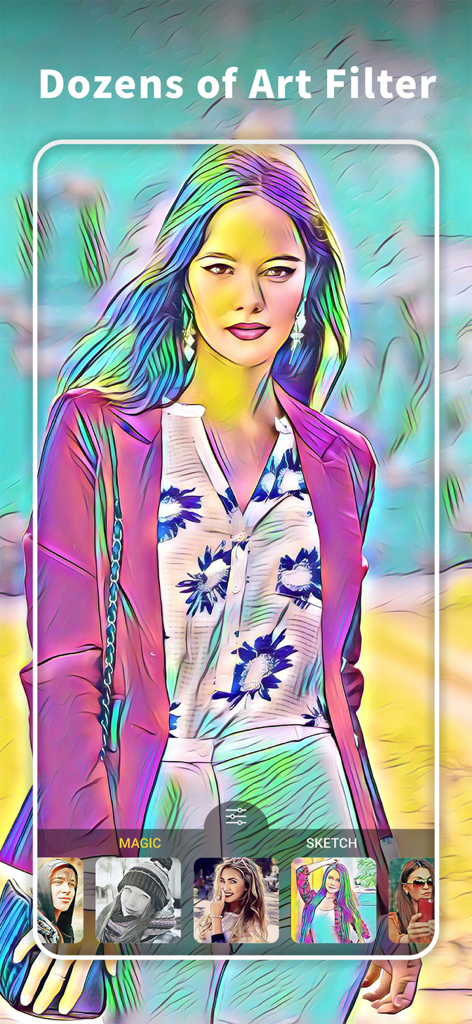
Interfaz de la app ArtistA mostrando un retrato con un filtro artístico colorido aplicado
Descripción
Download
Apps Similares
Apps con características y experiencia similares

ElevenLabs: AI Voice Generator
Eleven Labs Inc.

Viggle AI: Meme Maker
WarpEngine Canada Inc.

可灵AI - AI图片&视频创作工具
Beijing Kwai Technology Co., Ltd.

Leonardo.Ai - Image Generator
Leonardo Interactive Pty Ltd

Reface: Face Swap AI Photo App
NEOCORTEXT, INC.

Shedevrum
DIRECT CURSUS COMPUTER SYSTEMS TRADING LLC

Remove Objects
TAPUNIVERSE LLC

Zaps Collages
Turnip Media Private Limited

Carat - Create Anything
Paradot Corp.
Esta página no es una página oficial de la aplicación ni de su desarrollador, sino una publicación editorial independiente creada con fines informativos y de comentario. Salvo que se indique expresamente lo contrario, ni la aplicación ni su desarrollador están afiliados, respaldados, patrocinados, autorizados ni conectados oficialmente con MWM, Apple, Google Play, el editor de la aplicación ni su desarrollador, y nada en esta página implica que la aplicación haya sido desarrollada utilizando los servicios de MWM. Todas las marcas comerciales, logotipos, capturas de pantalla y demás contenidos son propiedad de sus respectivos propietarios.