ArtRage

ArtRage

Descargar en App StoreDescargar en Google Play
Logo de ArtRage

ArtRage: El estudio profesional para pintura digital realista

Experimenta la simulación más avanzada del mundo de óleos, acuarelas y lápices del mundo real. Domina el flujo y la textura de los medios tradicionales en tu lienzo digital, sin el desorden ni el gasto.

Editor

Ambient Design Ltd.

Categoría

Entertainment

Descargas

439K+

Valoración

4.0/5

Total valoraciones

3K+

Idiomas

7

Tu estudio digital

Descubre la interfaz utilizada por 439K+ usuarios.

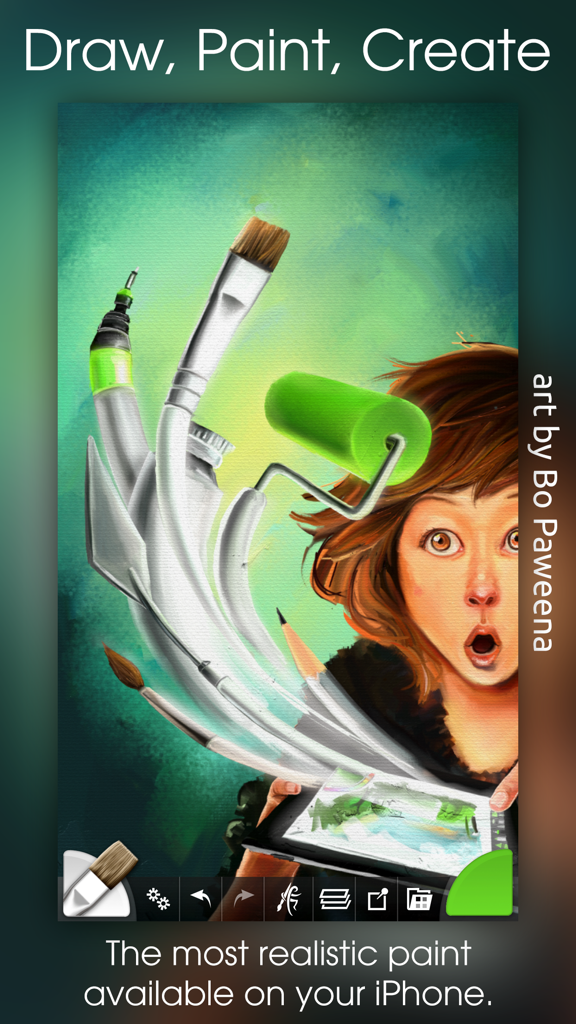
Ilustración digital de una chica con herramientas de arte flotantes que muestran la simulación de pintura realista de la aplicación ArtRage
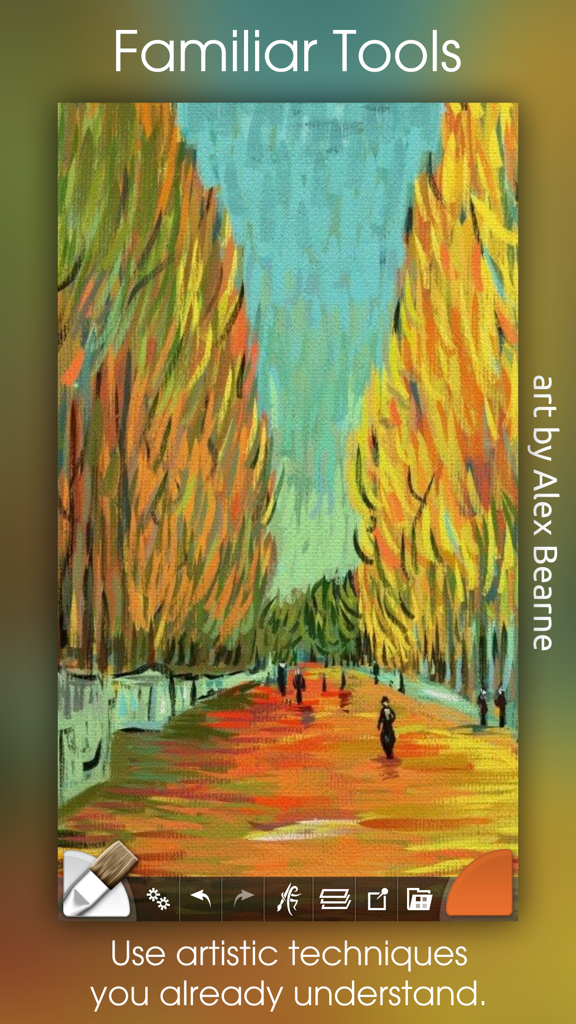
Ilustración digital de una chica con herramientas de arte flotantes que muestran la simulación de pintura realista de la aplicación ArtRage

Una colorida pintura al óleo impresionista de un camino bordeado de árboles creada dentro de la aplicación de arte digital ArtRage.
Una colorida pintura al óleo impresionista de un camino bordeado de árboles creada dentro de la aplicación de arte digital ArtRage.

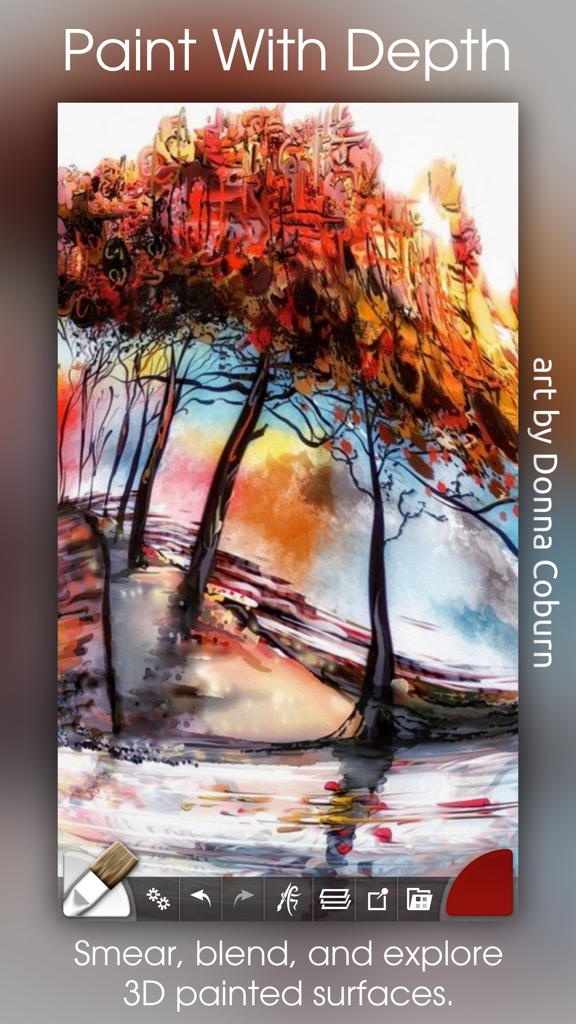
Pintura al óleo digital de árboles coloridos con gruesos efectos de pintura texturizada en la aplicación ArtRage
Pintura al óleo digital de árboles coloridos con gruesos efectos de pintura texturizada en la aplicación ArtRage

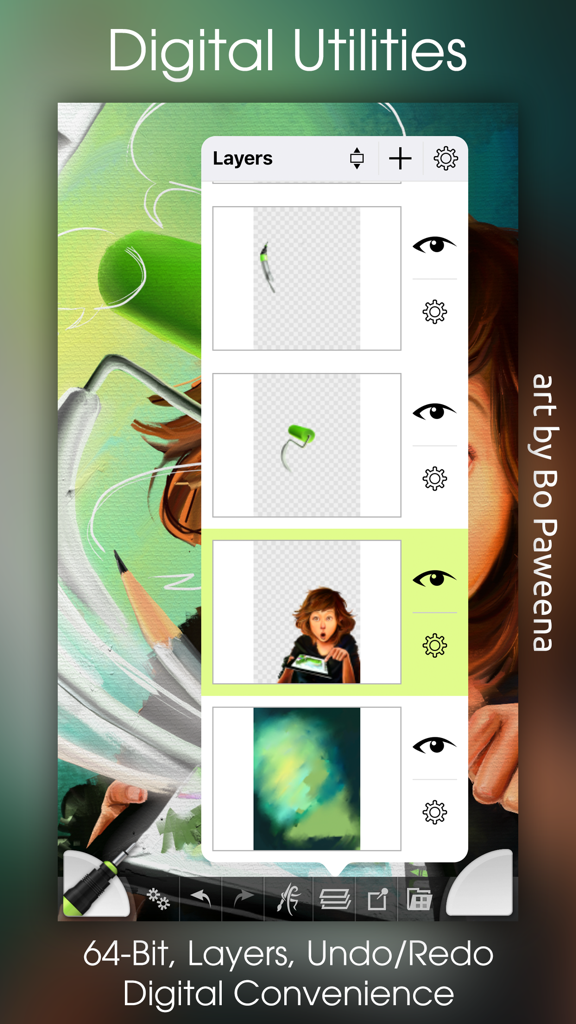
Una captura de pantalla de la aplicación ArtRage que muestra el panel de gestión de capas sobre una pintura digital colorida.
Una captura de pantalla de la aplicación ArtRage que muestra el panel de gestión de capas sobre una pintura digital colorida.

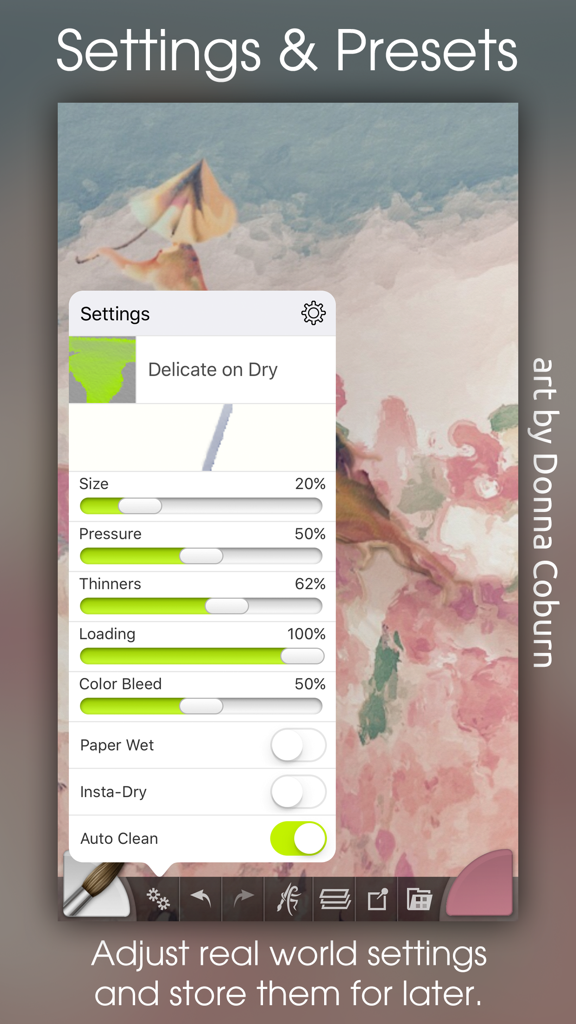
Interfaz de la aplicación móvil ArtRage que muestra ajustes detallados del pincel y preajustes para pintura digital

Interfaz de la aplicación móvil ArtRage que muestra ajustes detallados del pincel y preajustes para pintura digital

Domina el arte de la pintura del mundo real

Las herramientas que hacen destacar esta app, elegida por 439K+ usuarios.

🎨

Física de pintura hiperrealista

A diferencia de las herramientas digitales planas, ArtRage rastrea la humedad y el grosor de la pintura. Unta, mezcla y combina colores en el lienzo exactamente como lo harías con tubos físicos de óleo o acuarela.

✏️

Diseñado para hardware de precisión

Aprovecha al máximo tu Apple Pencil y iPad Pro. Con soporte de nivel profesional para presión, inclinación y 3D touch, cada trazo responde a tu toque artístico único.

El estudio profesional sin desorden

Disfruta de la libertad de un estudio de arte completo en tu bolsillo. Usa capas, imágenes de calco y exportaciones de alta resolución para crear obras maestras sin el coste ni la limpieza de los materiales tradicionales.

Sobre la app

Todo lo que necesitas saber sobre ArtRage.

Descripción

The most advanced simulation of real paint on iOS! Get creative on a digital canvas with smearing, blending oils, delicate watercolor, and much more! Ever wanted to try painting your masterpiece but were put off by the mess and expense? Now you can! ArtRage isn't just about color: It knows how much paint you've used so you can smear it around to spread it over the canvas. It knows how wet your paint is so you can blend it with other paints. It even knows about the roughness of your paper so your pencils can be used for soft shading. It's not just a special effect either - ArtRage is a live simulation of the properties of real artistic media that lets you can get creative with colors and textures using tools you already know how to use! ArtRage takes full advantage of the features of your device like larger canvases on iPad Pro, Apple Pencil support for pressure & tilt, and 3D touch on your iPhone. Join the ArtRage community: Forums: forums.artrage.com Facebook: www.facebook.com/artrage Features: Real world painting tools: Oils, Watercolors, Paint Rollers, Pencils, Crayons and more. Each tool has a range of familiar properties such as how much thinner is applied to the paint, or how soft a pencil tip is. Tools apply texture as well as color, and blend under the brush. Add Layers to your painting and work on individual elements without damaging others. ArtRage supports a wide range of Layer Blend Modes, and layer contents can be scaled moved and rotated independently. Import images, converting them to oil for smearing or as Reference Images pinned to the canvas as a visual guide. Load photos as Tracing Images which are overlaid on the canvas, and have ArtRage select colors automatically as you paint. The interface has been designed to maximize your creative space without hiding away critical functions such as tool and color selection. As you paint, it gets out of the way so that you don’t have to stop and manually adjust panels. Record your paintings! The ArtRage Script system lets you record strokes while you paint for playback in desktop versions of the product at higher resolution. Import and Export using external services such as Dropbox, and iCloud Drive. Share your images on Facebook, Twitter, and any other sharing app on your device. Tools: • Oil Brush, Watercolor, Airbrush, Palette Knife, Paint Roller, Paint Tube, Inking Pen, Pencil, Marker Pen, Chalk, Crayon, Glitter Tube, Gloop Pen, Eraser, Flood Fill. • Paint simulation monitors the physical properties of your paints to allow natural blending, smearing, and other real world behavior. • Preset support to save your favorite settings for later use. • Supports the Apple Pencil's Pressure and Tilt properties, and 3D Touch where available to add realism to the simulated paint strokes. Layers: • Unlimited layers with Photoshop standard blend modes, visibility and opacity controls. Scale, rotate, and position layer contents independently. Utilities: • Record your paintings as Scripts then play them back in a desktop version of ArtRage. • Unlimited Undo / Redo. Load photos as References or Tracing images. Store color samples for later use. Files: • Create paintings up to 2048 x 2048 or 4096 x 4096 on iPad Pro. • Control the texture and color of the canvas to create different effects. Canvas presets can be stored to save your favorite settings for later. • Export PTG, JPG or PNG to services such as Email, iOS11 Files, Adobe Creative Cloud, Dropbox, and more. Share images on Facebook or Twitter. Import photos to a new file or a layer, with camera support. Interface: • Easy access pods provide functionality without getting in the way. Elements vanish as you paint so you can paint underneath. Multi-Touch shortcuts for canvas manipulation, Undo/Redo, and Brush Size. • Adapts to suit iPhone layouts. Stylus & Input Support: • Apple Pencil Pressure & Tilt. • Supports 3D Touch. • Includes support for Wacom, Adonit, Adobe, and Pogo styluses.

Última versión

2.4.0

Tamaño

62.1 MB

Fecha de lanzamiento

27 sept 2010

¿Listo para pintar tu obra maestra?

Únete a más de 400.000 artistas y convierte tu iPad en un estudio profesional sin desorden. Experimenta la verdadera física del óleo, la acuarela y el lienzo hoy mismo.

Descargar en App StoreDescargar en Google Play

App information, icons, screenshots, and descriptions displayed on this page are sourced from the Apple App Store and are the property of their respective developers. Download estimates and rankings are based on MWM's proprietary models and may not reflect actual figures. This page is provided for informational and analytical purposes only.

Believe this page infringes your intellectual property? File a dispute