Audio Kit

Audio Kit

Descargar en App Store
Logo de Audio Kit

Audio Kit: Herramientas de Nivel Profesional para Ingeniería de Audio y Análisis de Sonido

Precisión al alcance de tu mano con un analizador de espectro FFT en tiempo real, osciloscopio, medidor de SPL calibrado y generador de señal multimodelo diseñado para el profesional de audio moderno.

Descargar en App Store

Editor

Sinusoid Pty Ltd

Categoría

Music

Descargas

170K+

Valoración

4.3/5

Total valoraciones

0

Idiomas

1

Precisión de un Vistazo

Descubre la interfaz utilizada por 170K+ usuarios.
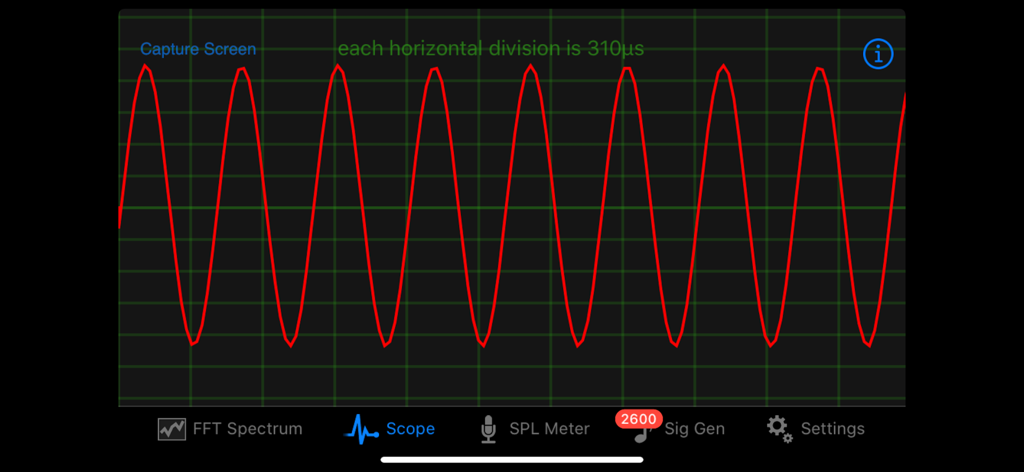
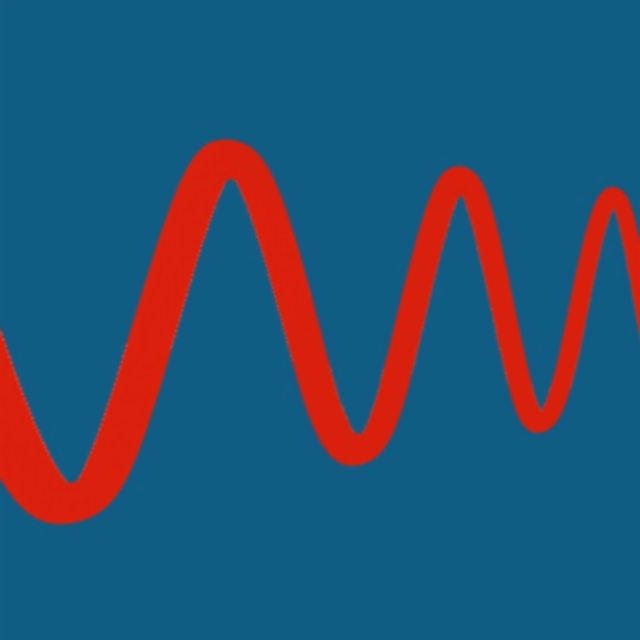
La aplicación Audio Kit muestra un osciloscopio con una forma de onda sinusoidal roja

La aplicación Audio Kit muestra un osciloscopio con una forma de onda sinusoidal roja

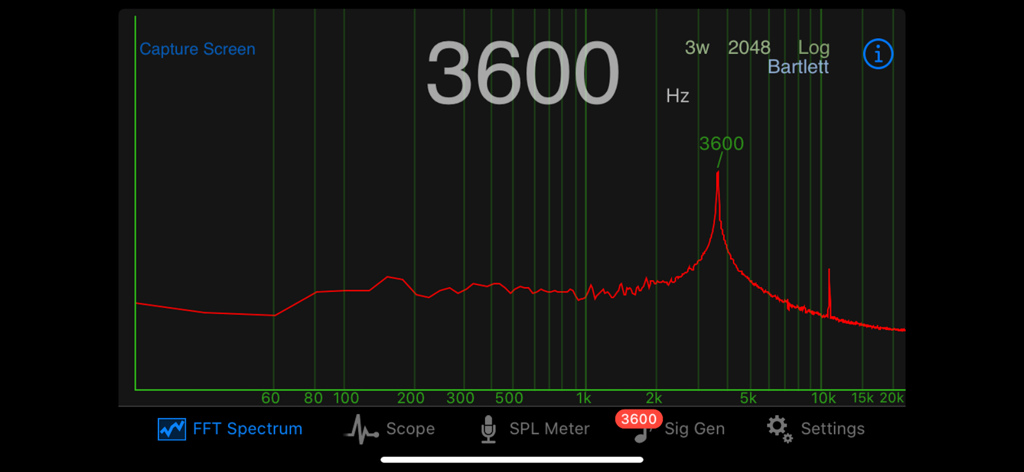
El analizador de espectro FFT de Audio Kit muestra un pico de frecuencia a 3600 Hz en una escala logarítmica.

El analizador de espectro FFT de Audio Kit muestra un pico de frecuencia a 3600 Hz en una escala logarítmica.

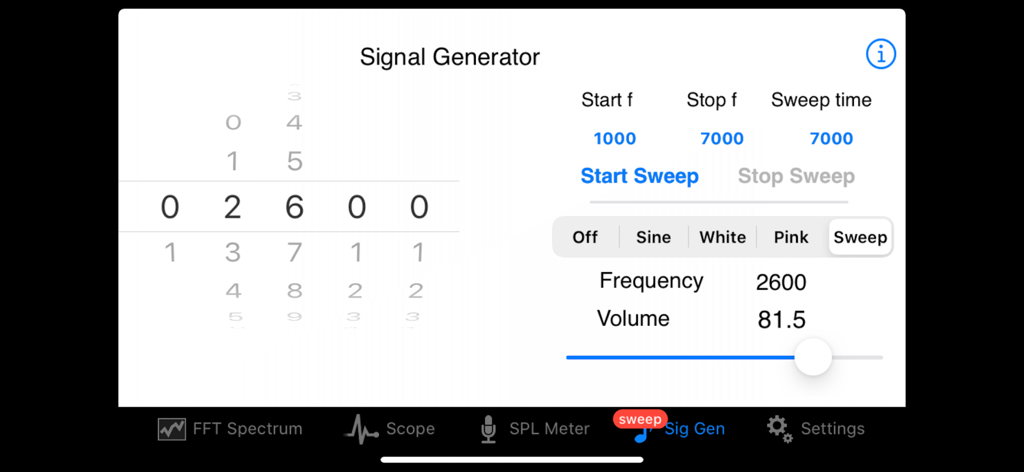
La interfaz del generador de señal de Audio Kit muestra la configuración de barrido de frecuencia

La interfaz del generador de señal de Audio Kit muestra la configuración de barrido de frecuencia

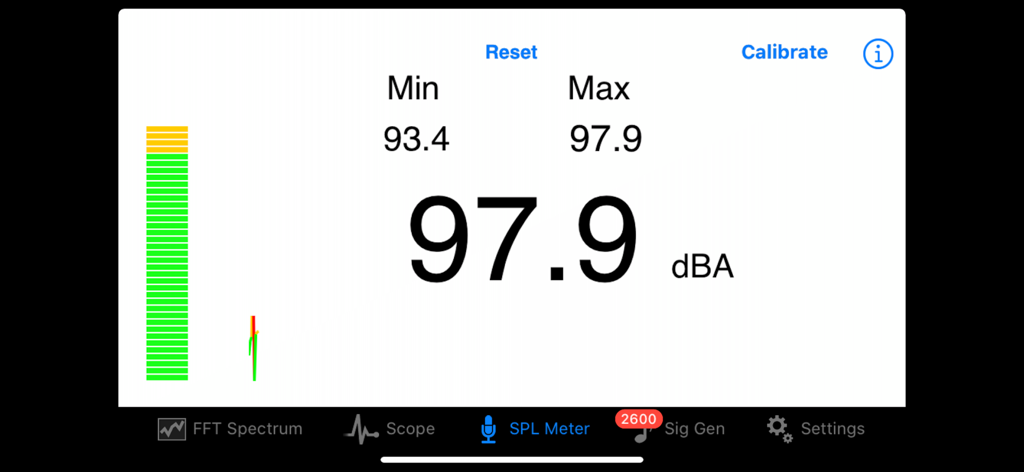
La interfaz de la aplicación Audio Kit muestra un medidor de SPL con lecturas de nivel de decibelios en tiempo real para análisis de sonido profesional.

La interfaz de la aplicación Audio Kit muestra un medidor de SPL con lecturas de nivel de decibelios en tiempo real para análisis de sonido profesional.

Análisis de Audio de Nivel Profesional en tu Bolsillo

Las herramientas que hacen destacar esta app, elegida por 170K+ usuarios.

📊

Análisis Espectral Quirúrgico

Visualiza frecuencias en tiempo real con tamaños de FFT de hasta 8192 y detección de picos precisa para una afinación acústica impecable.

🔊

Medición de SPL Calibrado

Mide los niveles de presión sonora con ponderación A y seguimiento de picos para garantizar un volumen óptimo y el cumplimiento de las normativas.

〰️

Generación Profesional de Señal

Genera ondas sinusoidales, ruido blanco y ruido rosa con una precisión de 1Hz para probar las respuestas del sistema y solucionar problemas de audio.

Sobre la app

Todo lo que necesitas saber sobre Audio Kit.

Descripción

Audio Kit is a collection of four tools which are essential for those working in audio, sound and music. A real time Spectrum Analyser, a Scope to display waveforms, an SPL (Sound Pressure Level) Meter, and a Signal Generator producing sine waves, white noise and pink noise. Sweep generation with In App Purchase. 
 -View a real time spectrum of audio with the Spectrum Analyser and identify peak frequencies precisely 
-View the actual waveform of the audio signal with the Scope 
-An SPL Meter provides measurement of sound levels using an A-weighting 
-The Signal Generator provides a sine wave output up to 20,000Hz in 1 Hz steps, along with noise generators for white and pink noise. Sweep generation with In App Purchase ** Spectrum
 ** FFT (Fast Fourier Transform) is used to calculate the frequencies in the Spectrum Analyser and these are displayed in real time. The frequency is displayed in either logarithmic or linear scale. Three FFT sizes of 8192, 4096 and 2048 are selectable, giving fine resolution of frequencies. Interpolation gives resolution to within 1Hz. 
6 different FFT window function types can be selected - Hamming, Hann, Rectangular, Bartlett, Triangular and Blackman. 
 Number of FFT windows can be selected from 1 through 4. The strongest frequency is displayed both above the peak, and optionally, in a large number display in the center of the screen. The large number display can be quickly switched on or off by double tapping the screen.
 There is a screen capture facility in the Spectrum Analyser allowing you to save the spectra for future reference along with details of the FFT parameters, time and date.
 A single tap freezes the screen. Other features such as screen capture and double tap to toggle large number display still work during the freeze. This feature can be turned off in preferences if it’s not desired.
 ** Scope ** The display of the Scope can be adjusted easily using pinch gestures in both horizontal and vertical directions. Zero crossing detection of the waveform provides a smooth display and can be set to either positive or negative direction zero crossing. 

There is a screen capture facility in the Scope allowing you to save waveforms for future reference.
 ** SPL Meter ** 
The SPL Meter continuously displays the sound pressure level using an A-weighting, and has resettable minimum and maximum displays also. SPL Meter can be calibrated against a reference standard or meter. SPL Meter has a continuous ticker style trace of the SPL over time.
 ** Signal Generator ** 
 The Signal Generator has 3 different output types: - Sine wave - White noise - Pink noise 
The output of the Signal Generator can be viewed on the other parts of the App.
 The sine wave frequency selected using picker wheels allows for accurate control of frequency to within 1Hz. Volume for the sine wave and noise signals is continuously adjustable.

 With an In App Purpose one can add a sine wave sweep generator functionality to the Signal Generator. The sweep generator can sweep increasing and decreasing frequencies, and using either a linear or log sweep rate. **Settings
 ** All of the user preferences in each of the above applications can be made persistent between restarts of the App. All parts of the App have direct access to a help document. Audio Kit - essential for those working in audio, sound and music.

Última versión

2.3

Tamaño

1.9 MB

Fecha de lanzamiento

18 jun 2010

Análisis de Precisión. Resultados Profesionales.

Únete a más de 170,000 ingenieros de audio y productores. Equipa tu iPhone con el conjunto de herramientas esencial para análisis de espectro en tiempo real, medición de SPL y monitorización de formas de onda.

Descargar en App Store

App information, icons, screenshots, and descriptions displayed on this page are sourced from the Apple App Store and are the property of their respective developers. Download estimates and rankings are based on MWM's proprietary models and may not reflect actual figures. This page is provided for informational and analytical purposes only.

Believe this page infringes your intellectual property? File a dispute