BT Basketball Scoreboard

BT Basketball Scoreboard


Descargar en App StoreDescargar en Google Play
Logo de BT Basketball Scoreboard
Marcador BT Baloncesto: Convierte Cualquier Pantalla en una Pantalla de Arena Profesional

La solución de puntuación todo en uno para entrenadores y directores de liga. Experimenta controles de nivel élite, reglas personalizables y gestión remota sin problemas, sin hardware costoso.

Editor

The Basketball Temple LLC

Categoría

Sports

Descargas

34K+

Valoración

4.3/5

Total valoraciones

0

Idiomas

1

Perfección desde la Banda

Descubre la interfaz utilizada por 34K+ usuarios.
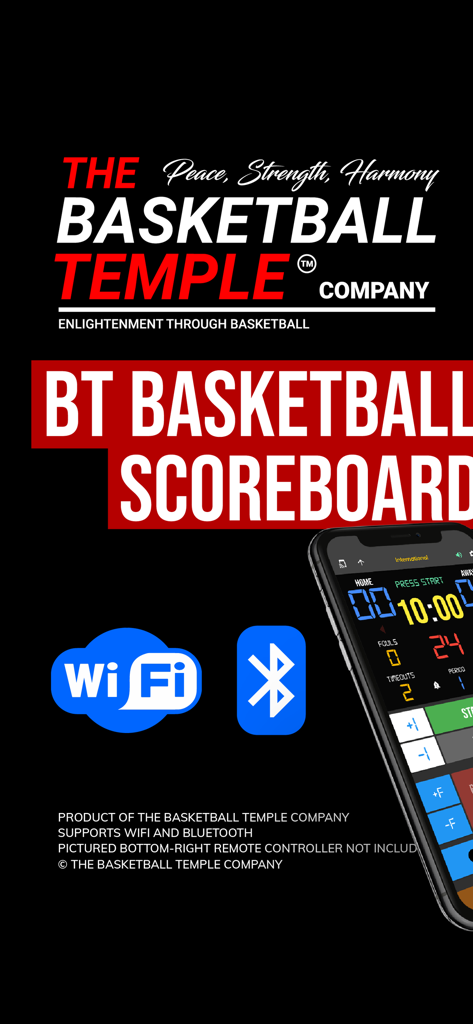
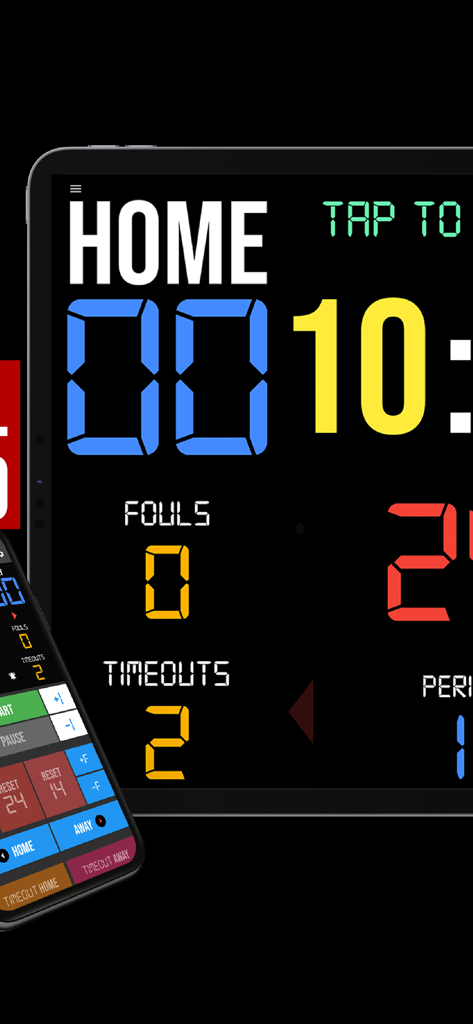
La aplicación BT Basketball Scoreboard mostrando iconos de conectividad WiFi y Bluetooth y una interfaz de smartphone.

La aplicación BT Basketball Scoreboard mostrando iconos de conectividad WiFi y Bluetooth y una interfaz de smartphone.

Una aplicación de marcador de baloncesto digital en una tablet con una interfaz de control remoto para smartphone

Una aplicación de marcador de baloncesto digital en una tablet con una interfaz de control remoto para smartphone

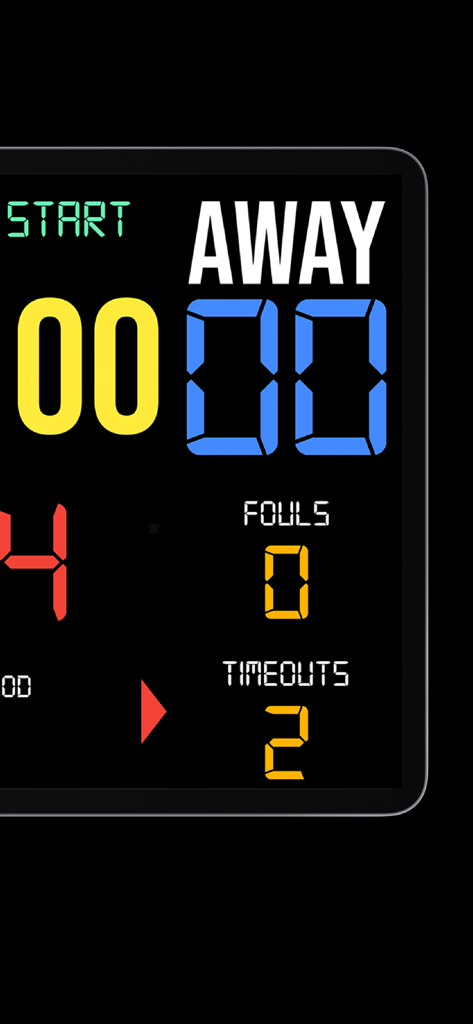
Interfaz del marcador de baloncesto digital mostrando la puntuación del equipo visitante y las faltas

Interfaz del marcador de baloncesto digital mostrando la puntuación del equipo visitante y las faltas

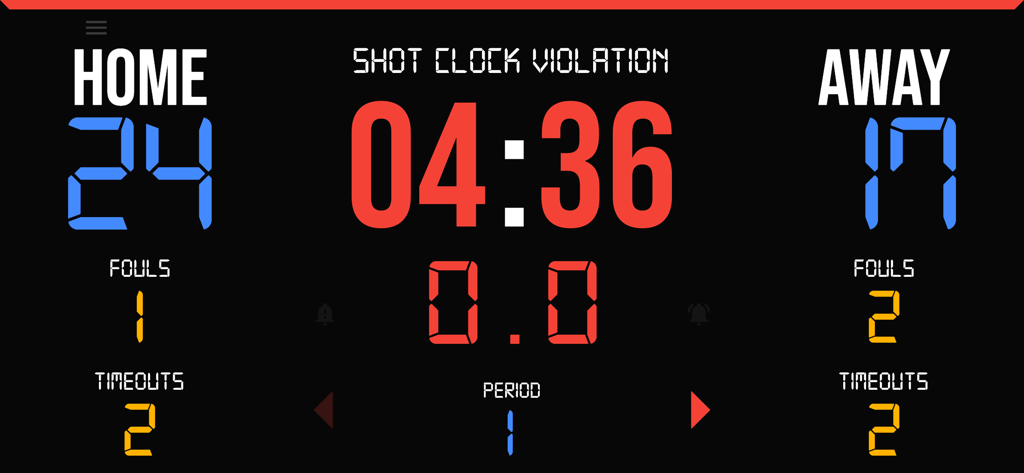
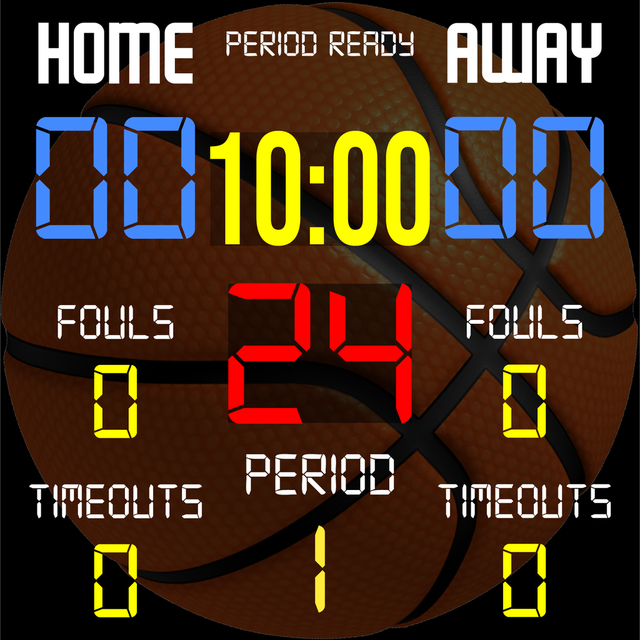
Marcador de baloncesto digital mostrando puntuaciones, faltas, tiempos de espera y reloj de tiro

Marcador de baloncesto digital mostrando puntuaciones, faltas, tiempos de espera y reloj de tiro

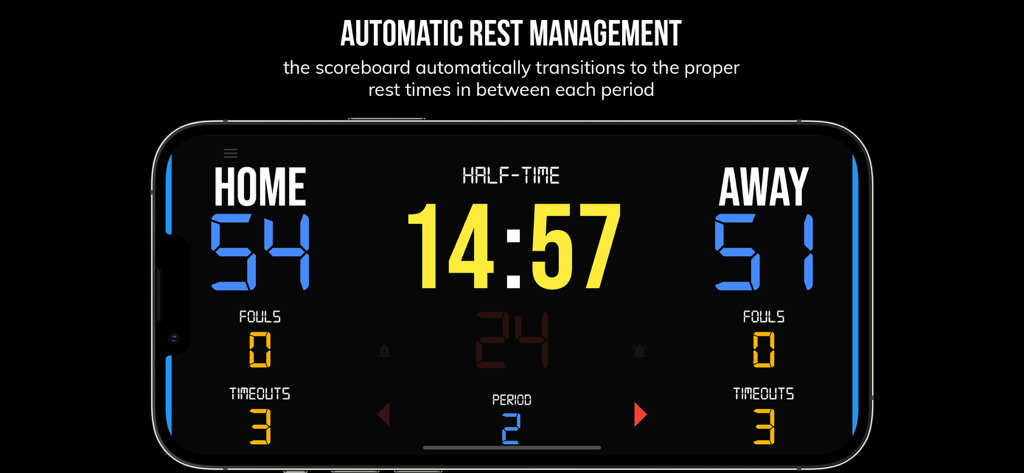
Interfaz de la aplicación BT Basketball Scoreboard mostrando un temporizador de medio tiempo entre periodos del juego

Interfaz de la aplicación BT Basketball Scoreboard mostrando un temporizador de medio tiempo entre periodos del juego

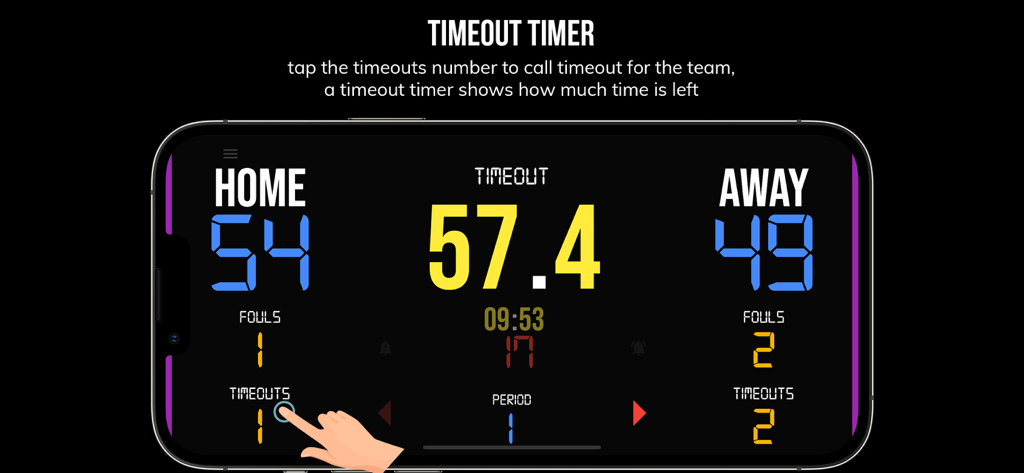
Un smartphone mostrando la interfaz del temporizador de tiempo de espera en la aplicación BT Basketball Scoreboard

Un smartphone mostrando la interfaz del temporizador de tiempo de espera en la aplicación BT Basketball Scoreboard

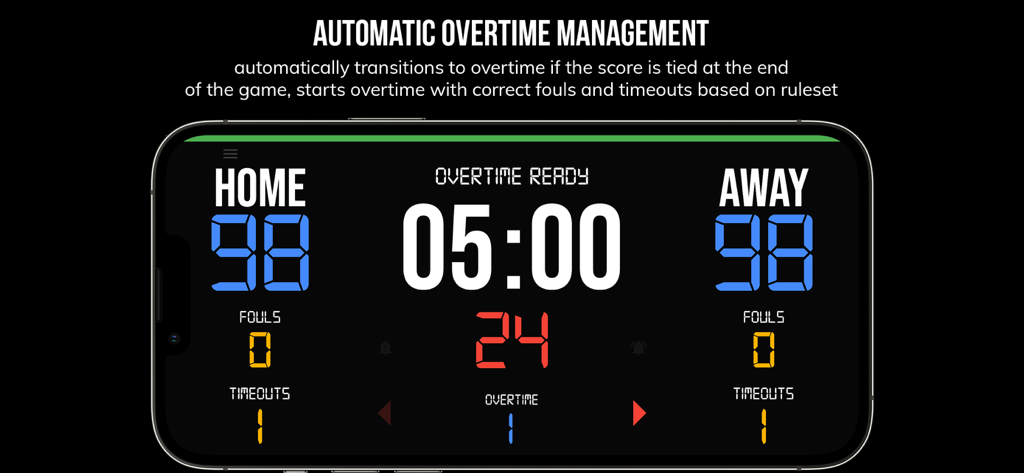
Interfaz de la aplicación BT Basketball Scoreboard mostrando la gestión automática de prórroga con una puntuación empatada

Interfaz de la aplicación BT Basketball Scoreboard mostrando la gestión automática de prórroga con una puntuación empatada

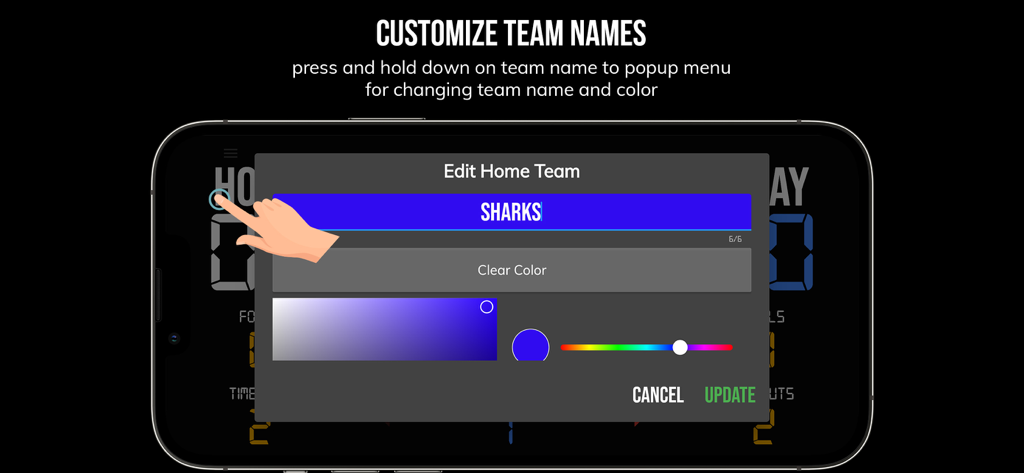
La pantalla de personalización del nombre y color del equipo en la aplicación BT Basketball Scoreboard

La pantalla de personalización del nombre y color del equipo en la aplicación BT Basketball Scoreboard

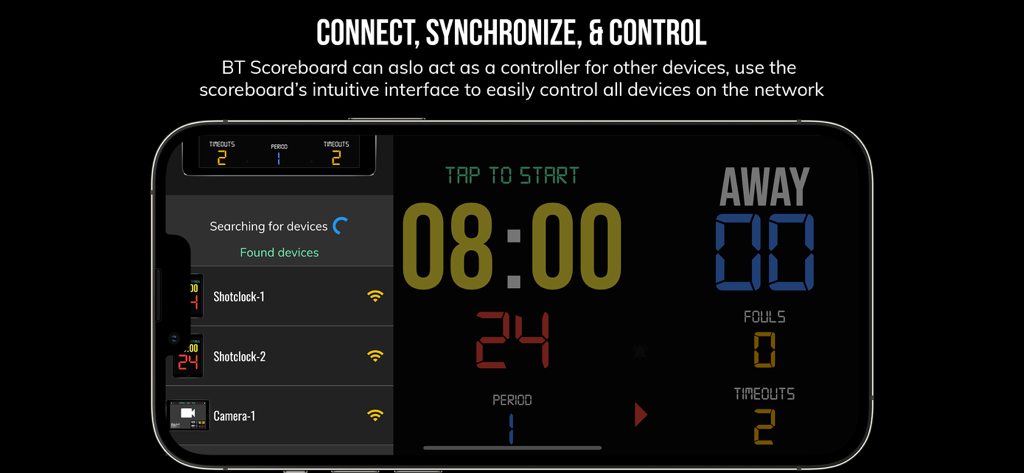
Interfaz de la aplicación BT Basketball Scoreboard mostrando sincronización de múltiples dispositivos y funciones de control remoto en un smartphone

Interfaz de la aplicación BT Basketball Scoreboard mostrando sincronización de múltiples dispositivos y funciones de control remoto en un smartphone

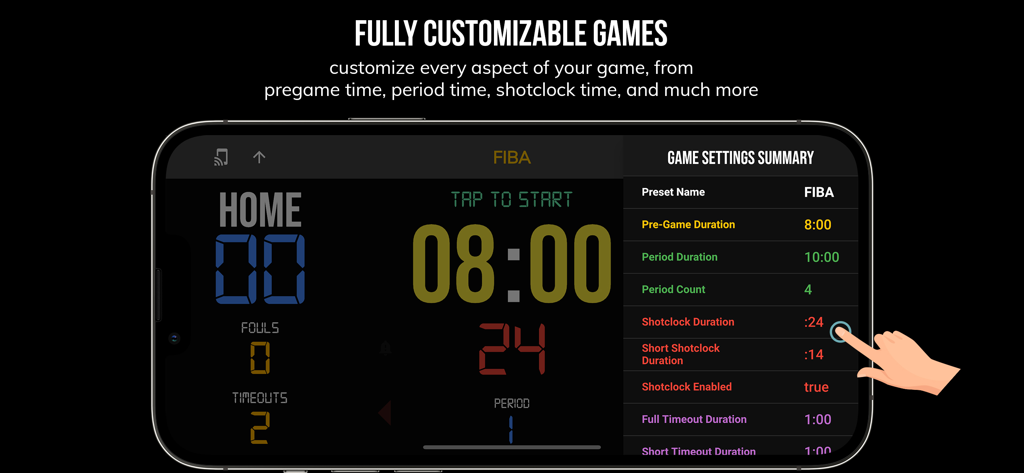
Interfaz de la aplicación BT Basketball Scoreboard mostrando ajustes de juego personalizables para reglas FIBA en un smartphone.

Interfaz de la aplicación BT Basketball Scoreboard mostrando ajustes de juego personalizables para reglas FIBA en un smartphone.

Eleva Cada Partido a las Grandes Ligas

Las herramientas que hacen destacar esta app, elegida por 34K+ usuarios.

📲

Gestión Remota sin Interrupciones

Sincroniza tu smartphone con tu tablet o TV para gestionar el reloj y el marcador desde cualquier lugar de la banda a través de Bluetooth o WiFi.

⏱️

Preconfigurado para Cada Nivel

Aplica instantáneamente ajustes preestablecidos para reglas de High School, NCAA o FIBA, además de modos personalizados para ejercicios de práctica de equipo de alta intensidad.

💎

Profesionalismo sin Anuncios

Una interfaz limpia y sin distracciones que se adapta perfectamente a proyectores o pantallas grandes para una experiencia de calidad de arena real sin el costo del hardware.

Sobre la app

Todo lo que necesitas saber sobre BT Basketball Scoreboard.

Descripción

One of the cleanest scoreboard apps on the market with many convenient features. The BT Scoreboard app, developed by and for a basketball company that runs it's own basketball leagues, is the next best option to investing in an expensive professional grade scoreboard. Scoreboard equipment which can cost you thousands is now available and affordable to everyone in the basketball community. Use the scoreboard by itself or download the free BT Controller app to remotely control the scoreboard and optionally multiple devices such as shotclocks (available on the app store as the "BT Shotclock" app). To connect to the scoreboard open the connect menu on the BT Controller app, the scoreboard is automatically detected, hit the WiFi or Bluetooth button next to the scoreboard name on the BT Controller app to connect. BT Scoreboard Features: - Clean design, no ads - Intuitive direct tap and swipe controls - Remotely control scoreboard with WiFi or Bluetooth using free BT Controller App - Convenient Presets (International, US, College, High School, ...) - Convenient timers: pregame timer, period timer, rest timer, timeout timer, overtime, etc. - Fully customizable game in the settings - Practice modes configured in settings is great for running practices - Audio buzzers for shotclock violation, end of period, substitutions, etc. - Warning beep near end of pregame, timeout, or rest times (customizable) - BT Scoreboard App can also act as a controller similar to BT Controller App - Quick Start Documentation below For the best experience, use the application on a large tablet, or hook your phone/tablet up to a large display or video projector. You'll feel like you have just bought a professional scoreboard! The BT Scoreboard app was created by The Basketball Temple Company. The Basketball Temple Company focuses on high quality basketball academies, basketball leagues, and technologies that are used to support those academies and leagues. We open our technology to the public so everyone in the basketball community can experience the same technologies that we use within our institutions. # Quick Start Documentation: Exiting Game and Reseting Times: - Click top right settings icon (if top bar is hidden, click top left hamburger icon to open top app bar) - Scroll down and hit "Exit Game" button Score Controls: - Tap score to increase quickly - Swipe up/down score to increase/decrease - Hold down on team names to adjust name and color of teams Time Controls: - Tap period timer to start/pause - Tap pregame, timeout, rest timers to early transition to next stage Shotclock Controls: - Tap shotclock to reset/go - Swipe shotclock up/down to reset/go to short shotclock Timeout Controls: - Tap timeout number to call timeout - Swipe up/down timeouts to adjust numbers - Red indicates violation when calling timeout with no timeouts left Fouls Controls - Swipe up/down fouls to adjust numbers - Red indicates bonus situation (customizable in settings) - Purple indicates double bonus situation (customizable in settings) Connect and Remote Control Settings (IMPORTANT: only needed when using the scoreboard as a controller, not needed if the scoreboard is being controlled by another device): - Tap on top-left icon (or swipe left-to-right on the left edge) to open connect menu - Hit "Refresh" to find devices - Tap on WiFi or Bluetooth icon to connect, green icon indicates connected - If unable to connect or having connection errors try one of the following: 1) please ensure all devices are on the same WiFi network 2) please ensure bluetooth is turned ON on all devices 3) lastly, try to restart the app on all devices Time and Game Settings: - Tap on top-right icon (or swipe right-to-left on the right edge) to open settings menu - Edit and save the many settings available Audio Buzzer: - There are two faint colored bell icons next to the period number - Tap to play buzzer or energy horn

Última versión

1124

Tamaño

116.7 MB

Fecha de lanzamiento

8 ago 2020

Eleva tu Liga al Nivel Profesional

Olvídate del hardware costoso. Únete a más de 34.000 'Arquitectos del Aro' que usan nuestro marcador personalizable y sin anuncios para dirigir partidos y prácticas profesionales hoy mismo.

Descargar en App StoreDescargar en Google Play

App information, icons, screenshots, and descriptions displayed on this page are sourced from the Apple App Store and are the property of their respective developers. Download estimates and rankings are based on MWM's proprietary models and may not reflect actual figures. This page is provided for informational and analytical purposes only.

Believe this page infringes your intellectual property? File a dispute