Camera Scanner - PDF

Camera Scanner - PDF

Descargar en App Store
Logo de Camera Scanner - PDF

Camera Scanner - PDF: Tu Oficina Portátil de Alto Rendimiento

Escanea, edita y firma documentos al instante con precisión perfecta. Aprovecha el potente OCR para convertir papel en texto editable y mantén tu vida profesional organizada, segura y completamente sin papeles.

Editor

Position Mobile Ltd SEZC

Categoría

Business

Descargas

3M+

Valoración

4.4/5

Total valoraciones

10K+

Idiomas

8

Tu Oficina, Reimaginada

Descubre la interfaz utilizada por 3M+ usuarios.
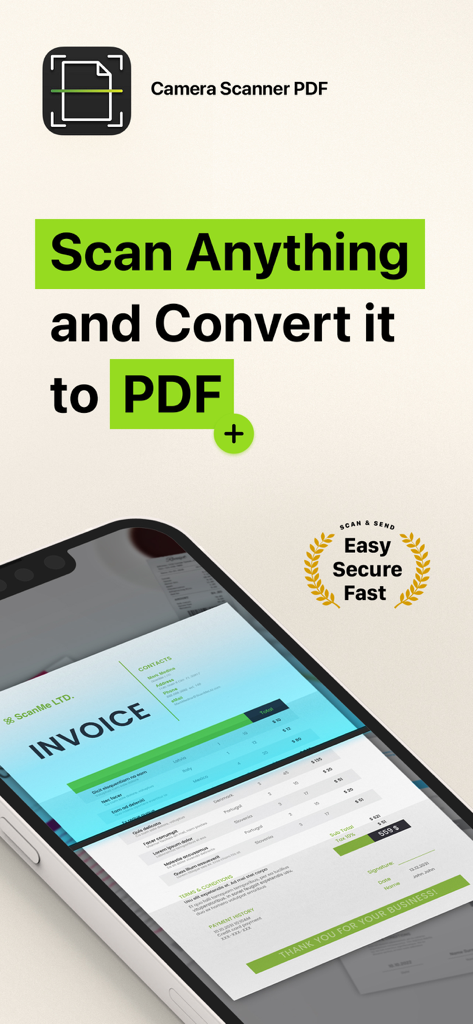
Interfaz de la aplicación Camera Scanner PDF que muestra una factura siendo escaneada en la pantalla de un smartphone

Interfaz de la aplicación Camera Scanner PDF que muestra una factura siendo escaneada en la pantalla de un smartphone

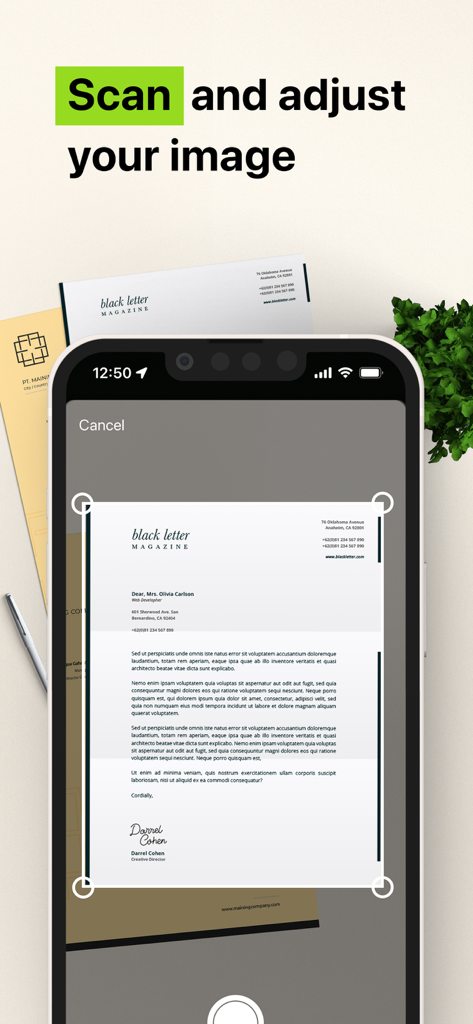
Interfaz de aplicación móvil que muestra un smartphone escaneando y ajustando un documento en papel a un PDF

Interfaz de aplicación móvil que muestra un smartphone escaneando y ajustando un documento en papel a un PDF

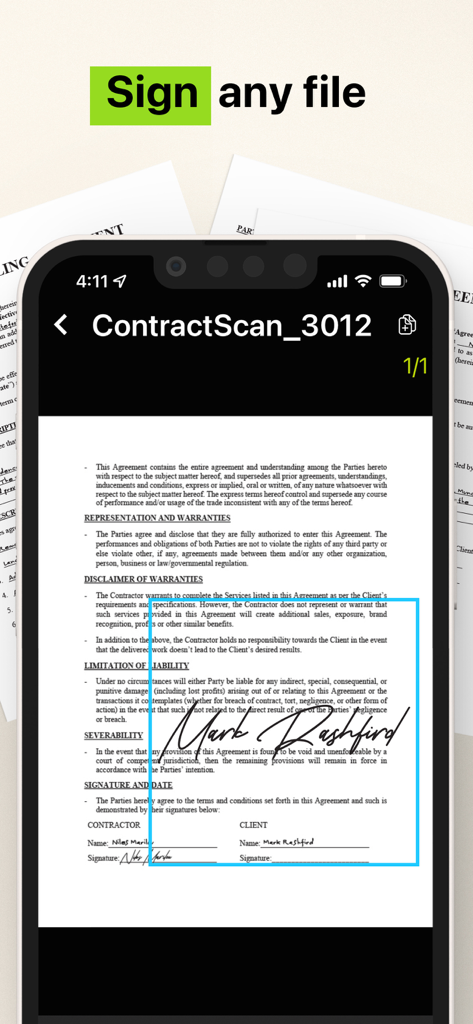
Interfaz de smartphone que muestra un contrato legal firmado usando la aplicación Camera Scanner PDF

Interfaz de smartphone que muestra un contrato legal firmado usando la aplicación Camera Scanner PDF

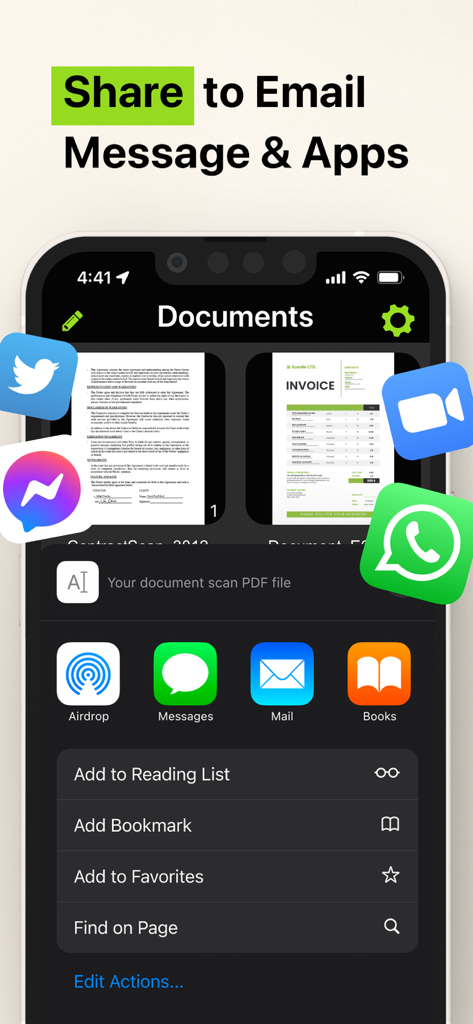
Interfaz de compartir de la aplicación Camera Scanner PDF que muestra opciones para aplicaciones de correo electrónico y mensajería

Interfaz de compartir de la aplicación Camera Scanner PDF que muestra opciones para aplicaciones de correo electrónico y mensajería

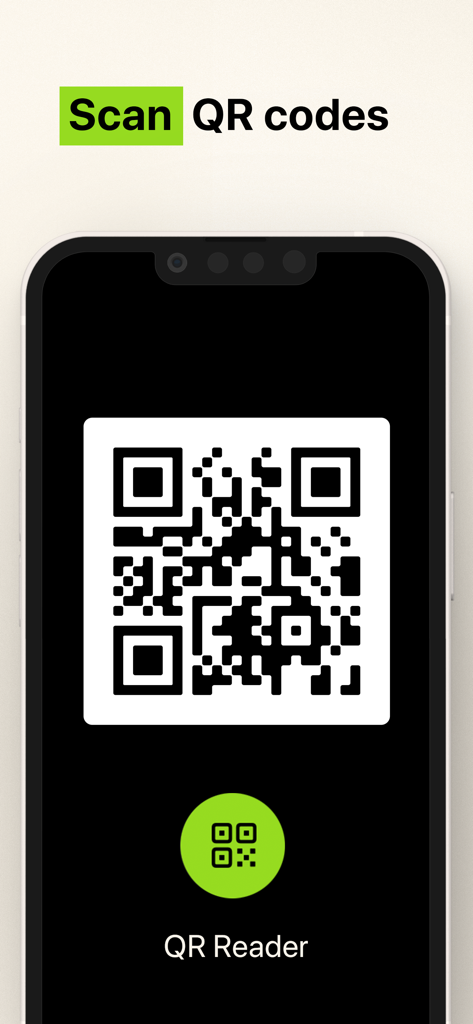
Interfaz para escanear códigos QR con la aplicación Camera Scanner

Interfaz para escanear códigos QR con la aplicación Camera Scanner

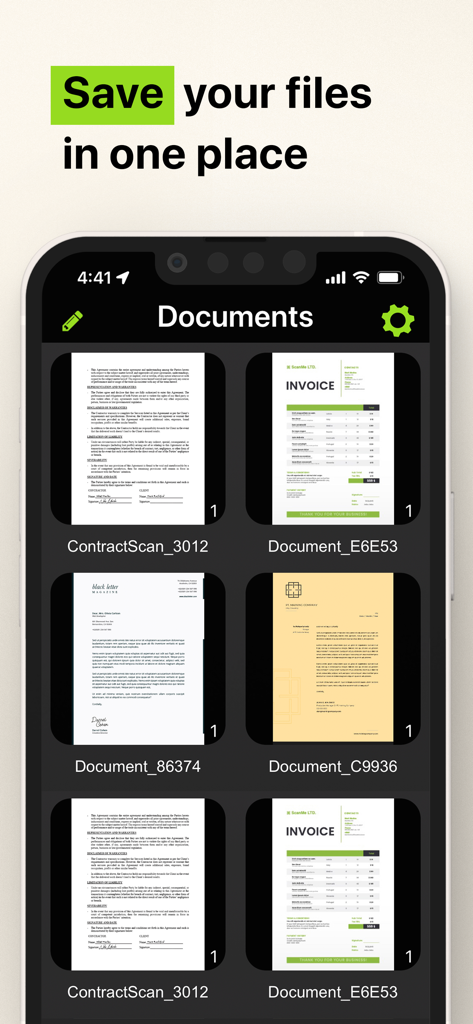
Interfaz de aplicación móvil que muestra facturas y contratos escaneados guardados en un solo lugar

Interfaz de aplicación móvil que muestra facturas y contratos escaneados guardados en un solo lugar

Toda Tu Oficina, Directamente en Tu Bolsillo

Las herramientas que hacen destacar esta app, elegida por 3M+ usuarios.

📝

Extracción Inteligente de Texto con OCR

Convierte instantáneamente texto impreso o manuscrito en archivos digitales editables. Ahorra horas de escritura manual con nuestro potente motor de reconocimiento de caracteres.

✍️

Firma y Asegura Sobre la Marcha

Finaliza contratos en segundos con firmas digitales seguras. Almacena identificaciones sensibles y formularios de impuestos localmente en tu dispositivo para máxima privacidad.

📂

Organización Perfecta

Mantén tu vida libre de desorden. Organiza escaneos ilimitados en carpetas personalizadas y comparte PDFs de calidad profesional al instante a través de Slack, correo electrónico o texto.

Análisis de reseñas

Información de las reseñas de usuarios.

Puntuación de sentimiento

7%
Negativo

Resumen

Users express extreme dissatisfaction with this mobile app, primarily due to its aggressive and deceptive subscription model. Many reviews highlight unexpectedly high weekly charges, often incurred automatically after a short or misleading free trial, leading to significant financial frustration. A substantial number of users report considerable difficulty in cancelling subscriptions, with the app lacking clear in-app options, contributing to ongoing unwanted billing and a prevalent feeling of being scammed. Additionally, some users experienced functional shortcomings, such as the app not working as advertised or producing overly large files.

Temas comunes

High Subscription Cost(25)
Automatic Charges(22)
Difficulty Cancelling(18)
App Functionality Issues(12)
Scam Allegations(9)
Misleading Free Trial(9)

Sobre la app

Todo lo que necesitas saber sobre Camera Scanner - PDF.

Descripción

The Camera Scanner - PDF app offers you the most accurate PDF scanning capabilities using our powerful text editing (OCR) engine. With enhanced Optical Character Recognition software, you can now edit and sign documents much easier. Your device will become your essential portable document scanner. Manage an endless number of files and folders with just a few taps and keep all your documents securely in one place. You can even share your favorite documents with others easily and immediately or sign them. Use your phone to scan any hand written, printed or graphic material such as: - Contracts - Business Cards - Expenses - School or university documents - Books - Notes - IDs (Driver's License, Passports, Personal Identification, etc) - Tax Forms & Tax Documents PDF Document Scanner with OCR app is easier than ever to use and with a pixel perfect design. Simply follow these easy steps: - SCAN documents from your camera, photos or even from your clipboard - EDIT your documents in order to fit your needs (crop, blur and use many other filters) - PRINT or SHARE your PDF files with anyone via email, message or any other platform that you use - COPY TEXT from your digital scans - STORE securely all your documents on your device with no additional cloud storage cost involved - SIGN your docs in a secure environment This app is your best ally for scanning purposes! -------------------------------------- PDF Document Scanner with OCR Premium Subscription -------------------------------------- Upgrade to the Premium version in order to: - Share your files with no limits - Use our powerful character recognition engine (OCR) to copy and edit text from your scanned files - Enjoy an ad-free experience Document Scanner – PDF, OCR app has different subscription plans. Subscription payments are charged to your iTunes account at confirmation of purchase. Subscription automatically renews unless auto-renew is turned off at least 24 hours before the end of the current subscription period or trial. Subscriptions starting with a trial automatically renew for the indicated price after the trial period ends. Any unused portion of a free trial period, if offered, will be forfeited when you purchase a premium subscription during the trial period. Subscriptions may be managed by you and auto-renewal may be turned off by going to your Account Settings after purchase ("Settings" -> "iTunes & App Store" -> "Apple ID" and select "Subscriptions") * Link to Terms of Use: http://iosdocumentscanner.com/pp.html#terms-of-service * Link to Privacy Policy: http://iosdocumentscanner.com/pp.html#privacy-policy

Última versión

15.5

Tamaño

81.6 MB

Fecha de lanzamiento

12 ago 2020

Toda Tu Oficina, Perfecta Para Tu Bolsillo

Únete a más de 3 millones de profesionales que están transformando su forma de trabajar. Obtén el escáner OCR más preciso para firmar, editar y asegurar tus documentos hoy mismo.

Descargar en App Store

App information, icons, screenshots, and descriptions displayed on this page are sourced from the Apple App Store and are the property of their respective developers. Download estimates and rankings are based on MWM's proprietary models and may not reflect actual figures. This page is provided for informational and analytical purposes only.

Believe this page infringes your intellectual property? File a dispute