CloudBeats: Cloud Music Player

CloudBeats: Cloud Music Player

Descargar en App Store
Logo de CloudBeats: Cloud Music Player

CloudBeats: Tu Nube Personal de Streaming Musical

Recupera el control de tu colección de música. Transmite audio de alta fidelidad directamente desde tu almacenamiento en la nube o NAS, o descarga tu biblioteca para escucharla sin conexión, todo sin una suscripción mensual.

Editor

Roman Burda

Categoría

Music

Descargas

360K+

Valoración

4.6/5

Total valoraciones

14K+

Idiomas

13

Tu Biblioteca, Sin Límites

Descubre la interfaz utilizada por 360K+ usuarios.
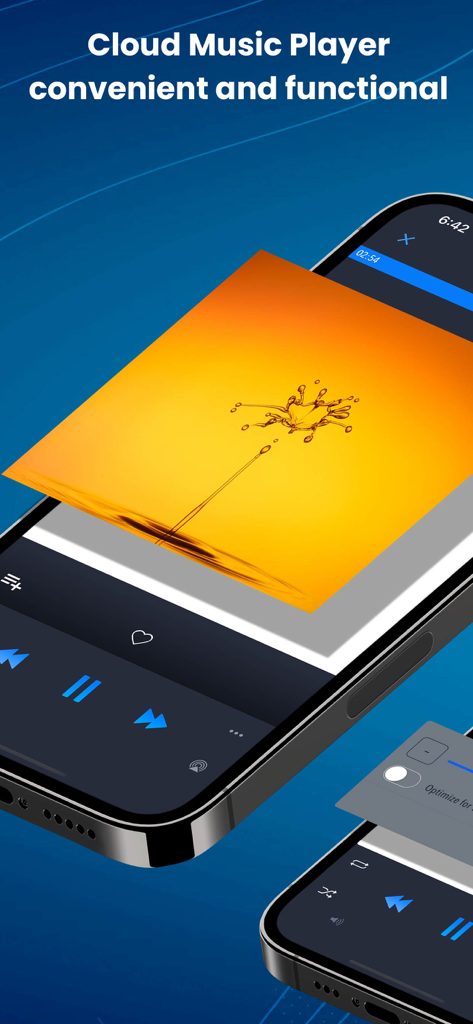
Interfaz del reproductor de música CloudBeats en un iPhone mostrando controles de reproducción y arte de álbum vibrante

Interfaz del reproductor de música CloudBeats en un iPhone mostrando controles de reproducción y arte de álbum vibrante

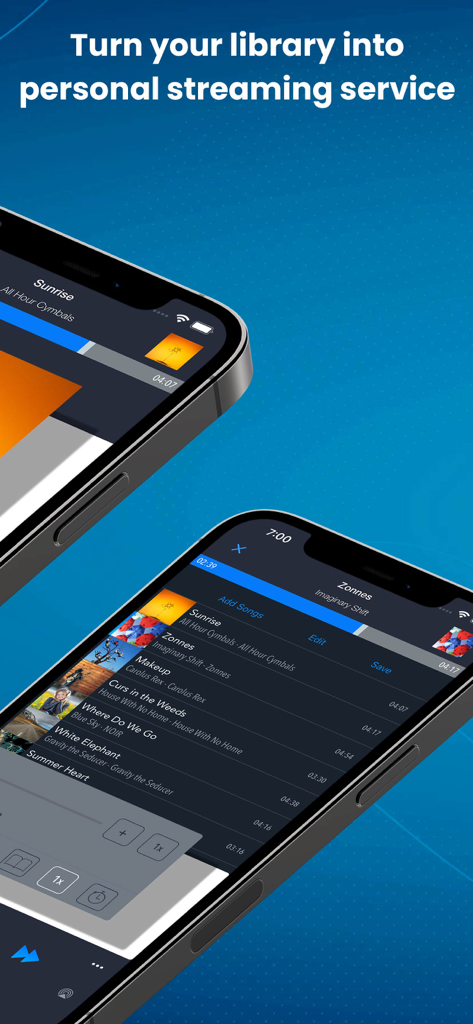
Dos iPhones mostrando la interfaz de la aplicación CloudBeats para streaming de música personal

Dos iPhones mostrando la interfaz de la aplicación CloudBeats para streaming de música personal

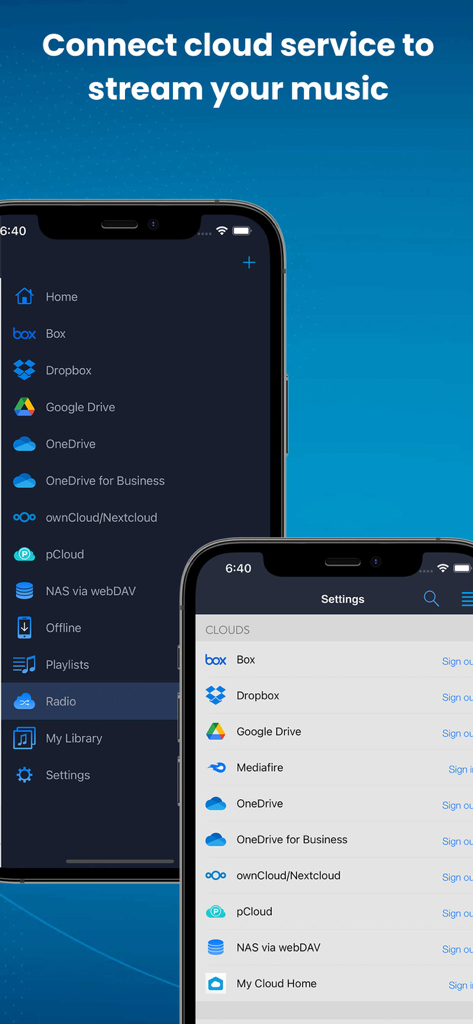
Interfaz de la aplicación CloudBeats mostrando opciones para conectar servicios en la nube como Google Drive y Dropbox para streaming de música

Interfaz de la aplicación CloudBeats mostrando opciones para conectar servicios en la nube como Google Drive y Dropbox para streaming de música

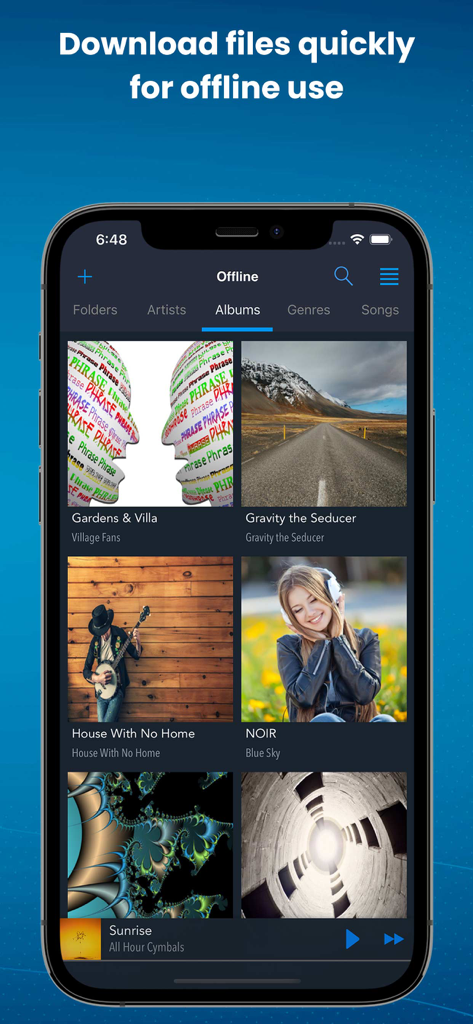
Interfaz de la aplicación CloudBeats mostrando álbumes de música descargados para reproducción sin conexión

Interfaz de la aplicación CloudBeats mostrando álbumes de música descargados para reproducción sin conexión

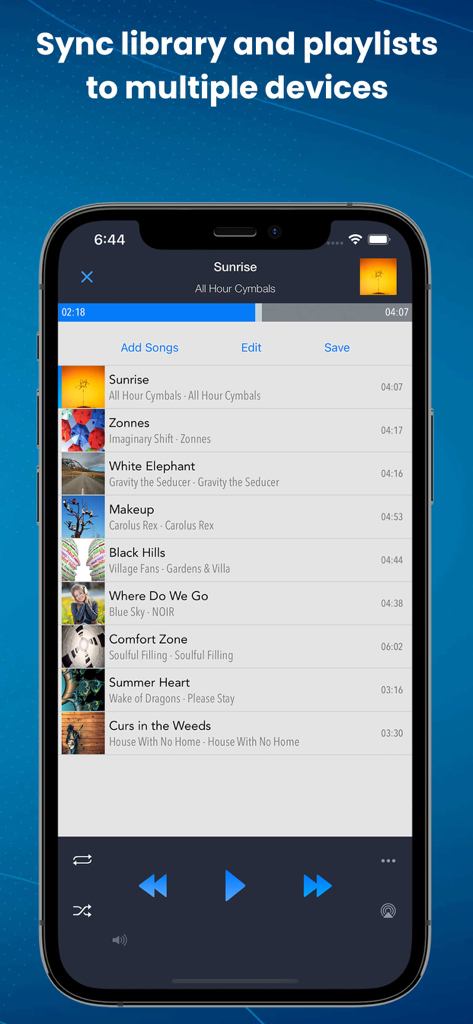
La aplicación CloudBeats mostrando una lista de reproducción de música con opciones de sincronización y controles de reproducción

La aplicación CloudBeats mostrando una lista de reproducción de música con opciones de sincronización y controles de reproducción

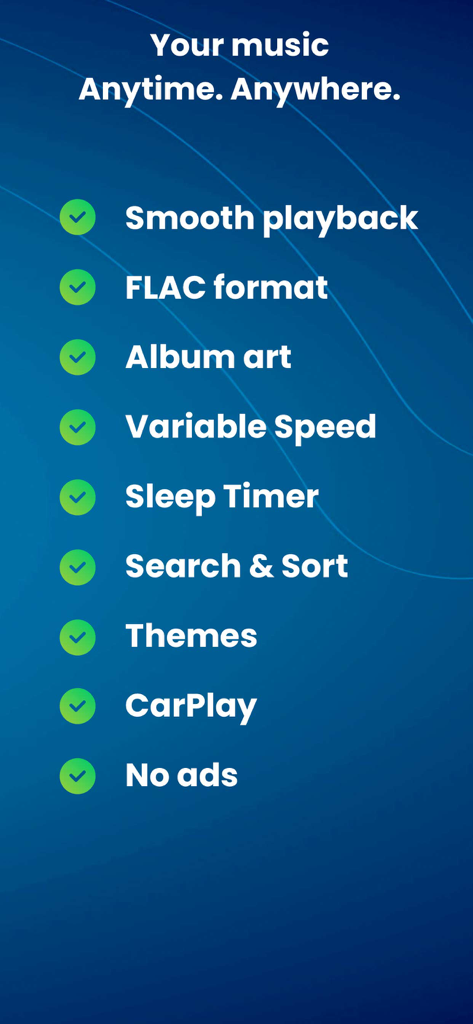
Una lista de las características de CloudBeats que incluyen reproducción fluida, soporte de formato FLAC, integración con CarPlay y control de velocidad variable.

Una lista de las características de CloudBeats que incluyen reproducción fluida, soporte de formato FLAC, integración con CarPlay y control de velocidad variable.

Control Total de Tu Biblioteca Musical Privada

Las herramientas que hacen destacar esta app, elegida por 360K+ usuarios.

📡

Streaming Ilimitado desde la Nube y NAS

Conecta Google Drive, Dropbox o tu NAS doméstico a través de WebDAV. Accede a toda tu colección sin pagar costosas actualizaciones de almacenamiento del iPhone.

🎼

Reproducción de Nivel Audiófilo

Experimenta tu música con un detalle asombroso. Soporte para formatos sin pérdidas FLAC y ALAC con reproducción sin pausas para una experiencia auditiva superior.

🚗

Perfecto para la Carretera y el Aire

Descarga álbumes para uso sin conexión y disfruta de una integración perfecta con CarPlay. Tu música te acompaña, ya sea en tus desplazamientos diarios o a 30.000 pies de altura.

Sobre la app

Todo lo que necesitas saber sobre CloudBeats: Cloud Music Player.

Descripción

EASIEST WAY TO STREAM & ORGANIZE YOUR MUSIC Take control over your music and enhance your music listening experience with CloudBeats – cloud music player. Whether you need an offline cloud music player listener, or a music cloud player to sync all your music albums and download mp3 songs on multiple devices, CloudBeats is the only app you need. It simply allows you to create your own music streaming service. All you audiophiles and die-hard music fans finally have a simple app that will organize and play your vast music collection the way you want it. Anywhere. Anytime. It’s time to easily upload, store and access your music on the cloud seamlessly with CloudBeats. ► CLOUD MUSIC PLAYER ● Works with the popular cloud services for music streaming: Dropbox, Google Drive, OneDrive, OneDrive for Business, Box, pCloud, HiDrive. Personal clouds that support webDAV, including ownCloud and NextCloud. Network-Attached Servers (NAS) by Synology, QNAP, Western Digital (WD) and others that support webDAV protocol. These integrations make our cloud music internet song player one of the most versatile cloud music song organizers. ● Plays audio files in different formats: Our free local music player offline app allows you to play mp3, m4a, wav and lossless FLAC and ALAC audio. Meaning our music cloud player can play almost any song you have on your iPhone. ● Works online and offline: Want to enjoy cloud music with no wifi? Well our no wifi music cloud player allows you that. Simply swap between offline and cloud tabs. Also supports shuffle mode & CarPlay. ► MUSIC MANAGER & ORGANIZER ◉ Sync music libraries: The cloud music organizer app auto detects all the music on your phone and syncs all your music libraries. All songs are grouped by artist, album, genre. ◉ Create playlists: Want to organize your music and create cloud playlists? Add files and entire folders to playlists, change the order of the tracks in the Playlist section of our free music player. ◉ Organize & download music, audiobooks, podcasts: download and sync any of your music across multiple devices on the cloud with this cloud music organizer. Our intuitive song manager & song organizer will give amazing control and effectively organize your music the way you want it. It also supports audiobooks and podcast file formats so you can listen offline without wifi. ► ALL FEATURES: ・Supports most cloud services, personal clouds and servers. ・Works without internet. Download albums, playlists, folders or files onto the device for playback in offline mode ・Playlist maker. ・Sync your music library with connected network accounts. ・Supports mp3, wav and m4a, lossless FLAC & ALAC ・Advanced buffering technologies to provide smooth gapless playback ・Repeat all, repeat one and shuffle mode. Shuffle the entire library, a single folder, artist or album. ・Sleep timer to automatically stop music when the timer ends ・Playback speed control (tempo) within the 0.5x-3.0x range ・Play offline–no internet or WiFi needed ・Add music to your favorite playlist ・Carplay ・Siri and Shortcuts “Sync Multiple Devices” is an optional service to keep your Playlists and My Library database in sync between multiple devices. It can also be used to backup and restore your music data. CloudBeats account is required for this service. We offer 1-year auto-renewing subscription for $6.99 per year. The price may vary from country to country. If you choose to purchase “Sync Multiple Devices”, payment will be charged to your iTunes account. You will be charged the same price for renewal within 24-hours prior to the end of the current period. Your subscription automatically renews unless auto-renewal is turned off at least 24 hours prior to the end of the current period. Subscriptions may be managed and auto-renewal may be turned off at any time by going to the user’s Account Settings in the App Store after purchase. CloudBeats privacy policy and terms of use: https://www.cloudbeatsapp.com/privacy-policy/

Última versión

2.55.11

Tamaño

39.1 MB

Fecha de lanzamiento

5 nov 2012

Toma el Control de Tu Colección de Música

Deja de alquilar tu biblioteca. Transmite tus archivos sin pérdidas desde Google Drive, Dropbox o tu NAS personal con el reproductor diseñado para verdaderos audiófilos.

Descargar en App Store

App information, icons, screenshots, and descriptions displayed on this page are sourced from the Apple App Store and are the property of their respective developers. Download estimates and rankings are based on MWM's proprietary models and may not reflect actual figures. This page is provided for informational and analytical purposes only.

Believe this page infringes your intellectual property? File a dispute