Visor DWG Convertidor PDF CAD: La Potencia Móvil Profesional para Sus Diseños
Optimice su flujo de trabajo con visualización de alta velocidad, conversión por lotes de múltiples formatos y procesamiento local seguro. Diseñado para arquitectos e ingenieros que necesitan herramientas CAD precisas en el sitio y en movimiento.
Editor
Haitam Baid
Categoría
Utilities
Descargas
6K+
Valoración
1.0/5
Total valoraciones
0
Idiomas
1
Precisión en Cada Píxel
Descubre la interfaz utilizada por 6K+ usuarios.
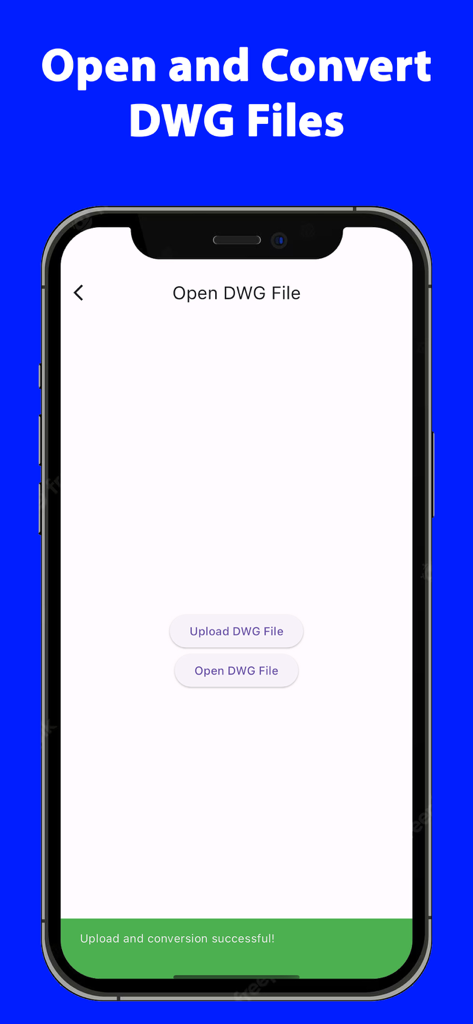
Pantalla del iPhone que muestra las opciones de abrir y cargar archivos DWG dentro de una aplicación de utilidad CAD
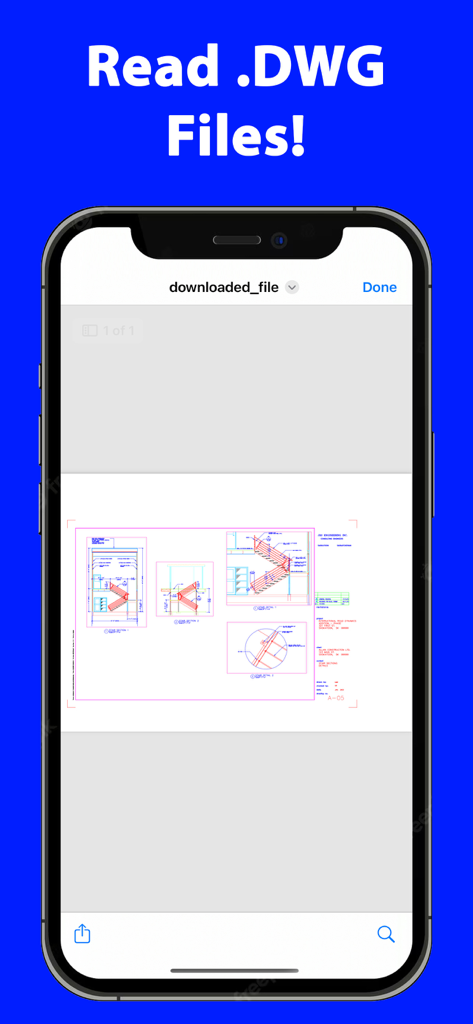
Pantalla del iPhone que muestra un dibujo CAD arquitectónico dentro de la aplicación DWG Reader
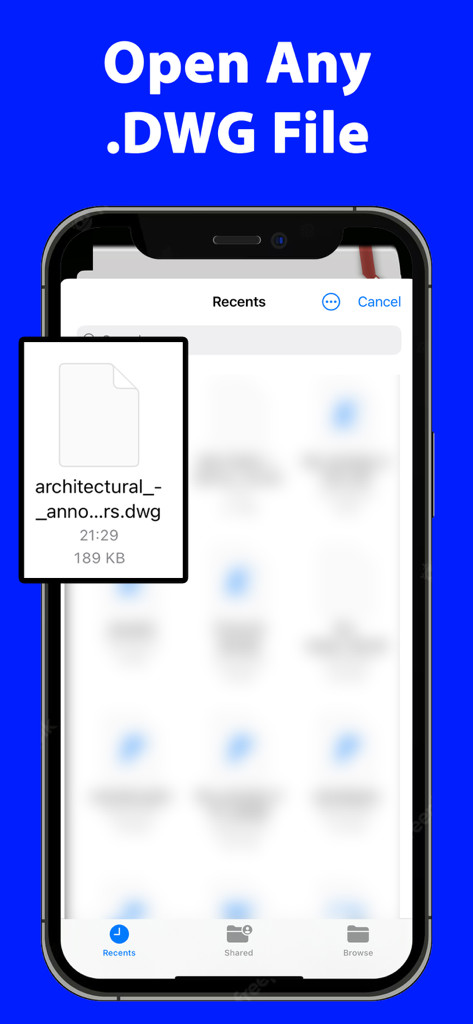
Pantalla del smartphone que muestra la interfaz de archivos recientes de la aplicación DWG Reader con un archivo de dibujo arquitectónico seleccionado
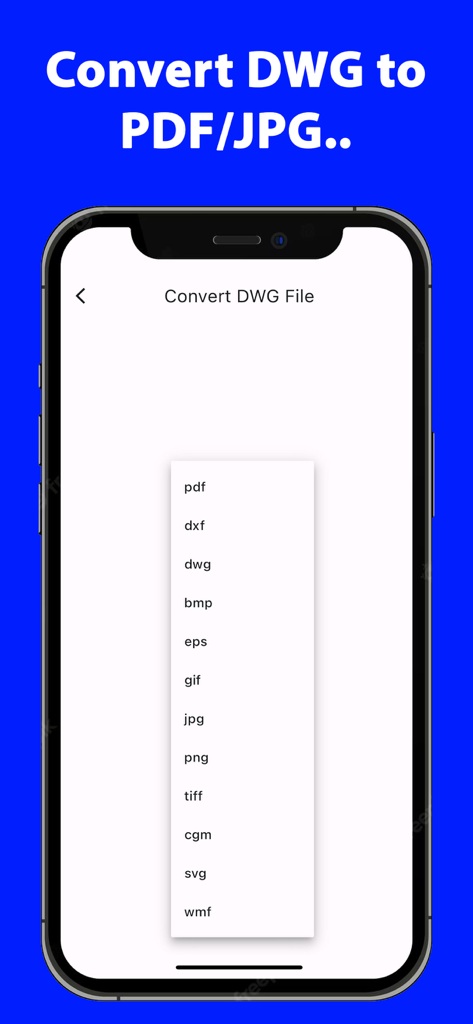
Pantalla de la aplicación móvil que muestra una lista de formatos de archivo para la conversión DWG, incluyendo PDF, DXF y JPG
Productividad CAD Profesional, en Cualquier Lugar
Las herramientas que hacen destacar esta app, elegida por 6K+ usuarios.
🔄
Conversión Universal de Formatos
Convierta instantáneamente archivos DWG a PDF, DXF o JPEG para garantizar una perfecta compatibilidad e intercambio de archivos con clientes y partes interesadas.
🔒
Procesamiento Local Seguro
Proteja su propiedad intelectual con la conversión en el dispositivo. Sus planos y diseños confidenciales nunca abandonan su hardware.
📐
Gestión Avanzada de Capas
Obtenga control total sobre dibujos complejos aislando componentes y visualizando capas específicas con una precisión y zoom cristalinos.
Sobre la app
Todo lo que necesitas saber sobre DWG Reader Converter PDF CAD.
Descripción
DWG Reader Converter PDF CAD, the all-in-one solution for professionals and hobbyists alike who deal with DWG files. This application is not just a mere tool; it's a comprehensive powerhouse designed to make your workflow smoother, faster, and more efficient. Whether you're an architect, engineer, designer, or just someone with an interest in CAD designs, this app is crafted to cater to all your DWG file needs.
Key Features:
Multi-Format Conversion: At the heart of DWG Reader Converter PDF CAD is its robust conversion engine. Convert your DWG files to a wide array of formats including PDF, CAD, DXF, SVG, JPEG, PNG, and TIFF. This flexibility ensures that your work is always compatible and sharable, regardless of the software or platforms your colleagues or clients use.
High-Quality DWG Reading: Experience crystal-clear viewing with advanced DWG reading capabilities. Our app supports essential functions like zoom, pan, and rotate, allowing you to inspect every detail of your designs. The layer management feature is a game-changer, offering the ability to isolate and view individual components of complex drawings.
Batch Processing: Efficiency is key, and with our batch processing feature, you can convert multiple DWG files simultaneously. This feature is a time-saver, especially for professionals handling large projects with numerous files.
Intuitive User Interface: DWG Reader Converter PDF CAD boasts a user-friendly interface, making it accessible to users of all skill levels. Its clean design and intuitive navigation ensure that your focus remains on your work, not on figuring out how to use the tool.
Custom Conversion Settings: Tailor your conversions to fit your specific needs. The app allows you to adjust various settings such as resolution, line thickness, and color options for each output format, ensuring your files are not just converted, but optimized.
Seamless File Sharing: Integrated sharing options enable you to send your converted files directly through email, cloud services, or social media. This streamlines collaboration and feedback processes, making it easier to keep your projects moving.
Local Processing for Security: Your privacy and security are paramount. All file conversions are processed locally on your device, ensuring that your sensitive data never leaves your workspace.
Cross-Device Functionality: Designed for versatility, DWG Reader Converter PDF CAD works seamlessly across various devices, including smartphones, tablets, and desktop computers, ensuring a consistent user experience.
Frequent Updates: We continuously evolve our app, adding new features and supporting the latest DWG formats, all based on user feedback and industry trends.
Dedicated Support: Our responsive customer support team is always available to assist you with any queries or issues, ensuring a smooth and uninterrupted user experience.
Who Can Benefit?:
DWG Reader Converter PDF CAD is perfect for anyone in the field of architecture, engineering, design, education, or even hobbyists who require a reliable tool for managing and converting DWG files.
Final Thoughts:
Elevate your design and drafting workflow with DWG Reader Converter PDF CAD - the comprehensive, user-friendly solution for reading, converting, and sharing DWG files with ease and precision. Download it today and transform your digital drafting experience!
The app offers a weekly subscription to open/convert DWG files.
Terms of use EULA: https://sites.google.com/view/termsofuseeulanewspfaosdhf/home
Última versión
6.0.0
Tamaño
63.7 MB
Fecha de lanzamiento
31 ene 2024
¿Listo para Dominar Sus Proyectos CAD en Movimiento?
Únase a miles de arquitectos e ingenieros que utilizan el convertidor DWG más seguro y de alto rendimiento. Obtenga acceso instantáneo al procesamiento local y la conversión por lotes hoy mismo.
App information, icons, screenshots, and descriptions displayed on this page are sourced from the Apple App Store and are the property of their respective developers. Download estimates and rankings are based on MWM's proprietary models and may not reflect actual figures. This page is provided for informational and analytical purposes only.
Believe this page infringes your intellectual property? File a dispute