Inko: La Pizarra Colaborativa Perfecta al Píxel para Equipos Creativos
Haz lluvia de ideas y dibuja en tiempo real en iPad, Mac y Apple TV. Experimenta una colaboración segura y sin demoras con una configuración "cero", incluso sin Wi-Fi.
Descubre la interfaz utilizada por 898K+ usuarios.
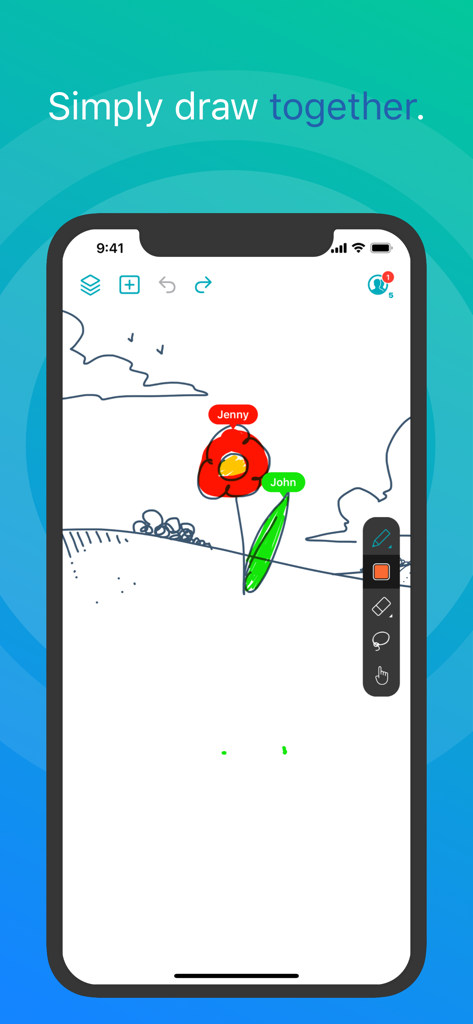
Dos usuarios colaborando en tiempo real en una pizarra digital en la aplicación Inko.
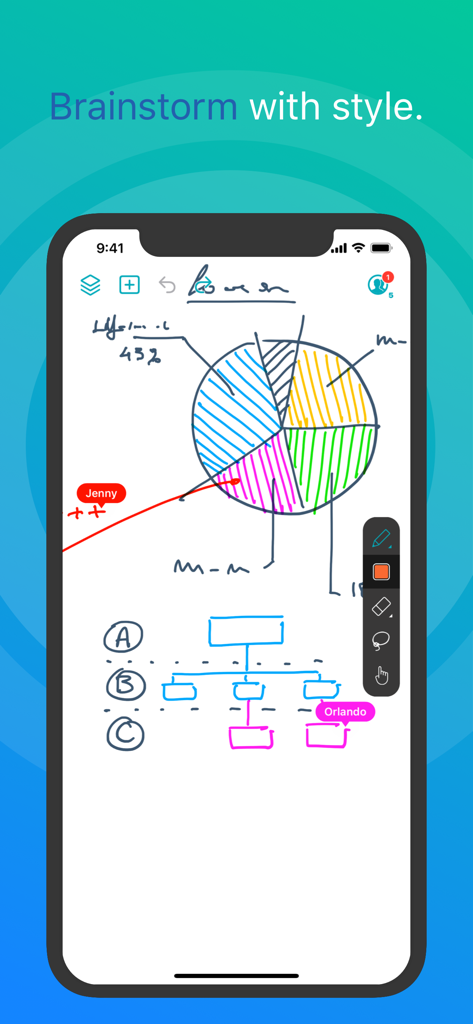
Captura de pantalla de la aplicación Inko mostrando dibujos colaborativos en tiempo real en una pizarra digital con un gráfico circular y un diagrama de flujo
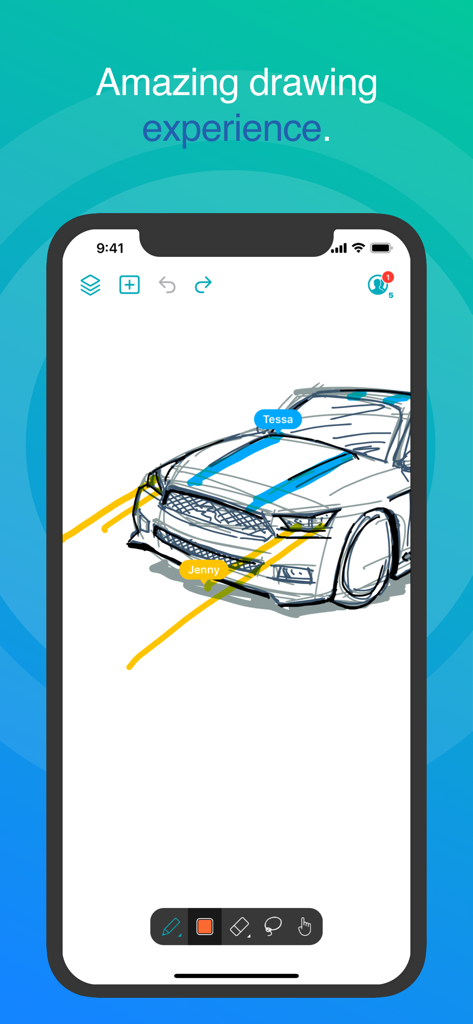
Interfaz de la aplicación Inko mostrando un dibujo colaborativo de un coche en tiempo real con múltiples etiquetas de usuario
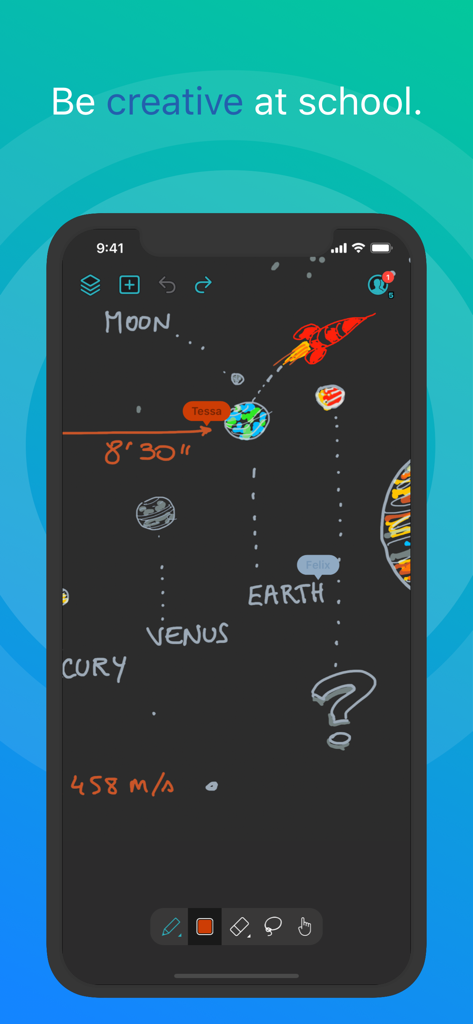
Dibujo colaborativo del sistema solar en la aplicación de pizarra Inko
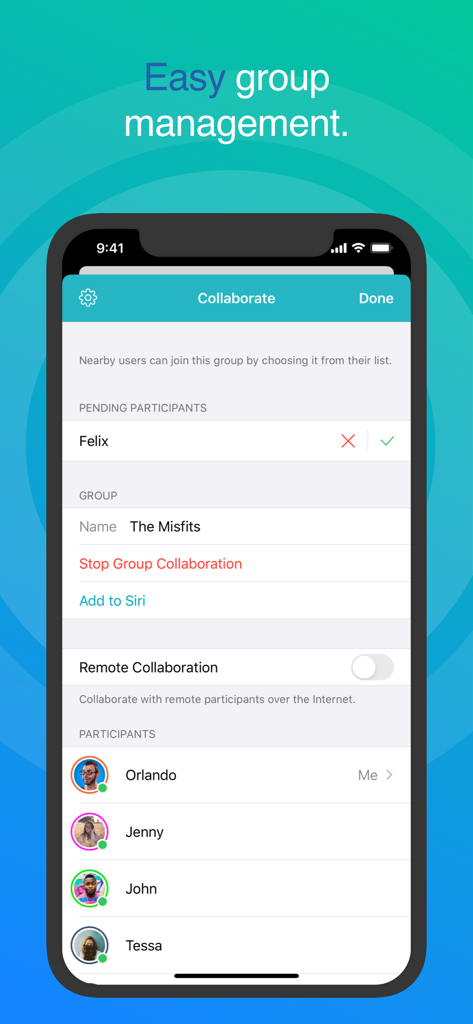
Pantalla de colaboración de la pizarra Inko mostrando una fácil gestión de grupos y lista de participantes
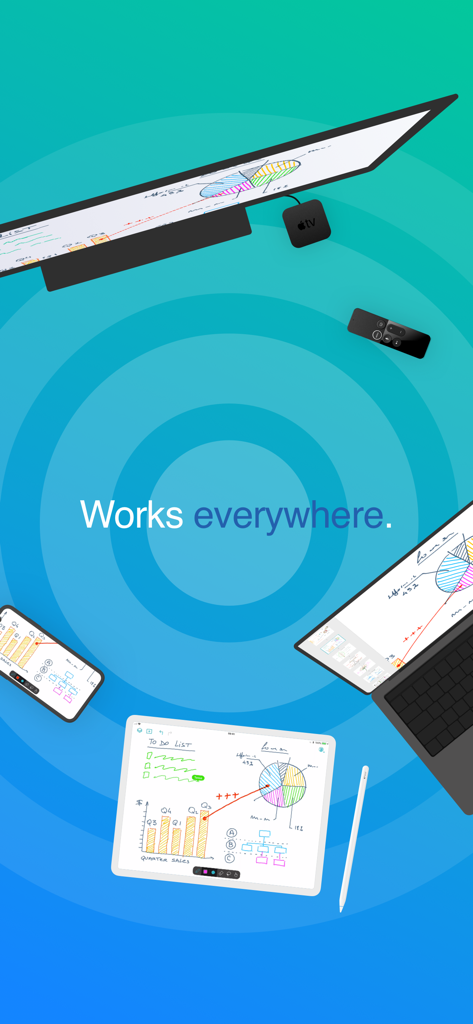
Aplicación de pizarra Inko sincronizada en iPad, iPhone, Mac y Apple TV mostrando bocetos y gráficos colaborativos
Eleva tu Ideación Colaborativa
Las herramientas que hacen destacar esta app, elegida por 898K+ usuarios.
⚡
Conectividad sin Fricciones
Comienza a colaborar al instante sin necesidad de crear una cuenta. Utiliza la conectividad peer-to-peer para hacer lluvia de ideas en cafeterías o en las instalaciones del cliente sin necesidad de un punto de acceso Wi-Fi.
✏️
Precisión Profesional
Aprovecha el soporte completo de Apple Pencil con renderizado acelerado por Metal. Disfruta de una experiencia sin píxeles que se mantiene perfectamente nítida y reactiva, incluso durante maniobras de zoom complejas.
📺
La Ventaja de la Gran Pantalla
Transforma tu sala de reuniones o aula proyectando a Apple TV. Usa el control remoto como un innovador puntero láser para guiar a tu audiencia a través de cada detalle de tu diseño.
Sobre la app
Todo lo que necesitas saber sobre Inko › Whiteboard: Draw+Pencil.
Descripción
Inko is a collaborative whiteboard that lets you draw together using multiple iPad, iPhone or Mac, and even interact on Apple TV. Ideal for team coworkers in a brainstorming session, for a creative classroom project, or for an interactive meeting between a graphic designer and their client.
Create a group and just start drawing together! No need for complex network setup, or even any network at all, thanks to nearby connectivity. Be it in a bar, or on the beach. Oh, and your drawing even goes to the big screen too thanks to the free companion app for Apple TV! It instantly connects and interacts with all devices in the room. A great alternative to those bulky & expensive interactive boards. Inko 2 now brings remote collaboration over the Internet(*), Dark Mode support, a Mac app, and much more.
Even though Inko is both simple and intuitive, it's also backed with advanced features like beautiful pixel-free rendering that stays sharp when zooming in. It also offers precise Apple Pencil support for an amazing drawing experience, lag-free and undo-capable real-time interactions, as well as hi-res PDF exports to share with your group when you’re done.
COLLABORATION & CONNECTIVITY
• Highly responsive, "appears-as-it-happens" multi-user drawing with no lag.
• Participants’ labels on drawing trails that show who is currently drawing.
• Nearby collaboration: nomadic connectivity for local devices, even without Wi-Fi access point (peer-to-peer or LAN).
• Remote collaboration: seamless connectivity over the Internet for global reach via invitation link sharing.
• Up to 8 participants for peer-to-peer connectivity or 12 participants for LAN/Internet.
• Group saving for quick setup of future sessions.
• Security & privacy: TLS connection between devices (nearby) and end-to-end encryption with daily data removal on server (remote).
• No account creation.
DRAWING & VISUALIZATION
• Beautiful pixel-free visualization that stays sharp when zooming, as well as vibrant colors on wide color displays (P3).
• High-performance Metal rendering.
• Extensive Apple Pencil support (finger action, angle, pressure, high-speed & predictive sampling).
• Pen tool with two sizes & one calligraphic variant.
• Lasso editing: select, move, rescale.
• Ephemeral highlighter to point things out. On Apple TV, it even features innovative motion-driven interaction with the remote, like a laser pointer.
• Single- and multi-user undo/redo & reliable syncing.
OTHER FEATURES
• Optimized for latest iOS: file sharing, Split View Multitasking on iPad, Drag & Drop, Today Widget, Quick Actions, Universal Link, Siri Shortcuts, SF Symbols, Smart Screenshot, Dark Mode…
• Universal app for iPad, iPhone & Mac. Free Apple TV companion app(**).
• Export images, hi-res PDF, or native archive for a productive workflow.
• iCloud sync for personal drawings.
PRICING
Multi-user collaboration requires a subscription. Two plans are proposed that enable all your devices (iPad, iPhone, Mac) and let other users join using just the free app:
• Nearby Plan enables local collaboration over peer-to-peer or LAN.
• Remote Plan enables remote collaboration over the Internet. Also includes all features of Nearby Plan.
Both plans offer a fully functional 7-day free trial. The free app provides full drawing capabilities in single-user mode, lets you access, organize, & export your drawings, and let you try out nearby collaboration for 5-minute time-limited sessions. Volume purchase (VPP) is available for schools & businesses: see Inko (Volume Ed.).
HELP & FEEDBACK
Send your questions/feedback to inko@creaceed.com
(*) requires Remote Plan
(**) only works with local connectivity. With older Apple TV models, you can use AirPlay Mirroring.
Terms of Use: https://creaceed.com/terms
Privacy Policy: https://creaceed.com/privacy
Última versión
2.5
Tamaño
33.6 MB
Fecha de lanzamiento
28 mar 2018
¿Listo para Dibujar tu Próxima Gran Idea?
Únete a miles de profesionales y educadores que eligen Inko para una colaboración fluida y en tiempo real. Comienza tu prueba gratuita de 7 días y experimenta la pizarra digital más reactiva del mundo en todos tus dispositivos Apple.
App information, icons, screenshots, and descriptions displayed on this page are sourced from the Apple App Store and are the property of their respective developers. Download estimates and rankings are based on MWM's proprietary models and may not reflect actual figures. This page is provided for informational and analytical purposes only.
Believe this page infringes your intellectual property? File a dispute