
Esta página no es una página oficial de la aplicación ni de su desarrollador, sino una publicación editorial independiente creada con fines informativos y de comentario. Salvo que se indique expresamente lo contrario, ni la aplicación ni su desarrollador están afiliados, respaldados, patrocinados, autorizados ni conectados oficialmente con MWM, Apple, Google Play, el editor de la aplicación ni su desarrollador, y nada en esta página implica que la aplicación haya sido desarrollada utilizando los servicios de MWM. Todas las marcas comerciales, logotipos, capturas de pantalla y demás contenidos son propiedad de sus respectivos propietarios.

JotterPad - Novel, Screenplay
Concéntrate en tu arte con un editor de Markdown y Fountain sin distracciones. Ya sea que estés redactando un guion estándar de la industria o tu próxima novela bestseller, JotterPad se encarga del formato para que puedas mantener el flujo.
Descargas
33K+Valoración
Total valoraciones
200Editor
Categoría
ProductivityIdiomas
15Última versión
14.3.0Tamaño
63.9 MBFecha de lanzamiento
17 jul 2020Todo lo que Necesitas para Crear
Elabora tu próxima obra maestra con herramientas diseñadas para el narrador moderno, que ofrecen escritura sin distracciones, formato profesional y seguridad total de los datos.
Formato Profesional, Cero Esfuerzo
Produce guiones y novelas de nivel profesional sin tocar la configuración de márgenes. Usa Markdown y Fountain para cumplir automáticamente con los estándares de la industria.
Ecosistema de Nube Fluido
Mantén tu impulso. Transita entre iPhone, iPad y Mac sin problemas con soporte nativo para iCloud, Google Drive y Dropbox.
Preguntas Frecuentes
Todo lo que necesitas saber sobre JotterPad - Novel, Screenplay
¿Qué es JotterPad?
JotterPad es una herramienta de escritura y un editor WYSIWYG de Markdown y Fountain para escritores, guionistas, autores y bloggers. Ayuda en la planificación, escritura, formato y publicación de trabajos escritos.
¿JotterPad soporta Markdown y Fountain?
Sí, JotterPad soporta ambas sintaxis, Markdown y Fountain. Los usuarios escriben el contenido y la aplicación se encarga automáticamente del formato, creando documentos estructurados.
¿Puedo exportar mi trabajo desde JotterPad?
Sí, JotterPad permite a los usuarios exportar sus trabajos escritos en múltiples formatos. Estos incluyen Word, PDF, HTML, Final Draft (.fdx), Fountain y Markdown.
¿Con qué servicios en la nube se sincroniza JotterPad?
JotterPad ofrece sincronización automática con iCloud, Google Drive, OneDrive y Dropbox. Funciona sin conexión y sincroniza el trabajo automáticamente una vez que vuelve a estar en línea.
¿Cuáles son los costos de suscripción para JotterPad Pro Cloud?
JotterPad Pro Cloud cuesta US$6.99 al mes o US$29.99 al año. Es una suscripción de renovación automática, y los precios pueden variar según la ubicación.
¿JotterPad ofrece plantillas para escribir?
Sí, JotterPad proporciona más de 50 plantillas para guiar a los usuarios en el formato de su trabajo. Estas plantillas ayudan a crear novelas, libros, artículos, informes y diapositivas de presentación.
¿Puede JotterPad manejar formatos de guion estándar de la industria?
Sí, JotterPad soporta formatos de guion estándar de la industria utilizando plantillas de Fountain. Las opciones incluyen Musical de Broadway, Obra de Teatro de la BBC, Sitcom de Radio y Musical del Gremio de Dramaturgos.
¿Incluye JotterPad control de versiones para documentos?
Sí, JotterPad cuenta con control de versiones integrado. Esto realiza copias de seguridad automáticas del trabajo mientras el usuario escribe, permitiendo la revisión y edición de versiones anteriores.
¿Qué plataformas soporta JotterPad?
JotterPad está disponible en las plataformas iOS, iPad OS y Mac, lo que permite a los usuarios escribir en múltiples dispositivos y sistemas operativos.
¿Puedo publicar contenido directamente desde JotterPad a blogs?
Sí, JotterPad permite a los usuarios publicar su trabajo escrito directamente en plataformas de blogs como Tumblr, Ghost y WordPress.
Las siguientes capturas de pantalla y la descripción provienen directamente del listado oficial de la tienda de la aplicación y son propiedad del desarrollador.
App Store
Capturas
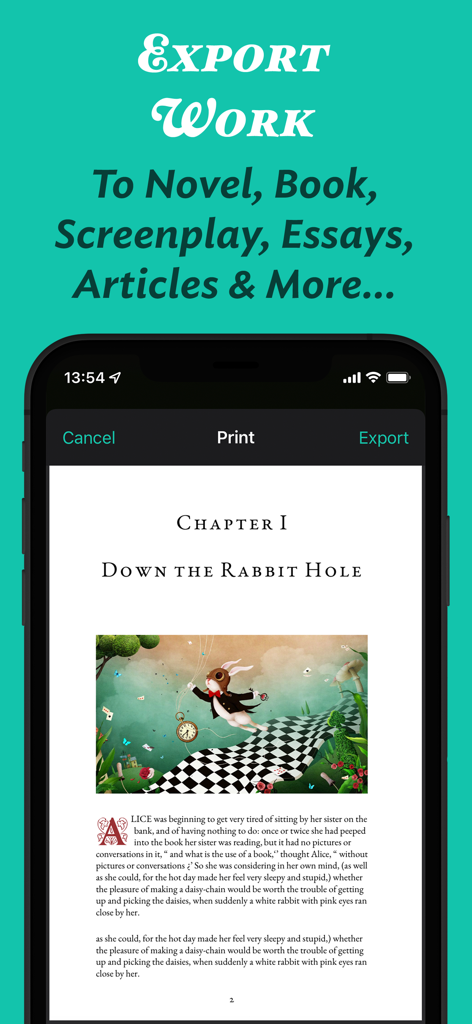
Interfaz de la aplicación JotterPad que muestra una vista previa de impresión y exportación de un capítulo de novela formateado con una ilustración
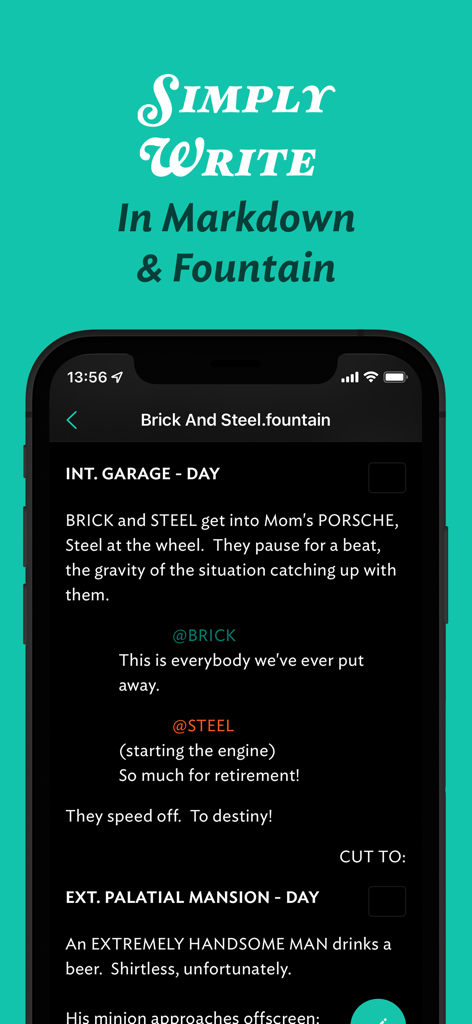
Interfaz de la aplicación móvil JotterPad para escribir guiones en sintaxis Fountain
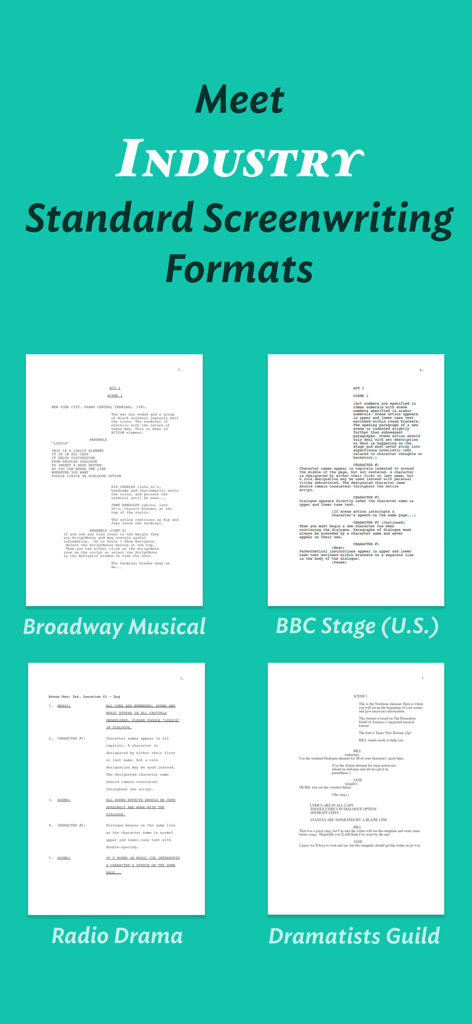
Interfaz de la aplicación JotterPad que muestra plantillas de guiones estándar de la industria para musicales de Broadway y obras de teatro de la BBC
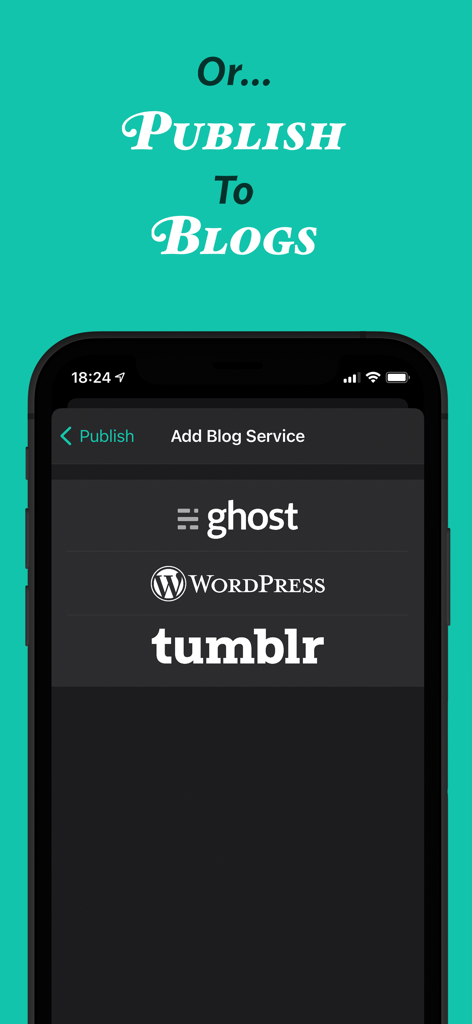
Interfaz de la aplicación JotterPad que muestra opciones de publicación para blogs de Ghost WordPress y Tumblr
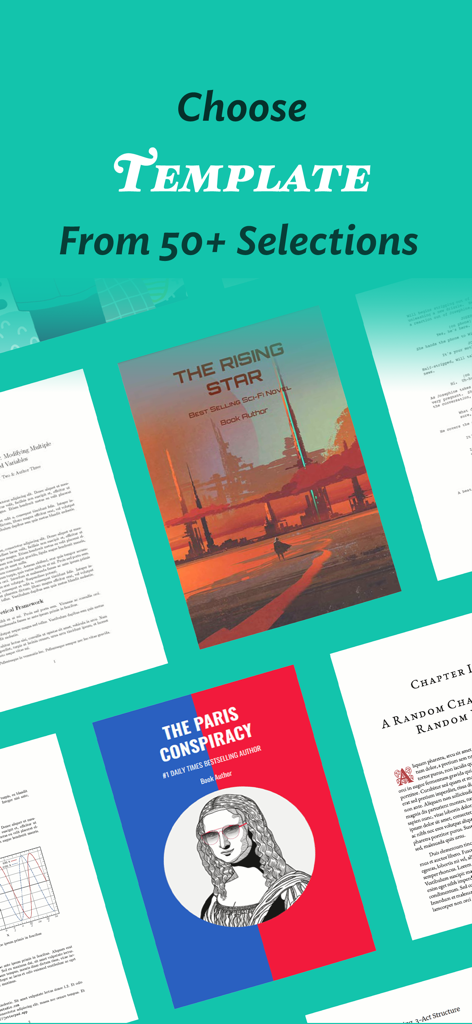
Una variedad de más de 50 plantillas de escritura para novelas, guiones y documentos profesionales en JotterPad
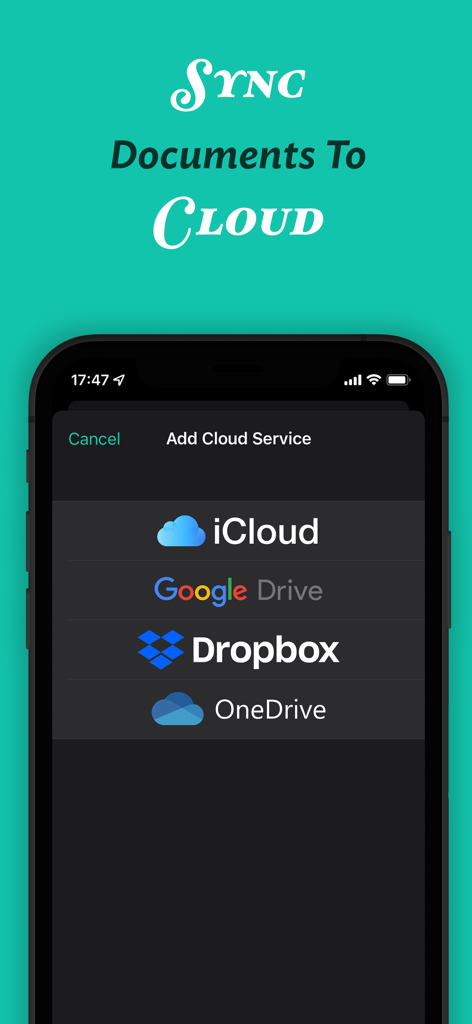
Interfaz de la aplicación JotterPad que muestra opciones para sincronizar documentos con iCloud, Google Drive, Dropbox y OneDrive.
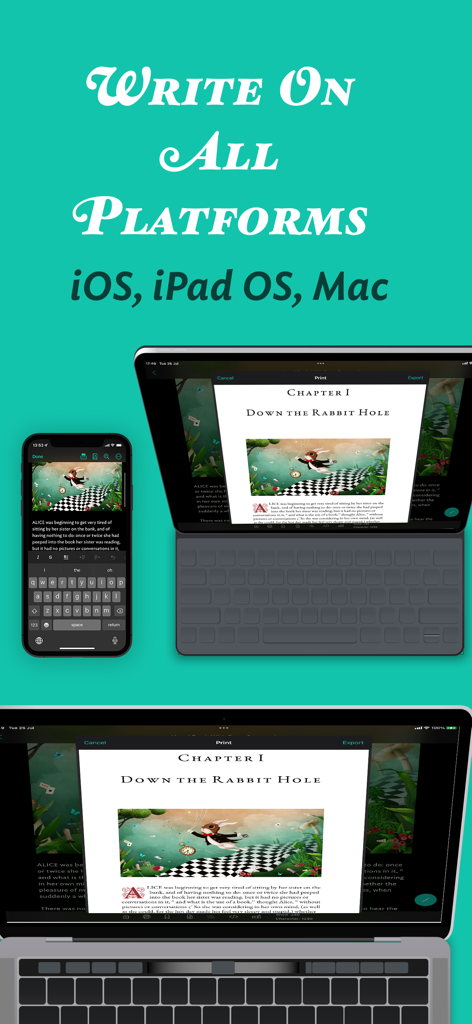
Interfaz de la aplicación JotterPad mostrada en iPhone, iPad y Mac, mostrando sincronización de documentos multiplataforma
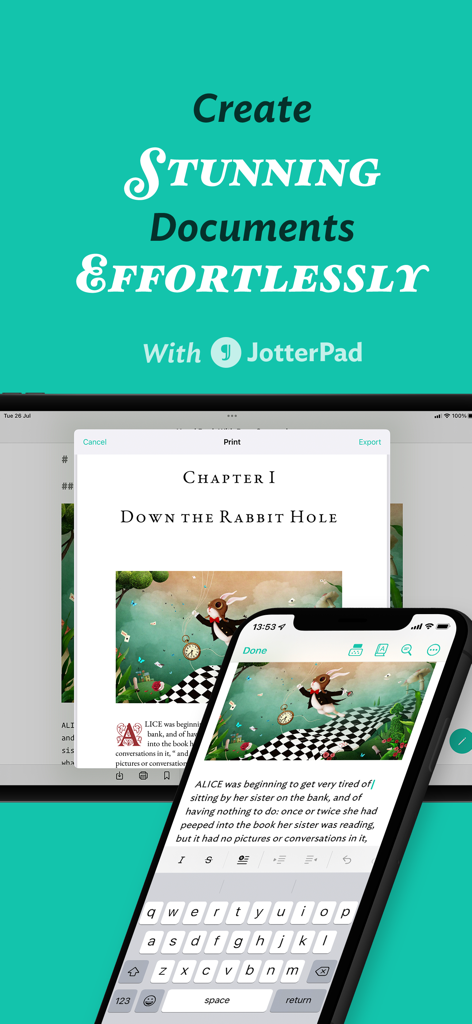
Interfaz de la aplicación JotterPad que muestra la edición de documentos en smartphones y tablets
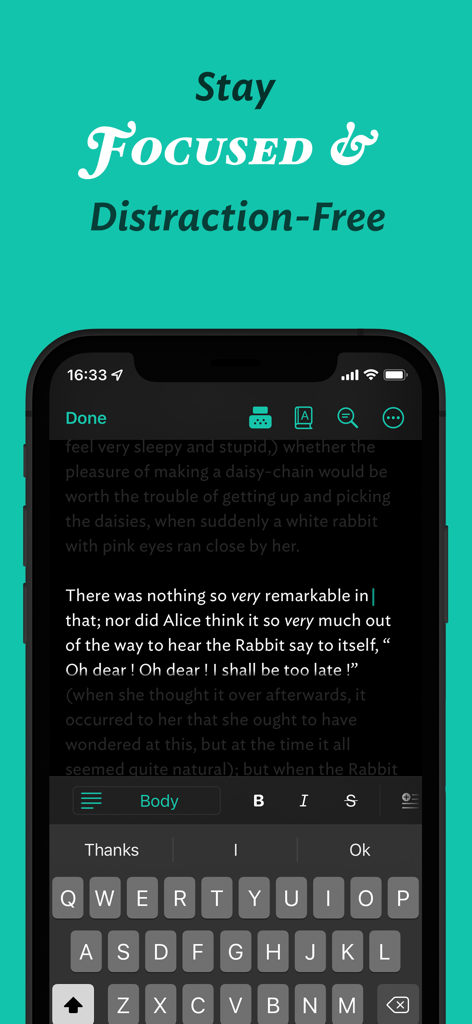
Aplicación móvil JotterPad que muestra una interfaz de escritura sin distracciones en modo oscuro.
Descripción
Download
Apps Similares
Apps mejor clasificadas en la misma categoría

ChatGPT
OpenAI OpCo, LLC

Google Gemini
Google LLC

Grok
X.AI Corporation

Gmail - Email by Google
Google LLC

千问 - 阿里最强大模型官方AI助手
Shanghai Zhixin Puhui Technology Co., Ltd.

Google Drive
Google LLC

Microsoft Authenticator
Microsoft Corporation

Google Sheets
Google LLC

Google Docs
Google LLC
Esta página no es una página oficial de la aplicación ni de su desarrollador, sino una publicación editorial independiente creada con fines informativos y de comentario. Salvo que se indique expresamente lo contrario, ni la aplicación ni su desarrollador están afiliados, respaldados, patrocinados, autorizados ni conectados oficialmente con MWM, Apple, Google Play, el editor de la aplicación ni su desarrollador, y nada en esta página implica que la aplicación haya sido desarrollada utilizando los servicios de MWM. Todas las marcas comerciales, logotipos, capturas de pantalla y demás contenidos son propiedad de sus respectivos propietarios.