
Esta página no es una página oficial de la aplicación ni de su desarrollador, sino una publicación editorial independiente creada con fines informativos y de comentario. Salvo que se indique expresamente lo contrario, ni la aplicación ni su desarrollador están afiliados, respaldados, patrocinados, autorizados ni conectados oficialmente con MWM, Apple, Google Play, el editor de la aplicación ni su desarrollador, y nada en esta página implica que la aplicación haya sido desarrollada utilizando los servicios de MWM. Todas las marcas comerciales, logotipos, capturas de pantalla y demás contenidos son propiedad de sus respectivos propietarios.


Mermind
Convierte tus ideas en impresionantes diagramas de flujo, mapas mentales y arquitecturas de sistemas con el editor nativo definitivo de Mermaid para iPad y Mac. Sin inicio de sesión, sin retrasos: solo productividad pura, priorizando el modo sin conexión para el ecosistema Apple.
Descargas
0Valoración
Total valoraciones
0Editor
Categoría
Developer ToolsIdiomas
5Última versión
1.2Tamaño
9.3 MBFecha de lanzamiento
22 dic 2025Visualiza Tu Lógica Al Instante
Aprovecha el poder de la sintaxis Mermaid con una experiencia nativa de Apple diseñada para desarrolladores, arquitectos y usuarios avanzados de productividad.
Diagramas Como Código
Olvídate del arrastrar y soltar manual. Escribe tus ideas usando la sintaxis Mermaid y obtén vistas previas en tiempo real de diagramas de flujo, mapas mentales y diagramas de secuencia mientras escribes.
Sincronización Fluida con Apple
Transita sin esfuerzo entre tu iPad y Mac con la integración nativa de iCloud, asegurando que tu documentación técnica esté siempre sincronizada y actualizada.
Las siguientes capturas de pantalla y la descripción provienen directamente del listado oficial de la tienda de la aplicación y son propiedad del desarrollador.
App Store
Capturas
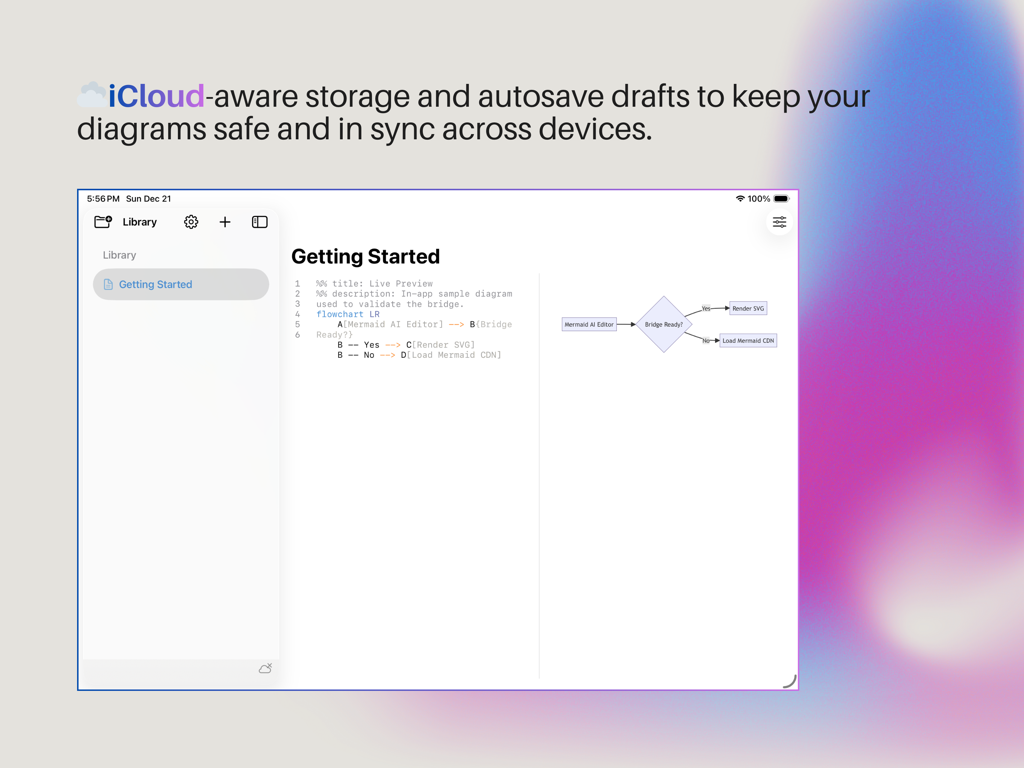
Interfaz de la aplicación Mermind mostrando un editor de diagramas de vista dividida con sintaxis Mermaid y vista previa de diagrama de flujo en vivo resaltando la sincronización de iCloud.
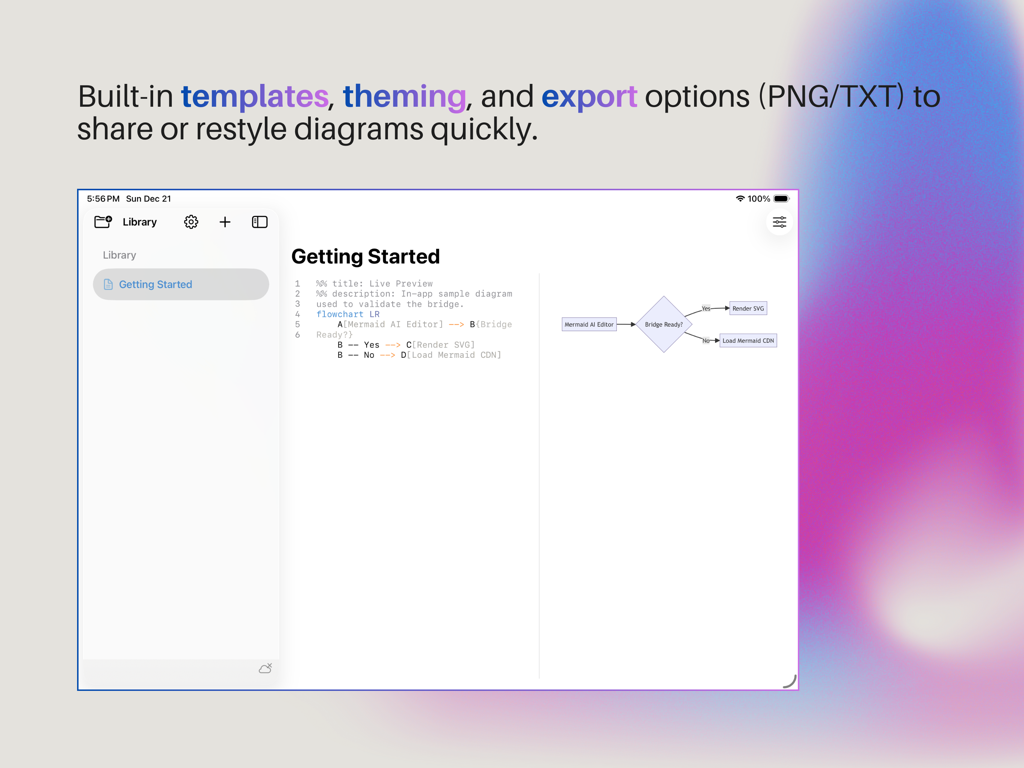
La interfaz de la aplicación Mermind en iPad presenta una vista de pantalla dividida con un editor de texto para sintaxis Mermaid a la izquierda y una vista previa de diagrama de flujo en tiempo real a la derecha.
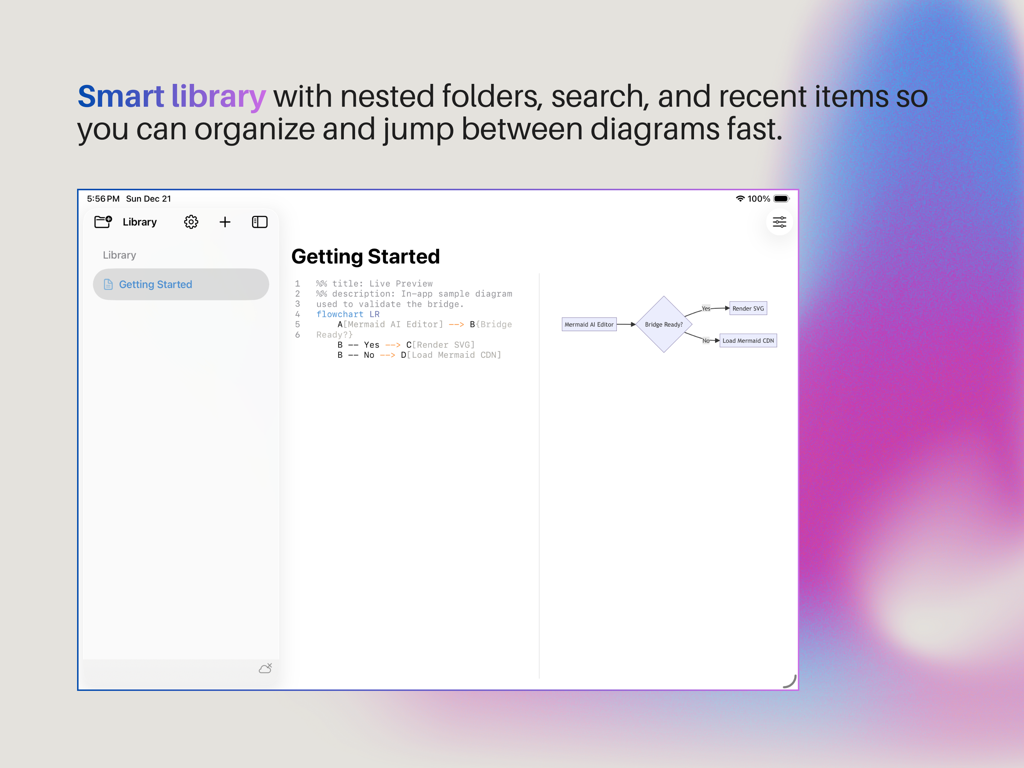
Interfaz de la aplicación Mermind en iPad mostrando la biblioteca inteligente y el editor de diagramas Mermaid con vista previa en vivo.
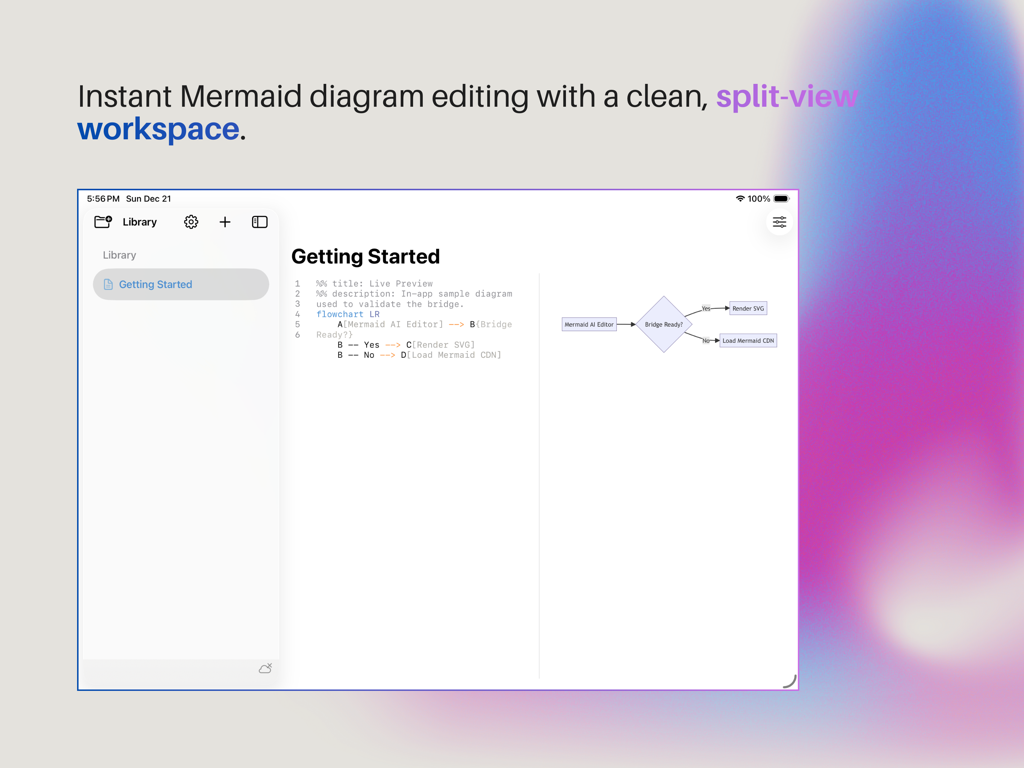
Interfaz de la aplicación Mermind mostrando una vista dividida con código de sintaxis Mermaid y una vista previa de diagrama de flujo en tiempo real.
Descripción
Download
Apps Similares
Apps mejor clasificadas en la misma categoría

TestFlight
Apple Inc.

Replit: Vibe Code Apps
Replit, Inc

GitHub
GitHub

O-KAM Pro
Shenzhen VeePai IoT Intelligent Technology LLC

Apple Developer
Apple Inc.

Expo Go
650 Industries, Inc.

Scriptable
Simon Stovring

App Store Connect
Apple Inc.

Sekai: Create · Remix · Play
Versa AI, Inc.
Esta página no es una página oficial de la aplicación ni de su desarrollador, sino una publicación editorial independiente creada con fines informativos y de comentario. Salvo que se indique expresamente lo contrario, ni la aplicación ni su desarrollador están afiliados, respaldados, patrocinados, autorizados ni conectados oficialmente con MWM, Apple, Google Play, el editor de la aplicación ni su desarrollador, y nada en esta página implica que la aplicación haya sido desarrollada utilizando los servicios de MWM. Todas las marcas comerciales, logotipos, capturas de pantalla y demás contenidos son propiedad de sus respectivos propietarios.