
Esta página no es una página oficial de la aplicación ni de su desarrollador, sino una publicación editorial independiente creada con fines informativos y de comentario. Salvo que se indique expresamente lo contrario, ni la aplicación ni su desarrollador están afiliados, respaldados, patrocinados, autorizados ni conectados oficialmente con MWM, Apple, Google Play, el editor de la aplicación ni su desarrollador, y nada en esta página implica que la aplicación haya sido desarrollada utilizando los servicios de MWM. Todas las marcas comerciales, logotipos, capturas de pantalla y demás contenidos son propiedad de sus respectivos propietarios.

MixEffect Pro - Paid Up-Front
Toma el control total de tus producciones de video en vivo con diseños personalizables, transiciones animadas de SuperSource y la potente automatización de Accesos Rápidos en iPhone, iPad y Mac.
Descargas
23K+Valoración
Total valoraciones
0Editor
Categoría
Photo & VideoIdiomas
5Última versión
2.4.0Tamaño
113.1 MBFecha de lanzamiento
17 abr 2022Domina tu Transmisión en Vivo con Control de Nivel Profesional
Desbloquea el potencial oculto de tu hardware ATEM con una interfaz mobile-first diseñada para la velocidad, automatización avanzada y ejecución impecable.
Gestión Visual de SuperSource
Crea y anima complejos diseños multi-pantalla sin esfuerzo con herramientas de arrastrar y soltar que superan los límites del hardware estándar.
Potente Automatización del Flujo de Trabajo
Aprovecha Accesos Rápidos de iOS y Siri para activar macros, cambiar diseños y automatizar tu producción basándote en los niveles de audio en tiempo real.
Las siguientes capturas de pantalla y la descripción provienen directamente del listado oficial de la tienda de la aplicación y son propiedad del desarrollador.
App Store
Capturas
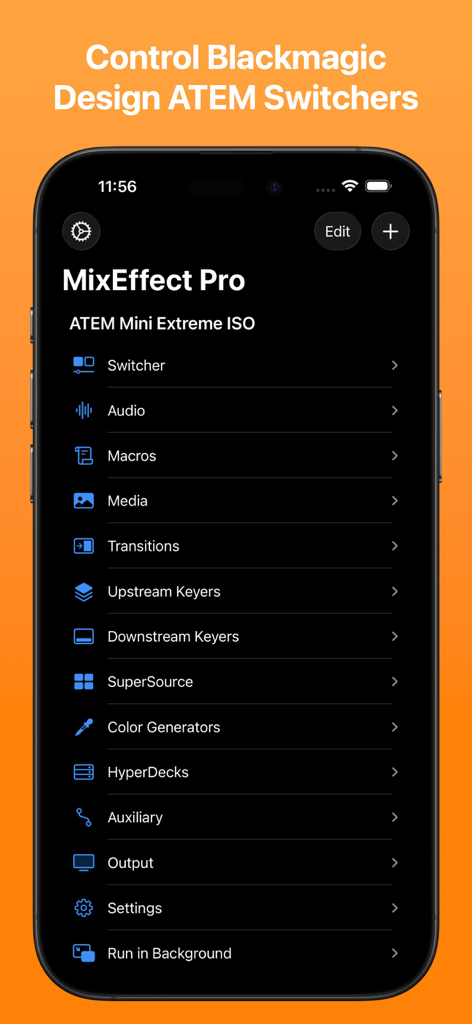
Menú principal de la app MixEffect Pro para iPhone que muestra opciones de control para switchers Blackmagic Design ATEM, incluyendo audio, macros y transiciones
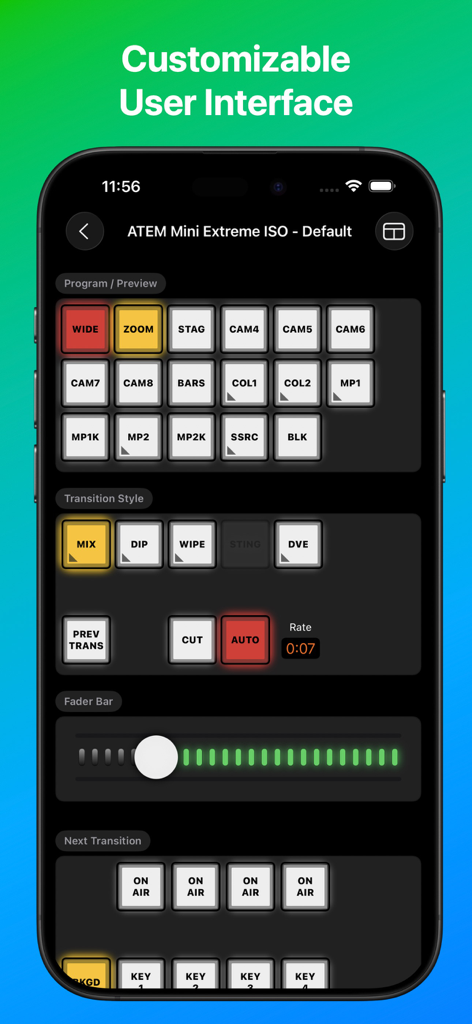
Interfaz de la app MixEffect Pro para control de ATEM Mini Extreme ISO switcher
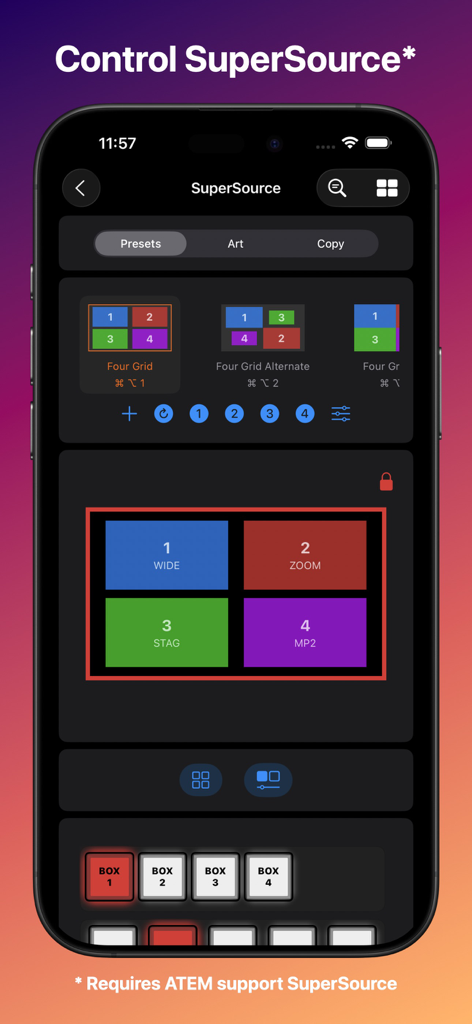
Interfaz de la app MixEffect Pro para iPhone para controlar preajustes de diseño de SuperSource en producciones de video en vivo
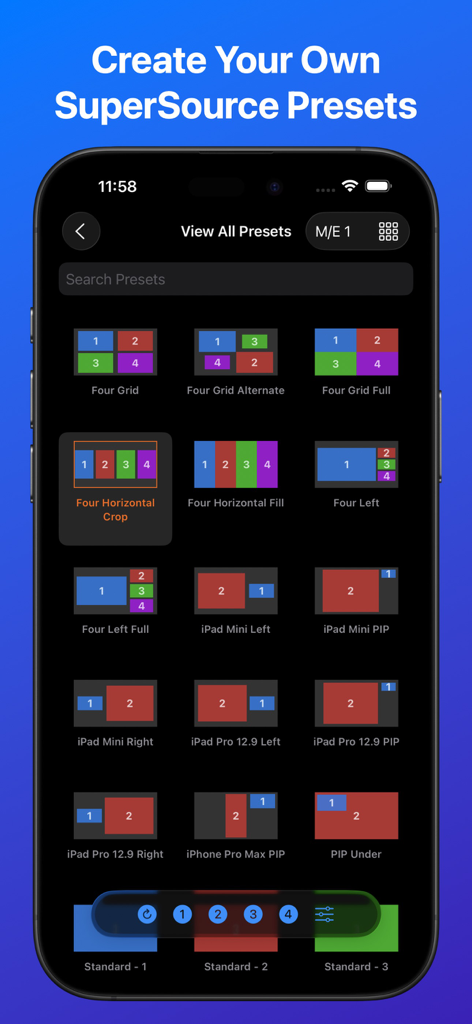
Interfaz de la app MixEffect Pro que muestra una cuadrícula de diferentes preajustes de diseño de SuperSource para switchers de video ATEM
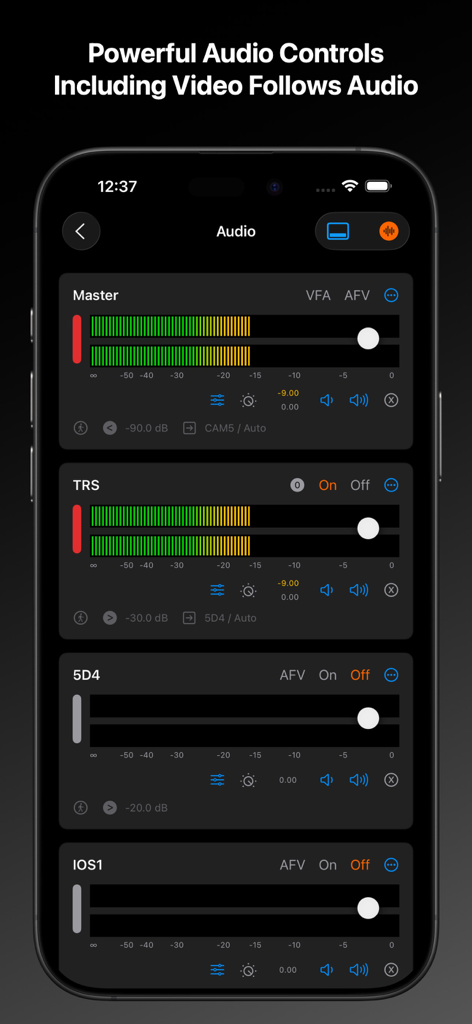
Interfaz del mezclador de audio de la app MixEffect Pro en iPhone, mostrando controles deslizantes de nivel maestro e individual de canal
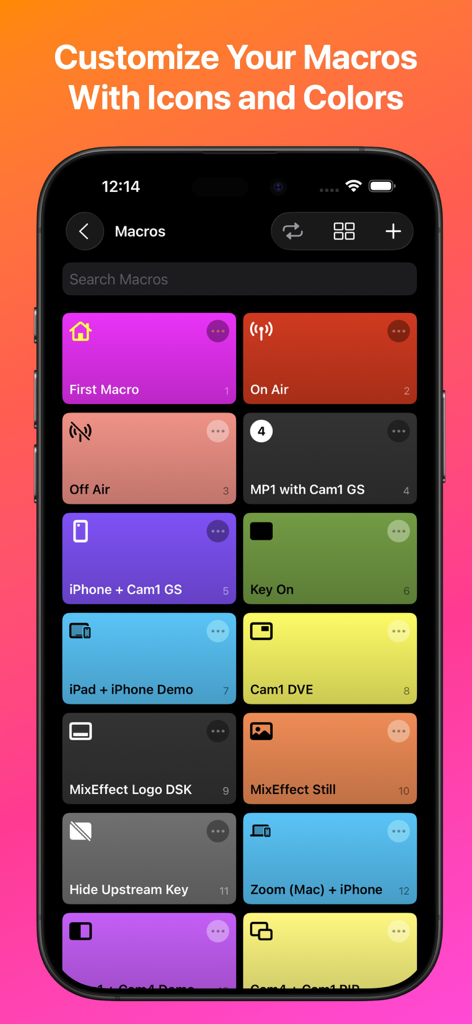
Interfaz de la app MixEffect Pro que muestra una cuadrícula de botones de macros coloridos con iconos personalizados en una pantalla de iPhone
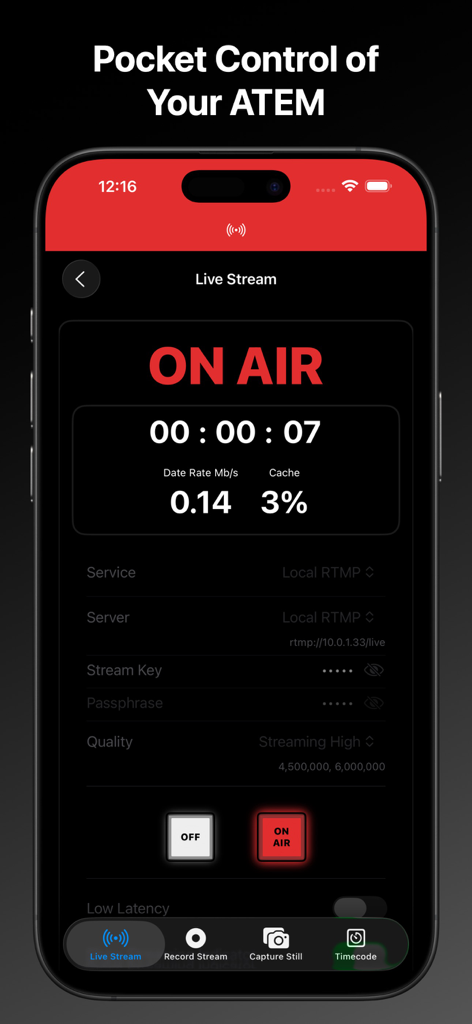
Interfaz de la app MixEffect Pro para iPhone que muestra el estado de transmisión en vivo y los datos de streaming para ATEM switchers
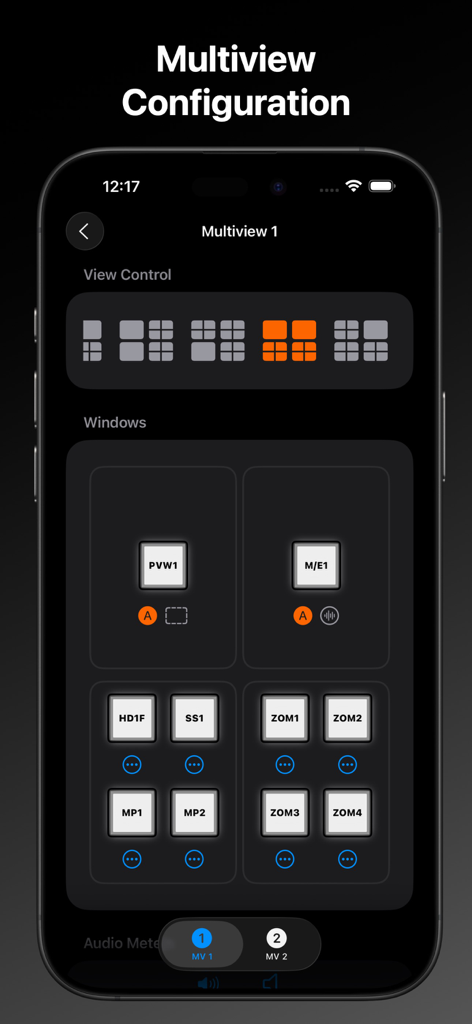
Interfaz de MixEffect Pro que muestra la configuración de multiview para el control de diseño del video switcher
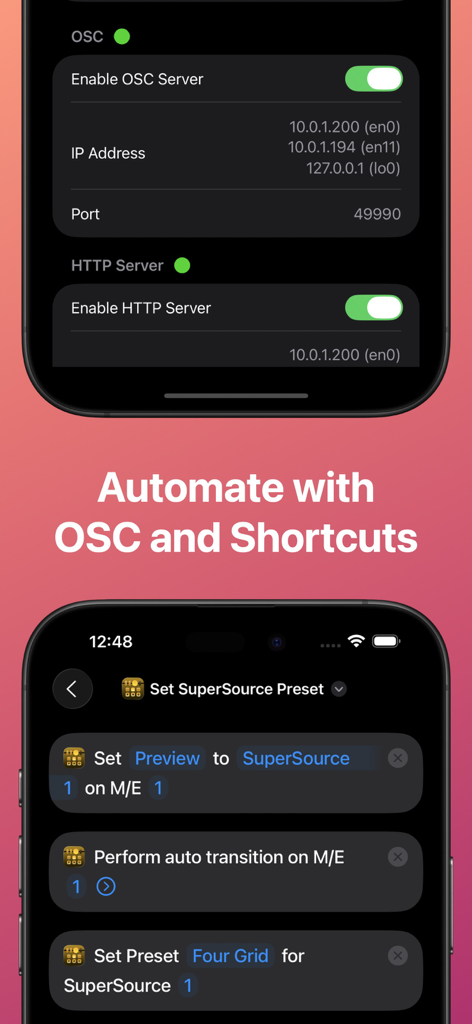
Interfaz de la app MixEffect Pro que muestra la configuración del servidor OSC y Accesos Rápidos de iOS para la automatización de ATEM switcher.
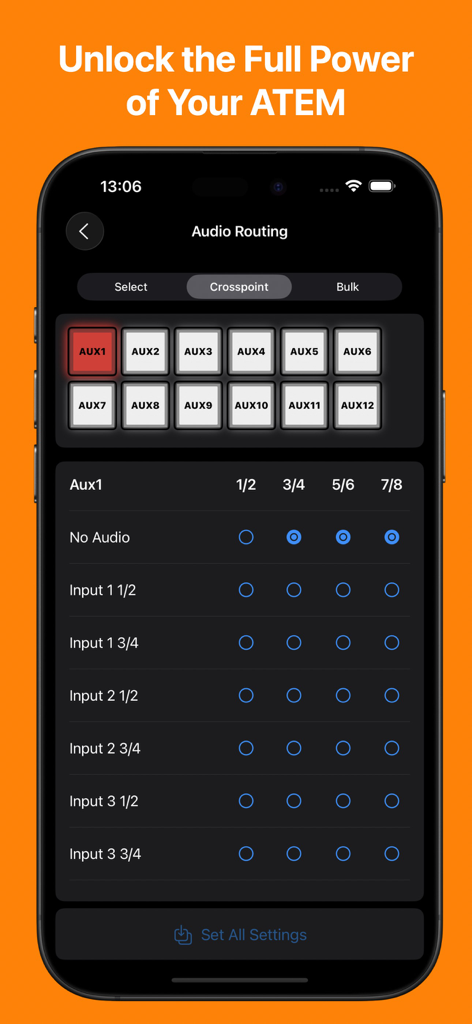
App MixEffect Pro mostrando la interfaz de gestión de enrutamiento de audio y crosspoint para ATEM switchers en un iPhone
Descripción
Download
Apps Similares
Apps mejor clasificadas en la misma categoría

CapCut: Photo & Video Editor
BYTEDANCE PTE. LTD.

Instagram, Inc.

YouTube
Google LLC

Canva: AI Photo & Video Editor
Canva Pty Ltd

Snapchat
Snap, Inc.

快手
Beijing Kwai Technology Co., Ltd.

Edits: Video Editor
Instagram, Inc.

Meitu- AI Photo & Video Editor
Xiamen Meitu Technology Co., Ltd.

Google Photos: Backup & Edit
Google LLC
Esta página no es una página oficial de la aplicación ni de su desarrollador, sino una publicación editorial independiente creada con fines informativos y de comentario. Salvo que se indique expresamente lo contrario, ni la aplicación ni su desarrollador están afiliados, respaldados, patrocinados, autorizados ni conectados oficialmente con MWM, Apple, Google Play, el editor de la aplicación ni su desarrollador, y nada en esta página implica que la aplicación haya sido desarrollada utilizando los servicios de MWM. Todas las marcas comerciales, logotipos, capturas de pantalla y demás contenidos son propiedad de sus respectivos propietarios.