
Esta página no es una página oficial de la aplicación ni de su desarrollador, sino una publicación editorial independiente creada con fines informativos y de comentario. Salvo que se indique expresamente lo contrario, ni la aplicación ni su desarrollador están afiliados, respaldados, patrocinados, autorizados ni conectados oficialmente con MWM, Apple, Google Play, el editor de la aplicación ni su desarrollador, y nada en esta página implica que la aplicación haya sido desarrollada utilizando los servicios de MWM. Todas las marcas comerciales, logotipos, capturas de pantalla y demás contenidos son propiedad de sus respectivos propietarios.

MoonCatcher
No te conformes con puntos blancos borrosos. Transforma tu iPhone en una cámara lunar de precisión con zoom 40x, control automático de exposición y desplazamiento de enfoque de nivel profesional diseñado específicamente para el cielo nocturno.
Descargas
14K+Valoración
Total valoraciones
0Editor
Categoría
Photo & VideoIdiomas
2Última versión
18.1Tamaño
22.7 MBFecha de lanzamiento
17 dic 2014Captura el Cosmos con Precisión
No te conformes con un brillo blanco y borroso. MoonCatcher transforma tu iPhone en un potente telescopio lunar con desplazamiento de enfoque avanzado y controles de exposición especializados para revelar la verdadera textura de la luna.
No Más "Puntos Blancos"
Nuestro modo lunar especializado equilibra automáticamente la exposición para revelar intrincados cráteres y patrones lunares que las aplicaciones de cámara nativas suelen quemar.
Zoom Lunar Avanzado 40x
Acércate más que nunca. Utiliza nuestro zoom de precisión y tecnología de desplazamiento de enfoque para encontrar la nitidez perfecta, incluso con magnificación máxima.
Las siguientes capturas de pantalla y la descripción provienen directamente del listado oficial de la tienda de la aplicación y son propiedad del desarrollador.
App Store
Capturas
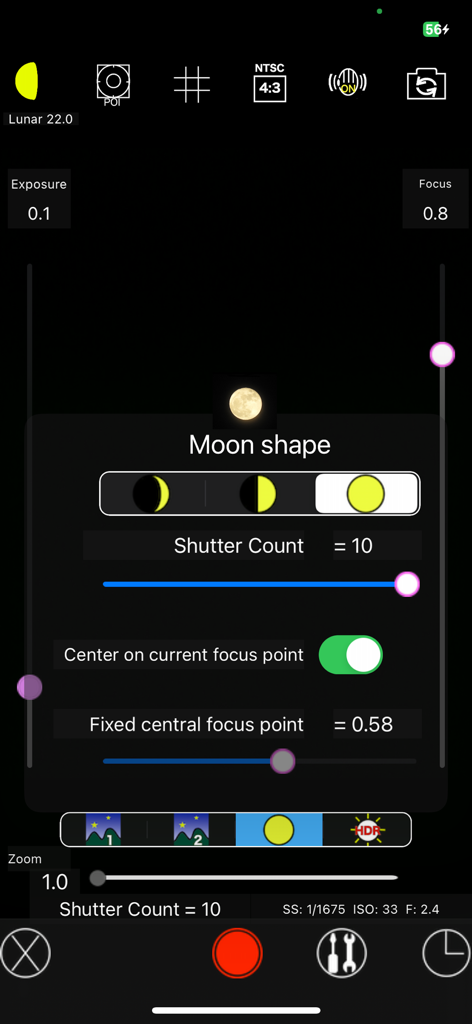
Interfaz de la aplicación MoonCatcher que muestra ajustes manuales de la cámara y selección de la forma de la luna para astrofotografía
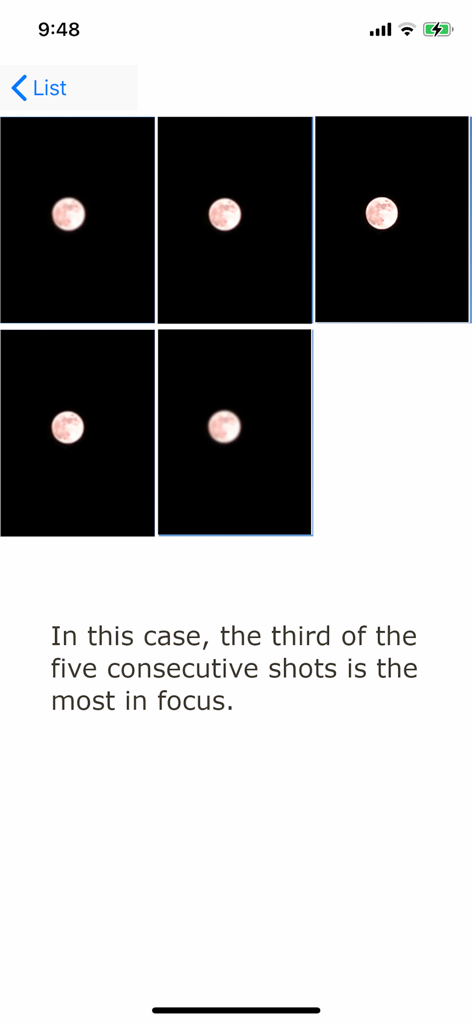
Una secuencia de cinco fotos consecutivas de la luna en la aplicación MoonCatcher que demuestra el desplazamiento del enfoque para encontrar la imagen más nítida.
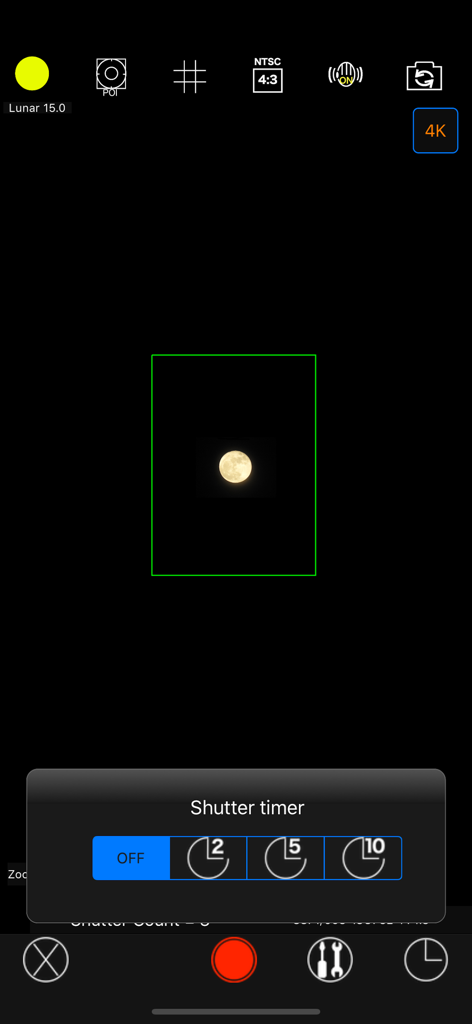
Interfaz de la cámara de la aplicación MoonCatcher que muestra un menú de temporizador de obturación y una imagen capturada de la luna
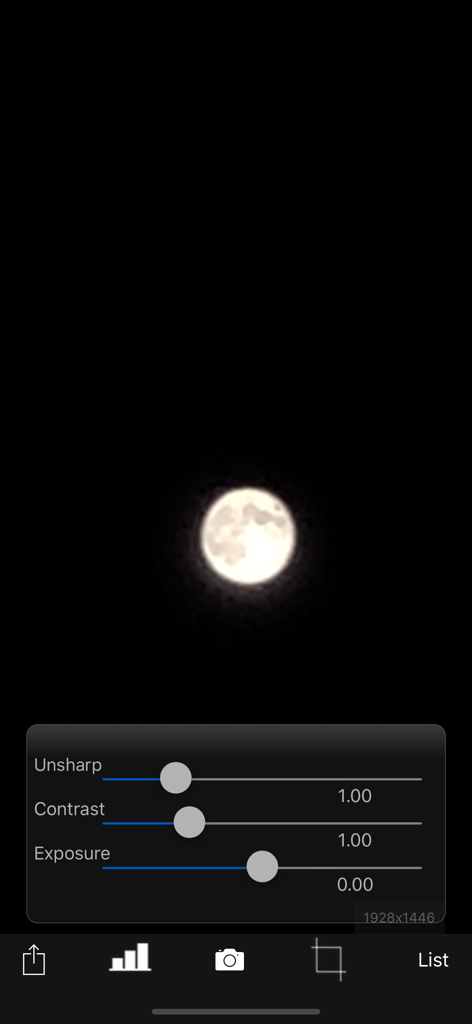
Interfaz de la aplicación MoonCatcher con una foto de la luna y controles deslizantes de edición para contraste nítido y exposición
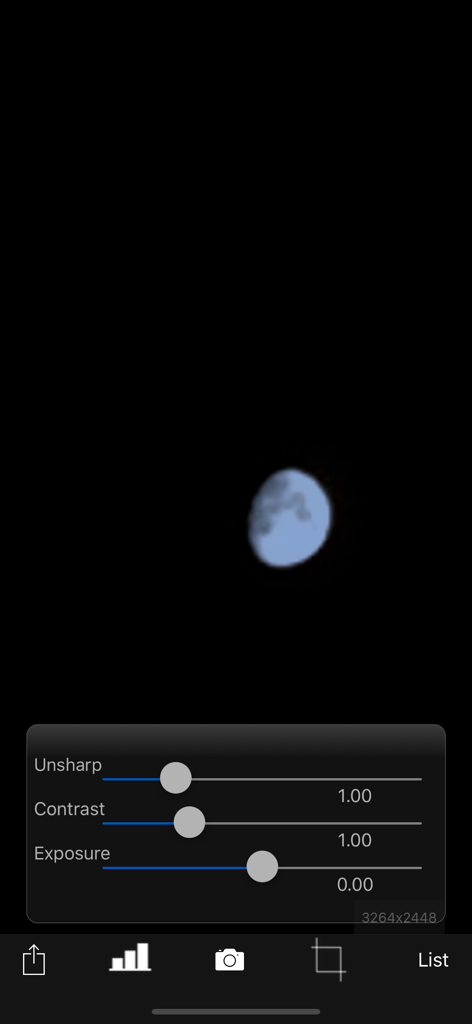
Pantalla de edición de fotos de la aplicación MoonCatcher que muestra controles deslizantes de ajuste para contraste nítido y exposición sobre una imagen de la luna
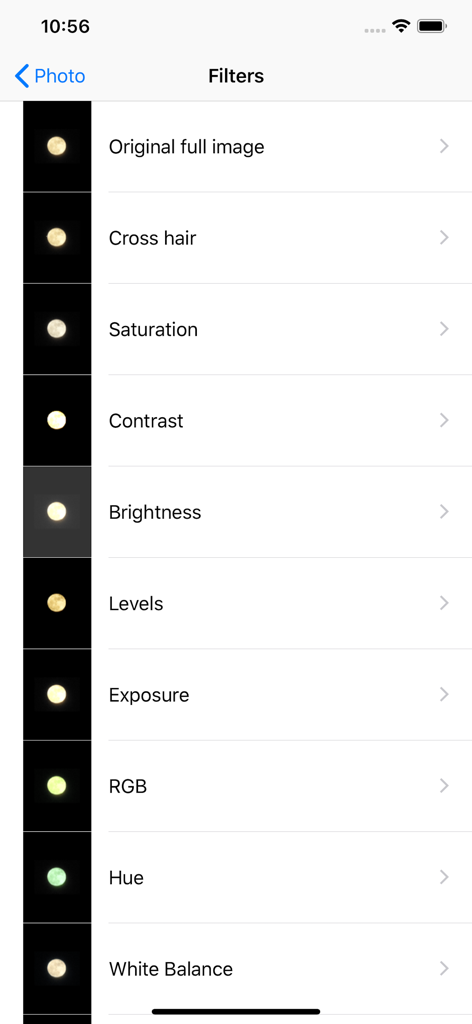
Interfaz de la aplicación MoonCatcher que muestra una lista de filtros de edición de fotos para fotografía lunar.
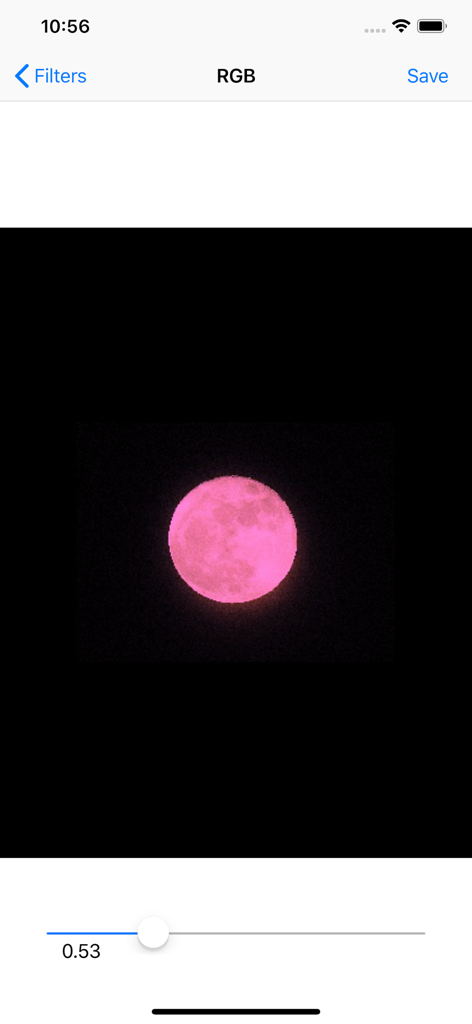
Interfaz de la aplicación MoonCatcher que muestra una luna rosa siendo editada con un control deslizante de filtro RGB
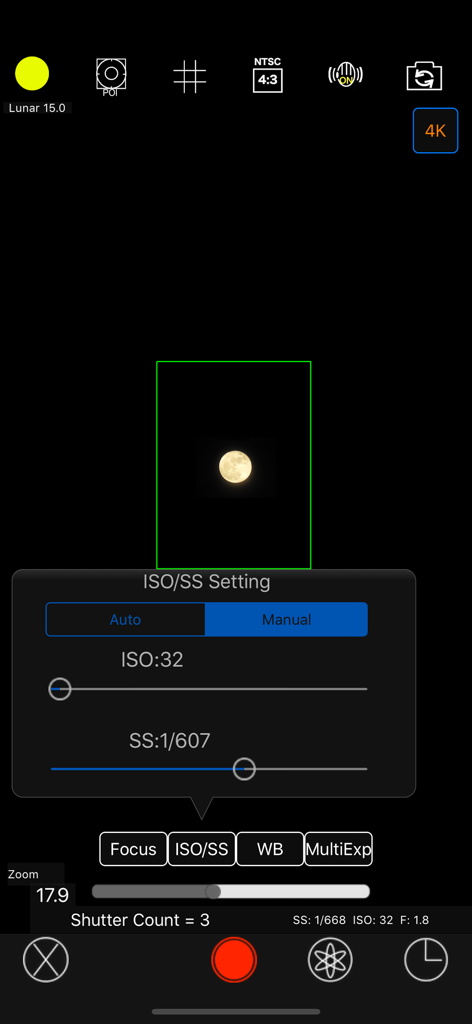
Interfaz de configuración manual de ISO y velocidad de obturación en la aplicación de fotografía MoonCatcher
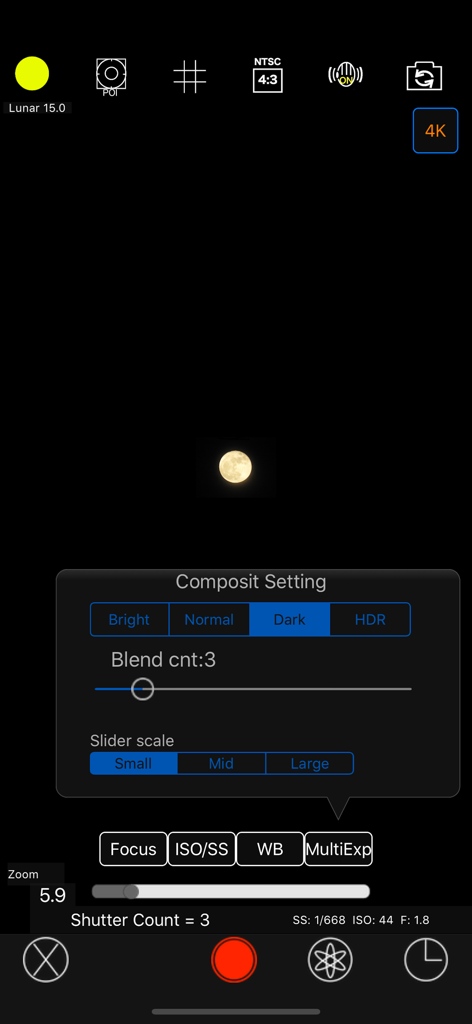
Interfaz de la cámara MoonCatcher que muestra el menú de configuración manual de composición y una imagen de luna capturada
Descripción
Download
Apps Similares
Apps mejor clasificadas en la misma categoría

CapCut: Photo & Video Editor
BYTEDANCE PTE. LTD.

Instagram, Inc.

YouTube
Google LLC

Canva: AI Photo & Video Editor
Canva Pty Ltd

Snapchat
Snap, Inc.

快手
Beijing Kwai Technology Co., Ltd.

Edits: Video Editor
Instagram, Inc.

Meitu- AI Photo & Video Editor
Xiamen Meitu Technology Co., Ltd.

Google Photos: Backup & Edit
Google LLC
Esta página no es una página oficial de la aplicación ni de su desarrollador, sino una publicación editorial independiente creada con fines informativos y de comentario. Salvo que se indique expresamente lo contrario, ni la aplicación ni su desarrollador están afiliados, respaldados, patrocinados, autorizados ni conectados oficialmente con MWM, Apple, Google Play, el editor de la aplicación ni su desarrollador, y nada en esta página implica que la aplicación haya sido desarrollada utilizando los servicios de MWM. Todas las marcas comerciales, logotipos, capturas de pantalla y demás contenidos son propiedad de sus respectivos propietarios.