
Esta página no es una página oficial de la aplicación ni de su desarrollador, sino una publicación editorial independiente creada con fines informativos y de comentario. Salvo que se indique expresamente lo contrario, ni la aplicación ni su desarrollador están afiliados, respaldados, patrocinados, autorizados ni conectados oficialmente con MWM, Apple, Google Play, el editor de la aplicación ni su desarrollador, y nada en esta página implica que la aplicación haya sido desarrollada utilizando los servicios de MWM. Todas las marcas comerciales, logotipos, capturas de pantalla y demás contenidos son propiedad de sus respectivos propietarios.

PDF Office Max Acrobat Expert
Lleva la potencia de nivel de escritorio a cualquier lugar. Edita texto, firma contratos y colabora en tiempo real con la suite de PDF móvil más avanzada del mundo, diseñada para el ecosistema Apple.
Descargas
24K+Valoración
Total valoraciones
0Editor
Categoría
BusinessIdiomas
13Última versión
7.1.5Tamaño
148.1 MBFecha de lanzamiento
25 jun 2021Productividad profesional sin escritorio
Ve más allá de la simple lectura. Edita, firma y colabora en documentos con un kit de herramientas de nivel profesional diseñado para tu flujo de trabajo móvil primero.
Edición de clase de escritorio
Modifica texto, imágenes y enlaces directamente en tu iPhone. Rellena formularios complejos y firma contratos en segundos sin necesidad de una impresora.
Colaboración en equipo en tiempo real
El primer editor de PDF colaborativo del mundo. Invita a colegas a anotar y editar juntos a través de iCloud para obtener comentarios en un lugar centralizado.
Las siguientes capturas de pantalla y la descripción provienen directamente del listado oficial de la tienda de la aplicación y son propiedad del desarrollador.
App Store
Capturas
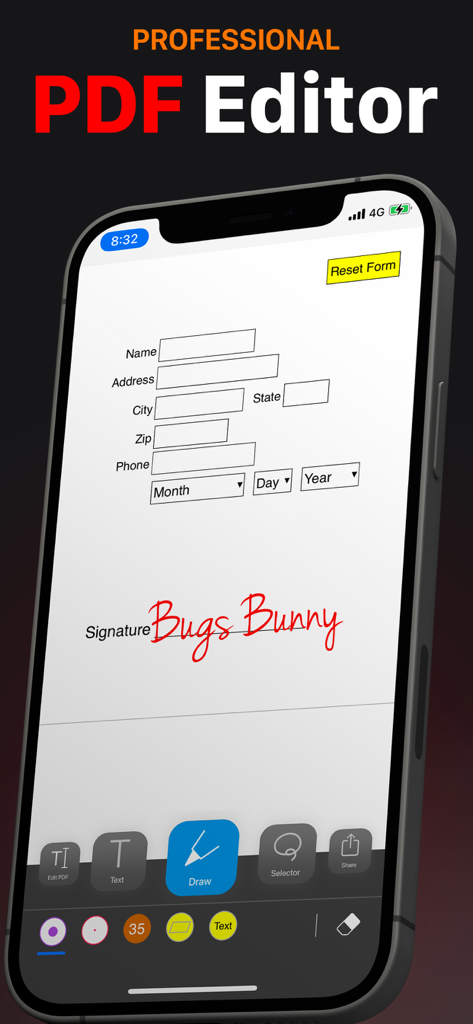
Aplicación profesional de edición de PDF en iPhone que muestra un formulario siendo firmado y completado
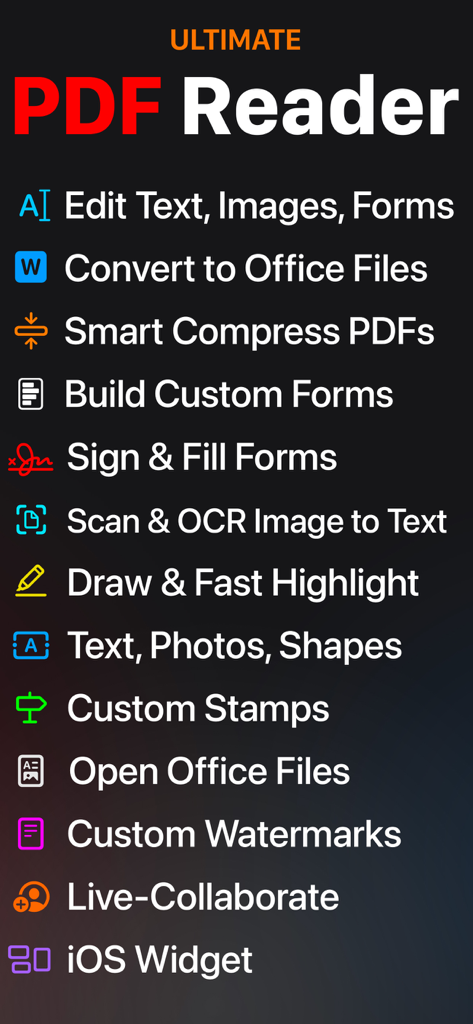
Una lista de funciones de productividad móvil para PDF Office Max, que incluye edición de texto, conversión de archivos, firma de formularios, OCR y colaboración en vivo.
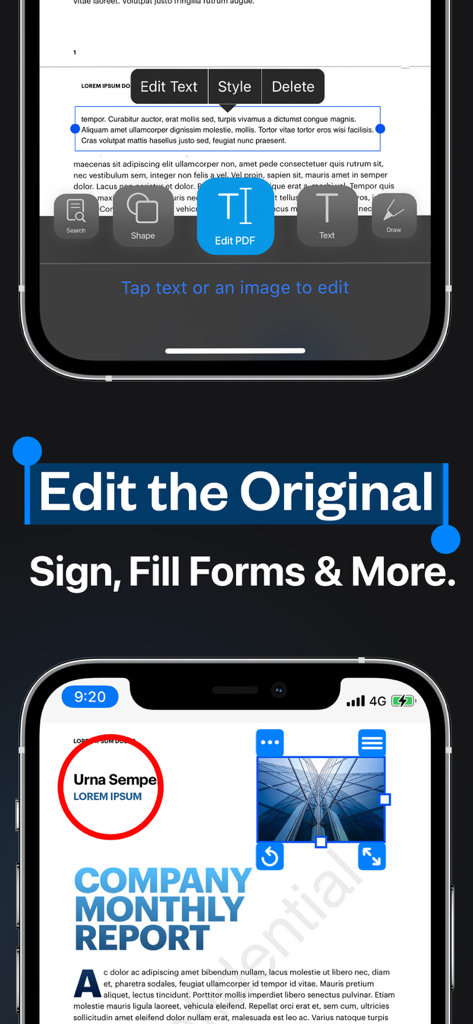
Interfaz de la aplicación de iPhone para editar texto PDF original y completar formularios
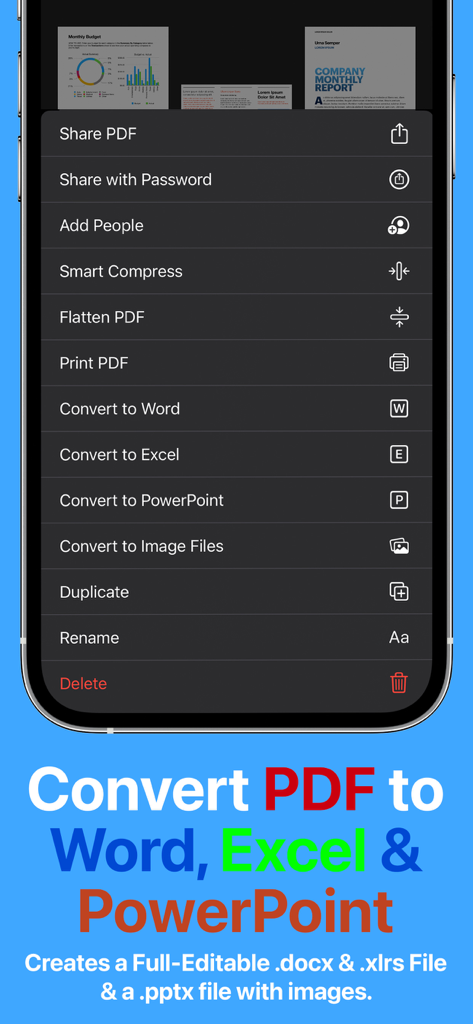
Menú de la aplicación PDF Office Max con opciones para convertir PDF a Word, Excel y PowerPoint
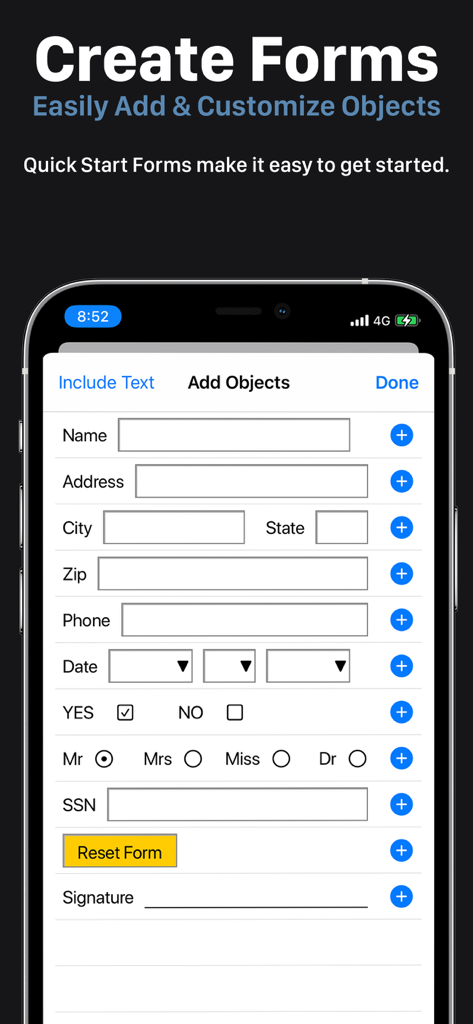
Interfaz móvil para crear y personalizar formularios PDF profesionales con campos de texto y casillas de verificación.
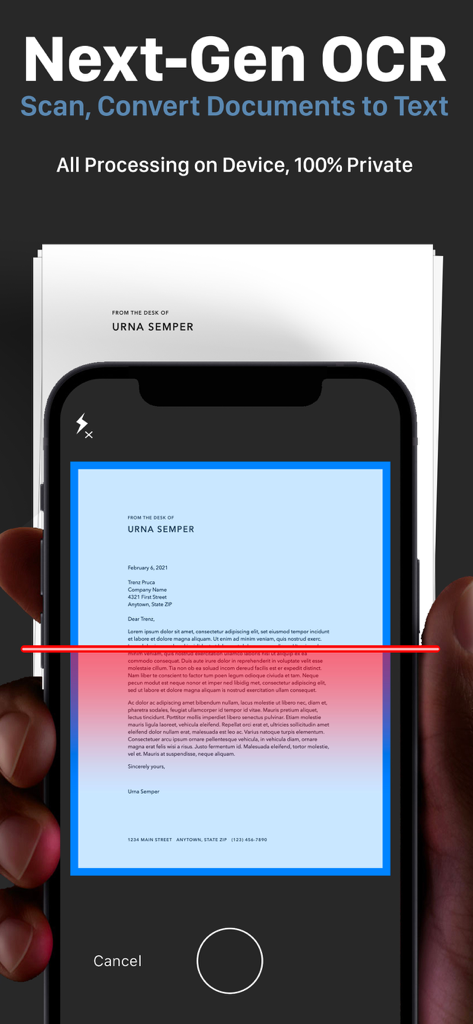
Pantalla de iPhone mostrando OCR de próxima generación escaneando un documento en papel para conversión privada de texto
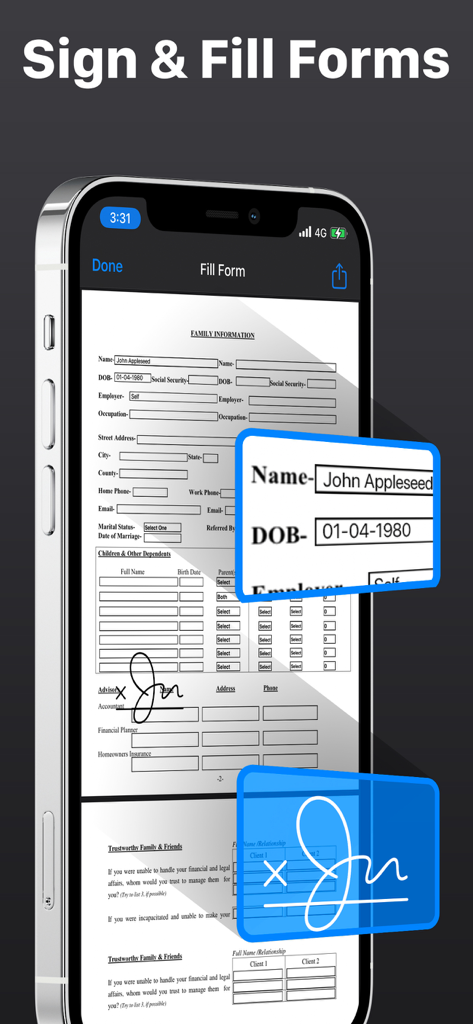
iPhone mostrando la interfaz de la aplicación PDF Office Max para firmar y completar formularios PDF digitales
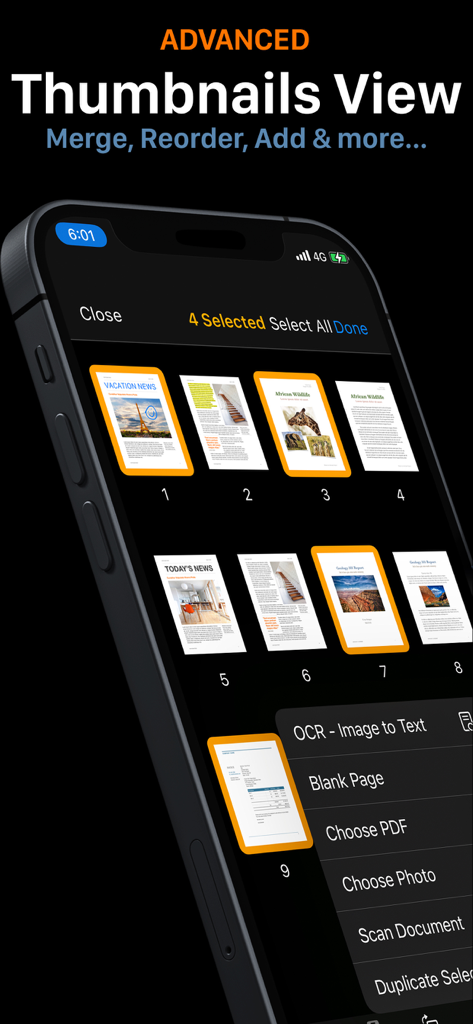
Vista avanzada de miniaturas en PDF Office Max que muestra opciones para fusionar y reordenar páginas de documentos en iPhone
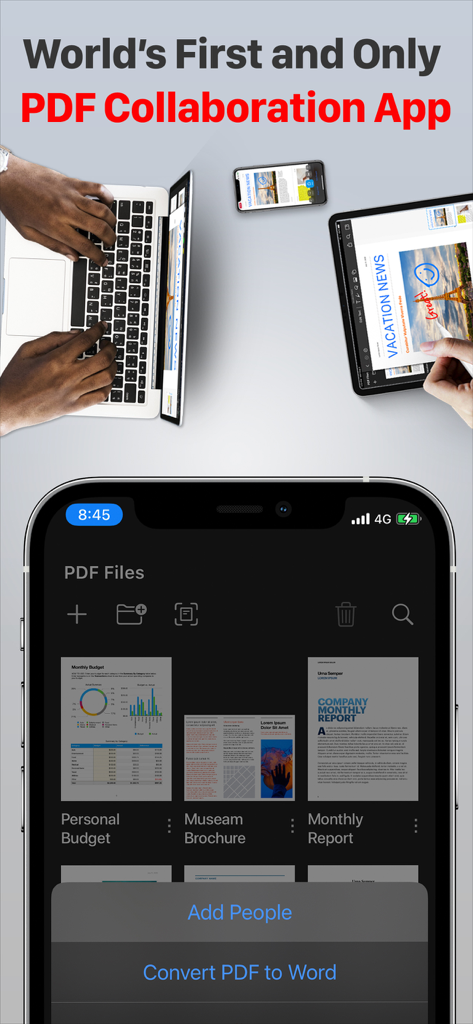
Aplicación PDF Office Max que muestra colaboración en tiempo real y sincronización multidispositivo en iPhone, iPad y portátil.
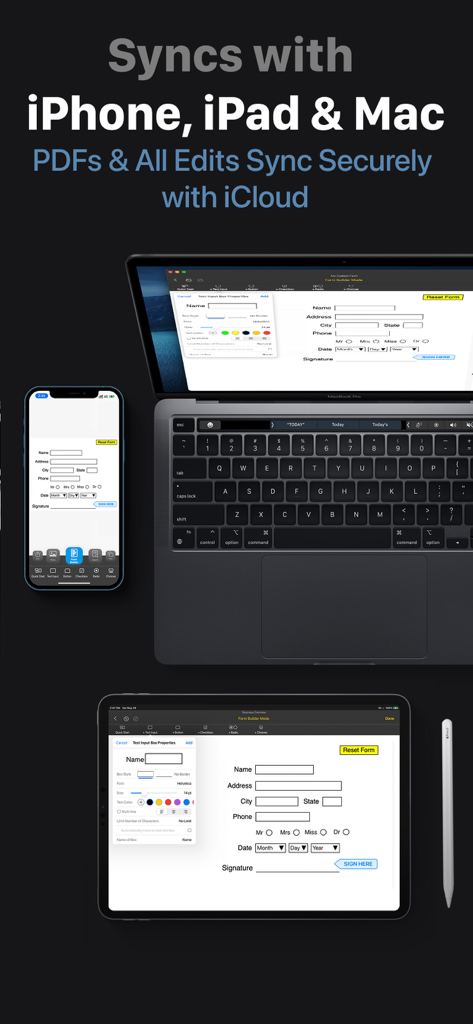
PDF Office Max sincronizando documentos entre iPhone, iPad y Mac a través de iCloud
Descripción
Download
Apps Similares
Apps con características y experiencia similares

PDF PRO Scan Image & Documents
Balzo srl

The PDF Scanner, PDF editor HQ
NEXT K.U.M. LTD

CamScanner - PDF Scanner App
INTSIG Information Co., Ltd

Adobe Scan: PDF & OCR Scanner
Adobe Inc.

WPS Office: PDF, Docs, Sheets
KINGSOFT OFFICE SOFTWARE CORPORATION LIMITED

iLovePDF - PDF Editor & Scan
ILOVEPDF S.L.

Scanner App: Genius Scan
The Grizzly Labs

Microsoft Lens: PDF Scanner
Microsoft Corporation

Clear Scan: Doc Scanner App
INDY MOBILE APP COMPANY LIMITED
Esta página no es una página oficial de la aplicación ni de su desarrollador, sino una publicación editorial independiente creada con fines informativos y de comentario. Salvo que se indique expresamente lo contrario, ni la aplicación ni su desarrollador están afiliados, respaldados, patrocinados, autorizados ni conectados oficialmente con MWM, Apple, Google Play, el editor de la aplicación ni su desarrollador, y nada en esta página implica que la aplicación haya sido desarrollada utilizando los servicios de MWM. Todas las marcas comerciales, logotipos, capturas de pantalla y demás contenidos son propiedad de sus respectivos propietarios.