
Esta página no es una página oficial de la aplicación ni de su desarrollador, sino una publicación editorial independiente creada con fines informativos y de comentario. Salvo que se indique expresamente lo contrario, ni la aplicación ni su desarrollador están afiliados, respaldados, patrocinados, autorizados ni conectados oficialmente con MWM, Apple, Google Play, el editor de la aplicación ni su desarrollador, y nada en esta página implica que la aplicación haya sido desarrollada utilizando los servicios de MWM. Todas las marcas comerciales, logotipos, capturas de pantalla y demás contenidos son propiedad de sus respectivos propietarios.


PDF Reader Auto Scroll
Una herramienta minimalista, centrada en la privacidad, diseñada para la concentración profunda. Lee libros y documentos sin esfuerzo con desplazamiento automático ajustable, bloqueo horizontal y cero distracciones o anuncios.
Descargas
400Valoración
Total valoraciones
0Editor
Categoría
UtilitiesIdiomas
1Última versión
1.2Tamaño
0.8 MBFecha de lanzamiento
14 oct 2024Domina tu Flujo de Lectura
El lector de PDF minimalista diseñado para la eficiencia sin manos, la privacidad absoluta y una experiencia sin distracciones.
Desplazamiento Adaptativo Sin Manos
Lee a tu propio ritmo con velocidades de desplazamiento automático ajustables. Perfecto para estudiar documentos técnicos, partituras o recetas sin mover un dedo.
Preciso Bloqueo Horizontal
Detén el molesto deslizamiento de lado a lado. Bloquea tu vista horizontalmente para que puedas hacer zoom para mayor claridad y desplazarte verticalmente con una alineación perfecta.
Las siguientes capturas de pantalla y la descripción provienen directamente del listado oficial de la tienda de la aplicación y son propiedad del desarrollador.
App Store
Capturas
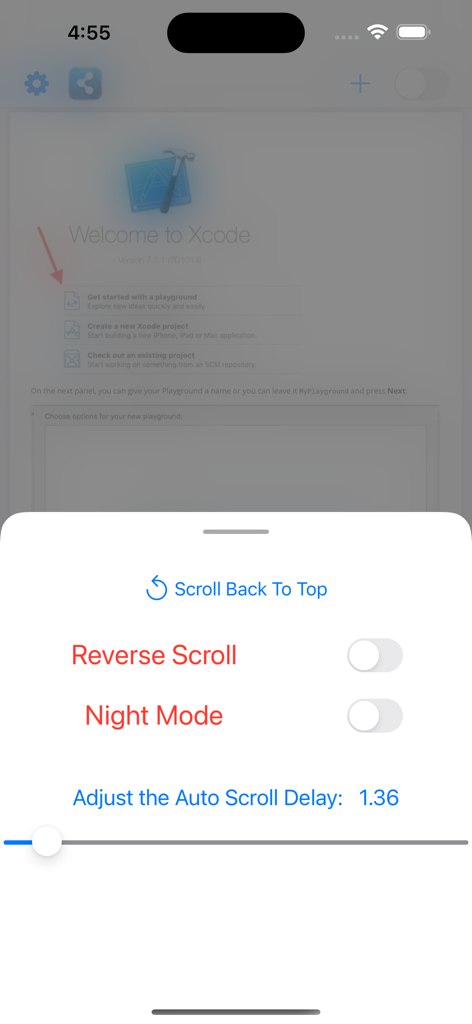
Menú de configuración en la aplicación Lector PDF Auto Scroll que muestra controles para desplazamiento inverso, modo nocturno y velocidad de retardo del desplazamiento automático.
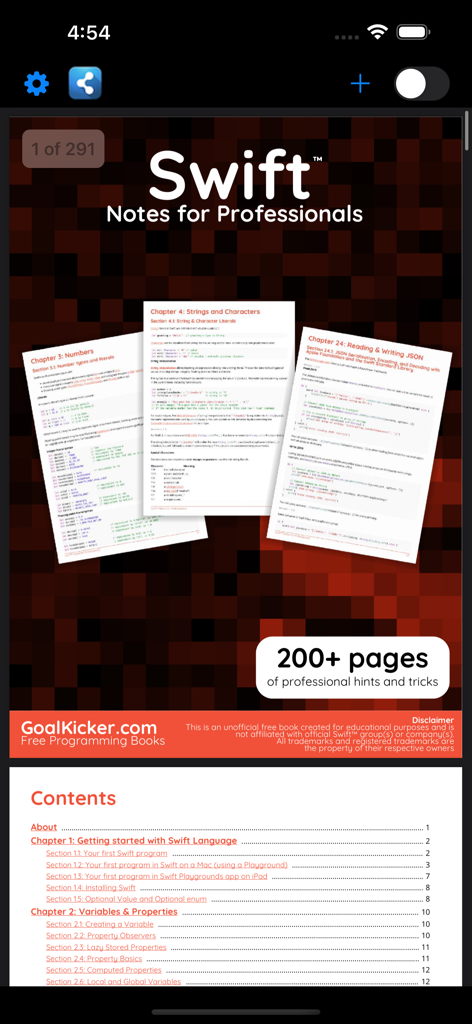
Captura de pantalla de la interfaz de la aplicación Lector PDF Auto Scroll que muestra un libro de programación Swift y su tabla de contenido
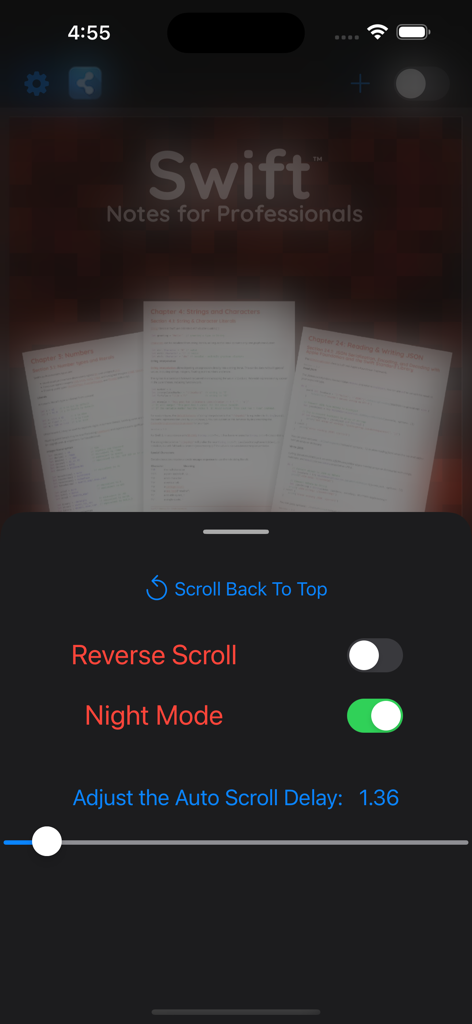
Interfaz de la aplicación de lectura de PDF que muestra la configuración de desplazamiento automático y el modo nocturno activado para leer documentos técnicos.
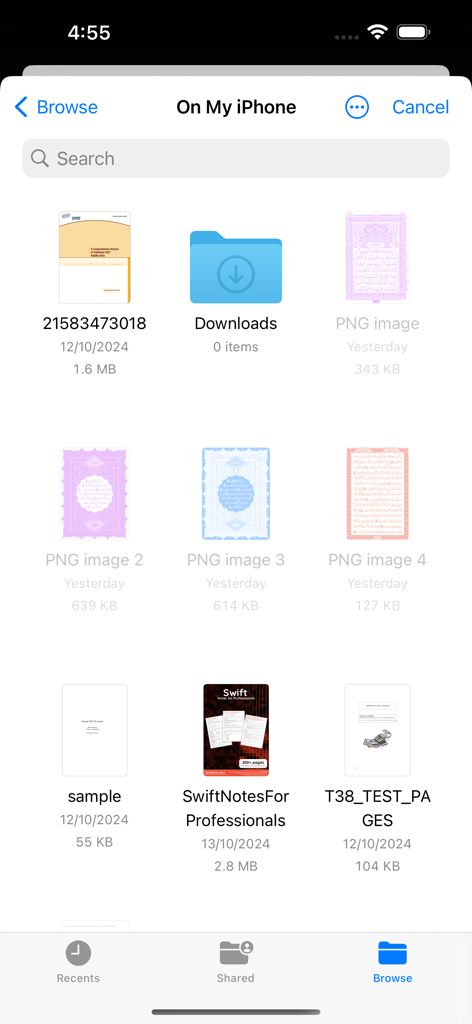
Interfaz del gestor de archivos de iOS que muestra una lista de documentos y carpetas PDF disponibles para leer.
Descripción
Download
Apps Similares
Apps mejor clasificadas en la misma categoría

Google LLC

Google Chrome
Google LLC

中国移动(手机营业厅)
China Mobile Online Services Co., Ltd.

Google Authenticator
Google LLC

CNH do Brasil
Servicos e Informacoes do Brasil

Cleanup: Phone Storage Cleaner
DEEP FLOW SOFTWARE SERVICES - FZCO

gov.br
Servicos e Informacoes do Brasil

中国电信-全国统一官方服务平台
CHINA TELECOM Corporation Ltd.

Microsoft Edge: AI Browser
Microsoft Corporation
Esta página no es una página oficial de la aplicación ni de su desarrollador, sino una publicación editorial independiente creada con fines informativos y de comentario. Salvo que se indique expresamente lo contrario, ni la aplicación ni su desarrollador están afiliados, respaldados, patrocinados, autorizados ni conectados oficialmente con MWM, Apple, Google Play, el editor de la aplicación ni su desarrollador, y nada en esta página implica que la aplicación haya sido desarrollada utilizando los servicios de MWM. Todas las marcas comerciales, logotipos, capturas de pantalla y demás contenidos son propiedad de sus respectivos propietarios.