
Esta página no es una página oficial de la aplicación ni de su desarrollador, sino una publicación editorial independiente creada con fines informativos y de comentario. Salvo que se indique expresamente lo contrario, ni la aplicación ni su desarrollador están afiliados, respaldados, patrocinados, autorizados ni conectados oficialmente con MWM, Apple, Google Play, el editor de la aplicación ni su desarrollador, y nada en esta página implica que la aplicación haya sido desarrollada utilizando los servicios de MWM. Todas las marcas comerciales, logotipos, capturas de pantalla y demás contenidos son propiedad de sus respectivos propietarios.

PDF Scanner App- Scan Document
Transforme su iPhone en un escáner HD profesional. Capture contratos, convierta fotos a texto con OCR y sincronice tarjetas de visita directamente a Salesforce o sus contactos en segundos.
Descargas
1K+Valoración
Total valoraciones
0Editor
Categoría
BusinessIdiomas
8Última versión
1.3Tamaño
6.8 MBFecha de lanzamiento
5 ene 2022Eficiencia en Cada Escaneo
Convierta su iPhone en un escáner móvil de alta definición. Desde tarjetas de visita hasta contratos de varias páginas, digitalice su flujo de trabajo con OCR impulsado por IA e integración CRM sin interrupciones.
Lector Inteligente de Tarjetas de Visita
Convierta instantáneamente tarjetas físicas en contactos digitales y sincronice clientes potenciales directamente a Salesforce o su agenda de direcciones local.
Escaneo por Lotes Ultrarrápido
Capture documentos de varias páginas, recibos o notas de clase en calidad HD con tecnología avanzada antivibración para obtener resultados profesionales.
Las siguientes capturas de pantalla y la descripción provienen directamente del listado oficial de la tienda de la aplicación y son propiedad del desarrollador.
App Store
Capturas
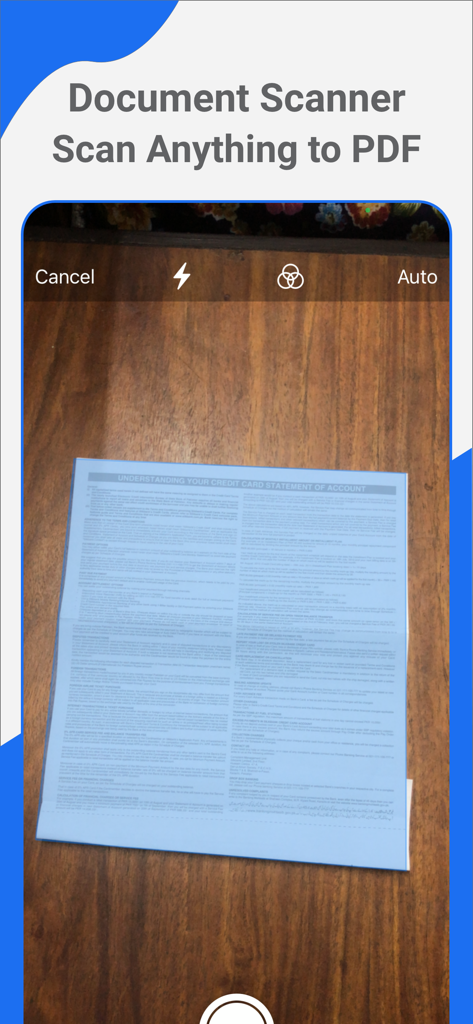
Interfaz de la aplicación móvil mostrando la cámara escaneando un documento sobre una superficie de madera para convertirlo a PDF
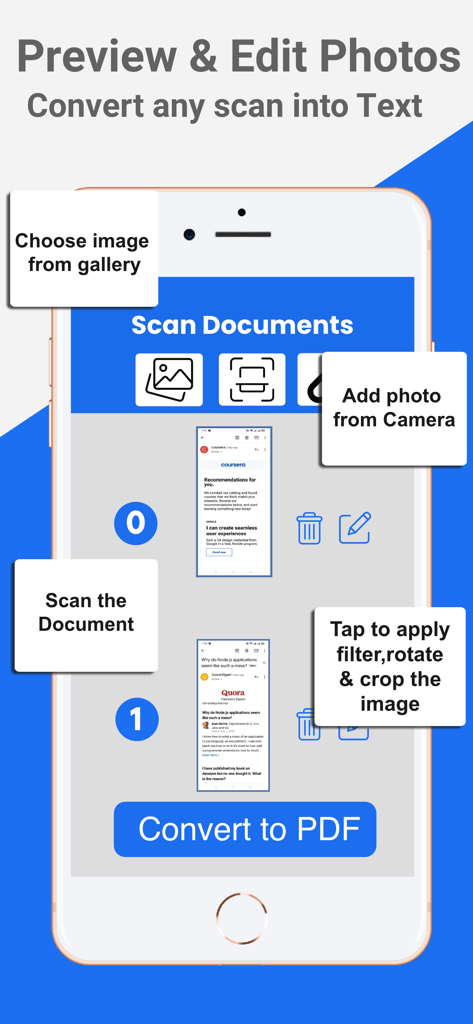
Un iPhone mostrando la interfaz de la App Escáner PDF para editar documentos y convertir escaneos a texto o PDF.
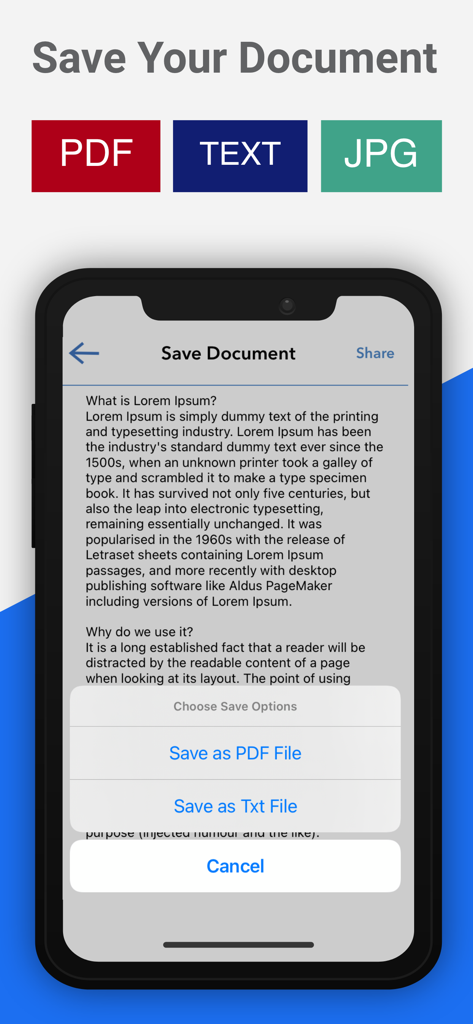
Interfaz de la aplicación móvil mostrando opciones para guardar un documento escaneado en formatos PDF, Texto o JPG.
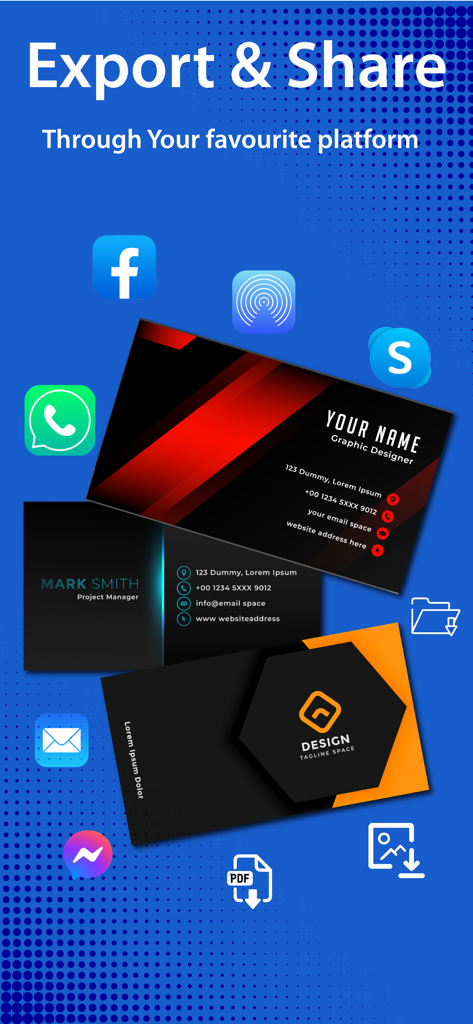
Interfaz de la App Escáner PDF mostrando opciones para exportar y compartir tarjetas de visita escaneadas a varias plataformas como WhatsApp, Facebook y correo electrónico.
Descripción
Download
Apps Similares
Apps con características y experiencia similares

PDF PRO Scan Image & Documents
Balzo srl

The PDF Scanner, PDF editor HQ
NEXT K.U.M. LTD

CamScanner - PDF Scanner App
INTSIG Information Co., Ltd

Adobe Scan: PDF & OCR Scanner
Adobe Inc.

WPS Office: PDF, Docs, Sheets
KINGSOFT OFFICE SOFTWARE CORPORATION LIMITED

iLovePDF - PDF Editor & Scan
ILOVEPDF S.L.

Scanner App: Genius Scan
The Grizzly Labs

Microsoft Lens: PDF Scanner
Microsoft Corporation

Clear Scan: Doc Scanner App
INDY MOBILE APP COMPANY LIMITED
Esta página no es una página oficial de la aplicación ni de su desarrollador, sino una publicación editorial independiente creada con fines informativos y de comentario. Salvo que se indique expresamente lo contrario, ni la aplicación ni su desarrollador están afiliados, respaldados, patrocinados, autorizados ni conectados oficialmente con MWM, Apple, Google Play, el editor de la aplicación ni su desarrollador, y nada en esta página implica que la aplicación haya sido desarrollada utilizando los servicios de MWM. Todas las marcas comerciales, logotipos, capturas de pantalla y demás contenidos son propiedad de sus respectivos propietarios.