
Esta página no es una página oficial de la aplicación ni de su desarrollador, sino una publicación editorial independiente creada con fines informativos y de comentario. Salvo que se indique expresamente lo contrario, ni la aplicación ni su desarrollador están afiliados, respaldados, patrocinados, autorizados ni conectados oficialmente con MWM, Apple, Google Play, el editor de la aplicación ni su desarrollador, y nada en esta página implica que la aplicación haya sido desarrollada utilizando los servicios de MWM. Todas las marcas comerciales, logotipos, capturas de pantalla y demás contenidos son propiedad de sus respectivos propietarios.


Pixen - pixel art editor
Crea sprites de 8 bits con precisión y animaciones fluidas con la herramienta nativa más potente para desarrolladores de juegos independientes y artistas digitales.
Descargas
43K+Valoración
Total valoraciones
300Editor
Categoría
Graphics & DesignIdiomas
1Última versión
3.0.2Tamaño
6.6 MBFecha de lanzamiento
11 oct 2016Pixel art de nivel profesional, perfeccionado para iPad
Desde sprites de juegos retro hasta bucles lo-fi modernos, Pixen ofrece las herramientas precisas y los flujos de trabajo de animación necesarios para dar vida a tus visiones de 8 bits.
Precisión con Apple Pencil
Domina cada píxel con el modo 'Pixel Perfect' y soporte completo para el puntero de Apple Pencil Pro para un control perfecto píxel a píxel.
Estudio de animación fluida
Da vida a tus personajes con la intuitiva vista de tira de película y exporta tu trabajo como GIFs, vídeos o hojas de sprites.
Las siguientes capturas de pantalla y la descripción provienen directamente del listado oficial de la tienda de la aplicación y son propiedad del desarrollador.
App Store
Capturas
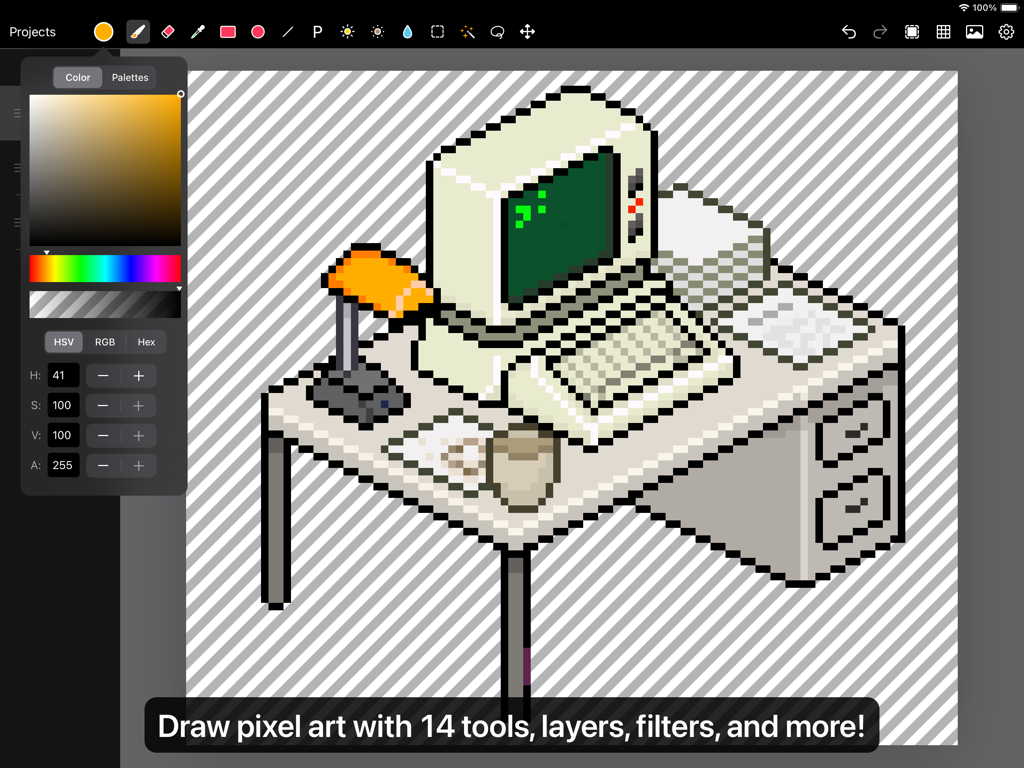
Interfaz del editor de pixel art Pixen en iPad mostrando el dibujo de un ordenador retro sobre un escritorio
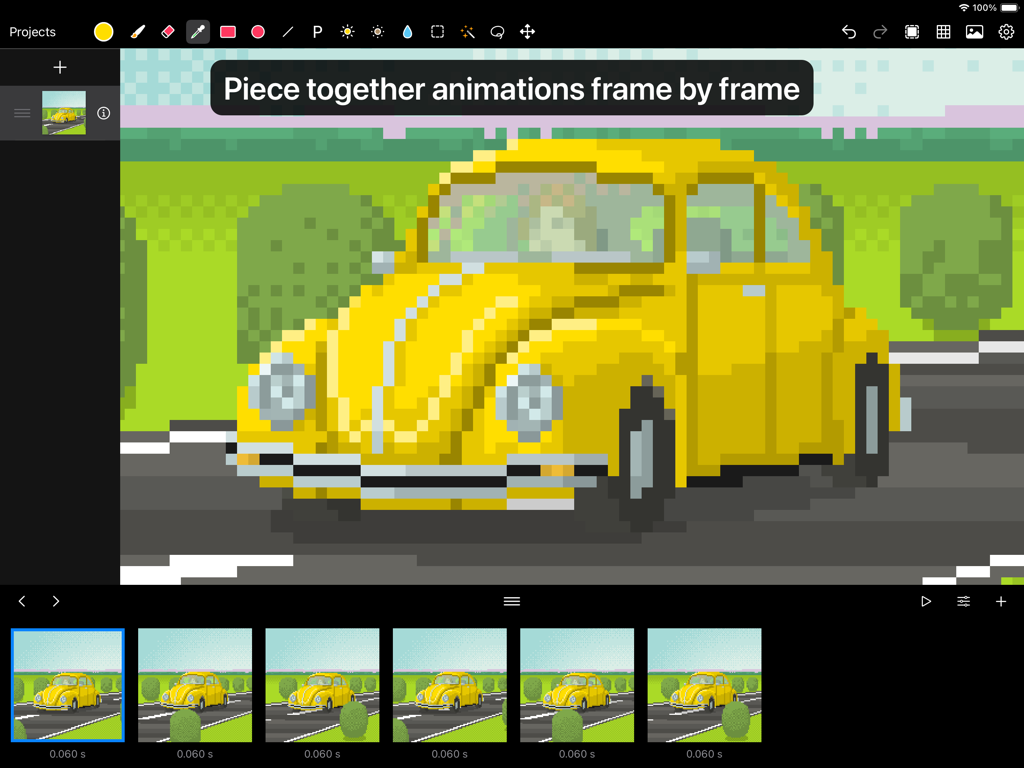
Interfaz de la aplicación Pixen mostrando una animación de pixel art fotograma a fotograma de un coche amarillo
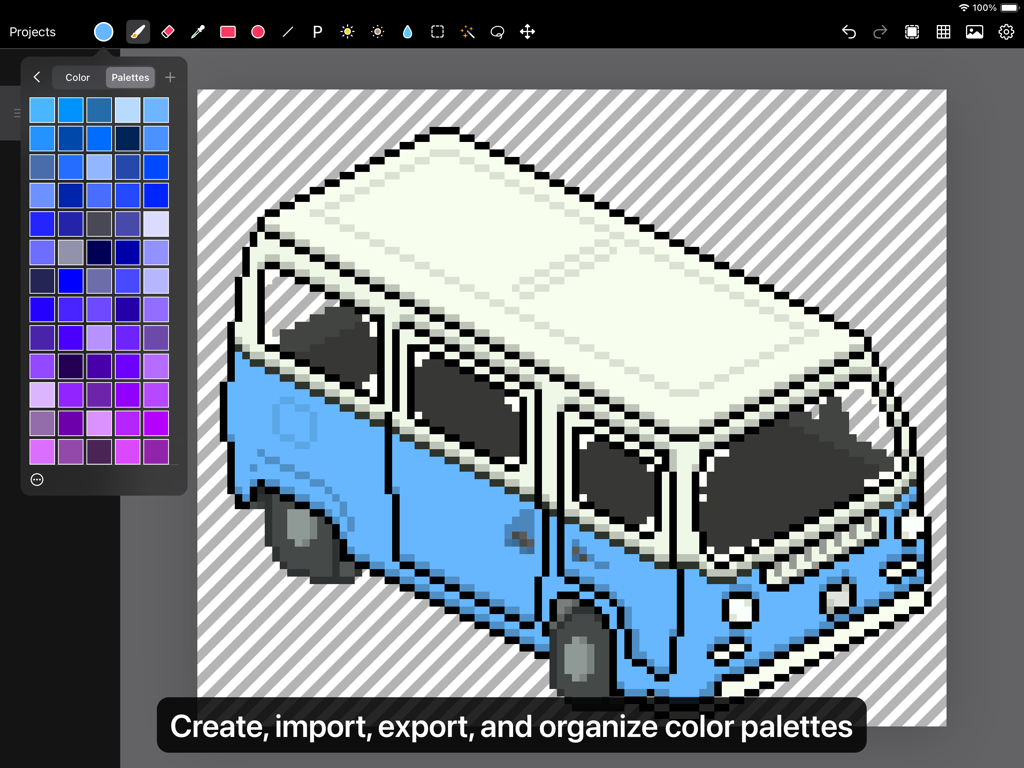
Dibujo isométrico en pixel art de una furgoneta azul y blanca en un iPad con el panel de paleta de colores de Pixen abierto.
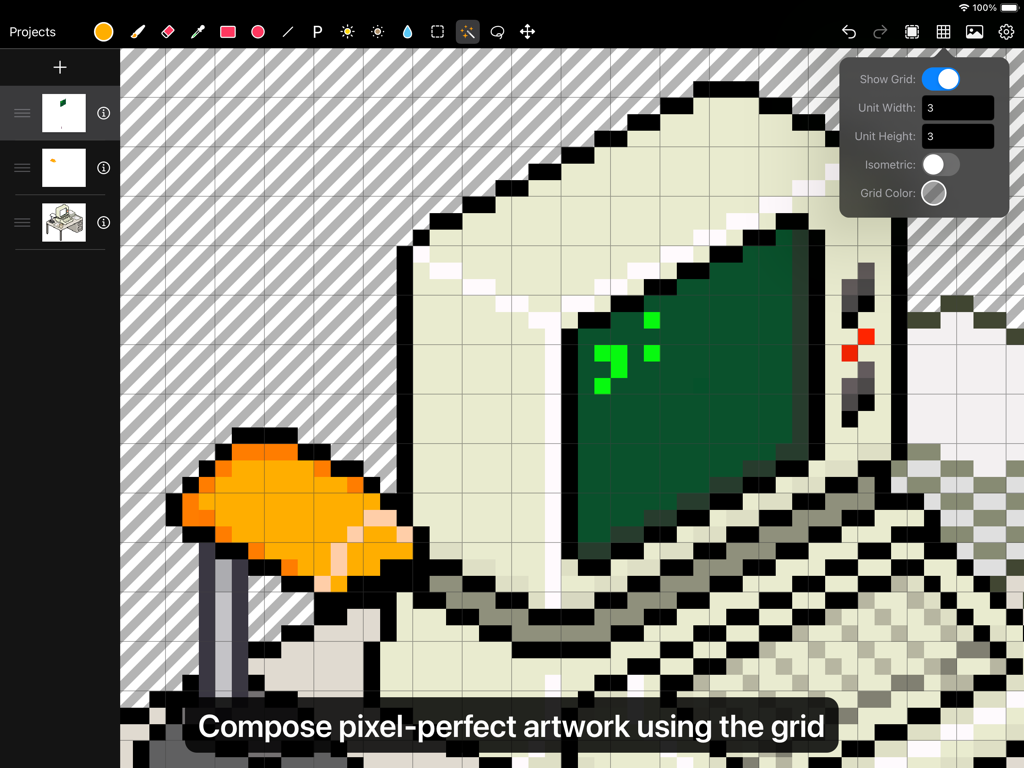
Interfaz de usuario de la aplicación Pixen mostrando un ordenador en pixel art siendo editado con una cuadrícula superpuesta
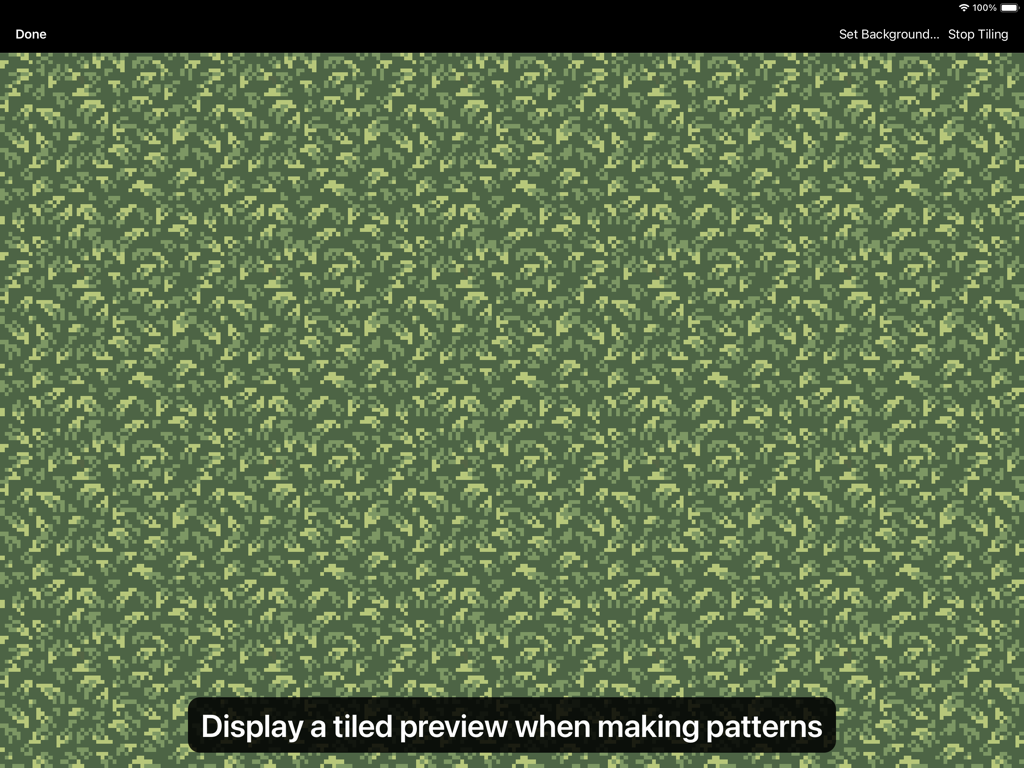
Vista previa en mosaico de un patrón de pixel art de follaje verde en la interfaz de la aplicación Pixen
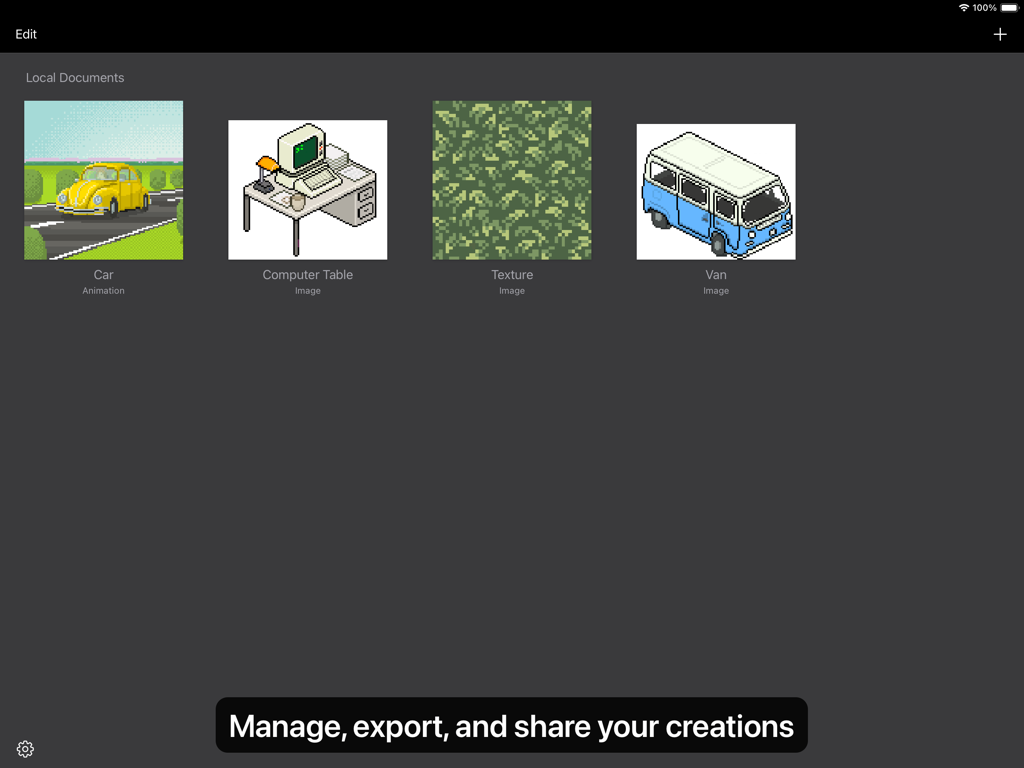
Vista de galería en la aplicación Pixen mostrando varias creaciones de pixel art como un coche, una mesa de ordenador y una textura.
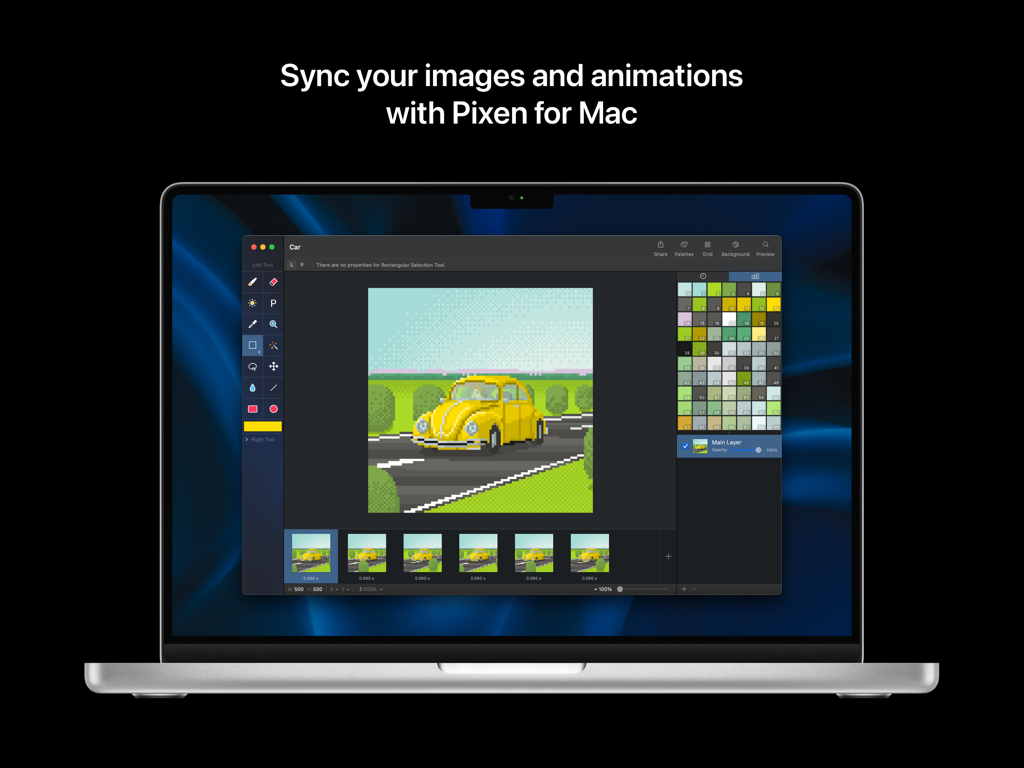
Interfaz del editor de pixel art Pixen en un portátil Mac mostrando la animación de un coche y paletas de colores
Descripción
Download
Apps Similares
Apps mejor clasificadas en la misma categoría

Kling AI: AI Image&Video Maker
LOHAS GAMES PTE. LTD.

iScreen - Widgets & Wallpaper
Xiamen ShenZhuo Information Technology Co., Ltd.

Dreamina AI: Image&Video Maker
BYTEDANCE PTE. LTD.

Home AI - AI Interior Design
HUBX YAZILIM HIZMETLERI ANONIM SIRKETI

ibis Paint X
ibis inc.

ThemeKit: Widget & Icon Themes
Woohoo Tech. Ltd.

Sketchbook®
Sketchbook, Inc.

Colorful Widget- Widget&Themes
Guangzhou ZHIFENG Information Technology Co.,Ltd.

ReRoom AI: Interior Design
GM UniverseApps Limited
Esta página no es una página oficial de la aplicación ni de su desarrollador, sino una publicación editorial independiente creada con fines informativos y de comentario. Salvo que se indique expresamente lo contrario, ni la aplicación ni su desarrollador están afiliados, respaldados, patrocinados, autorizados ni conectados oficialmente con MWM, Apple, Google Play, el editor de la aplicación ni su desarrollador, y nada en esta página implica que la aplicación haya sido desarrollada utilizando los servicios de MWM. Todas las marcas comerciales, logotipos, capturas de pantalla y demás contenidos son propiedad de sus respectivos propietarios.