ReadEra – El Lector Definitivo Todo en Uno para Cada Libro y Documento
Experimenta total libertad de lectura sin anuncios, sin suscripciones y sin registro. Gestiona cualquier formato, anota tu biblioteca y convierte cualquier texto en audiolibro al instante con Texto a Voz de alta calidad.
Editor
READERA EOOD
Categoría
Books
Descargas
1M+
Valoración
4.0/5
Total valoraciones
800
Idiomas
69
Lectura Pura, Sin Distracciones
Descubre la interfaz utilizada por 1M+ usuarios.
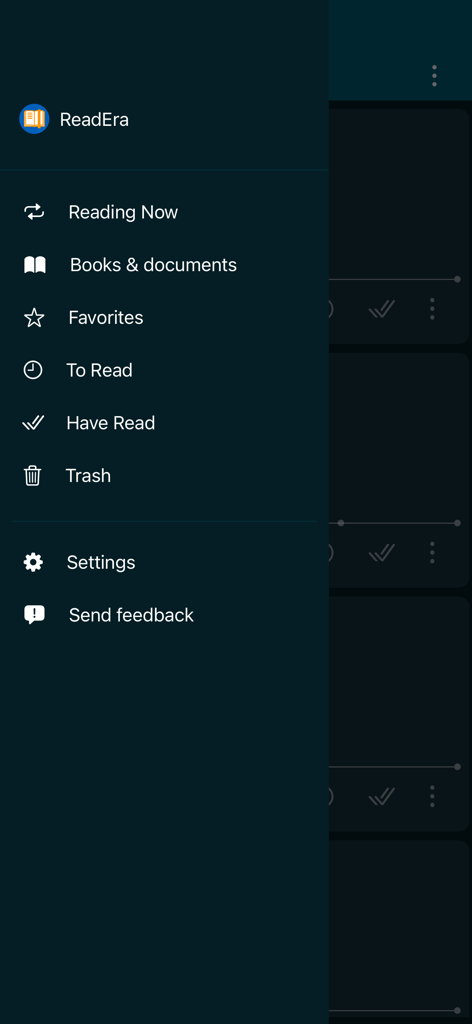
Menú de navegación lateral de ReadEra con listas de biblioteca y libros
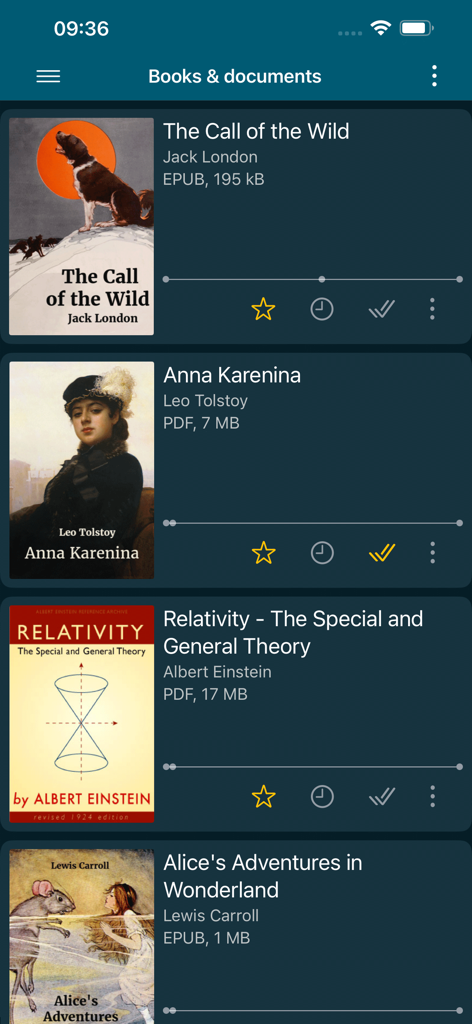
Interfaz de la biblioteca de la app ReadEra mostrando libros digitales y formatos de archivo
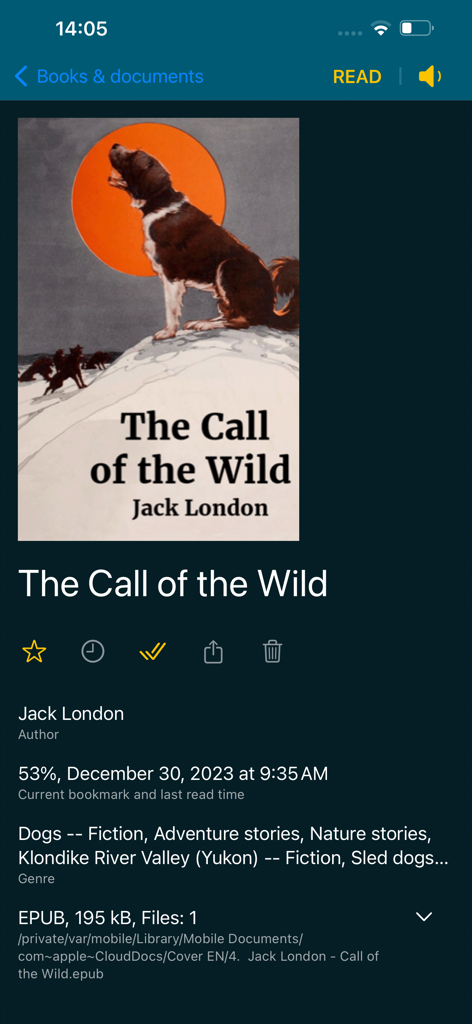
Interfaz de la app ReadEra que muestra información detallada y progreso de lectura de un libro EPUB
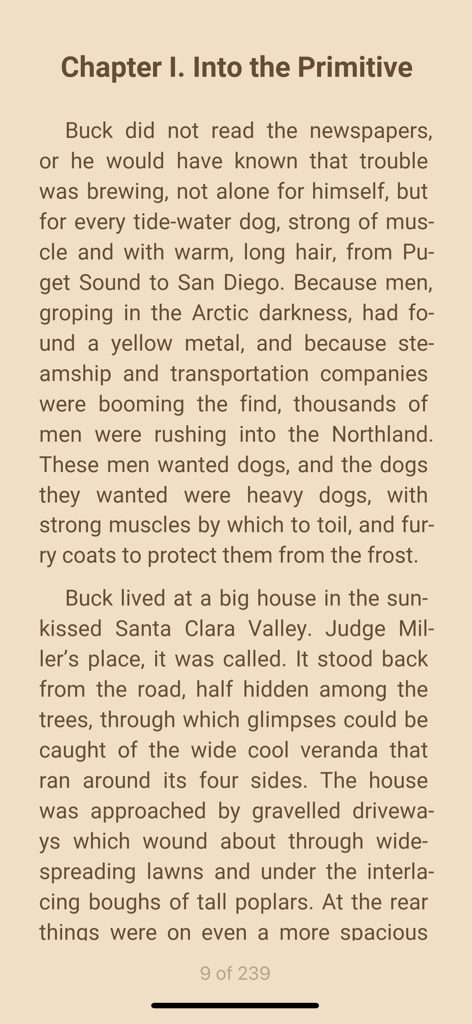
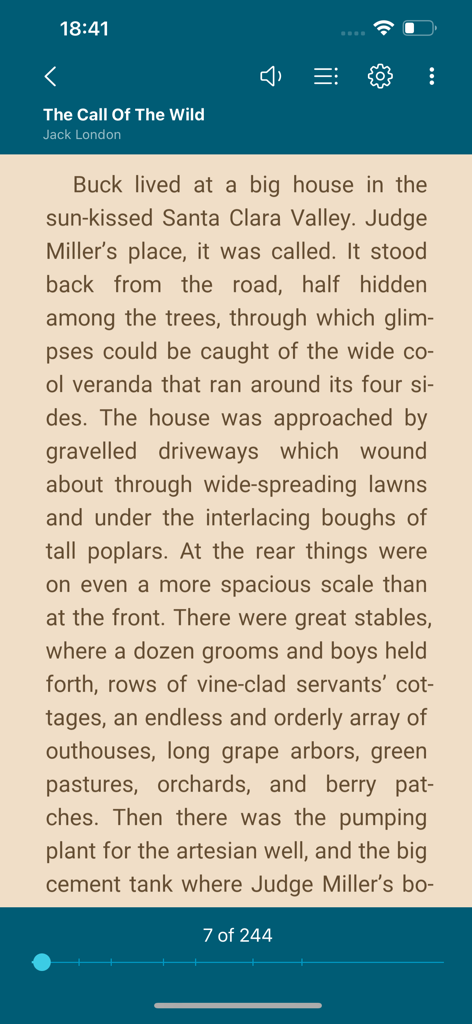
Pantalla de lectura de ebooks en la app ReadEra con tema sepia
Interfaz del lector de ebooks ReadEra mostrando una página de "The Call of the Wild" con controles de lectura.
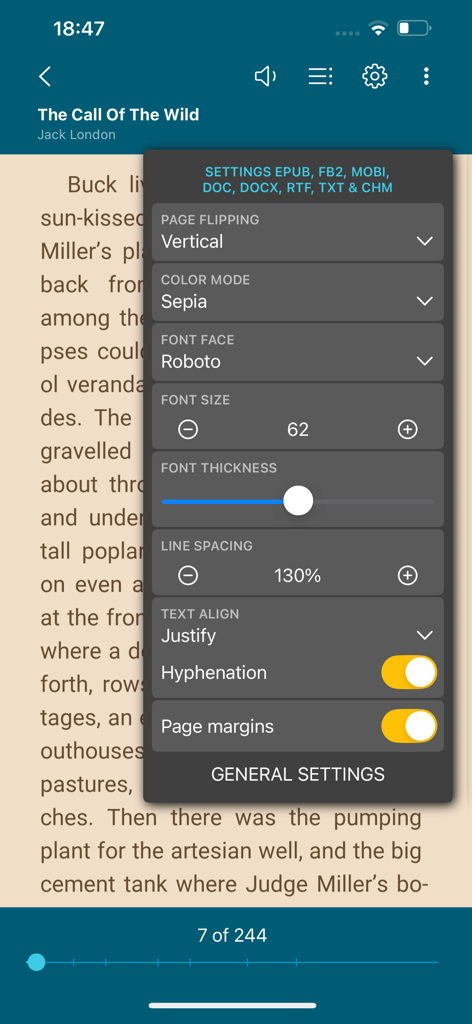
App ReadEra mostrando el menú de personalización de lectura con opciones de tamaño de fuente y modo de color
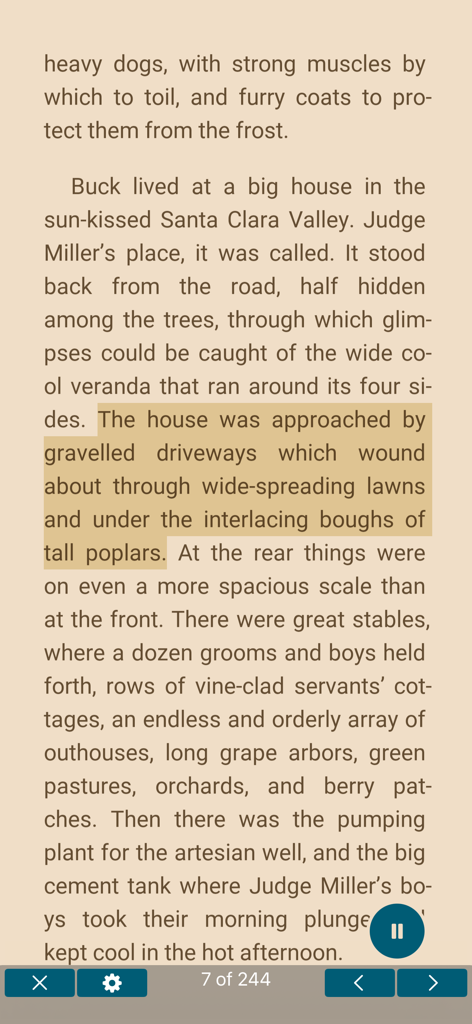
Interfaz de ReadEra mostrando una página de libro con texto resaltado y la función de texto a voz activa.
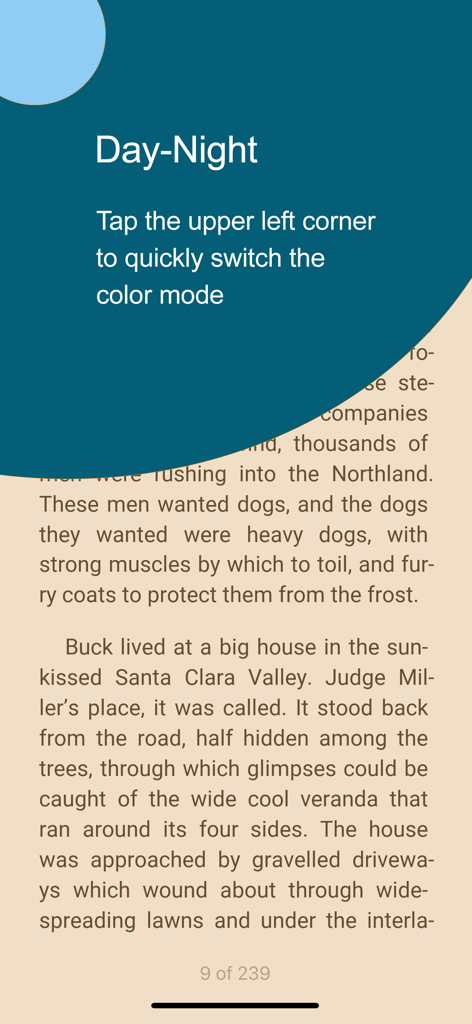
Cambio entre modos de color día y noche en el lector de libros ReadEra
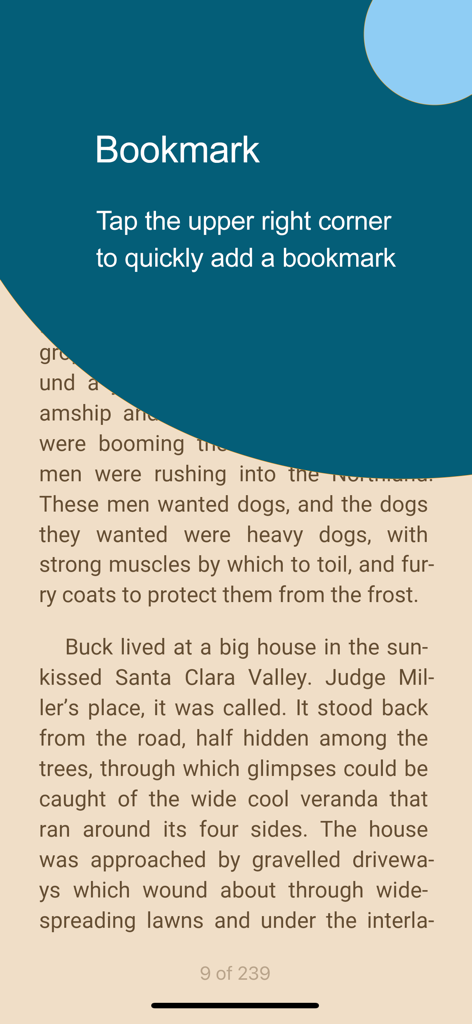
Captura de pantalla de la app ReadEra que muestra instrucciones para tocar la esquina superior derecha para agregar un marcador en un ebook
Tu Biblioteca Universal, Redefinida
Las herramientas que hacen destacar esta app, elegida por 1M+ usuarios.
📚
Una App, Todos los Formatos
Deja de cambiar de app. Abre PDFs, EPUBs, documentos de Word y formatos Kindle en una única e potente interfaz diseñada para la eficiencia profesional y académica.
🎧
Convierte Documentos en Audio
Maximiza tu tiempo con Texto a Voz avanzado. Escucha libros de texto o trabajos de investigación mientras viajas, haces ejercicio o antes de dormir con voces ajustables.
🛡️
Privacidad y Libertad Primero
Sin anuncios, sin registros y sin suscripciones. Lee completamente sin conexión con una herramienta que respeta tus datos y te da control total sobre tu biblioteca digital.
Sobre la app
Todo lo que necesitas saber sobre ReadEra – book reader pdf epub.
Descripción
ReadEra - a book reader, allows you to read books for free, text to voice and listen to books for free, offline, in the PDF, EPUB, DOC, DOCX, RTF, MOBI, AZW3, CBZ, CBR, DJVU, FB2, TXT, ODT and CHM formats.
No ads
Read books and listen to books without ads. The ReadEra app for reading books and viewing PDF documents neither contains ads nor imposes internal purchases.
No registration
We’ve made a fast, reliable reader that doesn't compel users to use any specific services. The book reader works offline and is entirely free. Read books for free and listen to books for free (TTS), without limits!
Text to Speech (TTS)
Read text aloud with voice (TTS) – allows you to read text aloud and listen to all your books, PDF files and documents for free. With the Text to Speech (TTS) function, all your books and documents turn into audiobooks at the tap of the "Read aloud" button. TTS turns your book library into a personal audio library, making reading more flexible and enjoyable. This is especially useful for those who prefer the audio format or want to listen to books in situations where reading is impossible.
You can read foreign books and at the same time listen to the pronunciation of words and sentences. You can choose a voice, adjust the speech speed, turn on repeating text to voice of the selected text, word or sentence.
Listen to books and documents with ReadEra while doing your things – on the go, working out, before bed and even when sleeping.
Read books of all formats
ReadEra is a set of reading apps in one app, which reads well multiple types of formats: book Epub, Kindle (MOBI, AZW3), Fb2; business PDF, Djvu; office Microsoft Word (DOC, DOCX, RTF), ODT; text TXT and others. Reading books, viewing Microsoft Word documents and PDF files from zip archives.
The reader for books, ReadEra, reads all popular formats of books, journals, articles and other documents in one app.
Best book manager for your library
Auto-detection of books and documents. Grouping books into lists: To Read, Have Read, Favorites. Sorting by name, file format, the last time read, etc. Quickly search for books, PDF files and documents in your library.
Navigation through a book
Quick access to reading settings, table of contents, your bookmarks, quotes, notes and other eBook options. Navigate through the book using the page index or the progress bar line.
Convenient reading settings
Auto-saving the current reading page. Comfortable color themes when reading books: day, night, sepia, console. Horizontal or vertical page flipping mode. Brightness and page margins adjustment, including PDF and DjVu. Separate settings for text and graphic formats. Adjustable type font, size, boldness, line spacing and hyphenation for Microsoft Word, Epub, Kindle (Mobi, Azw3), Fb2, TXT and ODT. Zoom in option for reading PDF and Djvu files.
Quotes and Notes
Create quotes and add notes to text. Highlight text in books, PDF files and documents, add personal notes to the highlighted text. A well-thought-out and simple algorithm for working with quotes and notes. All your quotes and notes in a book are conveniently gathered in one place—in the “About Document” section.
Bookmarks
Add bookmarks to save your favorite spots in books with a single tap. Just tap the upper-right corner while reading to quickly add a bookmark. All bookmarks for the book are conveniently gathered in one place—in the "About Document" section.
Text Translation
ReadEra supports integration with the iOS system “Translate” app for seamless text translation. Instantly translate text in books, PDFs, and documents using the built-in translator on your device.
Read books and Listen to books easily and for free with ReadEra!
Última versión
1.1.3
Tamaño
61.6 MB
Fecha de lanzamiento
5 ene 2024
Tu Biblioteca. Tus Reglas. Sin Suscripciones.
Únete a más de un millón de lectores que valoran la privacidad y la libertad. Experimenta un lector premium sin anuncios que soporta todos los formatos, desde PDFs profesionales hasta tus EPUBs favoritos, completamente sin conexión y sin necesidad de registro.
FAQ
Preguntas Frecuentes
Todo lo que necesitas saber sobre ReadEra – book reader pdf epub
¿La aplicación ReadEra es gratuita para descargar y usar?
Sí, la aplicación ReadEra es completamente gratuita. Proporciona funcionalidades de lectura y escucha sin anuncios ni compras internas.
¿ReadEra incluye la función de texto a voz (TTS) para audiolibros?
Sí, ReadEra incluye una función de texto a voz (TTS). Lee el texto en voz alta desde libros y documentos, convirtiéndolos efectivamente en audiolibros para una escucha flexible.
¿Qué formatos de documentos y libros admite ReadEra?
ReadEra admite una amplia gama de formatos, incluyendo PDF, EPUB, DOC, DOCX, RTF, MOBI, AZW3, CBZ, CBR, DJVU, FB2, TXT, ODT y CHM.
¿Puedo personalizar la configuración de visualización de lectura en ReadEra?
Sí, ReadEra ofrece una configuración de lectura completa. Los usuarios pueden ajustar temas de color, pase de página, brillo, márgenes, tipo de fuente, tamaño, negrita, espaciado entre líneas y guiones.
¿Cómo gestiono mi colección de libros dentro de ReadEra?
ReadEra detecta automáticamente libros y documentos. Los organiza en listas de "Por leer", "Leído" y "Favoritos", con opciones de clasificación y búsqueda rápida.
¿ReadEra permite resaltar texto y añadir notas?
Sí, ReadEra admite la creación de citas, el resaltado de texto y la adición de notas personales a cualquier sección resaltada. Todas estas anotaciones se recopilan en la sección "Sobre el documento".
¿Cómo añado un marcador en la aplicación ReadEra?
Para añadir un marcador en ReadEra, toca la esquina superior derecha de la pantalla mientras lees. Todos los marcadores de un libro específico se encuentran convenientemente en su sección "Sobre el documento".
¿Puede ReadEra traducir texto directamente de un libro?
Sí, ReadEra se integra con la aplicación "Traducir" del sistema iOS. Esto permite a los usuarios traducir sin problemas texto dentro de libros, PDF y otros documentos utilizando el traductor integrado de su dispositivo.
App information, icons, screenshots, and descriptions displayed on this page are sourced from the Apple App Store and are the property of their respective developers. Download estimates and rankings are based on MWM's proprietary models and may not reflect actual figures. This page is provided for informational and analytical purposes only.
Believe this page infringes your intellectual property? File a dispute