Screen mirroring - Miracast ·

Screen mirroring - Miracast ·

Descargar en App Store
Logo de Screen mirroring - Miracast ·

Screen mirroring - Miracast ·: Tu iPhone, amplificado en la pantalla grande.

Transmite sin esfuerzo videos, fotos y aplicaciones a cualquier Smart TV. Transforma tu televisor en un lienzo interactivo para el trabajo, la enseñanza y los recuerdos familiares, sin necesidad de hardware adicional.

Editor

Tektrify, Inc

Categoría

Entertainment

Descargas

609K+

Valoración

4.4/5

Total valoraciones

5K+

Idiomas

1

Visión sin límites

Descubre la interfaz utilizada por 609K+ usuarios.
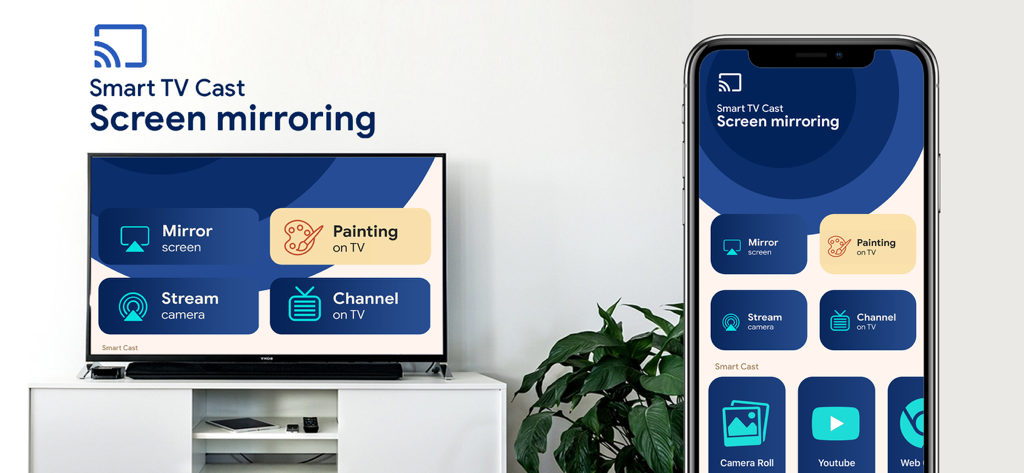
Un iPhone y un Smart TV mostrando la interfaz de la aplicación de duplicación de pantalla con opciones para duplicar pantalla y pintar en la TV.

Un iPhone y un Smart TV mostrando la interfaz de la aplicación de duplicación de pantalla con opciones para duplicar pantalla y pintar en la TV.

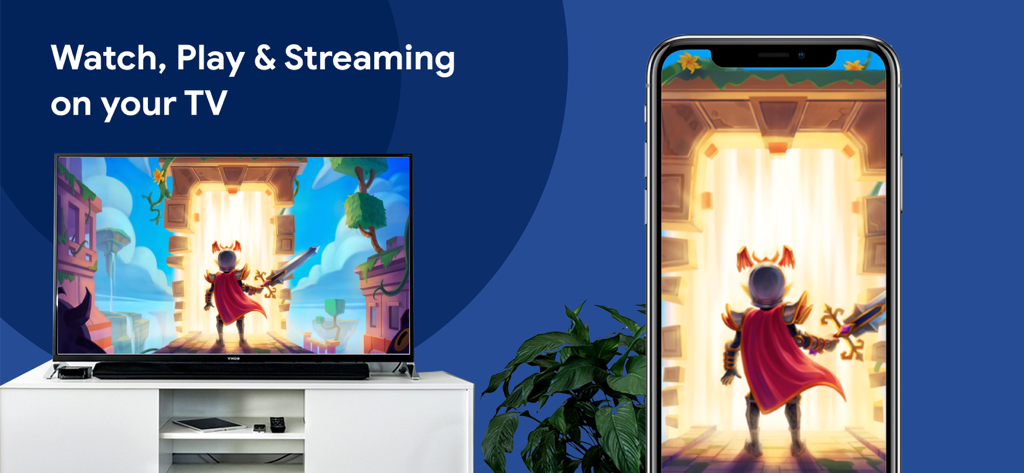
Un iPhone duplicando un videojuego de fantasía en un televisor de pantalla grande.

Un iPhone duplicando un videojuego de fantasía en un televisor de pantalla grande.

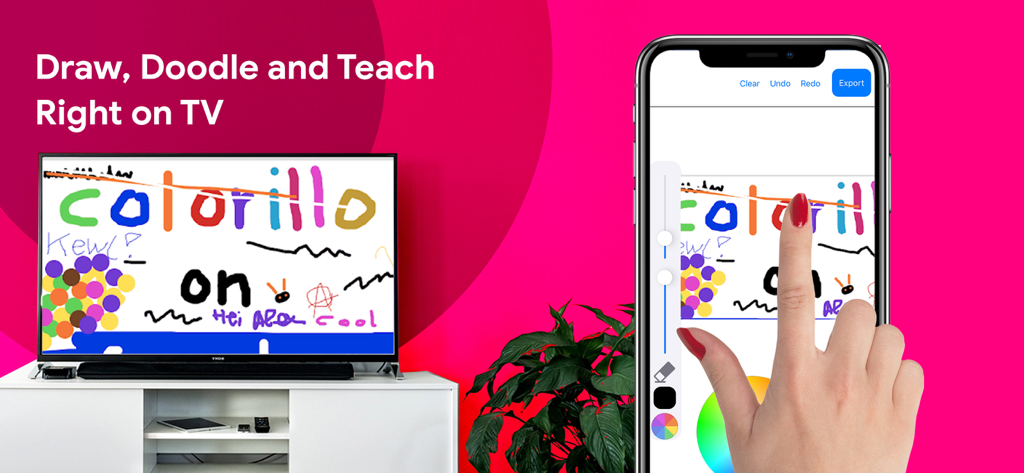
Una mano dibujando en la pantalla de un iPhone con el contenido duplicándose en vivo en un gran Smart TV.

Una mano dibujando en la pantalla de un iPhone con el contenido duplicándose en vivo en un gran Smart TV.

Experimenta todo en la pantalla grande

Las herramientas que hacen destacar esta app, elegida por 609K+ usuarios.

📺

Duplicación Universal sin Interrupciones

Transmite la pantalla de tu iPhone o iPad a cualquier Smart TV al instante. No se requiere hardware costoso de Apple TV ni cables desordenados.

🎨

Pizarra Digital Interactiva

Dibuja, garabatea y enseña directamente en la pantalla grande. Perfecto para la educación en casa, tutorías remotas o lluvias de ideas creativas.

📸

Transmisión Social y Profesional

Desde presentar diapositivas de negocios hasta compartir TikToks y fotos familiares, dale vida a tu contenido favorito en alta definición.

Análisis de reseñas

Información de las reseñas de usuarios.

Puntuación de sentimiento

21%
Negativo

Resumen

Users express strong dissatisfaction with the app, primarily reporting that it 'doesn't work' or fails to connect to various devices like Roku, Marriott TVs, Samsung TVs, and Sony Bravia. Many reviews accuse the app of being a 'scam,' citing instances where it demands payment or subscription details before allowing any trial or functionality, and then still failing to perform as advertised. Frequent disconnections and a lack of essential features like slideshow options further contribute to a poor user experience. While a few users found it 'excellent' or 'amazing,' these positive comments are rare and overshadowed by widespread complaints about its core functionality and business model.

Temas comunes

App Functionality(30)
Payment & Subscription(16)
Overall Positive Experience(10)
Intrusive Ads/UX(6)
Device Compatibility(5)
Stability & Performance(4)

Sobre la app

Todo lo que necesitas saber sobre Screen mirroring - Miracast ·.

Descripción

Miracast - Screen mirroring app will help mirror your device screen to your Smart TV. You can watch, play, streaming, draw, doodle and teach right on your big screen TV. We build-in all the smart cast features in this app #Features: - Cast your phone screen to TV screen. - Stream your Camera Live. This is Fun! - Channel on your TV. - Making presentation in a business meeting - Cast photos & videos to your TV - Stream your favorite apps on your big TV - Web video caster - Draw, Doodle and Teach Right on your TV. You can zoom in /out to draw full page. or change brush size, opacity & color. How to use this App? 1. Your device and TV must connect to the same network. 2. Click connect button on the app (top left) and choose your TV. 3. Select app features & enjoy your phone screen on the big screen PREMIUM SUBSCRIPTIONS √ Unlimited Screen mirroring HD √ Access all smart cast features * Choose from subscription option: - a monthly subscription start with a 3-day free trial - a yearly subscription start with a 3-day free trial – Payment will be charged to iTunes Account at confirmation of purchase. – Subscription automatically renews unless auto-renew is turned off at least 24-hours before the end of the current period. – Account will be charged for renewal within 24-hours prior to the end of the current period, and identify the cost of the renewal. – Subscriptions may be managed by the user and auto-renewal may be turned off by going to the user’s Account Settings after purchase. – Any unused portion of a free trial period, if offered, will be forfeited when the user purchases a subscription to that publication, where applicable. * Privacy Policy & Terms of Use: http://www.tektrify.com/privacypolicy/ Thanks you for choosing our product!

Última versión

1.2

Tamaño

122.3 MB

Fecha de lanzamiento

10 abr 2020

¿Listo para ver la imagen grande?

Únete a más de 600,000 usuarios que han abandonado los cables. Conecta tu iPhone a cualquier Smart TV hoy mismo y empieza a compartir tus videos, presentaciones y recuerdos en impresionantes HD.

Descargar en App Store

App information, icons, screenshots, and descriptions displayed on this page are sourced from the Apple App Store and are the property of their respective developers. Download estimates and rankings are based on MWM's proprietary models and may not reflect actual figures. This page is provided for informational and analytical purposes only.

Believe this page infringes your intellectual property? File a dispute