Screen Mirroring & TV Miracast

Screen Mirroring & TV Miracast

Descargar en App Store
Logo de Screen Mirroring & TV Miracast

Screen Mirroring & TV Miracast: La pantalla de tu iPhone en la pantalla grande, al instante

Di adiós a los cables desordenados y al hardware costoso. Duplica la pantalla de tus fotos, videos y presentaciones en cualquier Smart TV sin demoras y con total facilidad.

Editor

Mai Dang

Categoría

Utilities

Descargas

474K+

Valoración

4.1/5

Total valoraciones

5K+

Idiomas

3

Experimenta la pantalla grande

Descubre la interfaz utilizada por 474K+ usuarios.
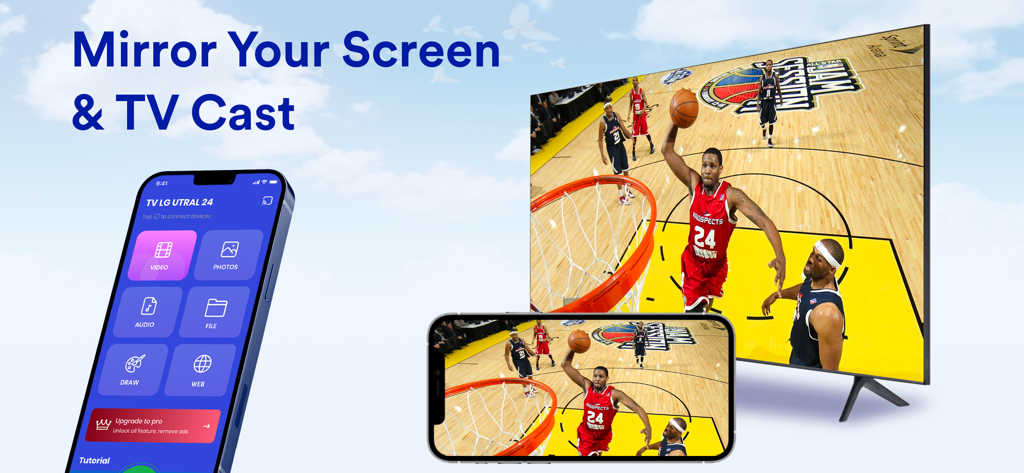
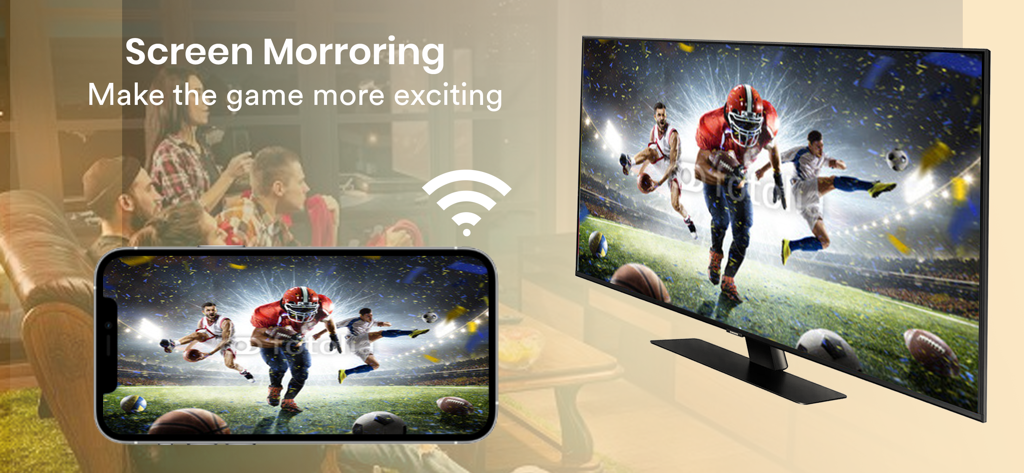
Un iPhone duplicando un juego de baloncesto en un gran Smart TV usando la aplicación

Un iPhone duplicando un juego de baloncesto en un gran Smart TV usando la aplicación

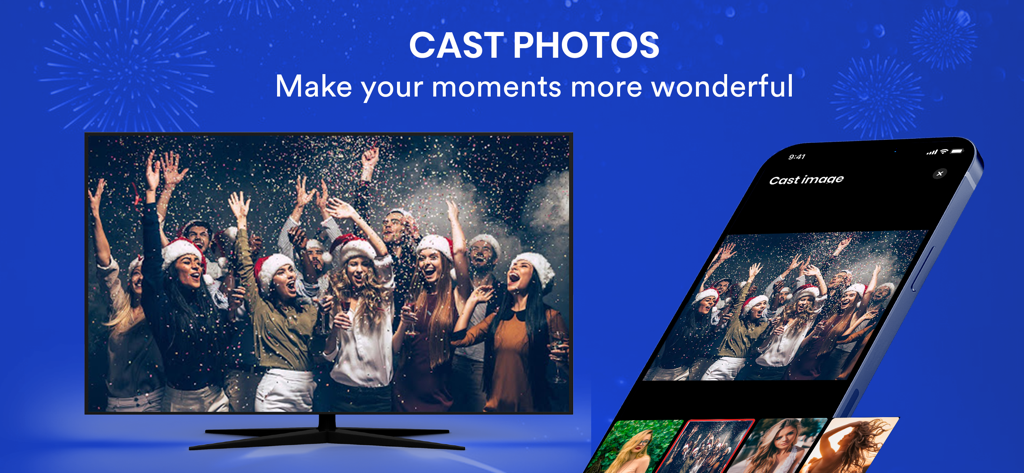
Un smartphone usando una aplicación de duplicación de pantalla para transmitir una foto de una fiesta navideña a un gran televisor inteligente

Un smartphone usando una aplicación de duplicación de pantalla para transmitir una foto de una fiesta navideña a un gran televisor inteligente

Duplicación de pantalla de iPhone de un partido de fútbol en vivo a un Smart TV de forma inalámbrica

Duplicación de pantalla de iPhone de un partido de fútbol en vivo a un Smart TV de forma inalámbrica

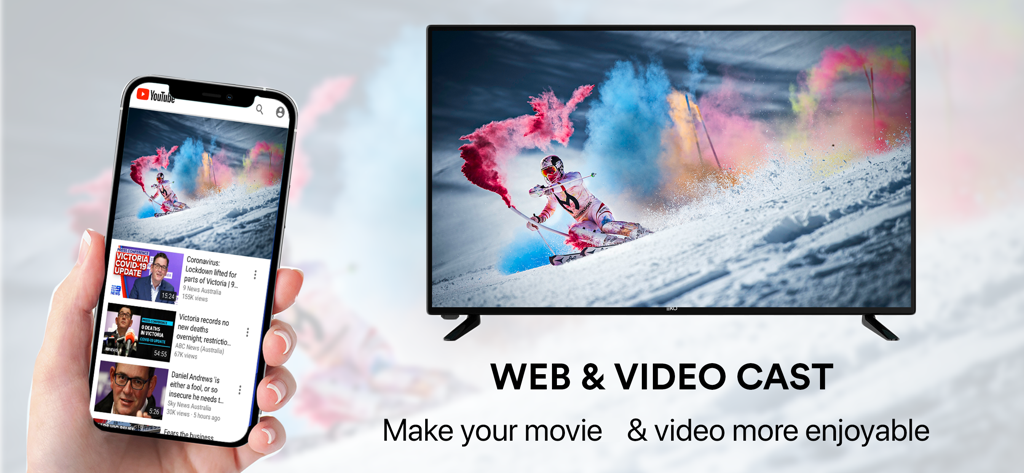
Duplicación de pantalla de iPhone de un video web en un gran Smart TV

Duplicación de pantalla de iPhone de un video web en un gran Smart TV

Libera todo el potencial de tu pantalla

Las herramientas que hacen destacar esta app, elegida por 474K+ usuarios.

Duplicación de pantalla sin demoras

Experimenta una respuesta en tiempo real. Duplica toda tu pantalla con una latencia ultrabaja, perfecta para juegos móviles, demostraciones de aplicaciones y navegación en redes sociales en la pantalla grande.

📺

Soporte universal para Smart TV

¿No tienes hardware de Apple TV? No hay problema. Conéctate al instante a televisores Samsung, LG, Roku y otros Smart TV sin necesidad de dongles costosos o adaptadores HDMI.

📸

Transmisión de medios de alta definición

Transforma tu sala de estar en un cine. Transmite fotos en 4K, videos personales y contenido web directamente desde tu dispositivo a tu TV para una experiencia familiar compartida.

Análisis de reseñas

Información de las reseñas de usuarios.

Puntuación de sentimiento

10%
Negativo

Resumen

This app receives overwhelmingly negative feedback from users, primarily criticized for its aggressive payment model where essential features are locked behind mandatory subscriptions, rendering the free version largely useless and riddled with ads. Many users report severe issues with the app's core functionality, specifically its inability to connect to various televisions or successfully mirror screens, even after paying for premium services. Users frequently express frustration with deceptive business practices, such as unexpected charges and a lack of clear instructions, leading many to describe the app as a 'scam' or 'trash.' While a few users provided positive ratings, detailed positive experiences are scarce.

Temas comunes

Core Functionality Not Working(19)
Payment Required(18)
Screen Mirroring/Connection Issues(7)
Deceptive Business Practices(6)
Poor User Interface/Guidance(6)
Excessive Ads(5)
Positive Experience(4)

Sobre la app

Todo lo que necesitas saber sobre Screen Mirroring & TV Miracast.

Descripción

#1 SCREEN MIRROR TO SMART TV. No wires and no additional hardware needed. No need to install any app on TVs. Screen Mirroring - Cast to TV will assist you to scan and mirror your iPhone or tab's screen on smart TV/Display (mira cast enabled) or Wireless dongles or adapters. Following features are available: - Cast photos, videos, music, web from your iPhone & iPad to TVs. - Mirror your iPhone screen without any delay. - Draw & slideshows from your iPhone to TVs. - Support multi smart TVs: Roku, Samsung, LG,... *** Premium subscription: - A monthly subscription for 8.99$ USD. - A yearly subscription for 30.99$ USD (with 3-day free trial). *** The price corresponds to the same price segment, which are set in the "Apple's App Store Matrix" for other currencies. - Your free trial subscription will automatically renew to a paid subscription unless auto-renew is turned off at least 24 hours before the end of the free trial period. Please note: any unused portion of a free trial period (if offered) will be forfeited when you purchase a premium subscription during the free trial period. - You can cancel a free trial or subscription anytime by turning off auto-renewal through your iTunes account settings. This must be done 24 hours before the end of a free trial or subscription period to avoid being charged. The cancellation will take effect the day after the last day of the current subscription period, and you will be downgraded to the free service. For more information, please visit: https://support.apple.com/HT202039 Privacy policy : http://n2gu.info/privacy-policy/ Terms of Service: http://n2gu.info/terms-of-service/ If you have any feedback that you think may improve the app, please send email to n2gu.contact@gmail.com

Última versión

3.1.0

Tamaño

35.5 MB

Fecha de lanzamiento

10 ago 2020

Tu iPhone, ahora en la pantalla grande.

Di adiós a los cables desordenados y a los adaptadores costosos. Únete a más de 474.000 usuarios y empieza a duplicar tus fotos, videos y aplicaciones en cualquier Smart TV al instante y sin demoras.

Descargar en App Store

App information, icons, screenshots, and descriptions displayed on this page are sourced from the Apple App Store and are the property of their respective developers. Download estimates and rankings are based on MWM's proprietary models and may not reflect actual figures. This page is provided for informational and analytical purposes only.

Believe this page infringes your intellectual property? File a dispute