
Esta página no es una página oficial de la aplicación ni de su desarrollador, sino una publicación editorial independiente creada con fines informativos y de comentario. Salvo que se indique expresamente lo contrario, ni la aplicación ni su desarrollador están afiliados, respaldados, patrocinados, autorizados ni conectados oficialmente con MWM, Apple, Google Play, el editor de la aplicación ni su desarrollador, y nada en esta página implica que la aplicación haya sido desarrollada utilizando los servicios de MWM. Todas las marcas comerciales, logotipos, capturas de pantalla y demás contenidos son propiedad de sus respectivos propietarios.

Shoot Pro Webcam & Telestrator
Olvídate de tu webcam granulada y obtén vídeo de alta definición a prueba de fallos. Domina tu toma con controles manuales completos e ilustra ideas en tiempo real con el telestrador integrado.
Descargas
66K+Valoración
Total valoraciones
800Editor
Categoría
Photo & VideoIdiomas
6Última versión
3.13.3Tamaño
25.3 MBFecha de lanzamiento
18 feb 2015Mejora tu Stream con Control Profesional
Transforma tu iPhone en una webcam de alta definición a prueba de fallos con la precisión de una DSLR y la potencia de una pizarra interactiva en vivo.
Autoridad Total de la Cámara Manual
Elimina la búsqueda del enfoque automático y la exposición inconsistente. Toma el control total de la ISO, la velocidad de obturación y el balance de blancos para asegurar tonos de piel e iluminación profesionales.
Telestrador y Anotaciones en Vivo
Atrae a tu audiencia dibujando directamente sobre tu feed de vídeo. Usa voz a texto para etiquetas instantáneas o pausa el stream en vivo para ilustrar puntos complejos.
Las siguientes capturas de pantalla y la descripción provienen directamente del listado oficial de la tienda de la aplicación y son propiedad del desarrollador.
App Store
Capturas
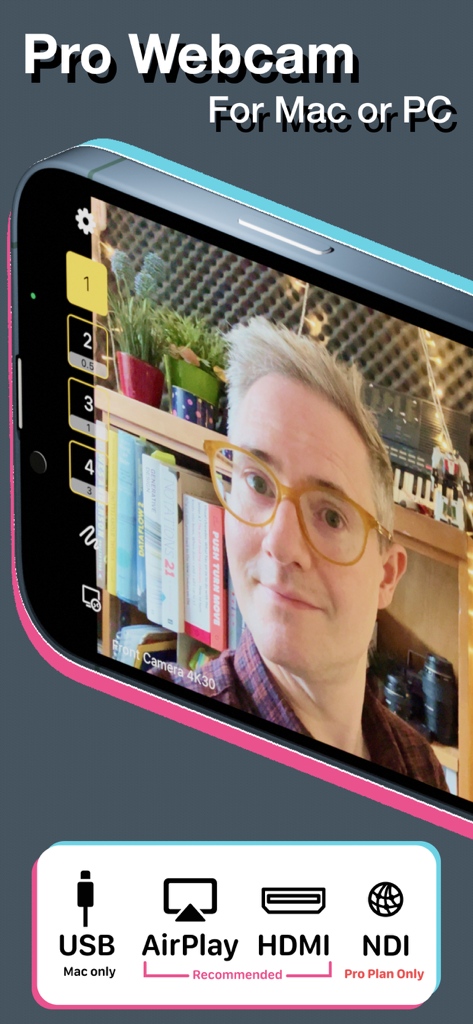
Interfaz de la aplicación Shoot Pro Webcam mostrando un feed de vídeo de alta calidad y opciones de conexión para USB, AirPlay, HDMI y NDI.
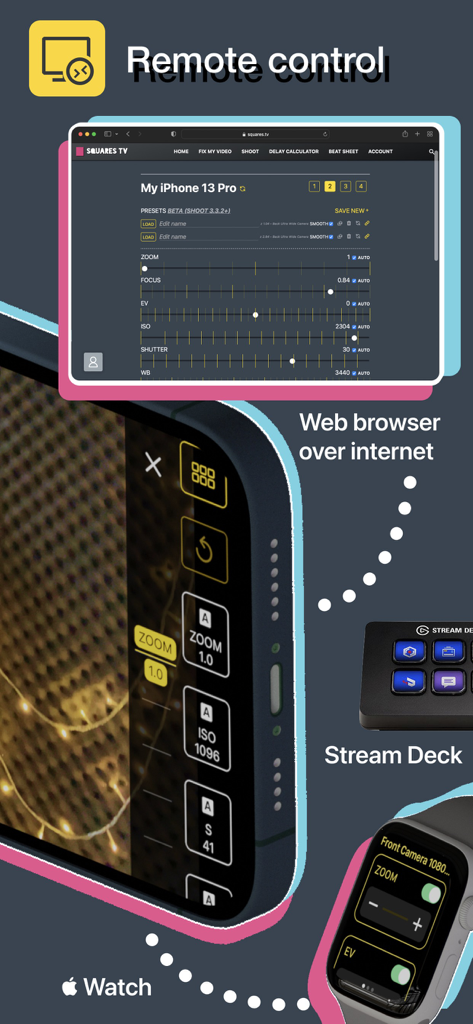
Opciones de control remoto para Shoot Pro Webcam, incluyendo navegador web, Apple Watch y Stream Deck.
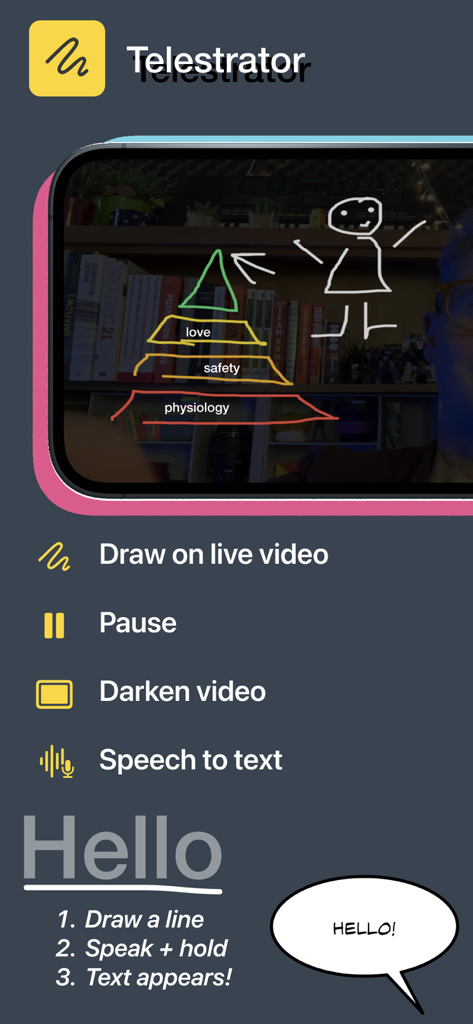
Interfaz de la aplicación móvil Shoot Pro Webcam mostrando la función de telestrador para dibujar sobre vídeo en vivo con instrucciones de voz a texto.
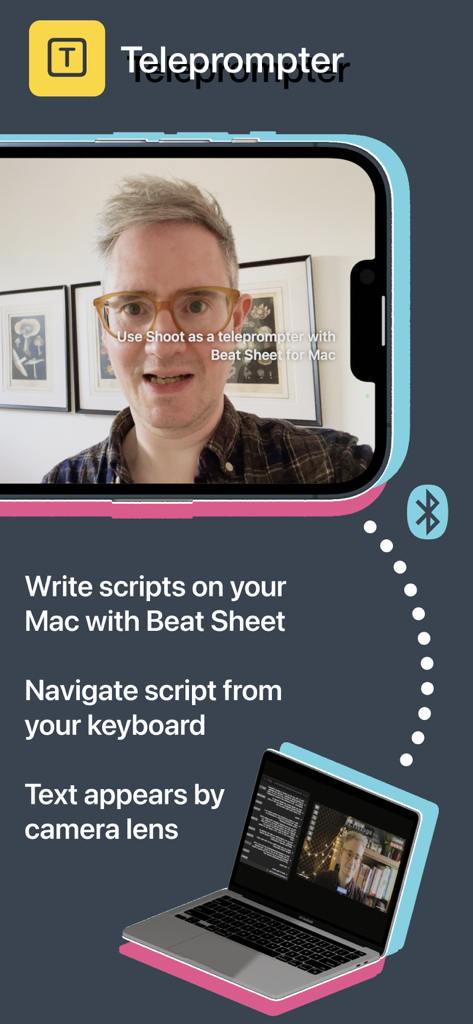
La aplicación Shoot Pro Webcam mostrando la función de teleprompter sincronizada con un Mac para leer guiones.
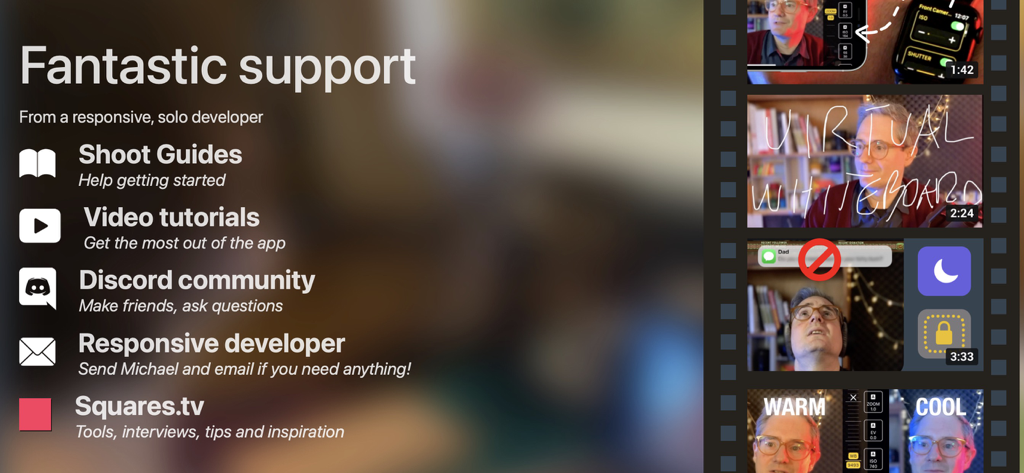
Una lista de opciones de soporte para la aplicación Shoot Pro Webcam, incluyendo guías, tutoriales en vídeo y comunidad de Discord.
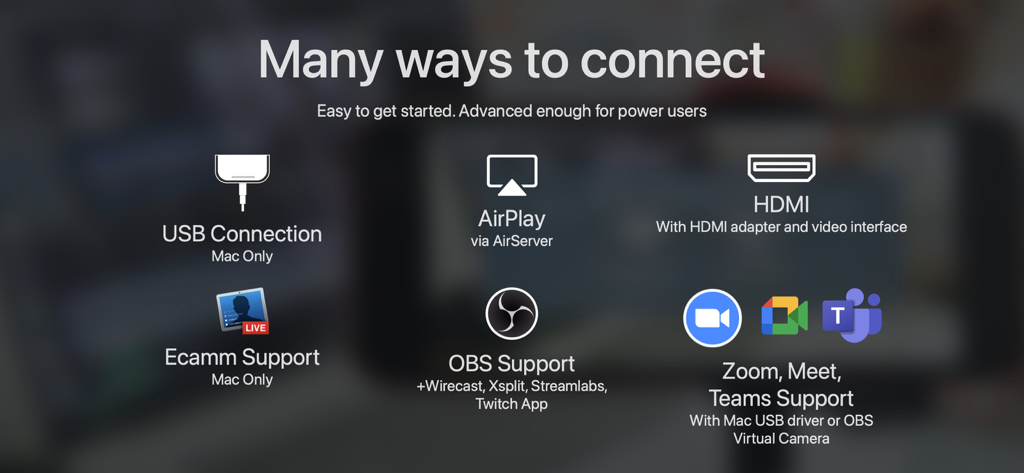
Visión general de las opciones de conexión de Shoot Pro Webcam, incluyendo USB, HDMI, AirPlay, OBS y Zoom.
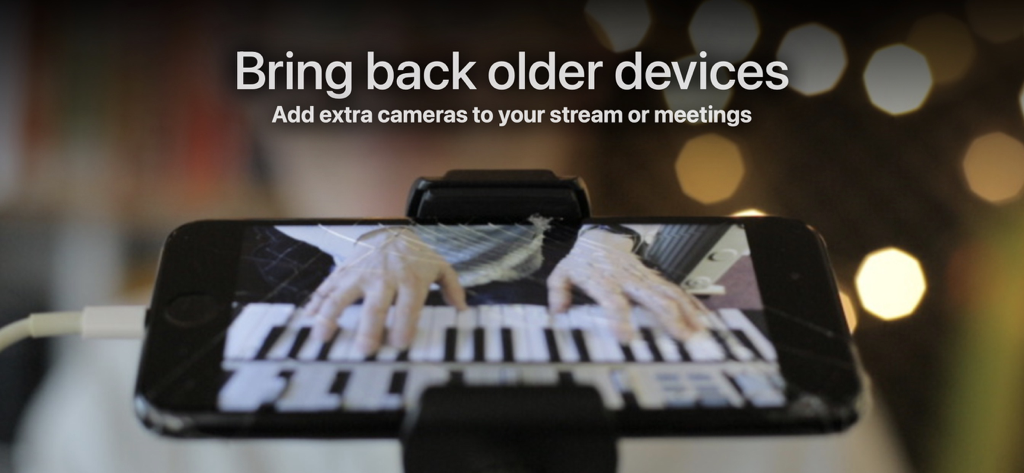
Un iPhone montado en un trípode utilizado como webcam para transmitir una actuación de piano en vivo.
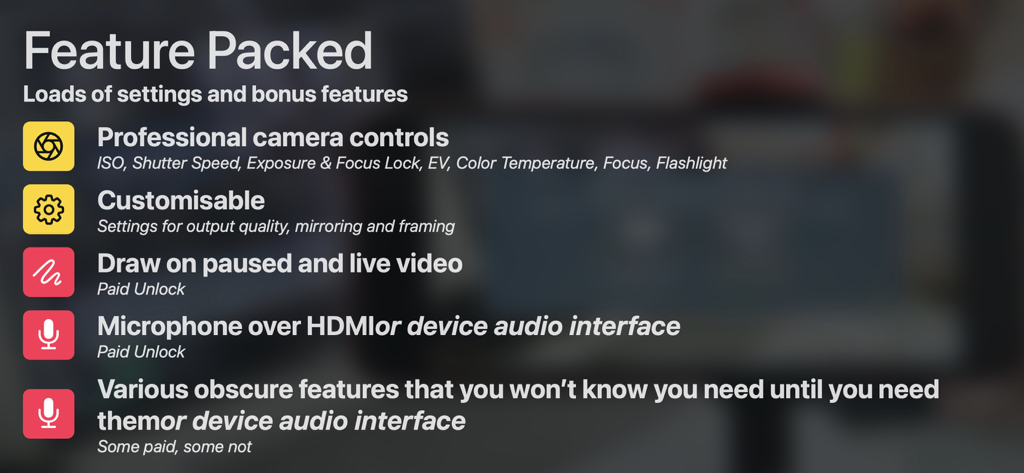
Lista de características de Shoot Pro Webcam, incluyendo controles de cámara profesionales, herramientas de dibujo y opciones de interfaz de audio.
Descripción
Download
Apps Similares
Apps mejor clasificadas en la misma categoría

CapCut: Photo & Video Editor
BYTEDANCE PTE. LTD.

Instagram, Inc.

YouTube
Google LLC

Canva: AI Photo & Video Editor
Canva Pty Ltd

Snapchat
Snap, Inc.

快手
Beijing Kwai Technology Co., Ltd.

Edits: Video Editor
Instagram, Inc.

Meitu- AI Photo & Video Editor
Xiamen Meitu Technology Co., Ltd.

Google Photos: Backup & Edit
Google LLC
Esta página no es una página oficial de la aplicación ni de su desarrollador, sino una publicación editorial independiente creada con fines informativos y de comentario. Salvo que se indique expresamente lo contrario, ni la aplicación ni su desarrollador están afiliados, respaldados, patrocinados, autorizados ni conectados oficialmente con MWM, Apple, Google Play, el editor de la aplicación ni su desarrollador, y nada en esta página implica que la aplicación haya sido desarrollada utilizando los servicios de MWM. Todas las marcas comerciales, logotipos, capturas de pantalla y demás contenidos son propiedad de sus respectivos propietarios.