Smart printer, Scanner, iPrint

Smart printer, Scanner, iPrint

Descargar en App Store
Logo de Smart printer, Scanner, iPrint

Impresora Inteligente, Escáner, iPrint: Tu Oficina Móvil Todo en Uno para Escaneo e Impresión Instantáneos

Convierte tu iPhone o iPad en una estación de trabajo potente. Escanea documentos, convierte archivos a PDF e imprime de forma inalámbrica en segundos, sin necesidad de hardware voluminoso.

Editor

Faisal Mehmood

Categoría

Productivity

Descargas

14K+

Valoración

3.4/5

Total valoraciones

0

Idiomas

20

Tu Oficina, Visualizada

Descubre la interfaz utilizada por 14K+ usuarios.
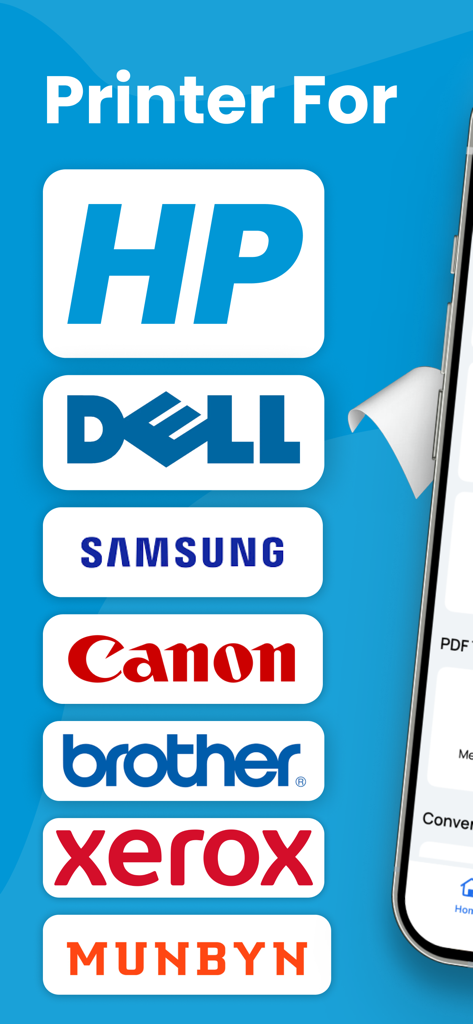
Lista de marcas de impresoras compatibles, incluyendo HP, Dell, Samsung y Canon

Lista de marcas de impresoras compatibles, incluyendo HP, Dell, Samsung y Canon

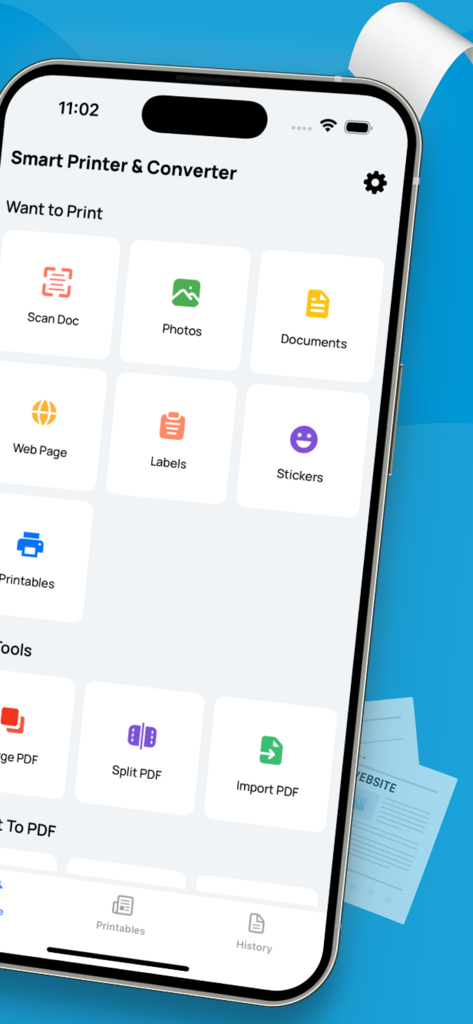
Interfaz de la aplicación Smart Printer and Scanner en un iPhone que muestra funciones como escaneo de documentos y gestión de PDF.

Interfaz de la aplicación Smart Printer and Scanner en un iPhone que muestra funciones como escaneo de documentos y gestión de PDF.

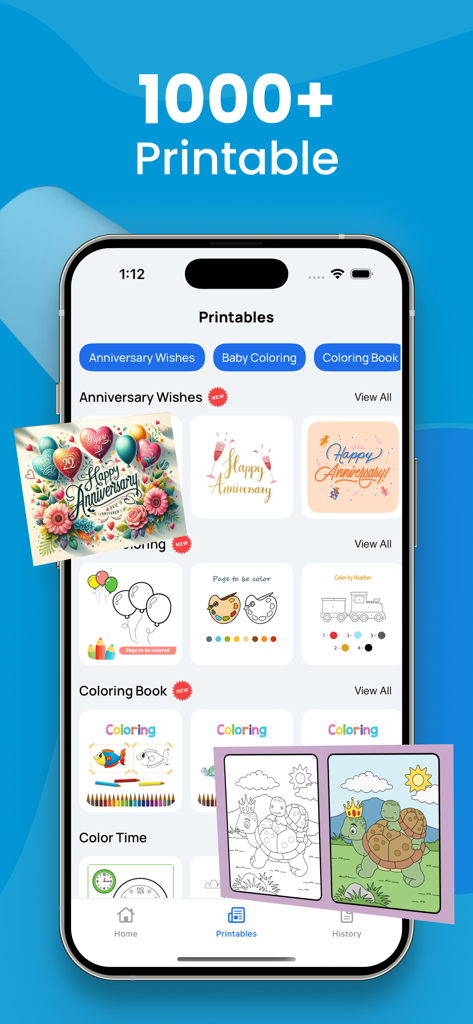
Interfaz de la aplicación Smart printer que muestra más de 1000 plantillas imprimibles, como tarjetas de aniversario y libros para colorear.

Interfaz de la aplicación Smart printer que muestra más de 1000 plantillas imprimibles, como tarjetas de aniversario y libros para colorear.

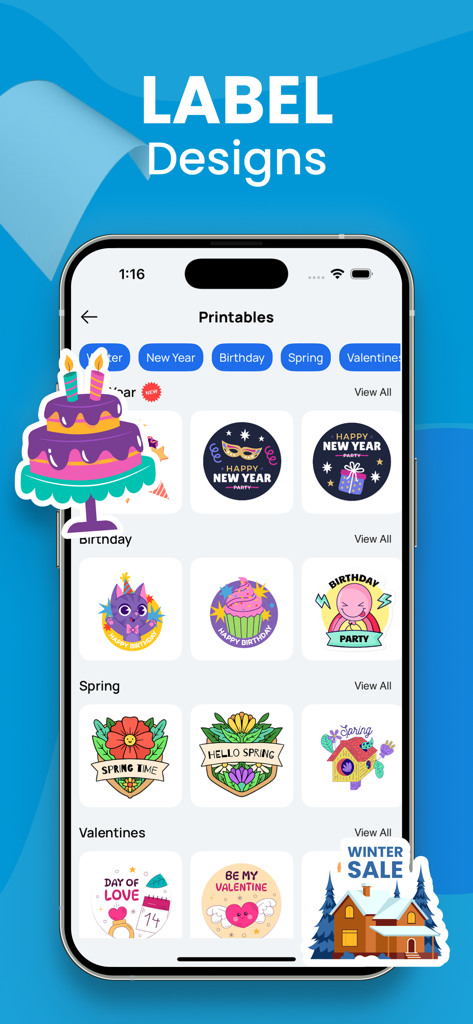
Pantalla de iPhone que muestra varios diseños de etiquetas imprimibles para fiestas, cumpleaños y temporadas en la aplicación Smart Printer

Pantalla de iPhone que muestra varios diseños de etiquetas imprimibles para fiestas, cumpleaños y temporadas en la aplicación Smart Printer

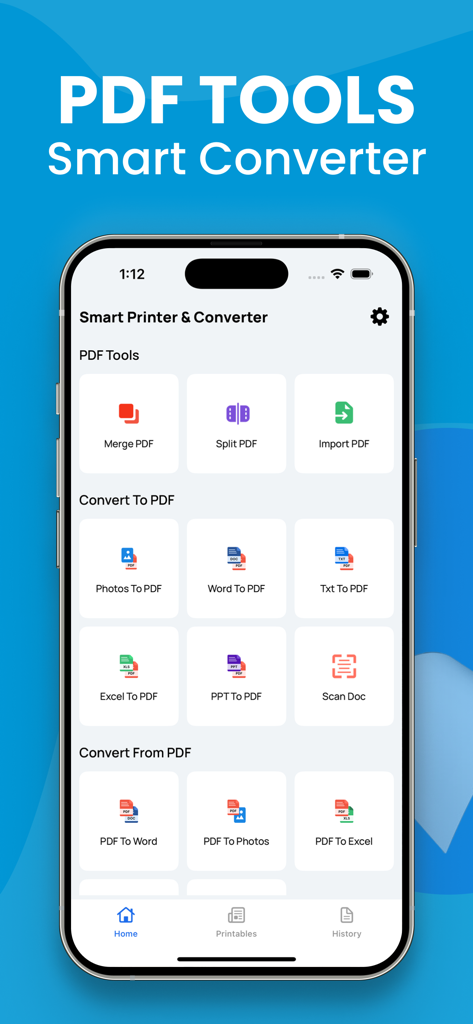
Interfaz de aplicación móvil que muestra herramientas de conversión de PDF, incluyendo las funciones de Word a PDF y Escanear Documento

Interfaz de aplicación móvil que muestra herramientas de conversión de PDF, incluyendo las funciones de Word a PDF y Escanear Documento

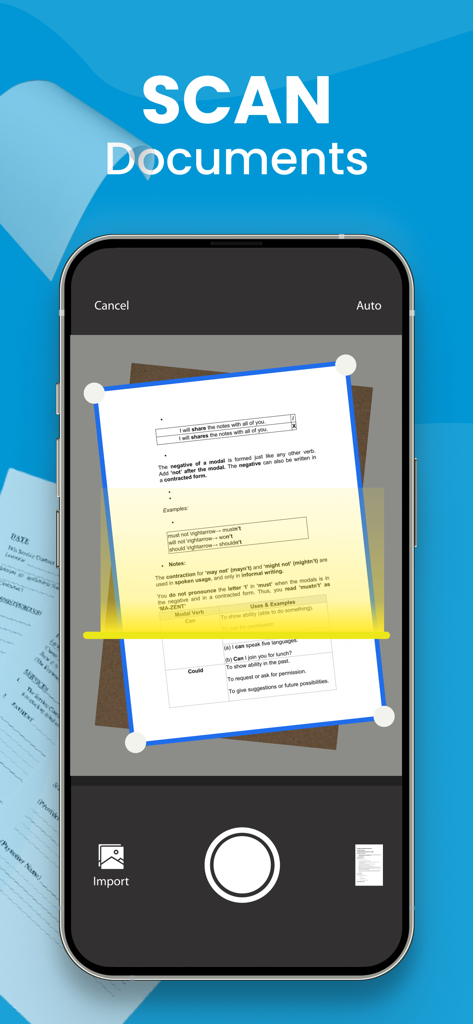
Pantalla de iPhone que muestra una aplicación móvil escaneando un documento en papel usando la cámara

Pantalla de iPhone que muestra una aplicación móvil escaneando un documento en papel usando la cámara

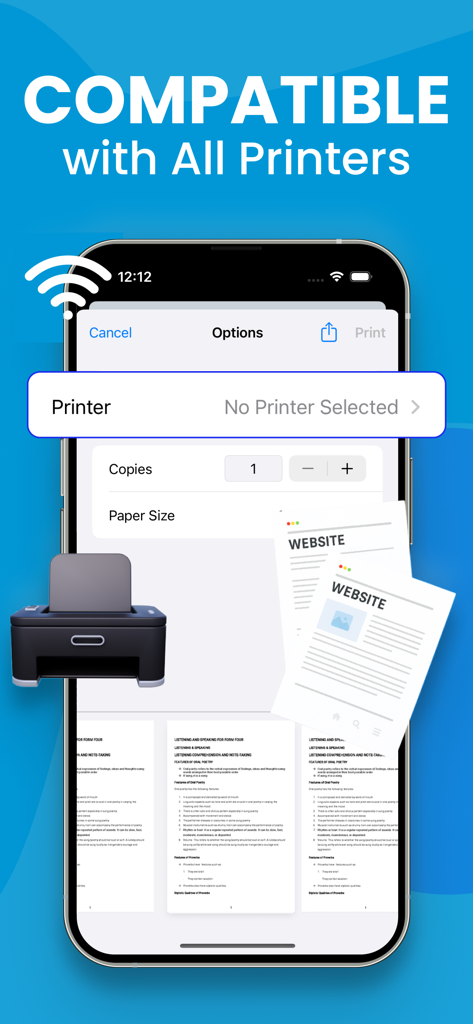
Pantalla de iPhone que muestra la interfaz de la aplicación Smart Printer que indica la compatibilidad de impresión inalámbrica

Pantalla de iPhone que muestra la interfaz de la aplicación Smart Printer que indica la compatibilidad de impresión inalámbrica

Control Completo de Documentos

Las herramientas que hacen destacar esta app, elegida por 14K+ usuarios.

📄

Escaneo Móvil de Nivel Profesional

Digitaliza rápidamente contratos, identificaciones y recibos con tu cámara. Obtén escaneos limpios y profesionales listos para firmar o compartir en segundos.

🔄

Convertidor Universal de PDF

Convierte Word, Excel o fotos en PDFs pulidos. Mantén tus documentos organizados y formateados perfectamente para clientes y colegas.

🖨️

Impresión Inalámbrica con un Toque

Imprime etiquetas de envío, informes o tickets directamente desde tu iPhone. Sin drivers, sin cables, solo conectividad perfecta a cualquier impresora.

Sobre la app

Todo lo que necesitas saber sobre Smart printer, Scanner, iPrint.

Descripción

A PDF printer is a virtual printer that allows you to create a PDF file from any document that you can print. Instead of sending the document to a physical printer, you can use the PDF printer to create a PDF file that you can save on your computer or share with others. To use a PDF printer, you will need a PDF printer driver installed on your computer. Some popular PDF printer drivers include Adobe Acrobat, Bullzip PDF Printer, and CutePDF Writer. Here are the general steps to print a document to a PDF using a PDF printer: Open the document you want to convert to PDF in the application it was created in (e.g., Microsoft Word, Excel, etc.). Click the "File" menu and select "Print" or use the keyboard shortcut Ctrl+P (on Windows) or Command+P (on Mac). In the "Print" dialog box, select the PDF printer from the list of available printers. Click the "Print" button to create the PDF file. Depending on the PDF printer driver you are using, you may have additional options for customizing the PDF file, such as setting the page size, adding passwords, and adding watermarks. Consult the documentation for your PDF printer driver for more information. Note: Payment will be charged to your iTunes account at confirmation of purchase. Your subscription will automatically renew unless auto-renew is turned off at least 24-hours before the end of the current subscription period. Your account will be charged for renewal within 24-hours prior to the end of the current subscription period. Automatic renewals will cost the same price you were originally charged for the subscription. You can manage your subscriptions and turn off auto-renewal by going to your Account Settings on the App Store after purchase. Read our terms of service and Privacy Policy for more information. Privacy Policy: https://sites.google.com/view/smartaiapps/privacy-policy Terms and Conditions: https://sites.google.com/view/smartaiapps/terms-conditions

Última versión

3.2

Tamaño

6.9 MB

Fecha de lanzamiento

2 ene 2023

Convierte tu iPhone en una Oficina de Alta Potencia

Únete a más de 14.000 profesionales que escanean, firman e imprimen documentos sobre la marcha. Comienza hoy mismo tu flujo de trabajo móvil sin interrupciones.

Descargar en App Store

App information, icons, screenshots, and descriptions displayed on this page are sourced from the Apple App Store and are the property of their respective developers. Download estimates and rankings are based on MWM's proprietary models and may not reflect actual figures. This page is provided for informational and analytical purposes only.

Believe this page infringes your intellectual property? File a dispute