
Esta página no es una página oficial de la aplicación ni de su desarrollador, sino una publicación editorial independiente creada con fines informativos y de comentario. Salvo que se indique expresamente lo contrario, ni la aplicación ni su desarrollador están afiliados, respaldados, patrocinados, autorizados ni conectados oficialmente con MWM, Apple, Google Play, el editor de la aplicación ni su desarrollador, y nada en esta página implica que la aplicación haya sido desarrollada utilizando los servicios de MWM. Todas las marcas comerciales, logotipos, capturas de pantalla y demás contenidos son propiedad de sus respectivos propietarios.


Speak News - RSS news reader
Convierte cualquier fuente RSS, página web o consulta de Google News en una experiencia de audio sin distracciones. Mantente informado mientras te desplazas, haces ejercicio o trabajas con el texto a voz integrado con Siri y voces internacionales naturales.
Descargas
31K+Valoración
Total valoraciones
0Editor
Categoría
NewsIdiomas
1Última versión
2.26.0Tamaño
10.5 MBFecha de lanzamiento
10 sept 2016Información sin esfuerzo, sin mirar la pantalla
Speak News transforma tus fuentes RSS y páginas web seleccionadas en un flujo de audio de alta calidad, diseñado para profesionales enfocados en la productividad y usuarios que dependen de la accesibilidad.
Productividad activada por voz
Mantén la vista en la carretera o en tus tareas. Utiliza comandos de Siri y controles remotos de auriculares para escuchar tus noticias con las manos libres durante tus desplazamientos o entrenamientos.
Curaduría libre de algoritmos
Recupera el control de tus medios. Importa tu biblioteca de Feedly o archivos OPML para escuchar solo las fuentes en las que confías, completamente libre de filtros de redes sociales.
Las siguientes capturas de pantalla y la descripción provienen directamente del listado oficial de la tienda de la aplicación y son propiedad del desarrollador.
App Store
Capturas
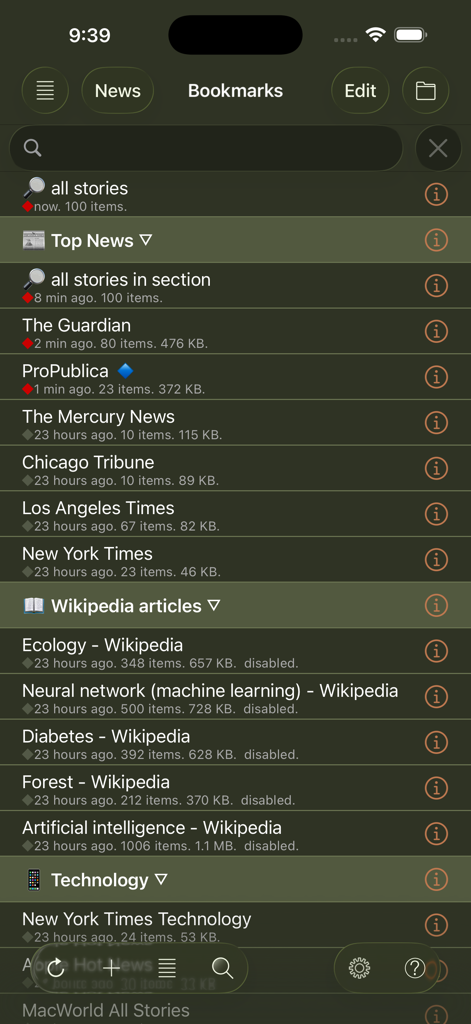
Una lista de marcadores de fuentes de noticias y artículos de Wikipedia en la interfaz de la aplicación Speak News.
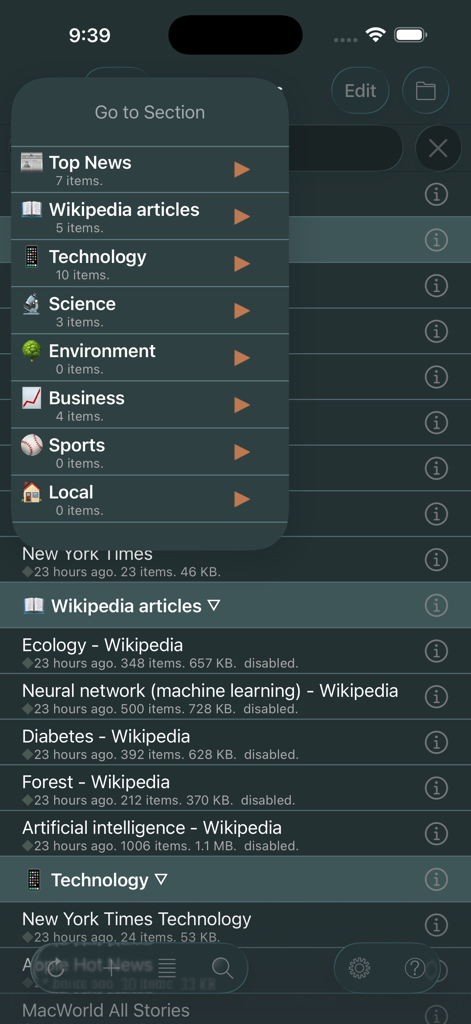
Interfaz de la aplicación Speak News que muestra el menú de navegación Ir a la sección con categorías de noticias como Noticias destacadas y Tecnología en modo oscuro.
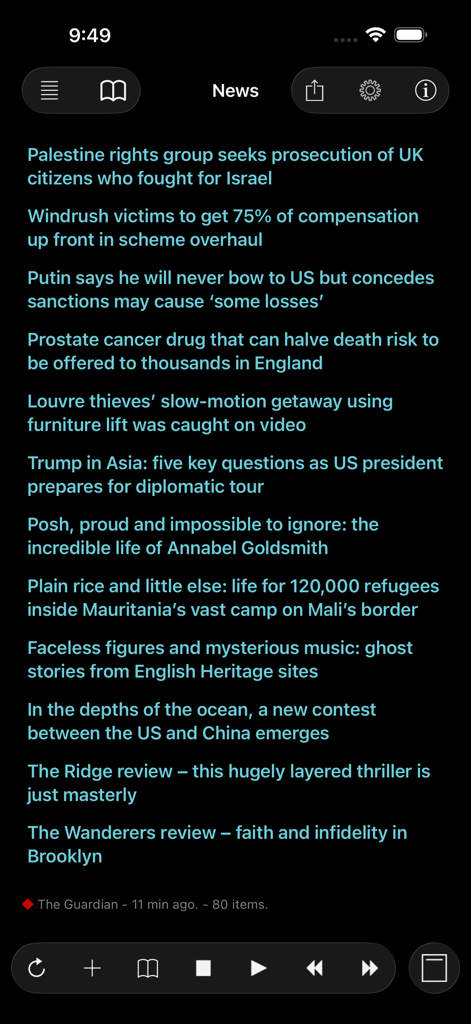
Interfaz de la aplicación Speak News que muestra una lista de titulares de noticias en un tema de modo oscuro de alto contraste con controles de reproducción de audio.
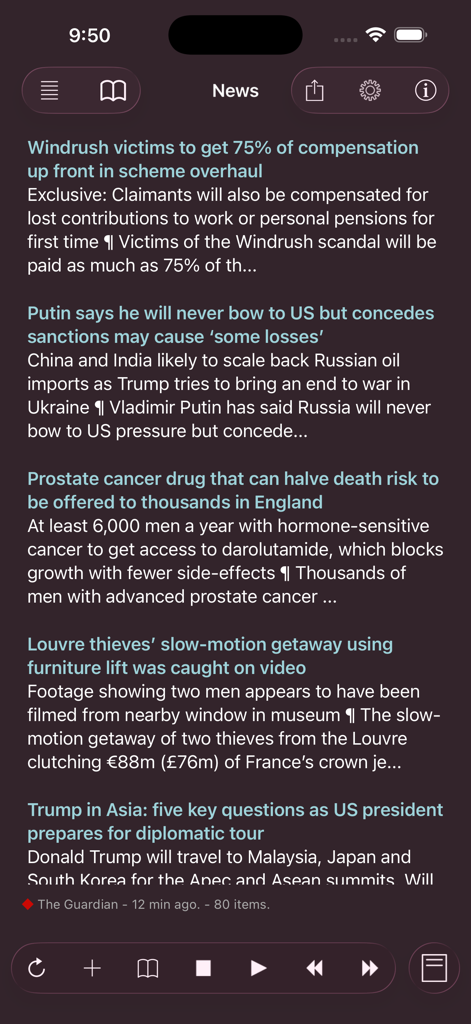
Una captura de pantalla del lector RSS de Speak News que muestra una lista de titulares de noticias en una interfaz de modo oscuro con controles de reproducción.
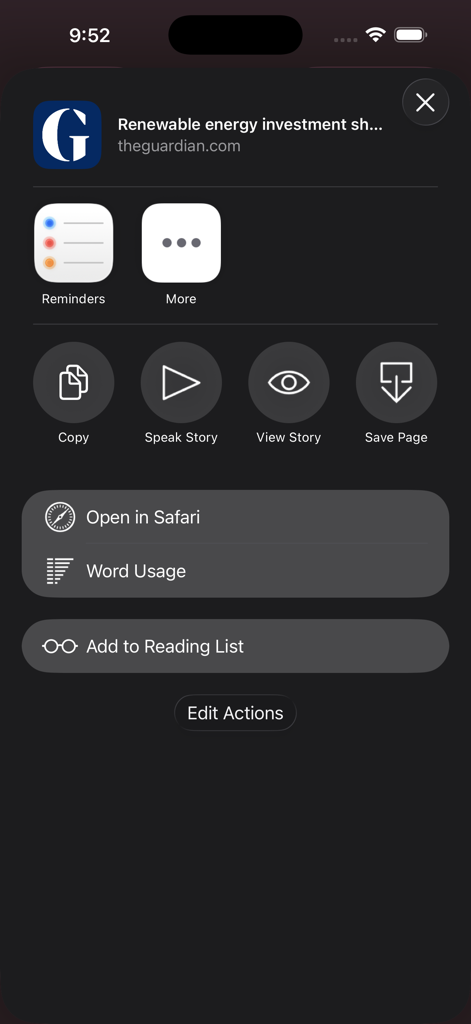
Una captura de pantalla del menú de acciones de la aplicación Speak News en iOS que muestra opciones como Hablar historia y Uso de palabras para un artículo de noticias.
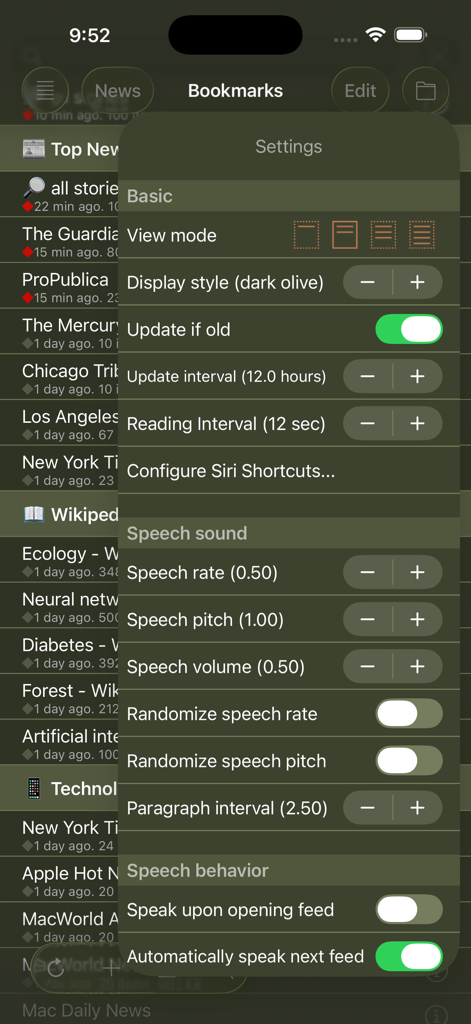
Ajustes de la aplicación Speak News que muestran las opciones de texto a voz y de visualización.
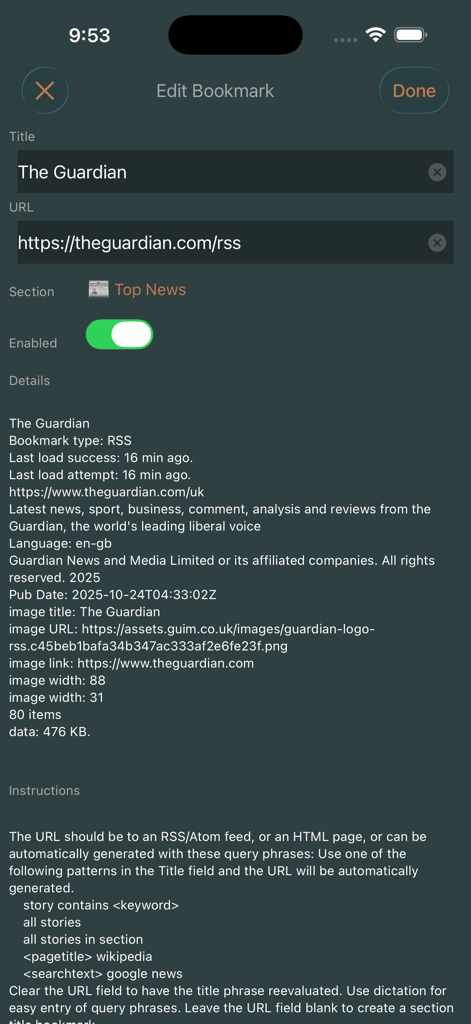
Pantalla de Editar marcador en la aplicación Speak News que muestra detalles y ajustes de la fuente RSS de The Guardian.
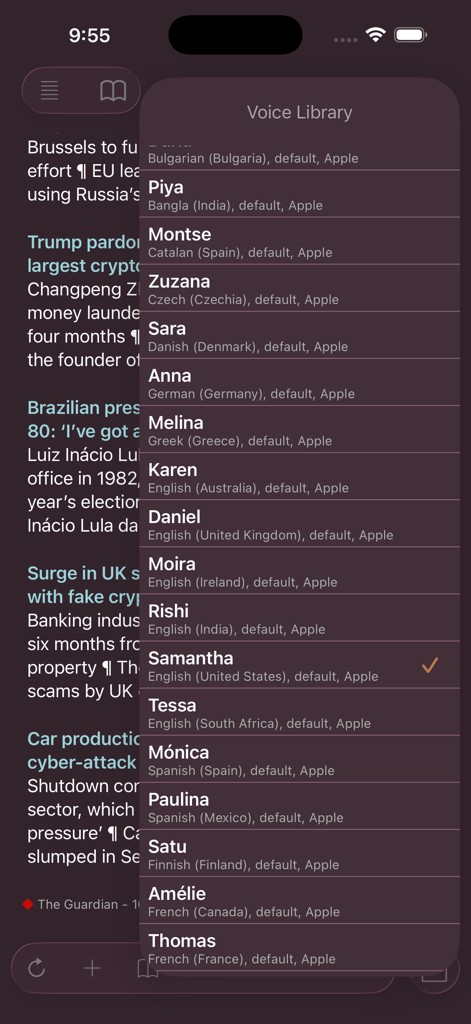
Menú Biblioteca de voces en Speak News que muestra las opciones internacionales de texto a voz.
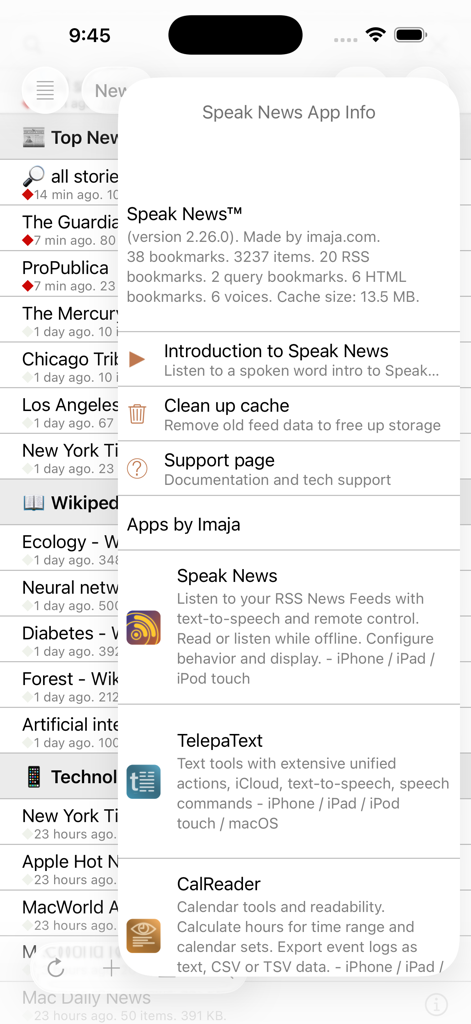
Ventana modal de información de la aplicación Speak News que muestra detalles de la versión y estadísticas.
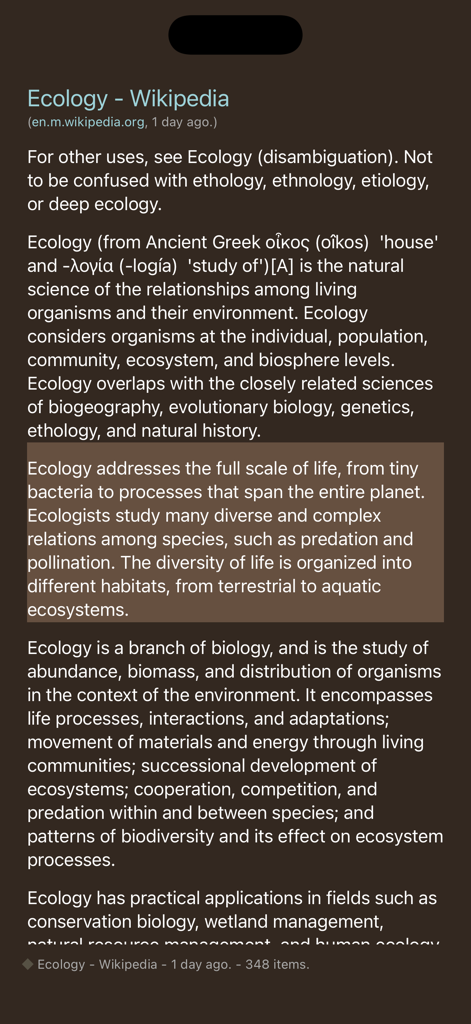
Interfaz de la aplicación Speak News que muestra un artículo de Wikipedia sobre ecología en vista de texto en modo oscuro.
Descripción
Download
Apps Similares
Apps mejor clasificadas en la misma categoría

X
X Corp.

REDDIT, INC.

Substack
Substack Inc.

NYTimes: US and Global News
The New York Times Company

Nextdoor: Neighborhood Network
Nextdoor.com, Inc.

CrimeRadar Dispatch Audio
Scoopz Inc.

NewsBreak: Local News & Alerts
Particle Media Inc.

Ground News
Snapwise Inc.

Google News
Google LLC
Esta página no es una página oficial de la aplicación ni de su desarrollador, sino una publicación editorial independiente creada con fines informativos y de comentario. Salvo que se indique expresamente lo contrario, ni la aplicación ni su desarrollador están afiliados, respaldados, patrocinados, autorizados ni conectados oficialmente con MWM, Apple, Google Play, el editor de la aplicación ni su desarrollador, y nada en esta página implica que la aplicación haya sido desarrollada utilizando los servicios de MWM. Todas las marcas comerciales, logotipos, capturas de pantalla y demás contenidos son propiedad de sus respectivos propietarios.