StarDesk: Escritorio Remoto y Juegos de Latencia Ultra Baja
Transmite tu PC en 4K sin lag. Ya sea que estés jugando títulos AAA o gestionando cargas de trabajo profesionales, obtén acceso seguro y cifrado a tu escritorio desde cualquier iPhone, iPad o dispositivo móvil.
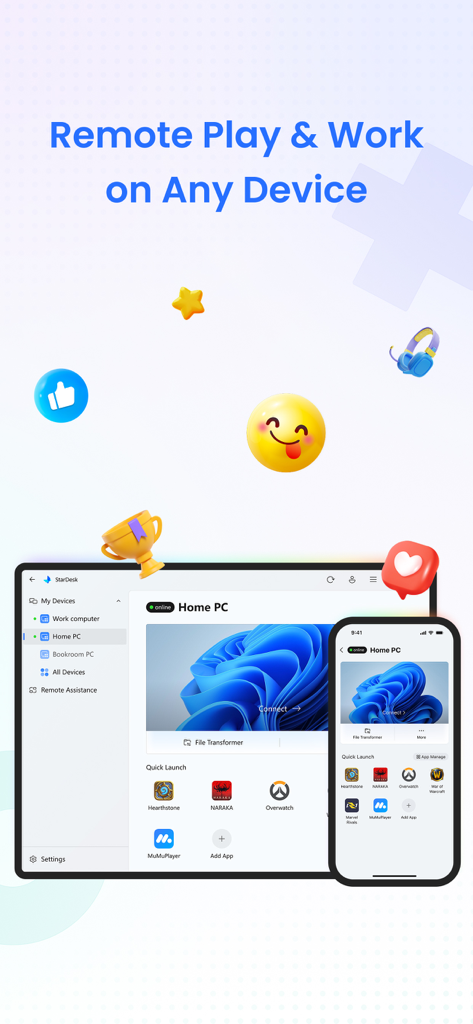
Interfaz de la aplicación StarDesk mostrando acceso remoto a PC para juegos y trabajo en un smartphone y una tablet.
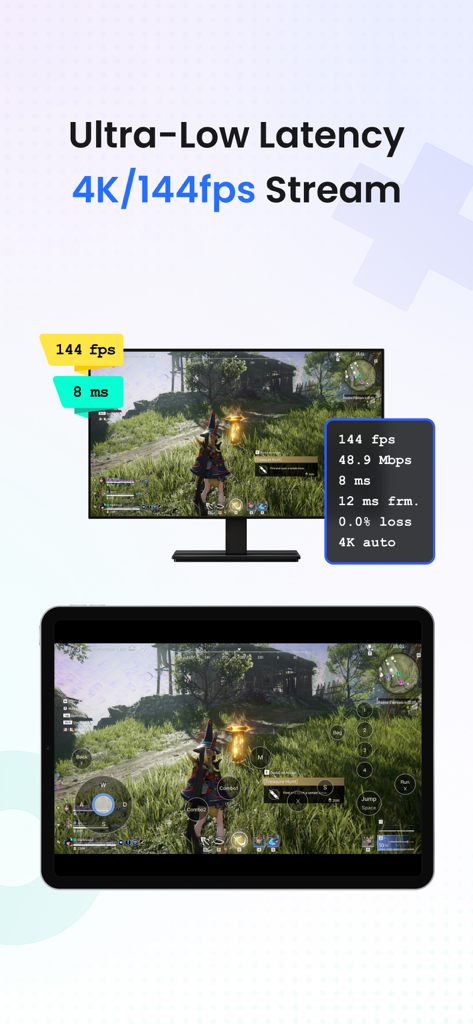
Interfaz de la aplicación StarDesk mostrando streaming de juegos de PC en 4K a 144fps de latencia ultra baja en una tablet.
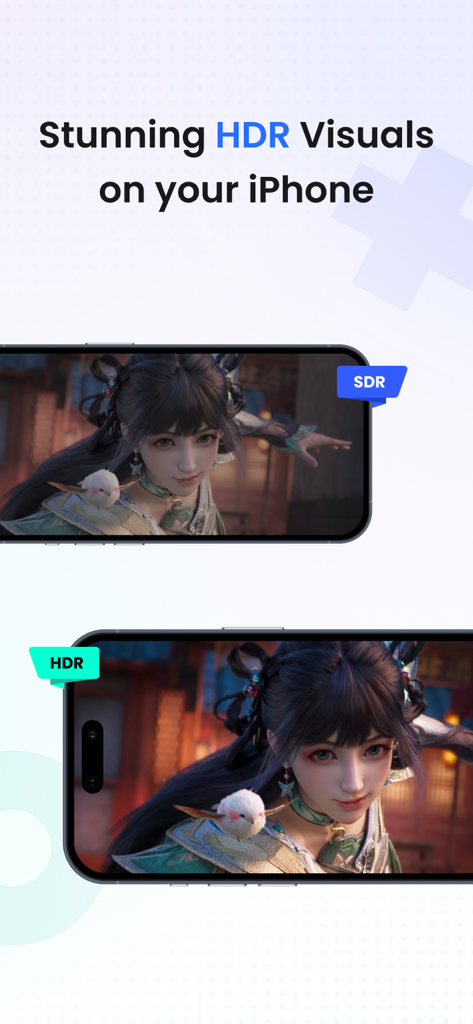
Comparación lado a lado de visuales SDR y HDR para juegos remotos en iPhone.
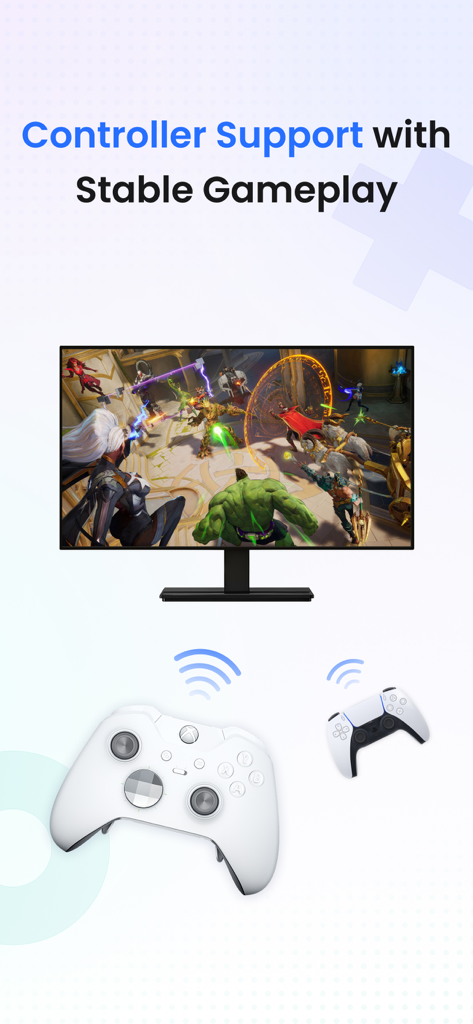
Soporte de mando de escritorio remoto StarDesk para una jugabilidad estable.
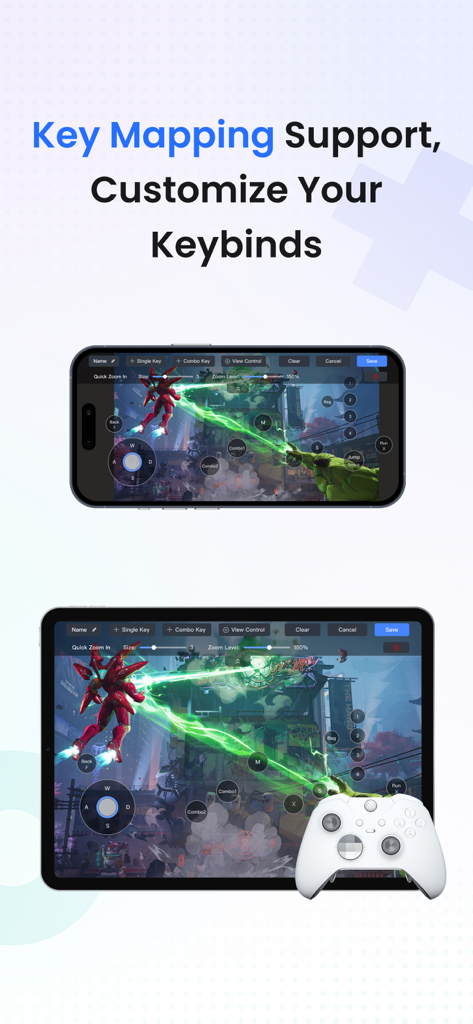
La aplicación StarDesk muestra mapeo de teclas personalizado y soporte de mando para juegos remotos de PC en iPhone y iPad.
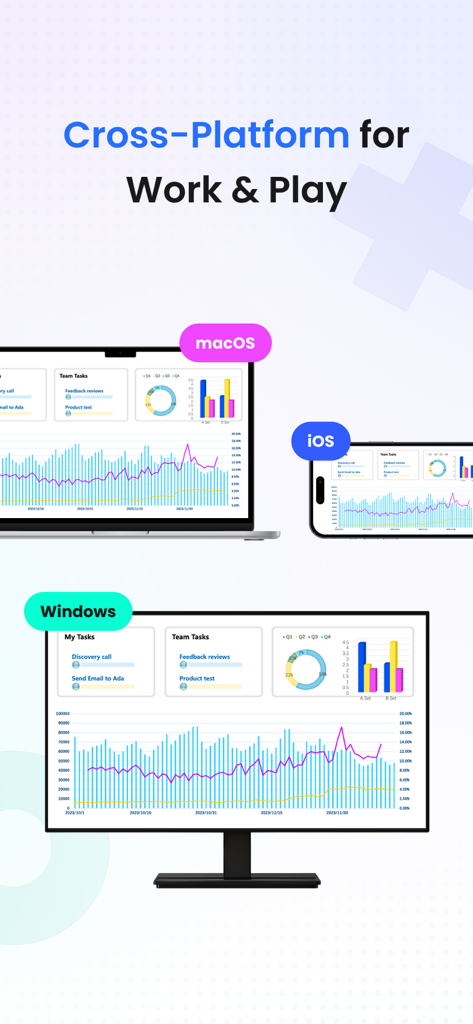
Interfaz de escritorio remoto StarDesk mostrada en dispositivos Windows, macOS y iOS para trabajo y juegos.
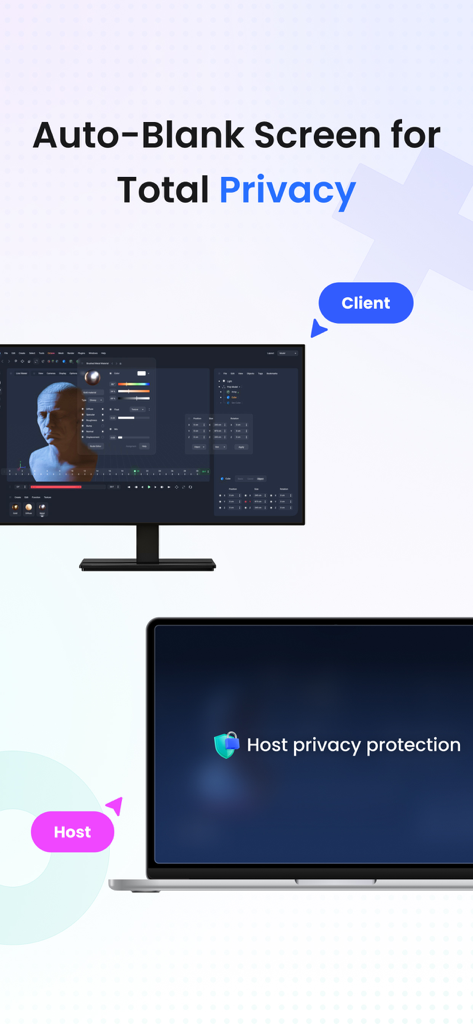
La aplicación de escritorio remoto StarDesk muestra la pantalla en blanco automático para una protección total de la privacidad.
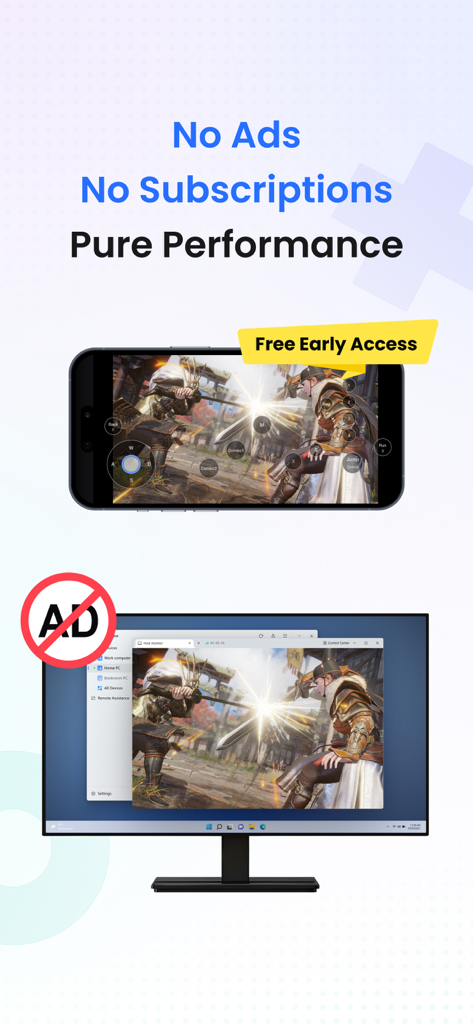
Smartphone y monitor mostrando juegos remotos de alto rendimiento sin anuncios.
Toda la potencia de tu PC, dondequiera que vayas
Las herramientas que hacen destacar esta app, elegida por 2K+ usuarios.
🎮
Juegos Remotos sin Lag
Juega tu biblioteca completa de Steam o Epic en 4K con soporte de mando Bluetooth receptivo y mapeo de teclas personalizado para una experiencia de PC nativa en móviles.
🚀
Rendimiento de Clase Estación de Trabajo
Ejecuta software profesional exigente como CAD, Photoshop o IDEs con cambio de monitor múltiple fluido y transferencias de archivos ilimitadas de alta velocidad.
🛡️
Conectividad Segura e Instantánea
Protege tus datos con cifrado de extremo a extremo y usa el encendido remoto para acceder a tu escritorio al instante desde cualquier dispositivo, incluso si está apagado.
Sobre la app
Todo lo que necesitas saber sobre StarDesk - Remote Desktop.
Descripción
StarDesk delivers ultra-low-latency remote desktop and secure remote access, letting you control your PC from iOS, iPadOS, Mac, Windows, other mobile device or another PC—with remote wake, fast file transfer, smooth screen share, and responsive 4K streaming for both work and remote PC gaming.
Designed for real security and real performance, StarDesk uses encrypted remote control sessions to keep your data protected while delivering stable, low-latency PC streaming, game streaming, and remote work across phones, tablets, laptops, and desktops.
Whether you’re gaming, working, or providing remote assistance, StarDesk keeps your connection fast, your remote access secure, and your PC always within reach from any device.
Why StarDesk
StarDesk brings smooth, secure, and low-latency remote access to all your devices. Whether you're streaming your gaming PC or connecting for work, StarDesk keeps your remote desktop fast, stable, and fully encrypted. Below are the two core ways people use StarDesk.
Remote PC Gaming
Enjoy your full gaming PC anywhere with responsive remote desktop streaming built for gameplay.
• Real remote PC gaming (not console or cloud gaming)
• Smooth 4K streaming with low latency
• Works on iPhone、iPad、Mac、PC and other mobile device.
• Supports Bluetooth controllers
• Built-in key mapping for games (Supports a rich selection of gaming keyboards for mobile use.)
• Precise remote mouse for shooters, MOBAs, and strategy games
• Stable cross-platform PC streaming for Steam, Epic, Battle.net, and more
Remote Work & Productivity
• A secure, fast remote access solution for everyday work
• Fully encrypted remote control sessions
• Reliable screen share and multi-monitor switching
• Smooth performance for Office, Photoshop, IDEs, browsers, CAD
• Unlimited file transfer
• Remote wake for instant access to your PC anytime
• Great for IT support, remote assistance, and urgent tasks
• Works across iOS, Mac, other mobile device, Windows, PC-to-PC,remote desktop
Quick Start
Personal Users
1. Install StarDesk on both devices.
2. Open All Devices and select your PC.
3. Enjoy instant remote desktop and secure remote access.
Remote Assistance
1. Install StarDesk on both devices.
2. Open Remote Assistance and enter the Device ID + Verification Code.
3. Confirm access.
4. Start secure remote control.
Troubleshooting
Start here:https://www.stardesk.net/blog/how-to-use-stardesk.html
Need more help?
Go to StarDesk → Profile → Help & Feedback
Or join our Discord: https://discord.gg/V9JUJb6bUx
Privacy Protection
All remote access and remote control sessions are end-to-end encrypted.
We cannot see your screen, files, or activity.
Privacy Policy: https://stardesk.net/license/privacy-policy.html
Última versión
1.0.6
Tamaño
45.6 MB
Fecha de lanzamiento
28 sept 2025
Toda la potencia de tu PC, en tu bolsillo
Desde juegos 4K hasta productividad de alta gama, experimenta un acceso remoto de latencia ultra baja que nunca compromete. Únete a la comunidad tecnológica y toma el control de tu escritorio hoy mismo.
App information, icons, screenshots, and descriptions displayed on this page are sourced from the Apple App Store and are the property of their respective developers. Download estimates and rankings are based on MWM's proprietary models and may not reflect actual figures. This page is provided for informational and analytical purposes only.
Believe this page infringes your intellectual property? File a dispute