Starry sky Camera
Starry sky Camera
Descargar en App Store

Esta página no es una página oficial de la aplicación ni de su desarrollador, sino una publicación editorial independiente creada con fines informativos y de comentario. Salvo que se indique expresamente lo contrario, ni la aplicación ni su desarrollador están afiliados, respaldados, patrocinados, autorizados ni conectados oficialmente con MWM, Apple, Google Play, el editor de la aplicación ni su desarrollador, y nada en esta página implica que la aplicación haya sido desarrollada utilizando los servicios de MWM. Todas las marcas comerciales, logotipos, capturas de pantalla y demás contenidos son propiedad de sus respectivos propietarios.

Logo de Starry sky Camera
Descargar en App Store

Starry sky Camera

Libera todo el potencial de tu iPhone con apilado de imágenes avanzado y controles manuales de nivel profesional. Diseñado para el creador paciente que busca capturar impresionantes exposiciones largas en 4K y el verdadero brillo de la Vía Láctea.

Cifras Clave

Descargas

23K+

Valoración

2.3/5

Total valoraciones

100

Editor

HIROFUMI MARUO

Categoría

Photo & Video

Idiomas

2

Última versión

6.2

Tamaño

23.5 MB

Fecha de lanzamiento

22 may 2014
Funciones

Captura el Cosmos con Precisión Profesional

Convierte tu iPhone en una potente herramienta de astrofotografía con algoritmos de apilado avanzados y controles manuales completos diseñados para el cielo oscuro.

Apilado Inteligente de Estrellas

Elige entre tres modos de composición especializados para maximizar el brillo y la claridad, al tiempo que eliminas el ruido digital en exposiciones largas.

Controles Manuales de Nivel Profesional

Toma el control total de tu sensor con ajustes granulares para ISO, velocidad de obturación, enfoque manual y temperatura de color Kelvin.

Las siguientes capturas de pantalla y la descripción provienen directamente del listado oficial de la tienda de la aplicación y son propiedad del desarrollador.

App Store

Capturas
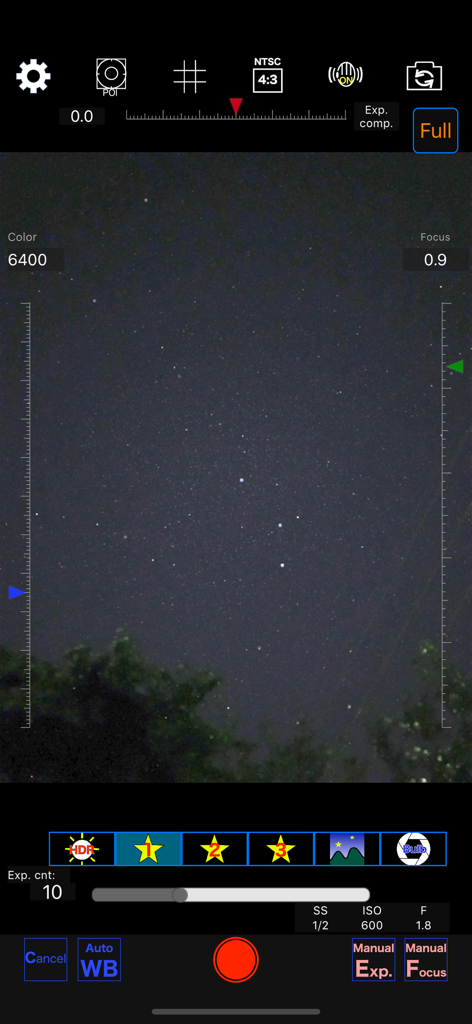
Starry sky Camera - Interfaz de la aplicación Cámara Cielo Estrellado que muestra ajustes manuales para fotografía nocturna
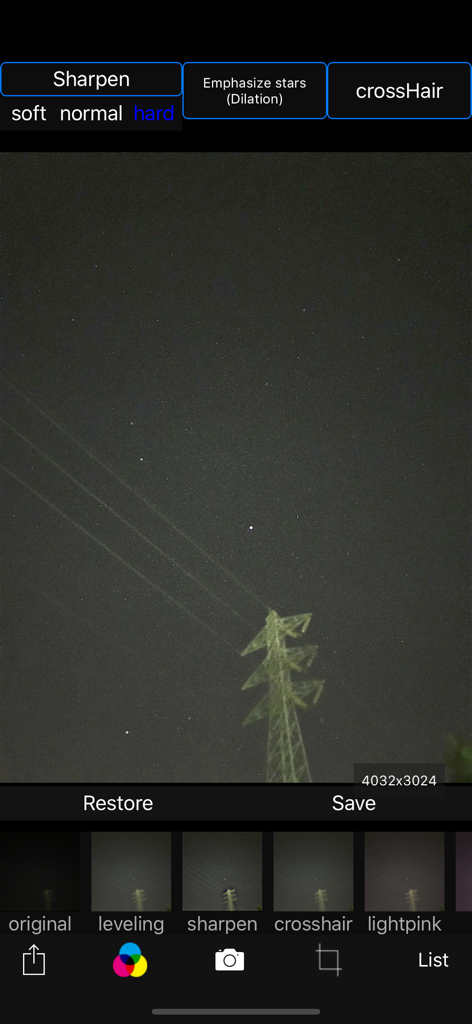
Interfaz de la aplicación Cámara Cielo Estrellado que muestra ajustes manuales para fotografía nocturna

Starry sky Camera - Interfaz de la aplicación Cámara Cielo Estrellado para editar fotos del cielo nocturno con filtros de nitidez de estrellas
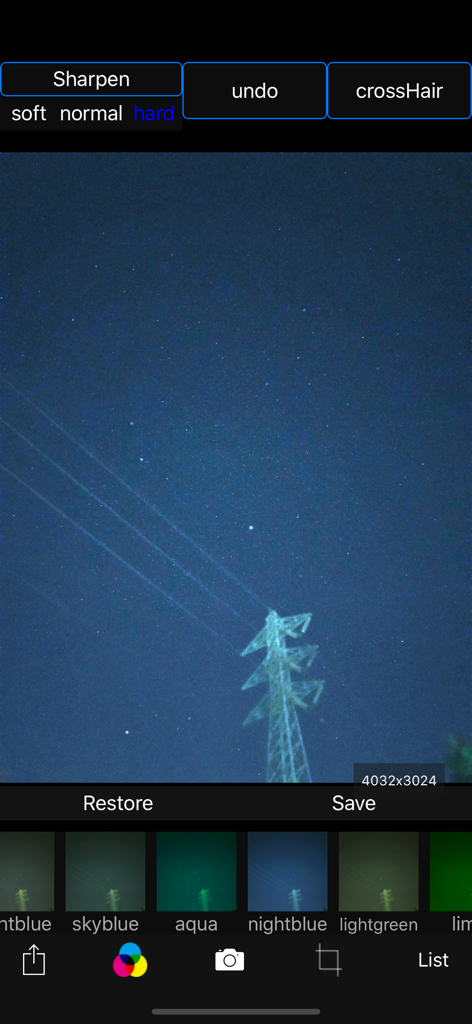
Interfaz de la aplicación Cámara Cielo Estrellado para editar fotos del cielo nocturno con filtros de nitidez de estrellas

Starry sky Camera - Interfaz de la aplicación Cámara Cielo Estrellado que muestra una foto del cielo nocturno con varios filtros de color y opciones de nitidez
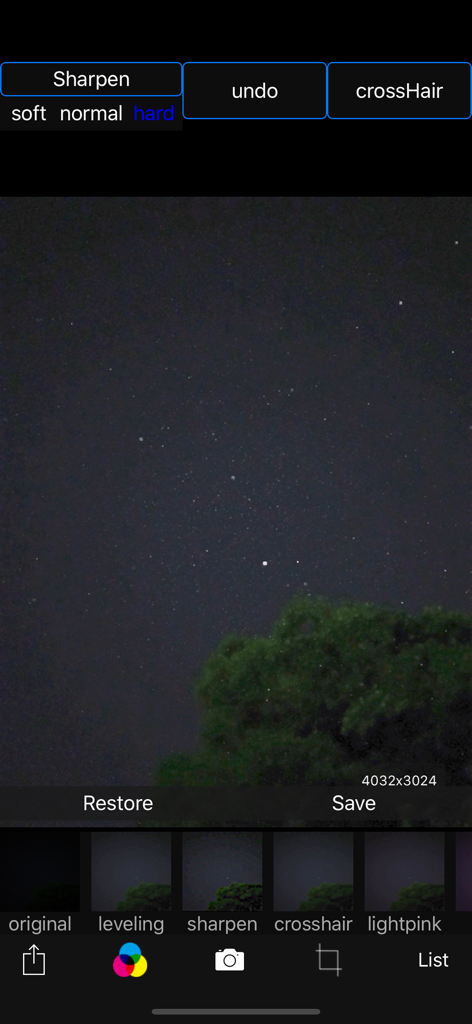
Interfaz de la aplicación Cámara Cielo Estrellado que muestra una foto del cielo nocturno con varios filtros de color y opciones de nitidez

Starry sky Camera - Interfaz de edición de la aplicación Cámara Cielo Estrellado con una foto del cielo nocturno y opciones de filtro
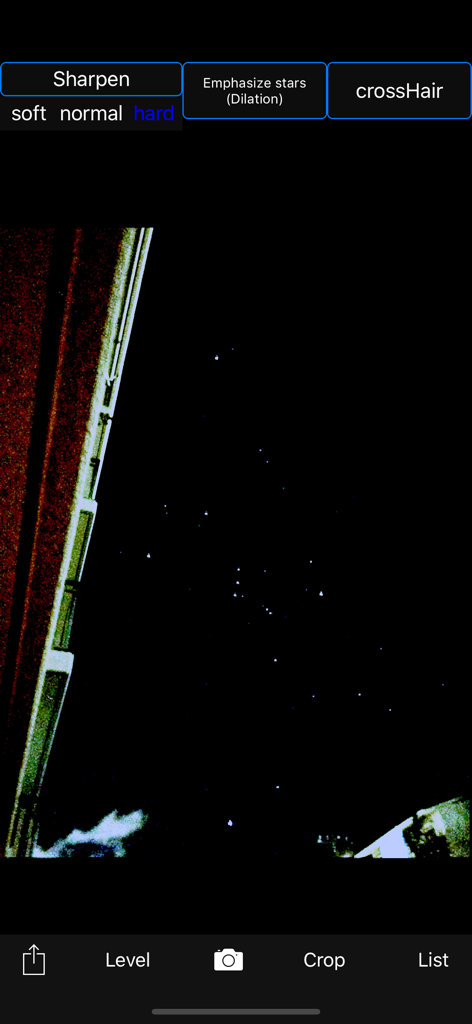
Interfaz de edición de la aplicación Cámara Cielo Estrellado con una foto del cielo nocturno y opciones de filtro

Starry sky Camera - La aplicación Cámara Cielo Estrellado editando una foto del cielo nocturno con herramientas de nitidez de estrellas
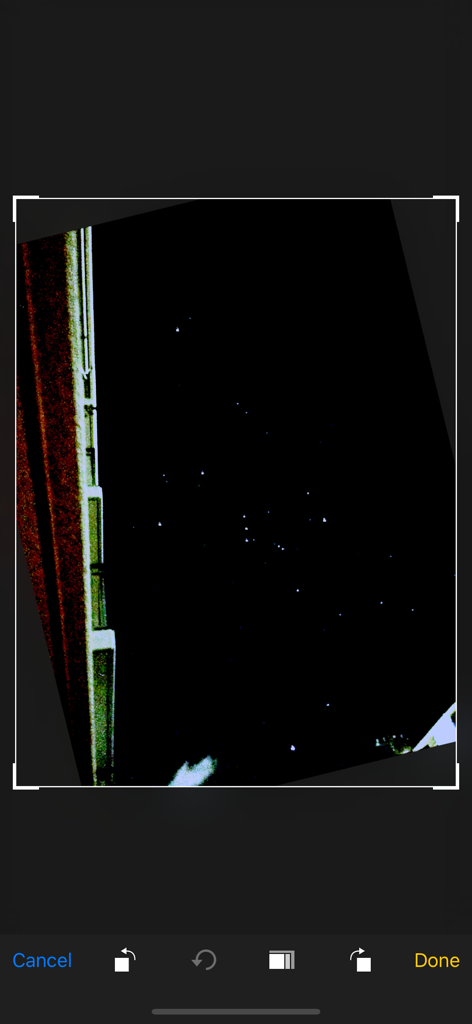
La aplicación Cámara Cielo Estrellado editando una foto del cielo nocturno con herramientas de nitidez de estrellas

Starry sky Camera - Captura de pantalla de una foto del cielo nocturno siendo editada dentro de la interfaz de la aplicación Cámara Cielo Estrellado
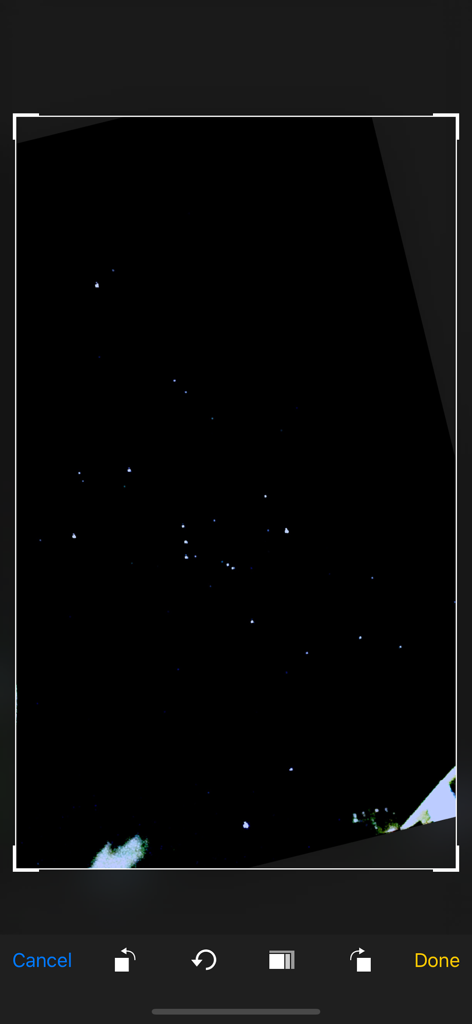
Captura de pantalla de una foto del cielo nocturno siendo editada dentro de la interfaz de la aplicación Cámara Cielo Estrellado

Starry sky Camera - Una pantalla de aplicación móvil que muestra una foto de noche estrellada siendo recortada y editada.
Una pantalla de aplicación móvil que muestra una foto de noche estrellada siendo recortada y editada.

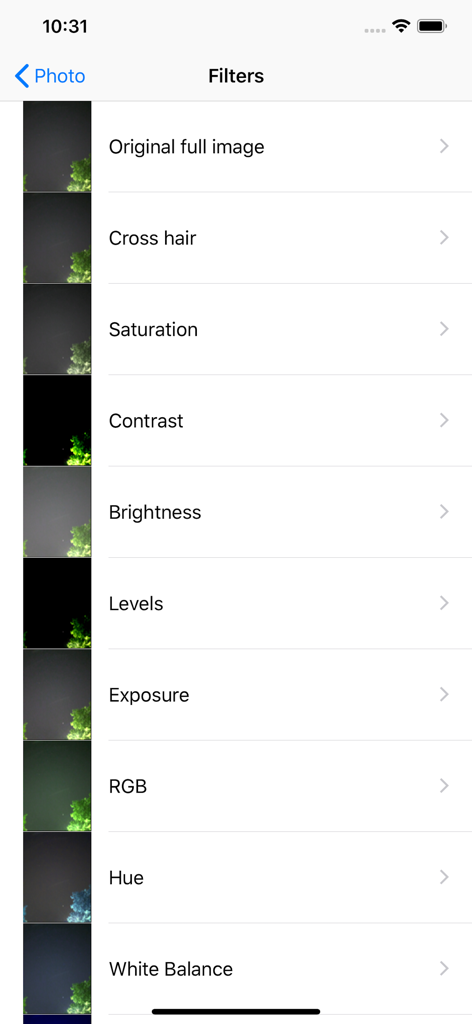
Starry sky Camera - Lista de filtros de edición de fotos en la aplicación Cámara Cielo Estrellado que muestra opciones como saturación, contraste y brillo

Lista de filtros de edición de fotos en la aplicación Cámara Cielo Estrellado que muestra opciones como saturación, contraste y brillo

Descripción

This camera app is able to take pictures of a real starry sky. You can take stars of the first magnitude and stars of the second magnitude or less in good condition. You can also get the pictures processed through dozens or more kinds of image processing filter. To take pictures of the starry sky, you have only to (1)set your iPhone camera toward a starry sky on a tripod, (2)tap the star icon (star1, star2 or star3), (Star1 is recommended.) (3)release the shutter, and just wait a minute or so. For Star 1, select the brightest pixel for each pixel in the continuous shooting image to highlight the brightness of the stars in the dark night sky. Star 2 raises the tone of brightness according to the number of continuous shots and shoots brightly. Star 3 adds brightness to each pixel of the continuous shooting image and shoots very brightly. Even with the same number of exposures, the images are brightly combined in the low to high order of star 1, star 2, star 3. However, please note that the brightness of Star 3 tends to be saturated. If the picture you took is dark, try increasing the number of exposures or setting the exposure compensation to a positive value. On the other hand, if the picture you took is too bright, try reducing the number of exposures or setting the exposure compensation to negative. Also, if you set the number of exposures to 1, you can use it as a camera app similar to a normal camera app. The main features of this app are as follows. [Initial setting] (1) Camera position / library selection (setting screen) You can select the front camera and the rear camera. Also, if you select the library, you can import photos from the camera roll. (2) Selection of resolution You can select 4K (2K) and the highest resolution. (3) Shooting scene settings The following scenes (functions) can be set. Daytime (HDR), Starry sky 1 (comparative bright composition), Starry sky 2 (screen composition), Starry sky 3 (additional composition), Night view Valve (superimposed) (4) Color temperature setting When white balance is set to manual, 1000 K to 12000 K can be selected as the color temperature. If it is set to auto, the automatic setting value will be used. (5) Focus setting If the focus is set to manual, you can set the focus at any distance within the range of device performance. If set to auto, it will be the automatic setting value. (6) Exposure compensation settings It can be set within the range of device performance. (7) Camera shake correction function The camera shake correction function is useful for minute camera shake. Also, even if the star moves during shooting due to diurnal movement, the deviation is corrected and combined. (8) HDR (high dynamic range) function You can take multiple pictures with automatically changed exposure and combine them to take a picture with a pseudo-widened dynamic range. (9) Manual exposure setting function The shutter speed and ISO value can be manually set to any value within the range of device performance. [Camera function] Camera work is possible according to the contents set in the initial settings. You can also pinch in and out for digital zoom. The shutter also has a 2-second or 10-second timer to avoid camera shake when tapping. These can be selected by pressing and holding the shutter icon. [List display function] Photos taken with this app are stored in this app at the same time as they are stored in the camera roll, and can be displayed in a list with shooting date and time information on the list display screen. You can delete the tapped image by tapping Select, selecting the image, and tapping the trash can icon. [Image processing function] Tap the displayed image to display the filter list for image processing. There are about 70 types of filters such as brightness adjustment, contrast, blur, sharpening, sepia, monochrome, edge detection, sketch, etc.

Download

Descargar en App Store

Esta página no es una página oficial de la aplicación ni de su desarrollador, sino una publicación editorial independiente creada con fines informativos y de comentario. Salvo que se indique expresamente lo contrario, ni la aplicación ni su desarrollador están afiliados, respaldados, patrocinados, autorizados ni conectados oficialmente con MWM, Apple, Google Play, el editor de la aplicación ni su desarrollador, y nada en esta página implica que la aplicación haya sido desarrollada utilizando los servicios de MWM. Todas las marcas comerciales, logotipos, capturas de pantalla y demás contenidos son propiedad de sus respectivos propietarios.








