Text Viewer - txt file viewer

Text Viewer - txt file viewer


Descargar en App Store
Logo de Text Viewer - txt file viewer

Text Viewer - Tu biblioteca portátil definitiva para novelas TXT

La elección del lector experto en tecnología para una experiencia sin distracciones. Sincroniza sin problemas desde la nube, personaliza cada píxel y sumérgete en tus novelas web favoritas con desplazamiento automático avanzado y vistas optimizadas para iPad.

Editor

kim juyoung

Categoría

Books

Descargas

590K+

Valoración

4.7/5

Total valoraciones

4K+

Idiomas

3

Tu lectura, a tu manera

Descubre la interfaz utilizada por 590K+ usuarios.
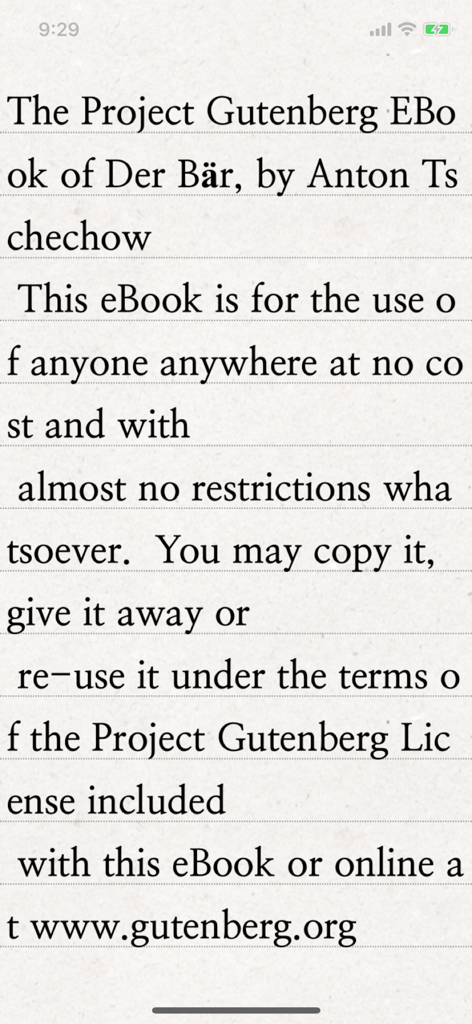
Una pantalla de smartphone mostrando la aplicación Text Viewer con un libro electrónico clásico de Project Gutenberg con tipografía serif clara sobre un fondo de papel texturizado.

Una pantalla de smartphone mostrando la aplicación Text Viewer con un libro electrónico clásico de Project Gutenberg con tipografía serif clara sobre un fondo de papel texturizado.

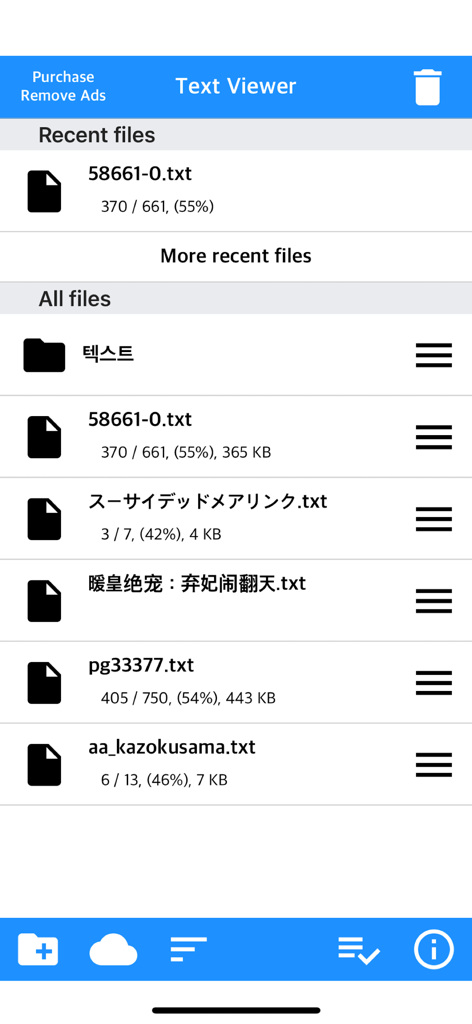
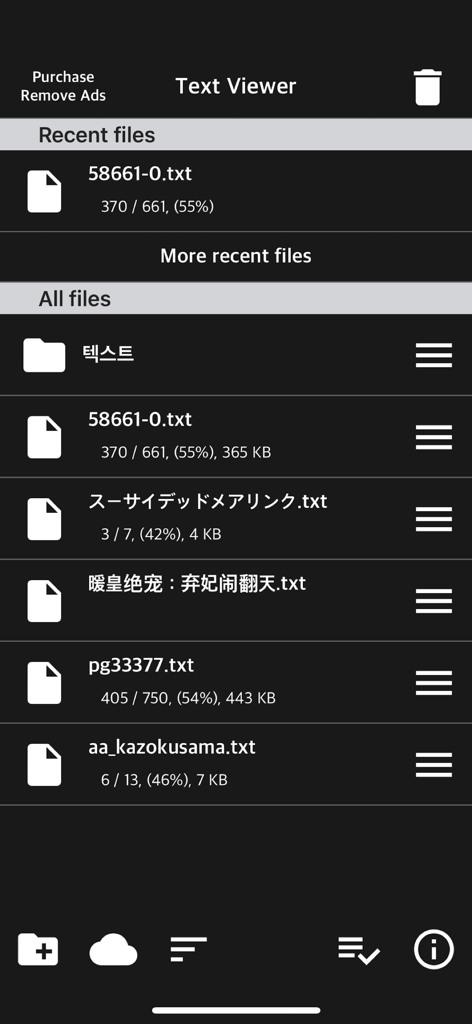
La pantalla principal de gestión de archivos de la aplicación Text Viewer mostrando una lista de archivos txt con el progreso de lectura.

La pantalla principal de gestión de archivos de la aplicación Text Viewer mostrando una lista de archivos txt con el progreso de lectura.

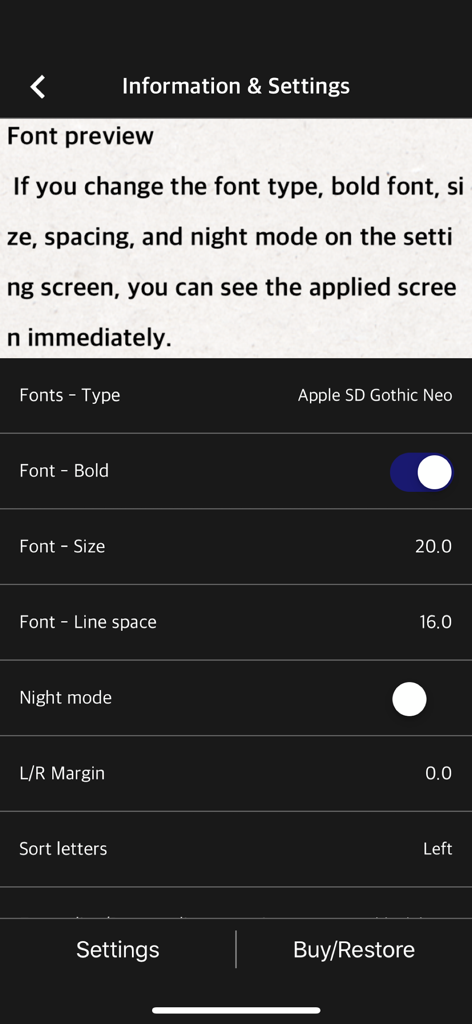
Pantalla de configuración de la aplicación móvil para ajustar el tipo y tamaño de fuente y el interlineado en un lector de texto.

Pantalla de configuración de la aplicación móvil para ajustar el tipo y tamaño de fuente y el interlineado en un lector de texto.

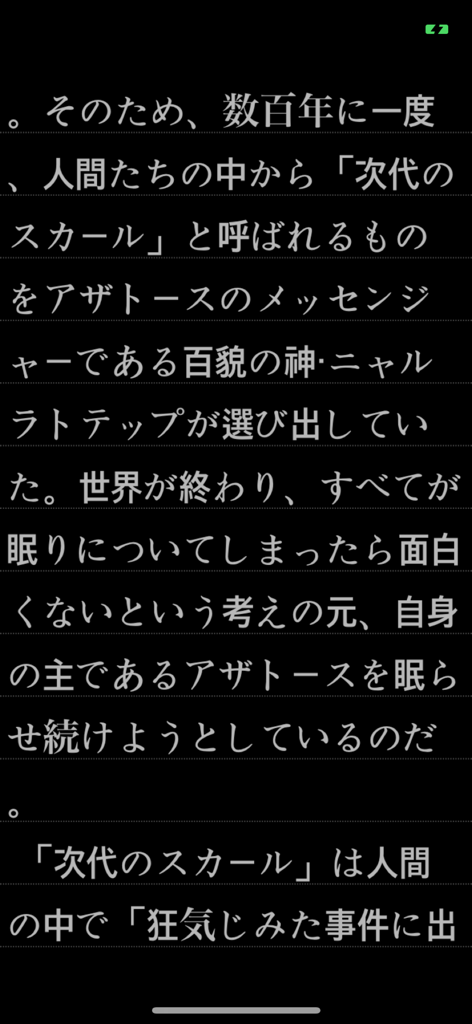
Texto japonés mostrado en modo oscuro en la aplicación móvil Text Viewer.

Texto japonés mostrado en modo oscuro en la aplicación móvil Text Viewer.

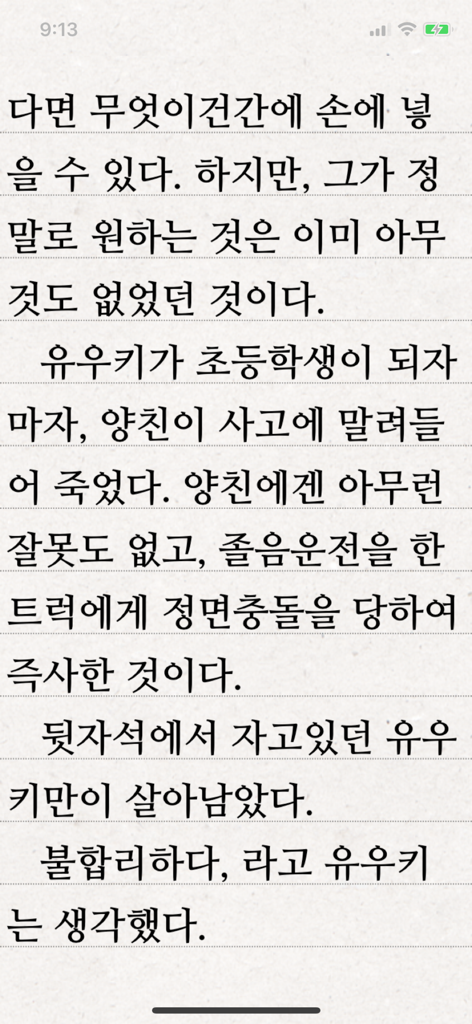
Aplicación Text Viewer mostrando una página de texto coreano sobre un fondo rayado.

Aplicación Text Viewer mostrando una página de texto coreano sobre un fondo rayado.

Interfaz de la aplicación Text Viewer mostrando una lista de archivos de texto recientes y almacenados en modo oscuro.

Interfaz de la aplicación Text Viewer mostrando una lista de archivos de texto recientes y almacenados en modo oscuro.

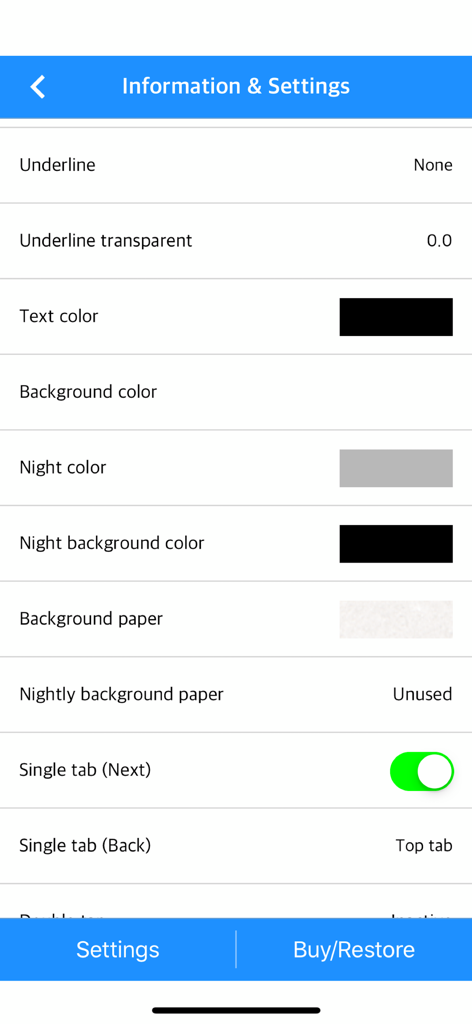
Menú de configuración de la aplicación Text Viewer mostrando opciones de personalización para los colores de texto y fondo.

Menú de configuración de la aplicación Text Viewer mostrando opciones de personalización para los colores de texto y fondo.

Lee exactamente como quieras

Las herramientas que hacen destacar esta app, elegida por 590K+ usuarios.

🎨

Control visual total

Imita un lector electrónico de gama alta con controles granulares para el grosor de la fuente, el interlineado y los márgenes personalizados. Cambia entre los modos vertical y horizontal para encontrar tu flujo perfecto.

☁️

Tu biblioteca, en todas partes

Olvídate de los cables engorrosos. Importa tu colección privada al instante a través de iCloud, Dropbox, FTP o transferencia directa por Wi-Fi desde tu PC a tu dispositivo móvil.

Optimizado para la lectura intensiva

Domina novelas web masivas con nuestra herramienta única de división de archivos y la función de desplazamiento automático. Nunca pierdas tu lugar con marcadores inteligentes y la sincronización de 'última vista'.

Sobre la app

Todo lo que necesitas saber sobre Text Viewer - txt file viewer.

Descripción

Simple text based novel viewer app that can view text file on your smart devices. Now, you can read E-book of text-based novel You can directly transfer text file from PC to App under identical Wi-Fi connection. If you are using iCloud app, the text file uploaded to iCloud can be imported into this App. It supports FTP and iTunes. Pages can be switched using tapping, left-right/up-down dragging, or scrolling. Each switching gesture feature can be turned on and off in the settings. It supports automatic scrolling (in-app purchase required). It is compatible with iPhone and iPad, and it can customize view mode as horizontal or vertical in the setting. In addition, it supports various features such as cutting file, and changing font, color, and brightness. Text viewer app is designed for viewing text-based novels (books) easily. It is being continuously improved for facilitation. If you have any questions or suggestions after installing app, please send an email to junhuloveapple@gmail.com, or click ‘send an email’ button located at the top right of your app's settings screen. We will try to response and update quickly. (It may take a day or so to answer if you ask using the comment system of Apple. If you need immediate response, please email us.) ** FEATURES ** - txt file extension - UTF-8 and multilanguage encodings - Writing direction: Function for languages that are read in the left direction (iOS 14+) - Enables to upload using PC web browser with Wi-Fi - File import from cloud apps such as iCloud, Dropbox, OneDrive, Mega, and Box etc. - FTP: search, download - SSHFTP - Secure FTP not supported - Enables to upload file using iTunes file sharing - File copy in the cloud app or mail attachment - Enables to set text size, space, and thickness - Adds page transition animation effects - Locks app and file - phone/tablet - Choose font types - Adjust screen brightness - Upload and search the compressed file including text file - Cut file feature: split file over 2MB into files of fixed size - Left / Right margin settings - Background / text color settings - Horizontal and vertical rotation for phone / tablet  - iPad multitasking screen support - Create / delete / rename of folder - Move / copy / delete of file - Select multiple files - Move the pages by tapping and left-right/up-down dragging - Search and view the text file from compressed file - Align text (left, right, center) - Search - Bookmark - Insert / delete a blank line - Turn off screen option: Automatically turn off screen at designated time when activated - Start view from the last viewed - Vertical scroll feature: User can scroll down the viewport - Next book auto-switching options: If you automatically change the next book switching option in Settings, tabs on the last page will automatically switch to the next book. - Automatic scroll feature (text file): Enable to scroll down automatically / Enable to set scroll down time from 1 second (fast) to 30 second (slow). (In-app purchase required) - Bluetooth keyboard: Supports page switching and screen closing function, direction key (asdw) page switch, ESC key viewer screen close (In-app purchase required) - "Two-page view" support in pad: left-right, right-left page direction also selectable, please adjust page interval to "left and right margin" value. (In-app purchase required, pad only) ** To import file from cloud, you need to install and login the cloud app. ** For the “file share” of iTunes and the “app file share” of ifunbox, the file should be uploaded using Text Viewer. ** Advertising: Text Viewer includes banner ad. When you watch the video advertising (less than 1-minute length), you can use ad-free Text Viewer for 24 hours per every day; or you can use permanent ad-free Text Viewer by in-app purchase.

Última versión

1.377

Tamaño

103.3 MB

Fecha de lanzamiento

29 nov 2017

Toda tu biblioteca, exactamente como te gusta

Únete a más de 590K lectores avanzados y entusiastas de las novelas web. Descarga el visor de texto más personalizable para iPhone y iPad y empieza a leer hoy mismo.

Descargar en App Store

App information, icons, screenshots, and descriptions displayed on this page are sourced from the Apple App Store and are the property of their respective developers. Download estimates and rankings are based on MWM's proprietary models and may not reflect actual figures. This page is provided for informational and analytical purposes only.

Believe this page infringes your intellectual property? File a dispute