
Esta página no es una página oficial de la aplicación ni de su desarrollador, sino una publicación editorial independiente creada con fines informativos y de comentario. Salvo que se indique expresamente lo contrario, ni la aplicación ni su desarrollador están afiliados, respaldados, patrocinados, autorizados ni conectados oficialmente con MWM, Apple, Google Play, el editor de la aplicación ni su desarrollador, y nada en esta página implica que la aplicación haya sido desarrollada utilizando los servicios de MWM. Todas las marcas comerciales, logotipos, capturas de pantalla y demás contenidos son propiedad de sus respectivos propietarios.


Tracing projector & Lightbox
Convierte tu smartphone en una cámara lúcida digital. Superpón cualquier imagen sobre papel para crear bocetos perfectos y de aspecto profesional, sin necesidad de experiencia en dibujo.
Descargas
193K+Valoración
Total valoraciones
0Editor
Categoría
Graphics & DesignIdiomas
11Última versión
2.1.12Tamaño
19.2 MBFecha de lanzamiento
25 oct 2021Desbloquea tu Potencial Artístico
Transforma tu smartphone en un proyector de alta tecnología. Traza, dibuja y crea arte de nivel profesional a partir de cualquier imagen en segundos.
Superposición Mágica AR
Superpón cualquier imagen directamente sobre tu papel a través de tu cámara. Domina proporciones complejas y líneas suaves sin años de práctica.
Traza tu Mundo
Importa cualquier foto de tu galería para dibujar tus recuerdos favoritos, mascotas o celebridades. Convierte tus fotos personales en obras maestras dibujadas a mano.
Las siguientes capturas de pantalla y la descripción provienen directamente del listado oficial de la tienda de la aplicación y son propiedad del desarrollador.
App Store
Capturas
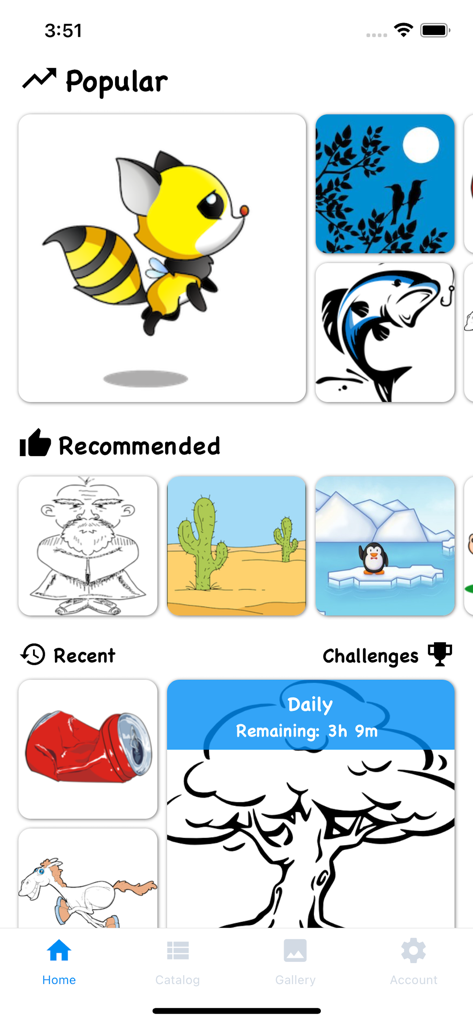
Pantalla de inicio de la aplicación Tracing projector and Lightbox que muestra plantillas de dibujo populares y recomendadas, incluyendo animales y paisajes.
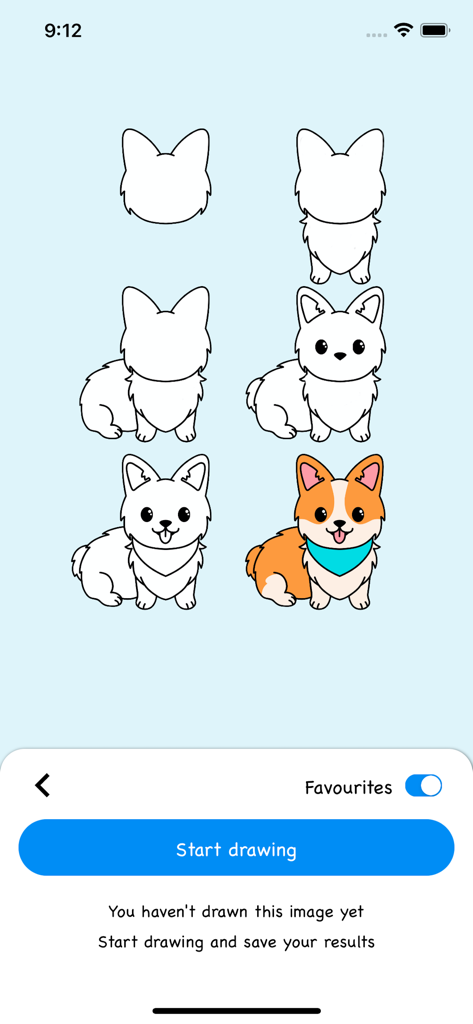
Pantalla de tutorial paso a paso que muestra cómo dibujar y colorear un lindo perro corgi.
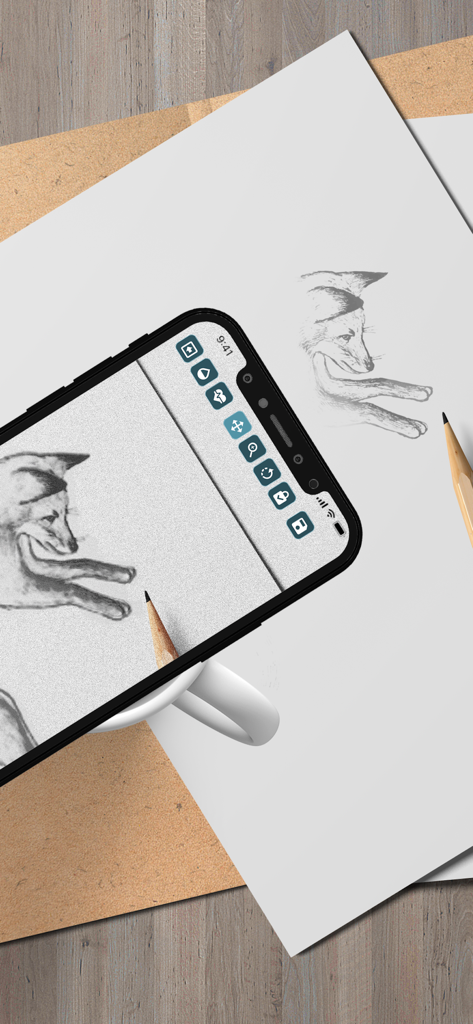
Proyector de smartphone proyectando un dibujo de zorro sobre papel usando realidad aumentada para trazar.
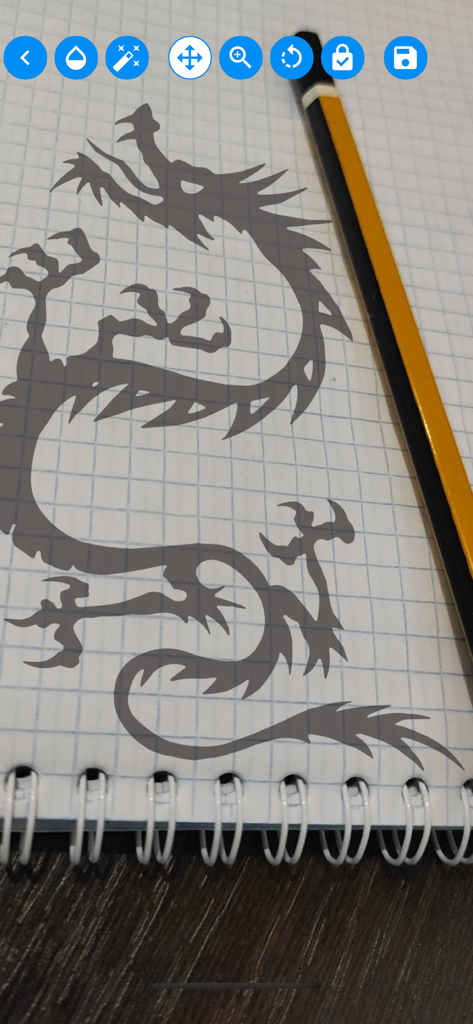
Una silueta de dragón proyectada sobre un cuaderno para trazar con una aplicación móvil.
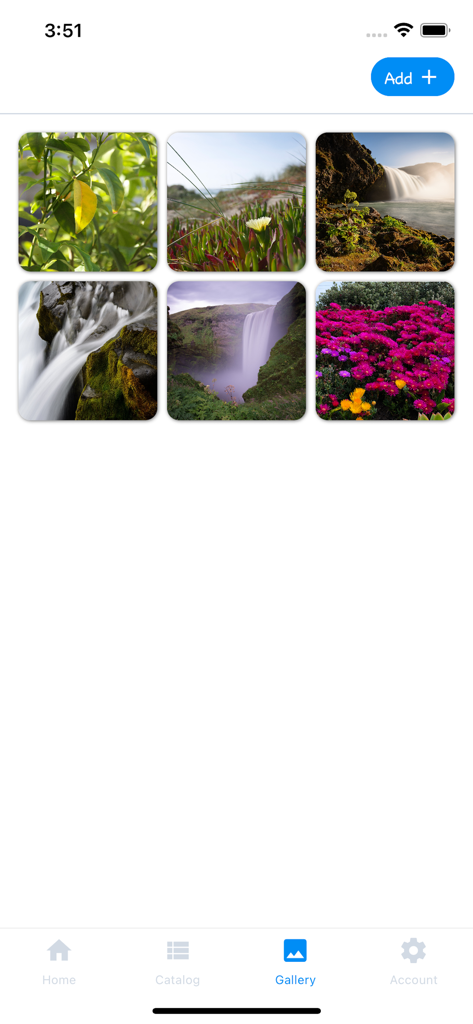
Pantalla de galería de la aplicación Tracing projector mostrando fotos de naturaleza para que los usuarios las seleccionen y tracen.
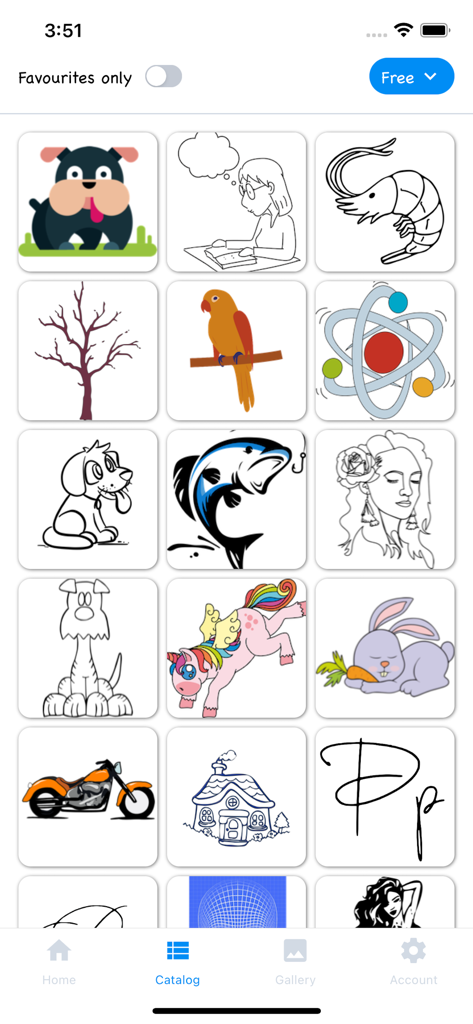
Una cuadrícula de plantillas de dibujo para trazar con animales y naturaleza.
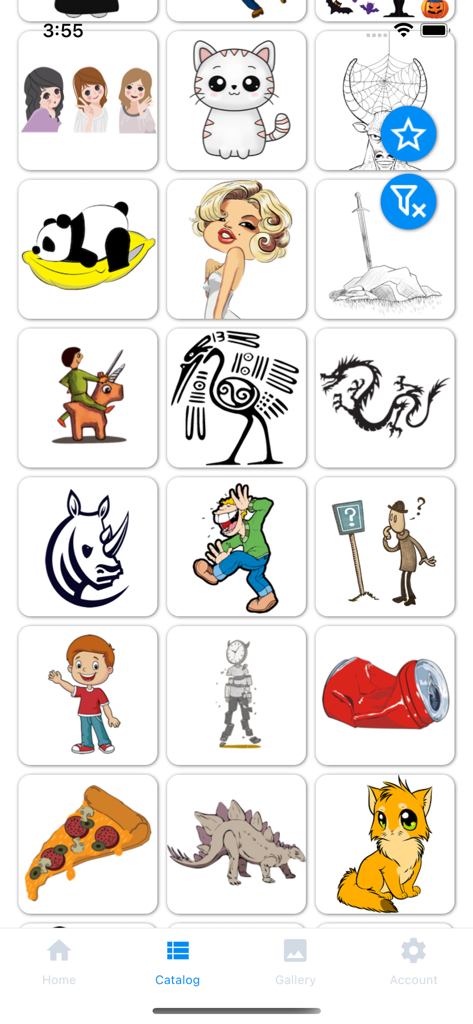
Una pantalla que muestra el catálogo de imágenes de la aplicación Tracing Projector y Lightbox con varios dibujos para trazar.
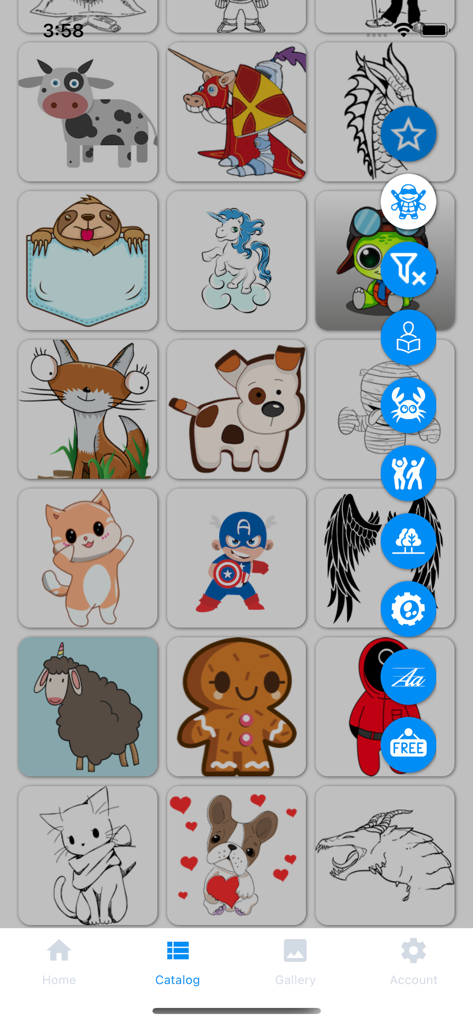
Pantalla de catálogo de la aplicación Tracing Projector que muestra una cuadrícula de varias plantillas de dibujo, incluyendo animales y superhéroes.
Descripción
Download
Apps Similares
Apps mejor clasificadas en la misma categoría

Kling AI: AI Image&Video Maker
LOHAS GAMES PTE. LTD.

iScreen - Widgets & Wallpaper
Xiamen ShenZhuo Information Technology Co., Ltd.

Dreamina AI: Image&Video Maker
BYTEDANCE PTE. LTD.

Home AI - AI Interior Design
HUBX YAZILIM HIZMETLERI ANONIM SIRKETI

ibis Paint X
ibis inc.

ThemeKit: Widget & Icon Themes
Woohoo Tech. Ltd.

Sketchbook®
Sketchbook, Inc.

Colorful Widget- Widget&Themes
Guangzhou ZHIFENG Information Technology Co.,Ltd.

ReRoom AI: Interior Design
GM UniverseApps Limited
Esta página no es una página oficial de la aplicación ni de su desarrollador, sino una publicación editorial independiente creada con fines informativos y de comentario. Salvo que se indique expresamente lo contrario, ni la aplicación ni su desarrollador están afiliados, respaldados, patrocinados, autorizados ni conectados oficialmente con MWM, Apple, Google Play, el editor de la aplicación ni su desarrollador, y nada en esta página implica que la aplicación haya sido desarrollada utilizando los servicios de MWM. Todas las marcas comerciales, logotipos, capturas de pantalla y demás contenidos son propiedad de sus respectivos propietarios.