
Esta página no es una página oficial de la aplicación ni de su desarrollador, sino una publicación editorial independiente creada con fines informativos y de comentario. Salvo que se indique expresamente lo contrario, ni la aplicación ni su desarrollador están afiliados, respaldados, patrocinados, autorizados ni conectados oficialmente con MWM, Apple, Google Play, el editor de la aplicación ni su desarrollador, y nada en esta página implica que la aplicación haya sido desarrollada utilizando los servicios de MWM. Todas las marcas comerciales, logotipos, capturas de pantalla y demás contenidos son propiedad de sus respectivos propietarios.

TranscriptPad - Review Depos
Reduzca a la mitad su tiempo de análisis posterior a la declaración. Lea, resalte y codifique transcripciones de forma segura en su iPhone, iPad y Mac, sin necesidad de conexión a la nube.
Descargas
100Valoración
Total valoraciones
100Editor
Categoría
BusinessIdiomas
1Última versión
26.1.1Tamaño
49.6 MBFecha de lanzamiento
30 ene 2021Potente Revisión de Declaraciones para Litigantes Modernos
Transforme la forma en que analiza los testimonios. Desde resaltar pruebas clave hasta crear diapositivas de impugnación, obtenga herramientas de nivel profesional que funcionan en el dispositivo, dondequiera que vaya.
Revise en Cualquier Lugar, de Forma Segura
Lleve todo su caso en su bolsillo. Revise transcripciones en el tren o en el tribunal con acceso completo sin conexión, sin necesidad de conexión a la nube o Wi-Fi público.
Codificación de Problemas de Precisión
Organice instantáneamente los testimonios por declarante, fecha o tema. Busque en cientos de transcripciones en segundos y genere informes detallados para su equipo legal.
Las siguientes capturas de pantalla y la descripción provienen directamente del listado oficial de la tienda de la aplicación y son propiedad del desarrollador.
App Store
Capturas
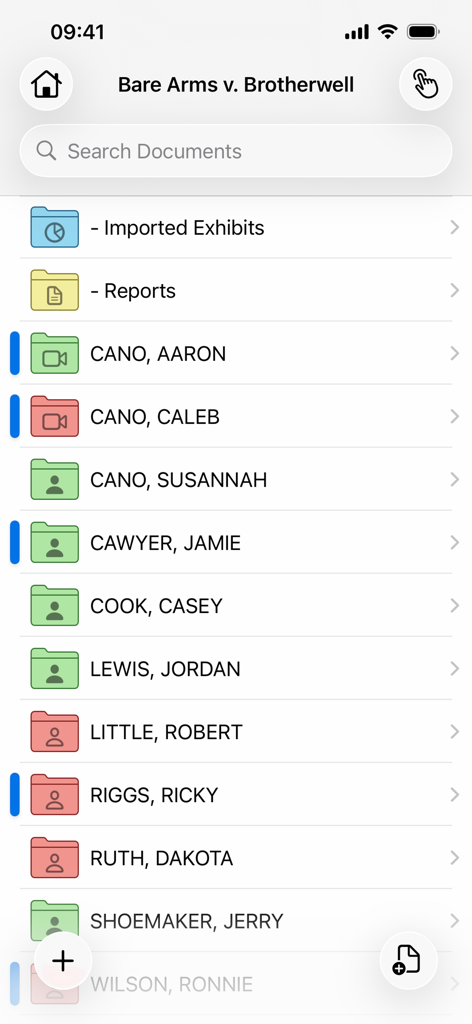
Interfaz de la aplicación TranscriptPad que muestra carpetas organizadas para documentos de casos legales y declarantes
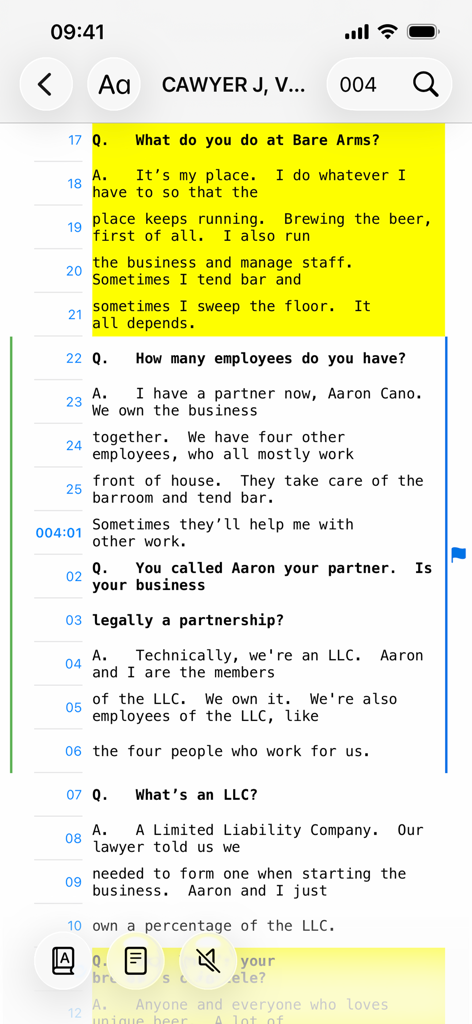
Transcripción de declaración legal con resaltado amarillo en la interfaz de la aplicación móvil TranscriptPad.
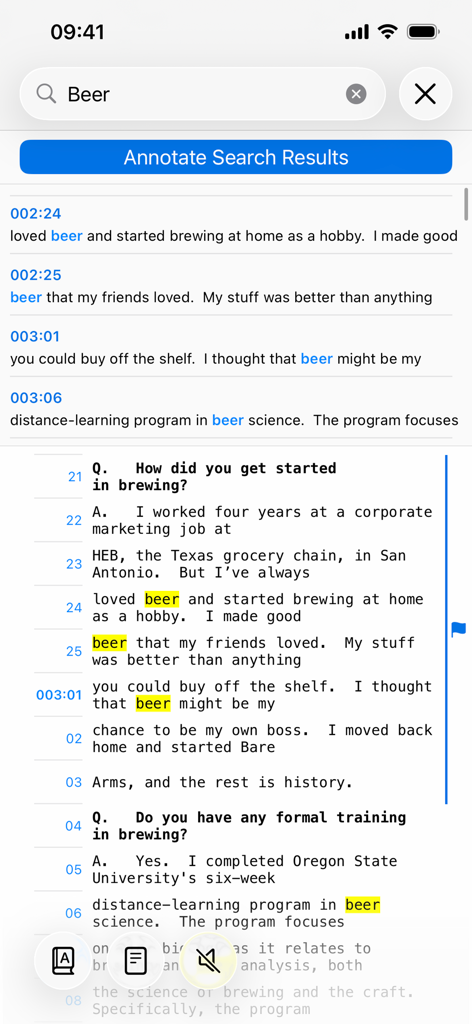
Búsqueda por palabras clave y resultados resaltados en la aplicación móvil TranscriptPad
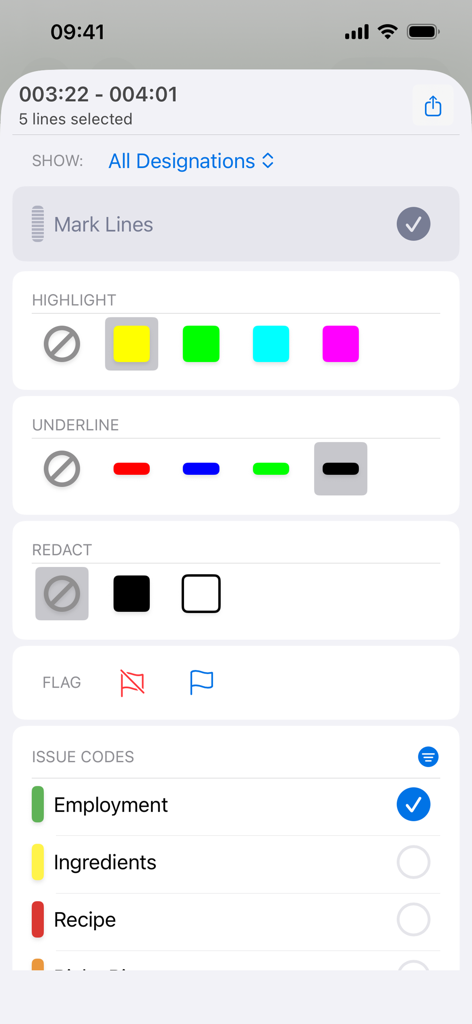
Interfaz de herramientas de anotación y codificación de problemas en la aplicación móvil TranscriptPad para resaltar y redactar declaraciones legales
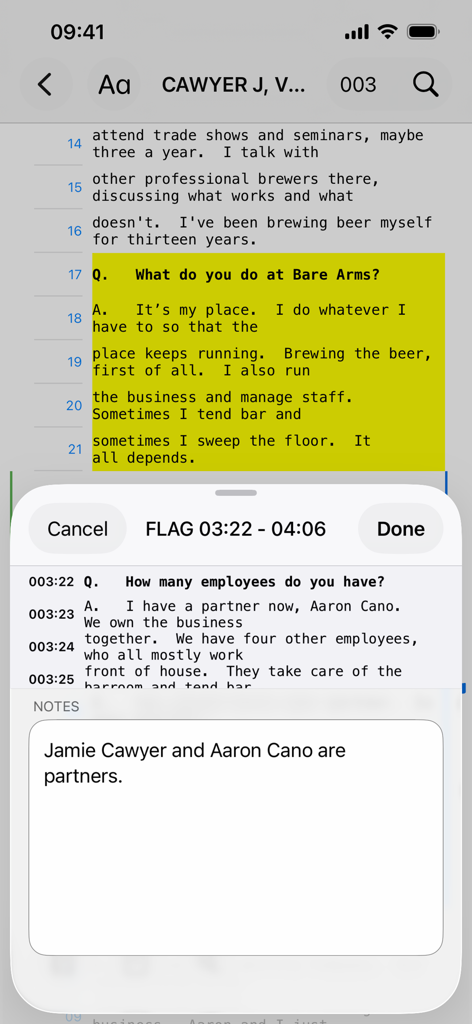
Interfaz de la aplicación TranscriptPad en iPhone que muestra texto de declaración resaltado y una sección de notas
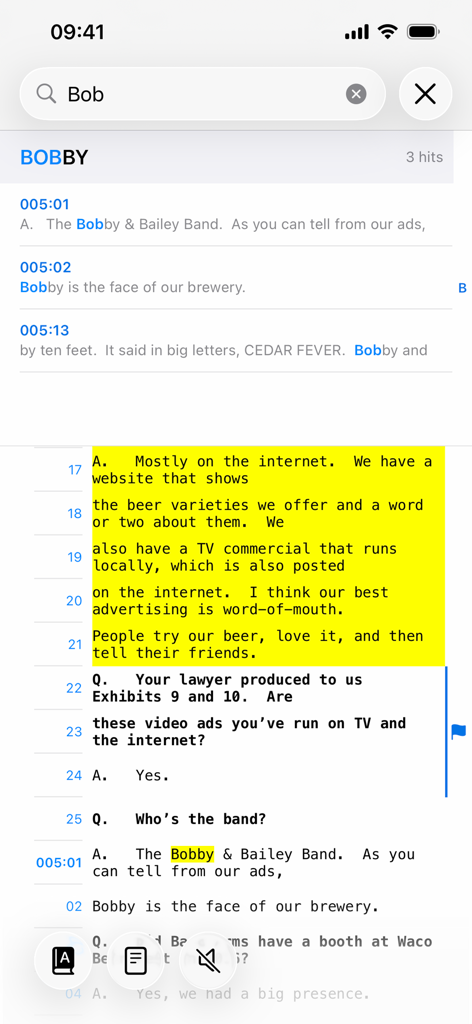
Búsqueda por palabras clave y resaltado de texto en la aplicación TranscriptPad en iPhone
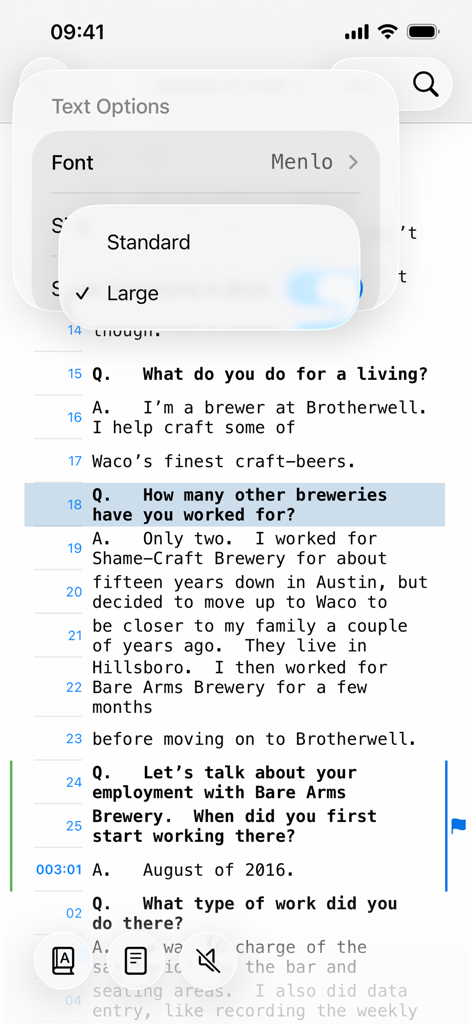
Aplicación TranscriptPad en iPhone que muestra opciones de texto para cambiar la fuente y el tamaño de una transcripción de declaración
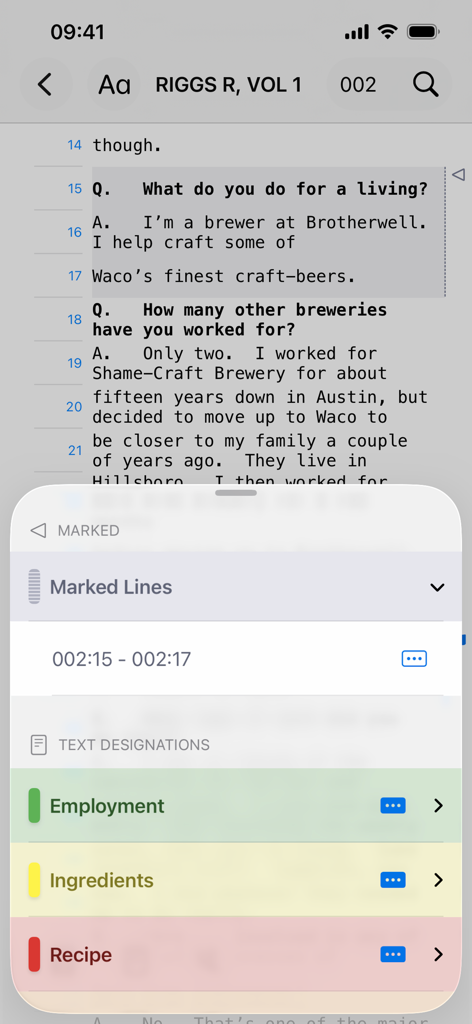
Interfaz de TranscriptPad en iPhone que muestra la revisión de transcripciones legales con designaciones de texto y codificación de problemas para empleo y recetas.
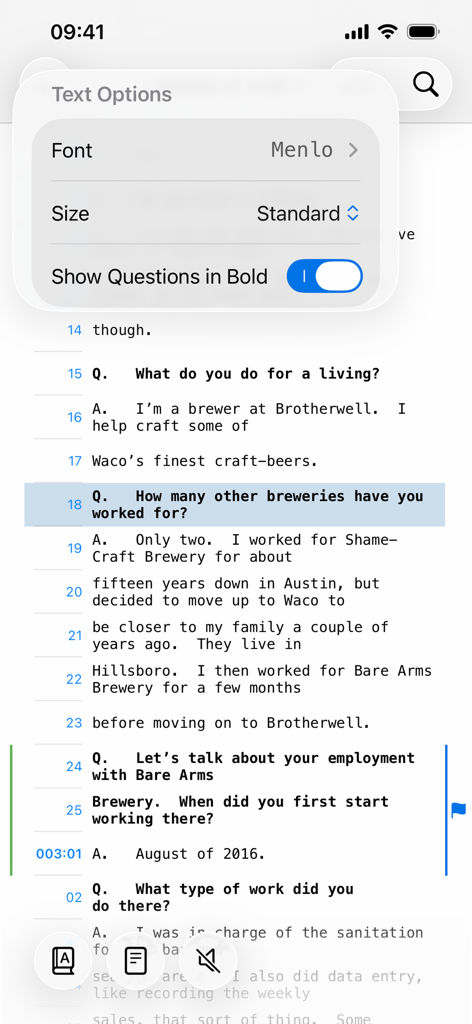
Aplicación TranscriptPad que muestra el menú de opciones de texto para transcripciones de declaraciones en un iPhone
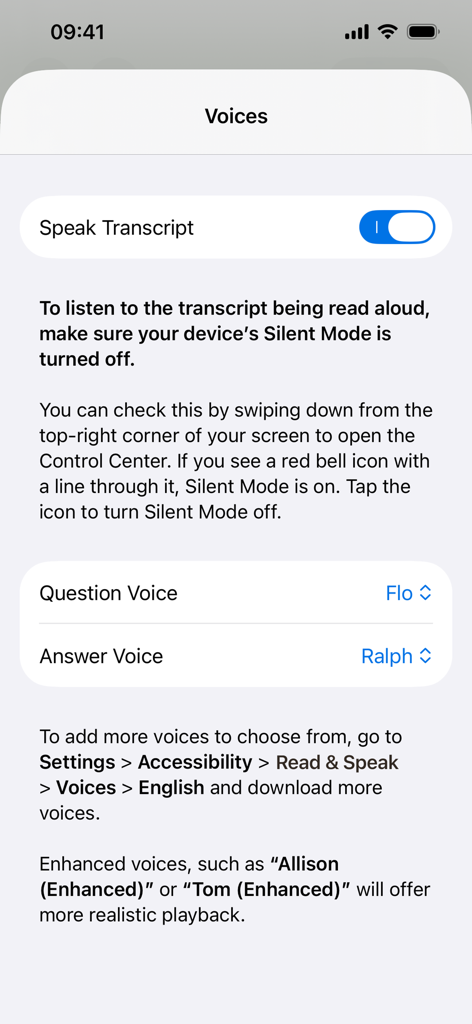
Interfaz de la aplicación TranscriptPad que muestra la configuración de voz para la función Leer Transcripción con opciones para personalizar las voces de preguntas y respuestas.
Descripción
Download
Apps Similares
Apps con características y experiencia similares


Esta página no es una página oficial de la aplicación ni de su desarrollador, sino una publicación editorial independiente creada con fines informativos y de comentario. Salvo que se indique expresamente lo contrario, ni la aplicación ni su desarrollador están afiliados, respaldados, patrocinados, autorizados ni conectados oficialmente con MWM, Apple, Google Play, el editor de la aplicación ni su desarrollador, y nada en esta página implica que la aplicación haya sido desarrollada utilizando los servicios de MWM. Todas las marcas comerciales, logotipos, capturas de pantalla y demás contenidos son propiedad de sus respectivos propietarios.