TV Cast Pro for DLNA Smart TV
Descargar en App Store

Esta página no es una página oficial de la aplicación ni de su desarrollador, sino una publicación editorial independiente creada con fines informativos y de comentario. Salvo que se indique expresamente lo contrario, ni la aplicación ni su desarrollador están afiliados, respaldados, patrocinados, autorizados ni conectados oficialmente con MWM, Apple, Google Play, el editor de la aplicación ni su desarrollador, y nada en esta página implica que la aplicación haya sido desarrollada utilizando los servicios de MWM. Todas las marcas comerciales, logotipos, capturas de pantalla y demás contenidos son propiedad de sus respectivos propietarios.

Logo de TV Cast Pro for DLNA Smart TV
Descargar en App Store

TV Cast Pro for DLNA Smart TV

Transmite sin interrupciones videos web, TV en vivo y recuerdos personales desde tu carrete o la nube a cualquier Smart TV, Xbox o reproductor DLNA. Experimenta una transmisión premium y sin anuncios en un impresionante Full HD.

Cifras Clave

Descargas

141K+

Valoración

3.9/5

Total valoraciones

1K+

Editor

Kraus und Karnath GbR 2Kit Consulting

Categoría

Photo & Video

Idiomas

1

Última versión

3.6

Tamaño

39.2 MB

Fecha de lanzamiento

20 jun 2016
Funciones

Todo lo que amas, en pantalla grande

Cierra la brecha entre tu iPhone y tu Smart TV. Transmite videos web, recuerdos personales y contenido sin anuncios con un solo toque.

Transmisión fluida de videos web

Detecta y transmite al instante películas, deportes en vivo y programas web especializados desde cualquier sitio web directamente a tu televisor o Xbox con tecnología DLNA.

Tus recuerdos en 4K

Revive tus momentos favoritos. Transmite fotos y videos ilimitados desde tu Carrete, iCloud o Dropbox para que toda la familia los vea.

Las siguientes capturas de pantalla y la descripción provienen directamente del listado oficial de la tienda de la aplicación y son propiedad del desarrollador.

App Store

Capturas
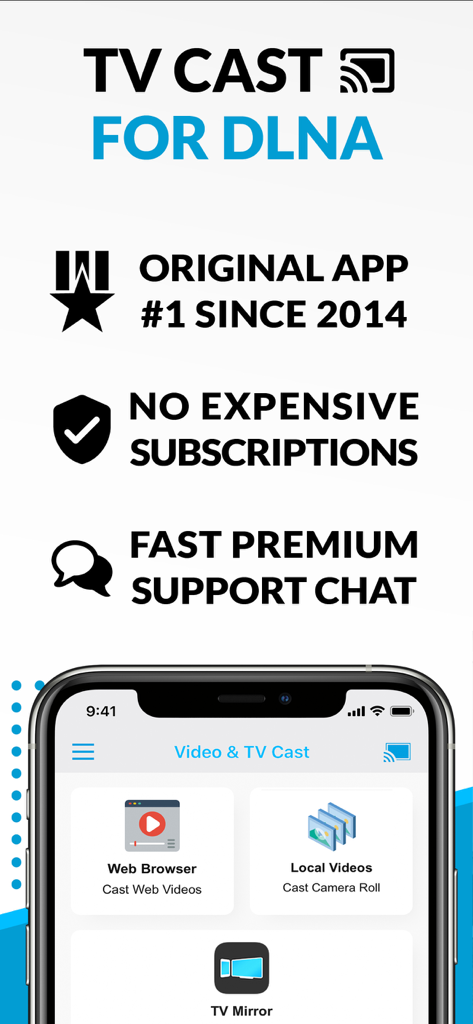
TV Cast Pro for DLNA Smart TV - Pantalla de iPhone que muestra TV Cast Pro para DLNA con navegador web y funciones de transmisión de video local
Pantalla de iPhone que muestra TV Cast Pro para DLNA con navegador web y funciones de transmisión de video local

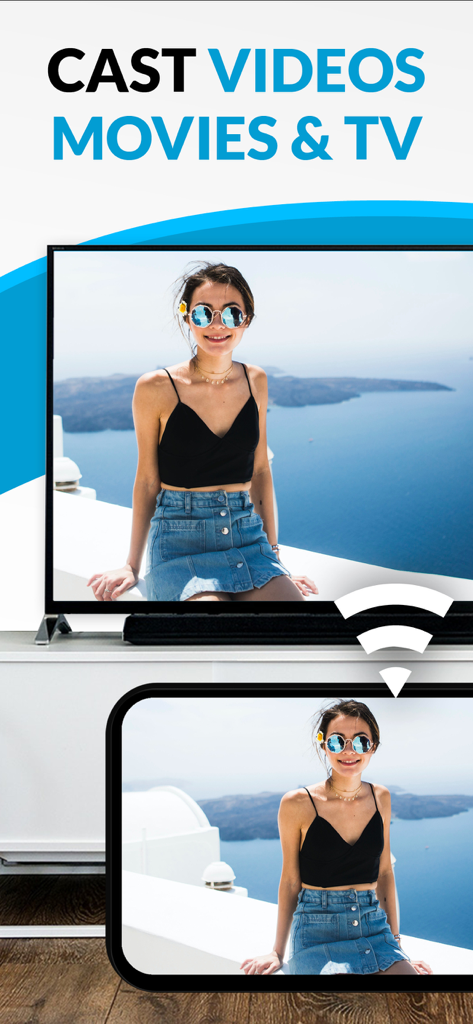
TV Cast Pro for DLNA Smart TV - Un iPhone transmitiendo de forma inalámbrica una foto personal a una Smart TV de gran tamaño
Un iPhone transmitiendo de forma inalámbrica una foto personal a una Smart TV de gran tamaño

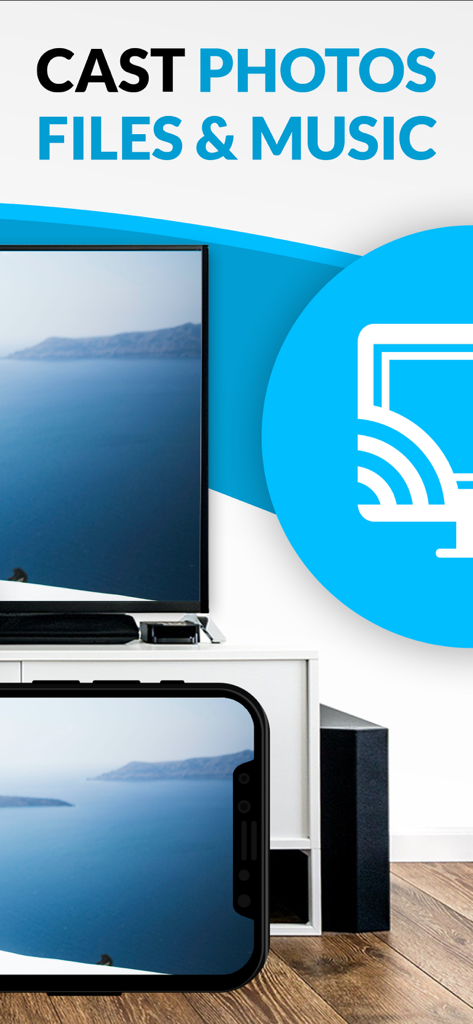
TV Cast Pro for DLNA Smart TV - Aplicación TV Cast Pro demostrando cómo transmitir fotos y música desde un iPhone a una Smart TV

Aplicación TV Cast Pro demostrando cómo transmitir fotos y música desde un iPhone a una Smart TV

Descripción

Watch webvideos, online movies, live tv streams and your personal photos, videos & music on your DLNA powered TV, video game console or blu-ray player. Enjoy the show on your big screen. Browse the web and stream your favorite webvideo or online TV show on a DLNA player like Hisense TV, Grundig TV, Samsung TV, LG TV, Sony TV, Philips TV, Toshiba TV, Panasonic TV, Xbox 360, Xbox One, EZCast, WD TV, Kodi (XBMC), SONOS and many other devices that use DLNA / UPnP / AllShare. Please try the free app version to check if your specific DLNA player is supported. Mp4, m3u8, hls live streaming, video over https and of course Full HD are supported. And there is no time limit at all! Just open Video & TV Cast, navigate to a website, wait for video link detection and send the video with a single tap to your DLNA player. The discovered link is shown below the browser. A tap on the link will start the show. * The app only works with a DLNA player that is capable of "media rendering". * Sony Bravia TVs: Please enable the renderer function of your TV to enable casting. See http://bit.ly/1VKM60A * iTunes movies, Flash video and DRM protected videos like Amazon Prime, Netflix, Hulu, Vudu, DirecTV, Xfinity, HBO now are not supported! * Please use the hardware remote of your DLNA player to forward, rewind and pause a running video. * The app streams only the video part of a website and not the whole website content (No screen or tab mirroring!). * Sometimes it is necessary to play the video on your iPad or iPhone first before it gets discovered by the app for streaming. It may also be neccessary to try it multiple times until it works on your specific DLNA player. * If a video does not cast, please check the FAQ on the app startpage. FAQ did not help? Please drop us a mail and give us the chance to help you before leaving a negative comment on the App Store. We will try to add support for that website as soon as possible. >>> PRO FEATURES * Personal Media: Cast unlimited personal photos, videos and music directly from your device or from cloud services like iCloud and Dropbox. * Ad-Blocker + No Sponsoring Ads: The Pro app version has no ads and the Ad-Blocker blocks ads & popups on most websites that you visit. You can enable/disable it at any time in the settings. * Bookmarks: Add and manage as many bookmarks as you want, either in the bookmarks menu or directly in the browser. * Desktop Mode: Change the browser user-agent and cloak your iPhone/iPad as a desktop PC to load the desktop website instead of a mobile website. Please note that this will NOT enable video casting on websites that serve Flash videos in desktop mode. * Change Homepage: After purchasing this you can set your personal homepage in the settings. >>> A MESSAGE FROM THE DEVELOPERS Please note that this app may not work with all DLNA devices out there. But we are working hard to improve this app with every update. Your feedback will drive our work ahead and you'll see improvements and new features in the next update. Please send your feedback to info@video-tv-cast.com Disclaimer: This app is not affiliated with the Digital Living Network Alliance or any other trademark mentioned here.

Download

Descargar en App Store

Esta página no es una página oficial de la aplicación ni de su desarrollador, sino una publicación editorial independiente creada con fines informativos y de comentario. Salvo que se indique expresamente lo contrario, ni la aplicación ni su desarrollador están afiliados, respaldados, patrocinados, autorizados ni conectados oficialmente con MWM, Apple, Google Play, el editor de la aplicación ni su desarrollador, y nada en esta página implica que la aplicación haya sido desarrollada utilizando los servicios de MWM. Todas las marcas comerciales, logotipos, capturas de pantalla y demás contenidos son propiedad de sus respectivos propietarios.








