TV Remote: Ruku Roco Riku Roka

TV Remote: Ruku Roco Riku Roka

Descargar en App Store
Logo de TV Remote: Ruku Roco Riku Roka

Control Remoto TV: Ruku Roco Riku Roka – El Centro de Mando Definitivo para tu TV

Deja de buscar el control remoto perdido. Controla sin esfuerzo tu dispositivo de streaming, busca con un teclado virtual y gestiona tus canales favoritos directamente desde tu iPhone.

Descargar en App Store

Editor

Emil Larsen

Categoría

Utilities

Descargas

86K+

Valoración

4.7/5

Total valoraciones

400

Idiomas

1

Tu Control Remoto, Reimaginado

Descubre la interfaz utilizada por 86K+ usuarios.
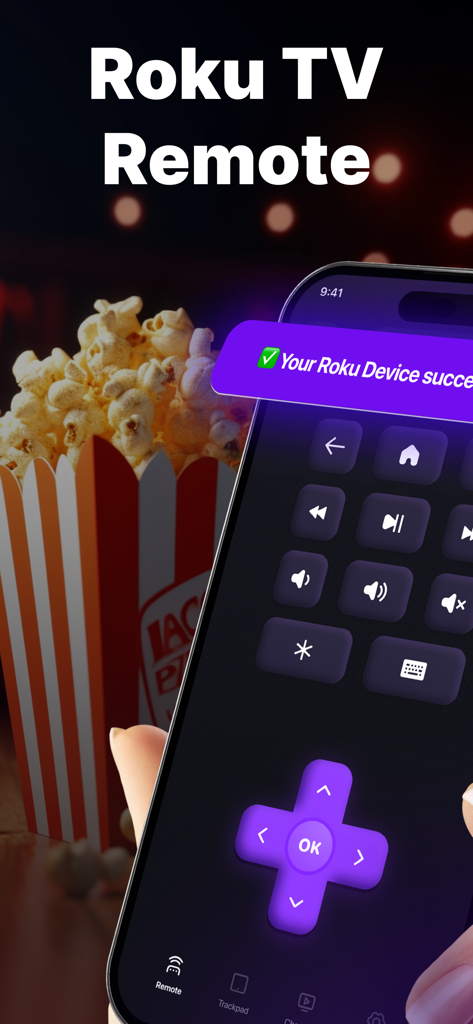
Interfaz de la aplicación de control remoto de TV Roku en un iPhone con un fondo de palomitas de maíz.

Interfaz de la aplicación de control remoto de TV Roku en un iPhone con un fondo de palomitas de maíz.

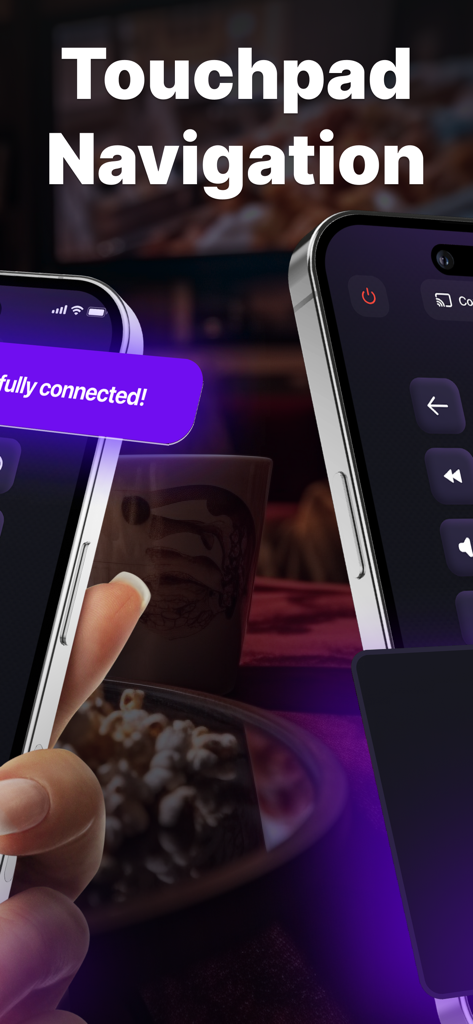
Una mano usando un iPhone con la aplicación Control Remoto TV mostrando la función de navegación por panel táctil.

Una mano usando un iPhone con la aplicación Control Remoto TV mostrando la función de navegación por panel táctil.

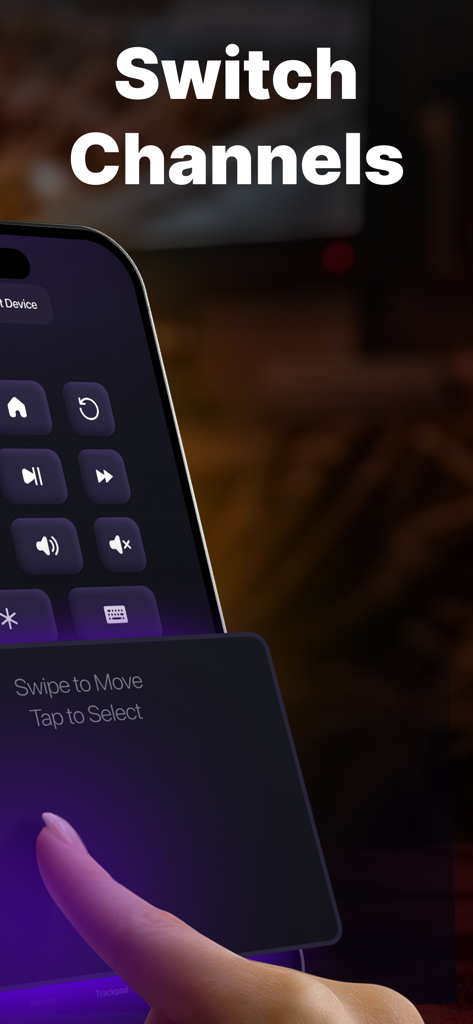
Pantalla del iPhone mostrando una interfaz de panel táctil digital con el texto deslizar para mover, tocar para seleccionar para cambiar los canales de TV

Pantalla del iPhone mostrando una interfaz de panel táctil digital con el texto deslizar para mover, tocar para seleccionar para cambiar los canales de TV

Controla tu TV como un Profesional

Las herramientas que hacen destacar esta app, elegida por 86K+ usuarios.

⌨️

Escritura Rápida y Fácil

Deja de buscar letras en tu pantalla. Usa el teclado virtual de tu iPhone para buscar películas e introducir contraseñas en segundos.

📱

Configuración Instantánea Multi-Habitación

Conéctate sin problemas a cualquier dispositivo Roku en tu hogar. Es el respaldo perfecto siempre disponible para cuando el control remoto físico desaparezca.

📺

Navegación con un Toque

Navega sin esfuerzo por las aplicaciones, ajusta el volumen y controla la reproducción con una interfaz fácil de usar diseñada para tu estilo de vida móvil.

Sobre la app

Todo lo que necesitas saber sobre TV Remote: Ruku Roco Riku Roka.

Descripción

Turn your device into the ultimate command center for your streaming device using the Remote Control app! Experience effortless and user-friendly management of your player or TV directly from your iOS device. Key Features: - Easy Setup: Establish a seamless connection between your iOS device and your TV device within seconds. No need for complex configurations or technical expertise. - User-Friendly Interface: Our intuitive interface ensures that you can effortlessly navigate through channels, applications, and settings with simple taps and gestures. - Manage Channels & Apps: Effortlessly peruse, launch, and switch between your preferred channels and applications. No more searching for the physical remote! - Virtual Keyboard: Simplify text input by typing, searching, and entering text on your TV device using your iOS device's keyboard. - Media Playback Controls: Easily control your favorite content on your player, TV, or streaming stick with play, pause, rewind, and fast-forward options. - Volume Control: Adjust the volume directly from your iPhone, eliminating the need to handle multiple remotes. - Offline Mode: Enjoy basic remote control functionality even when your device is not connected to the internet. Disclaimer: This app is not affiliated with or endorsed by Roku, Inc. It is an independent application developed to enhance the functionality of Roku streaming devices. Terms of Use: https://sites.google.com/view/rokuremotecontroller/home/terms Privacy Policy: https://sites.google.com/view/rokuremotecontroller/home/privacy Contact us: https://sites.google.com/view/rokuremotecontroller/home/contact

Última versión

2.0

Tamaño

20.0 MB

Fecha de lanzamiento

2 nov 2023

Toma el Control Total de tu Roku Hoy Mismo

Únete a más de 86,000 usuarios que han optado por una forma más rápida e inteligente de navegar. Descarga ahora y convierte tu iPhone en el compañero de streaming definitivo.

Descargar en App Store

App information, icons, screenshots, and descriptions displayed on this page are sourced from the Apple App Store and are the property of their respective developers. Download estimates and rankings are based on MWM's proprietary models and may not reflect actual figures. This page is provided for informational and analytical purposes only.

Believe this page infringes your intellectual property? File a dispute