
Esta página no es una página oficial de la aplicación ni de su desarrollador, sino una publicación editorial independiente creada con fines informativos y de comentario. Salvo que se indique expresamente lo contrario, ni la aplicación ni su desarrollador están afiliados, respaldados, patrocinados, autorizados ni conectados oficialmente con MWM, Apple, Google Play, el editor de la aplicación ni su desarrollador, y nada en esta página implica que la aplicación haya sido desarrollada utilizando los servicios de MWM. Todas las marcas comerciales, logotipos, capturas de pantalla y demás contenidos son propiedad de sus respectivos propietarios.


Tweet Cleaning - Delete Tweets
Protege tu carrera y asegura tu privacidad. Borra masivamente tweets antiguos, respuestas y likes sin esfuerzo con filtros de precisión, dándole a tu perfil el nuevo comienzo que merece en segundos.
Descargas
176K+Valoración
Total valoraciones
2K+Editor
Categoría
Social NetworkingIdiomas
3Última versión
10.6Tamaño
19.3 MBFecha de lanzamiento
4 feb 2014Protege tu Reputación Profesional
Toma el control total de tu huella digital con herramientas de precisión diseñadas para borrar el pasado y asegurar tus futuras oportunidades de carrera.
Limpieza Digital Masiva
Salvaguarda tu imagen borrando masivamente años de tweets, respuestas y retweets en segundos—perfecto para pasar verificaciones de antecedentes de RR. HH.
Filtrado Inteligente por Palabra Clave
Ataca y elimina temas sensibles u opiniones desactualizadas buscando palabras clave y fechas específicas sin borrar todo tu historial.
Las siguientes capturas de pantalla y la descripción provienen directamente del listado oficial de la tienda de la aplicación y son propiedad del desarrollador.
App Store
Capturas
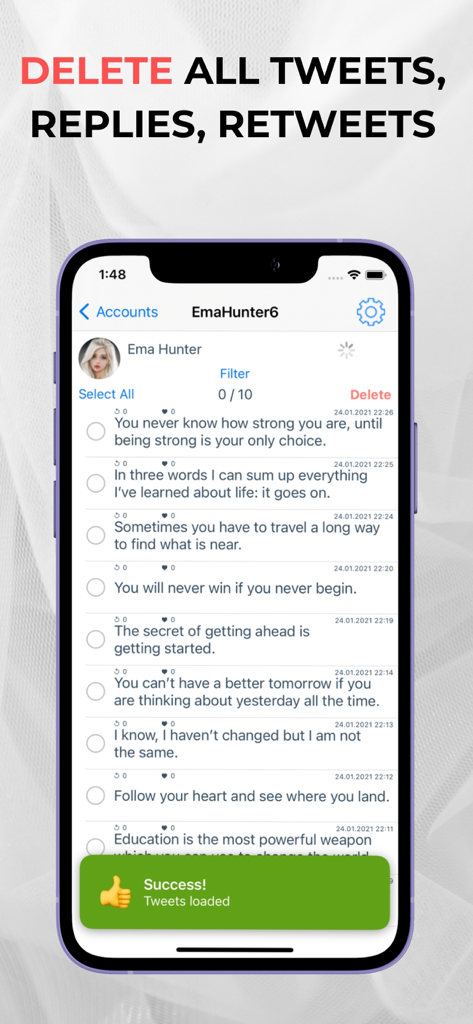
Interfaz de la aplicación móvil que muestra una lista de tweets con un botón de borrado y una notificación de éxito de carga de publicaciones
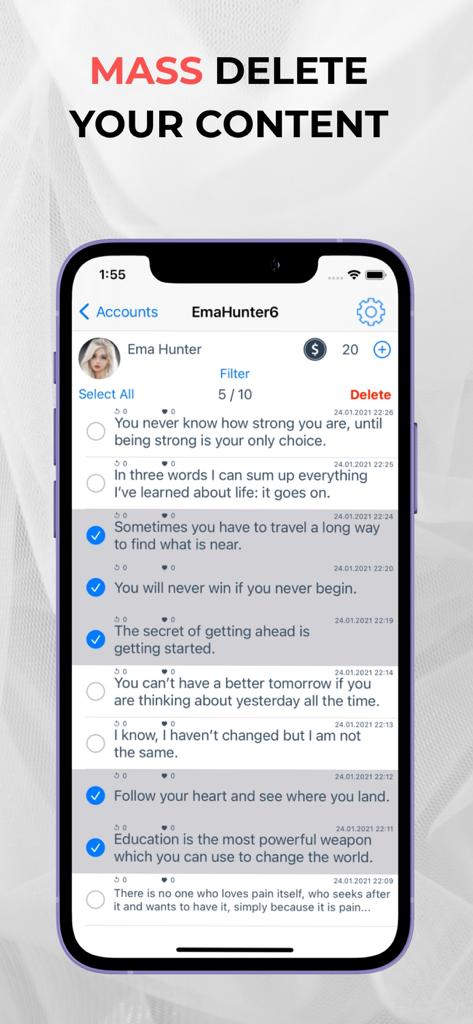
Interfaz de la aplicación móvil que muestra una lista de tweets seleccionados para borrado masivo
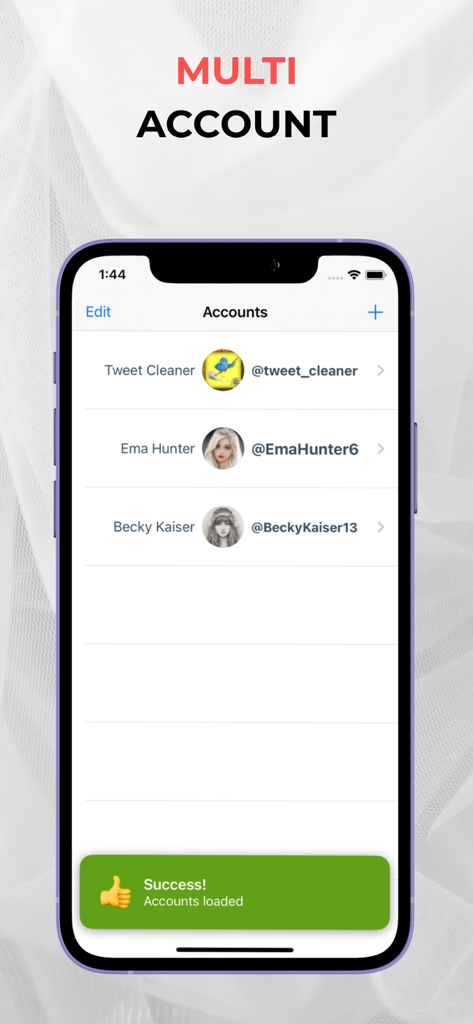
Interfaz que muestra múltiples cuentas de Twitter gestionadas en la aplicación Limpieza de Tweets
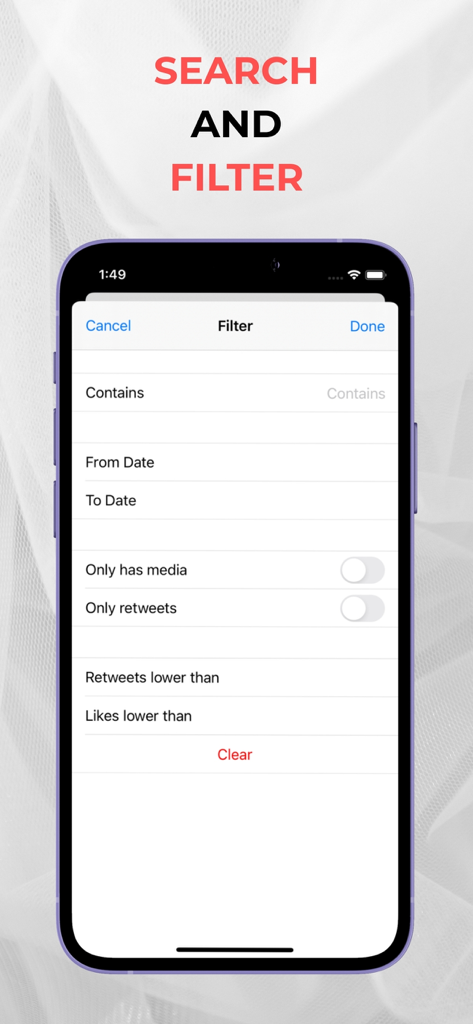
Una pantalla de la aplicación móvil para filtrar tweets por palabras clave, fecha y número de interacciones
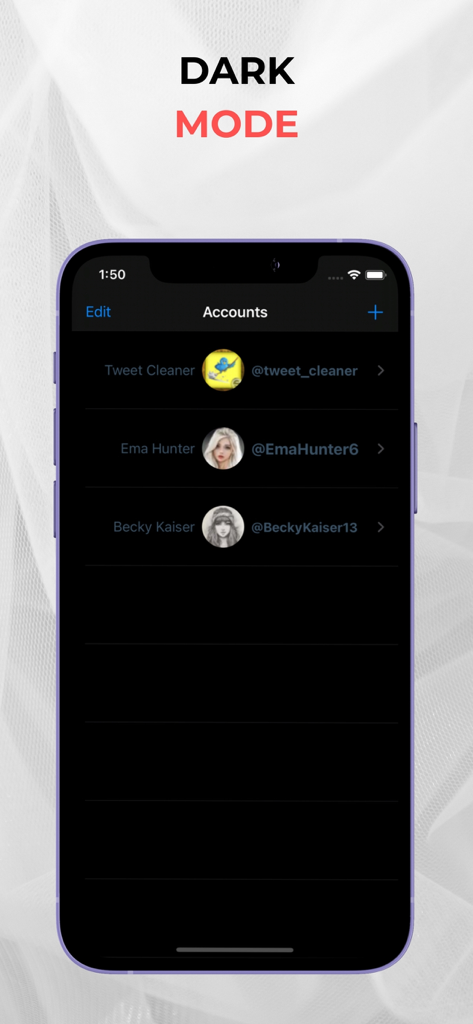
Interfaz de la aplicación Limpieza de Tweets que muestra múltiples cuentas en modo oscuro
Descripción
Download
Apps Similares
Apps mejor clasificadas en la misma categoría

Threads
Instagram, Inc.

Telegram Messenger
Telegram FZ-LLC

WhatsApp Messenger
WhatsApp Inc.

Meta Platforms, Inc.

Discord - Talk, Play, Hang Out
Discord Inc.

Messenger
Meta Platforms, Inc.

Google Meet
Google LLC

rednote
Xingin Information Technology (Shanghai) Co., Ltd

Tencent Technology (Shenzhen) Company Limited
Esta página no es una página oficial de la aplicación ni de su desarrollador, sino una publicación editorial independiente creada con fines informativos y de comentario. Salvo que se indique expresamente lo contrario, ni la aplicación ni su desarrollador están afiliados, respaldados, patrocinados, autorizados ni conectados oficialmente con MWM, Apple, Google Play, el editor de la aplicación ni su desarrollador, y nada en esta página implica que la aplicación haya sido desarrollada utilizando los servicios de MWM. Todas las marcas comerciales, logotipos, capturas de pantalla y demás contenidos son propiedad de sus respectivos propietarios.