Universal Remote: All Smart TV
Descargar en App Store

Esta página no es una página oficial de la aplicación ni de su desarrollador, sino una publicación editorial independiente creada con fines informativos y de comentario. Salvo que se indique expresamente lo contrario, ni la aplicación ni su desarrollador están afiliados, respaldados, patrocinados, autorizados ni conectados oficialmente con MWM, Apple, Google Play, el editor de la aplicación ni su desarrollador, y nada en esta página implica que la aplicación haya sido desarrollada utilizando los servicios de MWM. Todas las marcas comerciales, logotipos, capturas de pantalla y demás contenidos son propiedad de sus respectivos propietarios.

Logo de Universal Remote: All Smart TV
Descargar en App Store

Universal Remote: All Smart TV

Deja de buscar controles remotos perdidos y despídete del desorden en la mesa de centro. Controla sin esfuerzo Roku, Fire Stick, Apple TV y más desde tu iPhone con emparejamiento Wi-Fi instantáneo y un teclado integrado para búsquedas más rápidas.

Cifras Clave

Descargas

17K+

Valoración

5.0/5

Total valoraciones

0

Editor

QUANTUM4U LAB PRIVATE LIMITED

Categoría

Utilities

Idiomas

13

Última versión

6

Tamaño

64.9 MB

Fecha de lanzamiento

4 dic 2023
Funciones

Toma el Control Total de tu Sala

Reemplaza cada control remoto de tu casa con una sola aplicación inteligente. Gestiona sin problemas tu Roku, Fire Stick y Apple TV sin levantarte del sofá.

Una App para Cada Pantalla

Deshazte del desorden en la mesa de centro. Controla múltiples marcas de TV y dispositivos de streaming desde una interfaz única e intuitiva diseñada para tu estilo de vida.

Escritura y Búsqueda Rápidas

Deja de luchar con los incómodos D-pads en pantalla. Usa el teclado de tu smartphone para encontrar películas e ingresar contraseñas en segundos.

Las siguientes capturas de pantalla y la descripción provienen directamente del listado oficial de la tienda de la aplicación y son propiedad del desarrollador.

App Store

Capturas
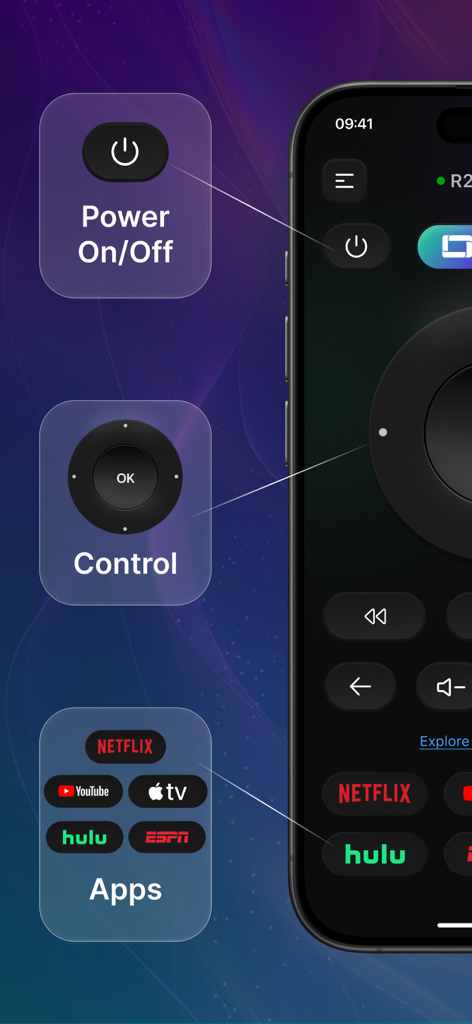
Universal Remote: All Smart TV - Interfaz de la app de control remoto universal con botón de encendido, controles de navegación y accesos directos a apps de streaming.
Interfaz de la app de control remoto universal con botón de encendido, controles de navegación y accesos directos a apps de streaming.

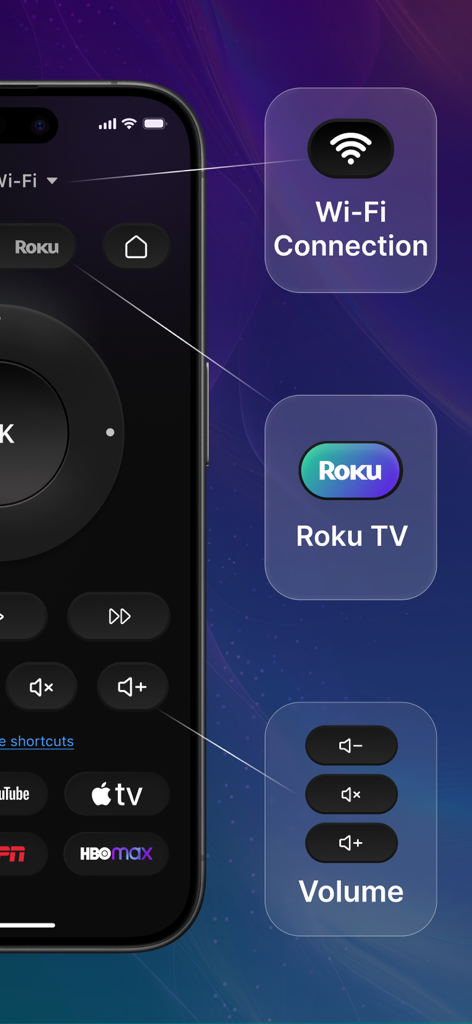
Universal Remote: All Smart TV - Interfaz de la app de control remoto universal en un smartphone destacando la conexión Wi-Fi, compatibilidad con Roku TV y controles de volumen.
Interfaz de la app de control remoto universal en un smartphone destacando la conexión Wi-Fi, compatibilidad con Roku TV y controles de volumen.

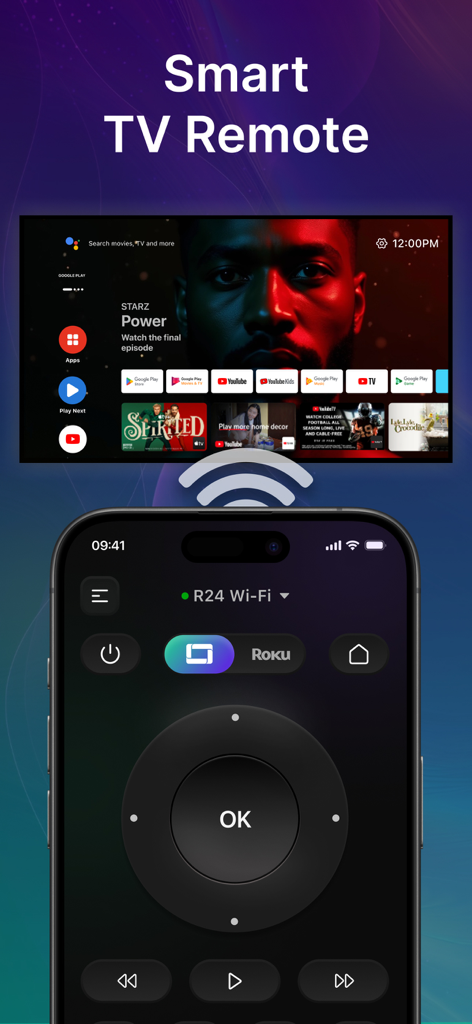
Universal Remote: All Smart TV - Un smartphone mostrando la interfaz de una app de control remoto universal para controlar un Smart TV a través de Wi-Fi.
Un smartphone mostrando la interfaz de una app de control remoto universal para controlar un Smart TV a través de Wi-Fi.

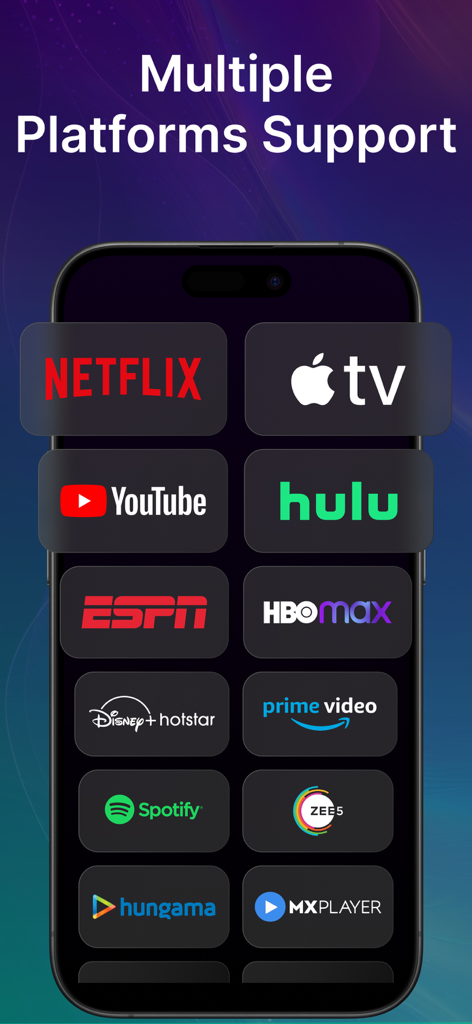
Universal Remote: All Smart TV - Pantalla de la app Universal Remote mostrando plataformas de streaming compatibles como Netflix y Apple TV.
Pantalla de la app Universal Remote mostrando plataformas de streaming compatibles como Netflix y Apple TV.

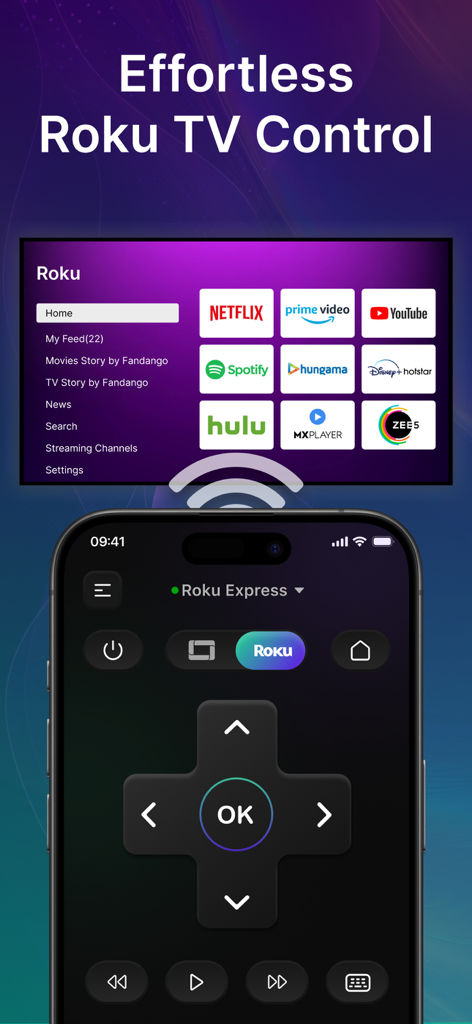
Universal Remote: All Smart TV - Un iPhone mostrando un control remoto digital para un Roku TV con iconos de servicios de streaming al fondo.
Un iPhone mostrando un control remoto digital para un Roku TV con iconos de servicios de streaming al fondo.

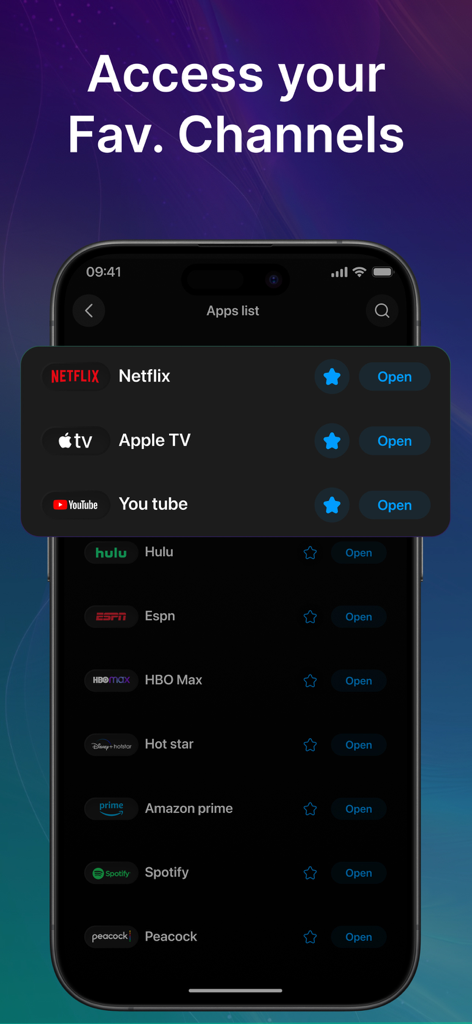
Universal Remote: All Smart TV - Interfaz de la app móvil mostrando una lista de servicios de streaming favoritos para acceso rápido.
Interfaz de la app móvil mostrando una lista de servicios de streaming favoritos para acceso rápido.

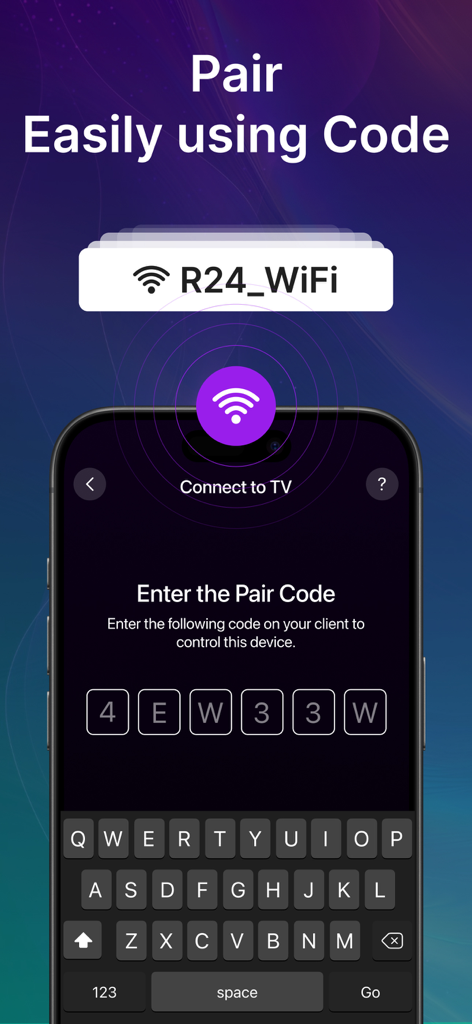
Universal Remote: All Smart TV - Interfaz de la app móvil mostrando la pantalla de ingreso del código de emparejamiento para conectar un smartphone a un Smart TV a través de Wi-Fi.
Interfaz de la app móvil mostrando la pantalla de ingreso del código de emparejamiento para conectar un smartphone a un Smart TV a través de Wi-Fi.

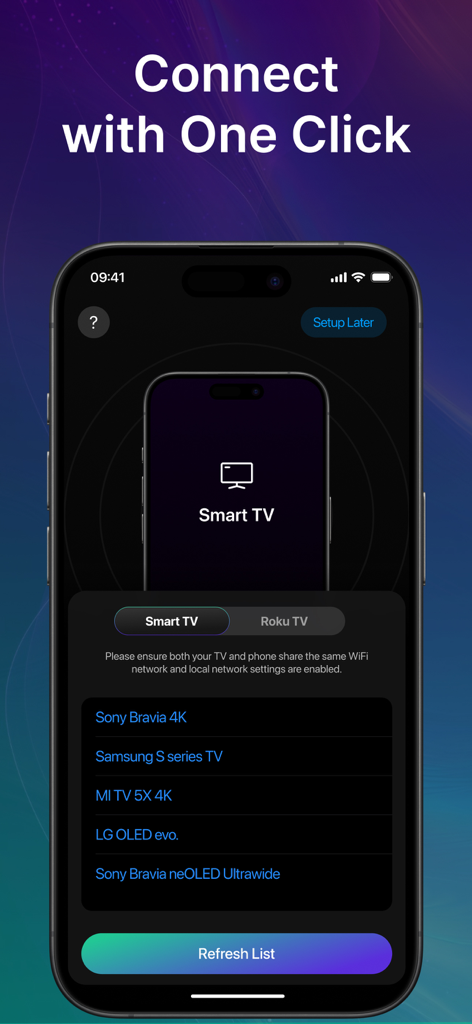
Universal Remote: All Smart TV - Interfaz de la app Universal Remote mostrando una lista de Smart TVs detectados listos para una conexión de un solo clic.

Interfaz de la app Universal Remote mostrando una lista de Smart TVs detectados listos para una conexión de un solo clic.

Descripción

Universal TV Remote App - Smart Remote: All TV Control Tired of searching for your TV remote? Universal Remote: All TV Control is the ultimate universal remote control app designed to make your life easier! Now, you can turn your smartphone into a powerful TV remote control and manage your favorite shows, movies, and apps with ease. Whether you have a Roku streaming stick, Fire Stick, Apple TV, Smart TV, or other smart TV, this app works as a universal remote for multiple devices. Turn Your Phone into a Smart TV Remote! The Smart Remote: Roku TV Control app lets you seamlessly operate your TV, adjust volume, switch channels, browse streaming services, and navigate your entertainment effortlessly. Key Features of Universal Remote: Roku TV Control App - Universal Remote TV Control – Works with Smart TV, Apple TV, Fire Stick, Roku, and more. - Easy Roku Remote App – Full control over Roku streaming devices, including navigation, volume, and playback. - Universal TV Remote for All Devices – Supports major TV brands and streaming devices. - Fire Stick Remote – No need for an extra remote; control your Fire Stick with ease. - Seamless Connection – Instantly pair with your TV smart remote through WiFi for quick access. - Navigation & Playback Controls – Control playback, adjust settings, and navigate menus with ease. - Adjust volume levels with a simple tap on your remote control for TV Compatible with Multiple Devices - Roku Streaming Stick & Roku TV – Works as the perfect Roku remote app to manage your Roku device. - Smart TV – Works seamlessly as a remote for Apple TV and other smart TV brands. - Apple TV Remote – Get the convenience of an Apple TV remote on your iOS phone. - Universal Remote for All TVs – Control your TV like a pro with our universal remote TV control app. Your TV, Your Control! Whether you're streaming your favorite show, watching live sports, or browsing channels, Universal Remote: Roku TV Control ensures a smooth and effortless viewing experience. No need for multiple remotes - this universal remote control does it all! How to Use Smart Remote: Roku TV Control? - Ensure your TV and smartphone are connected to the same WiFi network. - Select your TV brand or streaming device from the list. - Pair your device and start controlling your TV instantly! Why Choose Universal Remote: Roku TV Control? - No More Lost Remotes - Say goodbye to misplaced remotes forever! - One App for All - Works as a TV remote control for multiple devices. Download Smart Remote: Roku TV Control Now! Take full control of your Smart TV, Roku, Fire Stick, and more with the best remote control for TV app! Transform your phone into the ultimate TV smart remote and enjoy effortless navigation and entertainment. Get it today and experience the future of TV control! Data Collection - Device-specific information such as device model, OS version being used. This provides knowledge of how our application is being used so we can improve the user experience and the app itself. - We collect anonymized data such as statistics, analytics, insights about your activity in order to provide you a reliable and high-quality experience. - Payment data & an optional Email (if using paid Services) Disclaimer: This is not an official app of Roku TV, it only supports to control your Roku TV with it. Plans Length & Price Yearly - $14.99 Monthly - $3.99 Subscription Info - The user can cancel their subscription at any time. - All prices include applicable local sales taxes. - Payment will be charged to your iTunes Account after confirmation. - Subscription automatically renews at least 24-hours before the end of the current period. - The user's account will be charged for renewal within 24-hours Privacy policy: https://quantum4u.in/web/tvremotewithroku/privacy-policy Terms & Conditions: https://quantum4u.in/web/tvremotewithroku/tandc EULA: https://quantum4u.in/web/tvremotewithroku/eula

Download

Descargar en App Store

Esta página no es una página oficial de la aplicación ni de su desarrollador, sino una publicación editorial independiente creada con fines informativos y de comentario. Salvo que se indique expresamente lo contrario, ni la aplicación ni su desarrollador están afiliados, respaldados, patrocinados, autorizados ni conectados oficialmente con MWM, Apple, Google Play, el editor de la aplicación ni su desarrollador, y nada en esta página implica que la aplicación haya sido desarrollada utilizando los servicios de MWM. Todas las marcas comerciales, logotipos, capturas de pantalla y demás contenidos son propiedad de sus respectivos propietarios.








