
Cette page n'est pas une page officielle de l'application ou de son développeur, mais une publication éditoriale indépendante créée à des fins d'information et de commentaire. Sauf indication expresse contraire, ni l'application ni son développeur ne sont affiliés, approuvés, sponsorisés, autorisés ou autrement officiellement liés à MWM, Apple, Google Play, à l'éditeur de l'application ou au développeur de l'application, et rien sur cette page n'implique que l'application a été développée en utilisant les services de MWM. Toutes les marques, logos, captures d'écran et autres contenus restent la propriété de leurs propriétaires respectifs.


AnyMirror: Mirror Screen to PC
Améliorez votre travail hybride, votre enseignement numérique et vos diffusions en direct. Mettez en miroir votre iPhone ou iPad en toute transparence et sans décalage, annotez en temps réel et transformez votre appareil mobile en webcam et microphone de qualité professionnelle.
Téléchargements
8K+Note
Nombre d'avis
0Éditeur
Catégorie
UtilitiesLangues
3Dernière version
1.1.1Taille
71.4 MBDate de sortie
27 sept. 2021Améliorez votre flux de travail professionnel
Plus qu'une simple mise en miroir. AnyMirror combine la diffusion haute définition avec des outils professionnels pour vous aider à enseigner, présenter et créer comme un pro sur n'importe quel PC ou Mac.
Webcam et micro de niveau professionnel
Améliorez instantanément vos réunions virtuelles. Utilisez la caméra 4K de votre iPhone comme webcam sans fil de haute qualité pour Zoom, Teams et les diffusions professionnelles.
Connexion USB sans décalage
Profitez d'une mise en miroir ultra-fluide sans latence. Parfait pour les démonstrations d'applications critiques, les jeux mobiles et la création de contenu en temps réel.
Les captures d'écran et la description suivantes proviennent directement de la fiche officielle de l'application sur le store et sont la propriété du développeur.
App Store
Captures
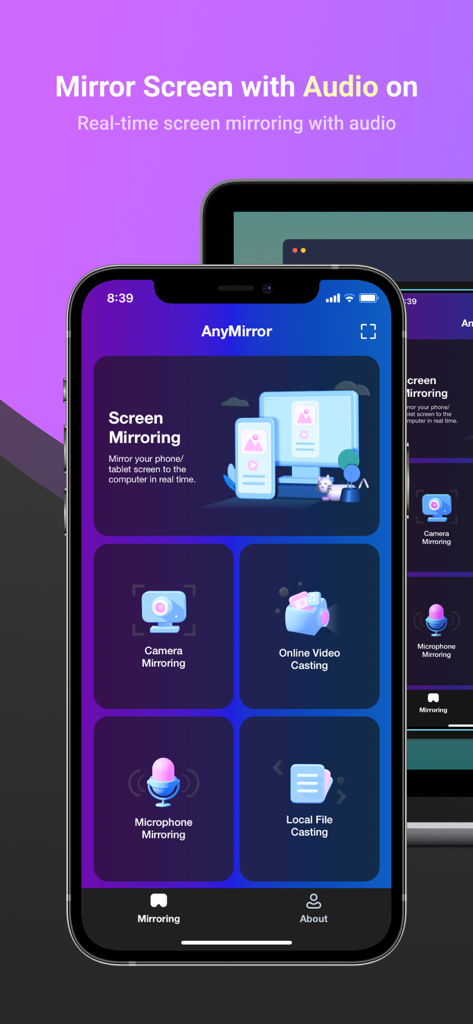
Écran de l'application AnyMirror sur un iPhone montrant les options de mise en miroir audio et caméra vers un PC
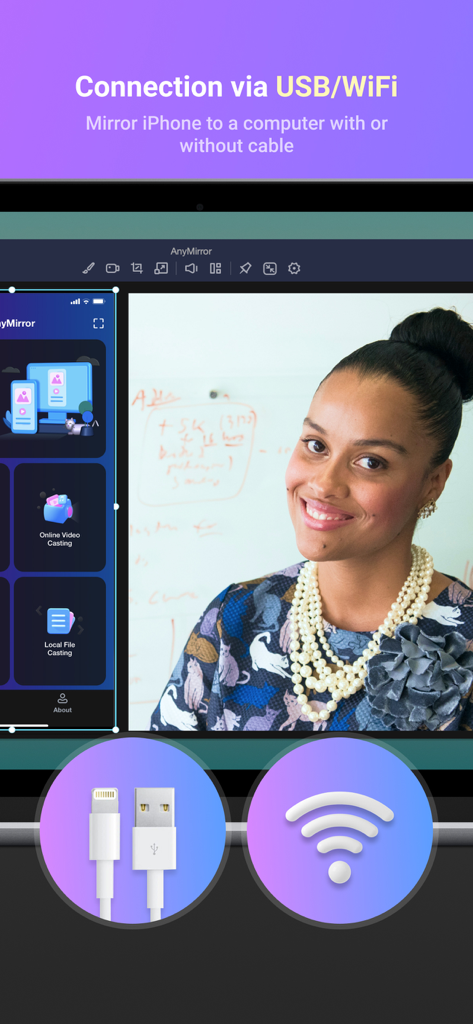
Interface AnyMirror affichant les options de connexion de mise en miroir d'écran via USB et Wi-Fi
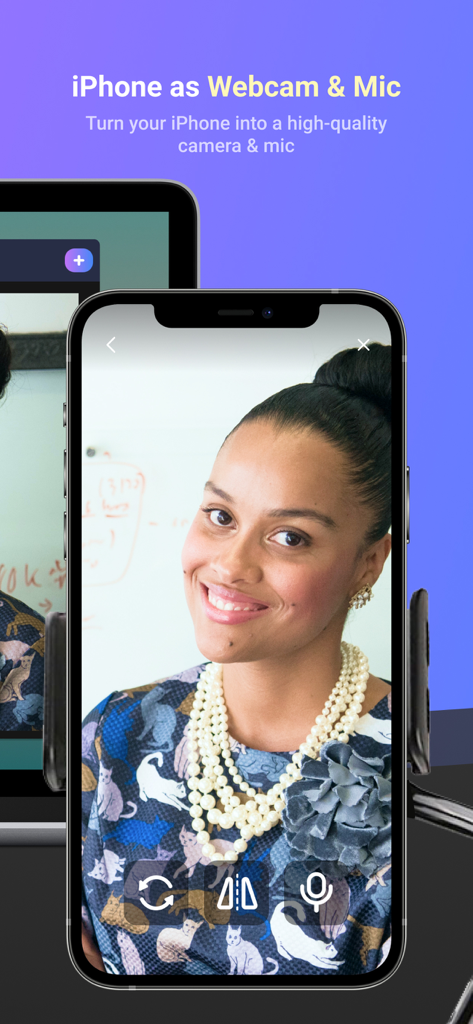
iPhone utilisé comme webcam et microphone de haute qualité pour PC
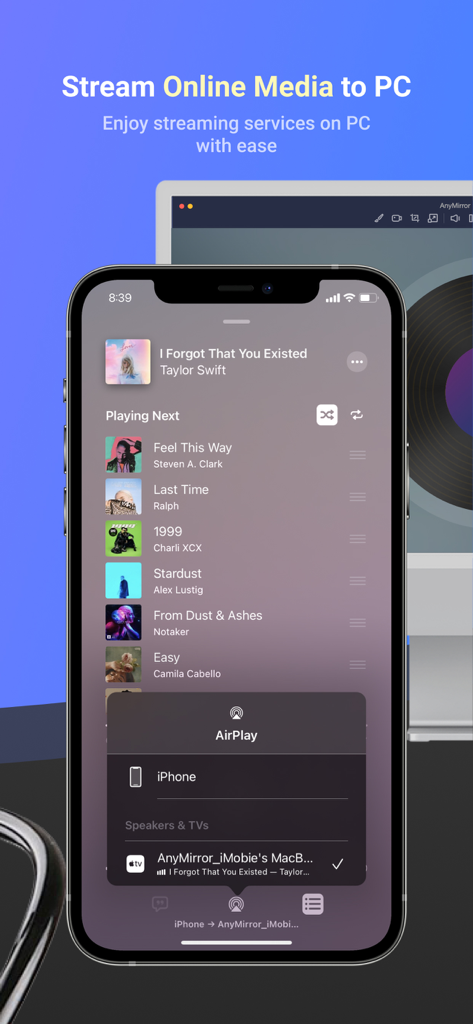
iPhone diffusant une application de lecteur de musique vers un écran d'ordinateur à l'aide d'AnyMirror
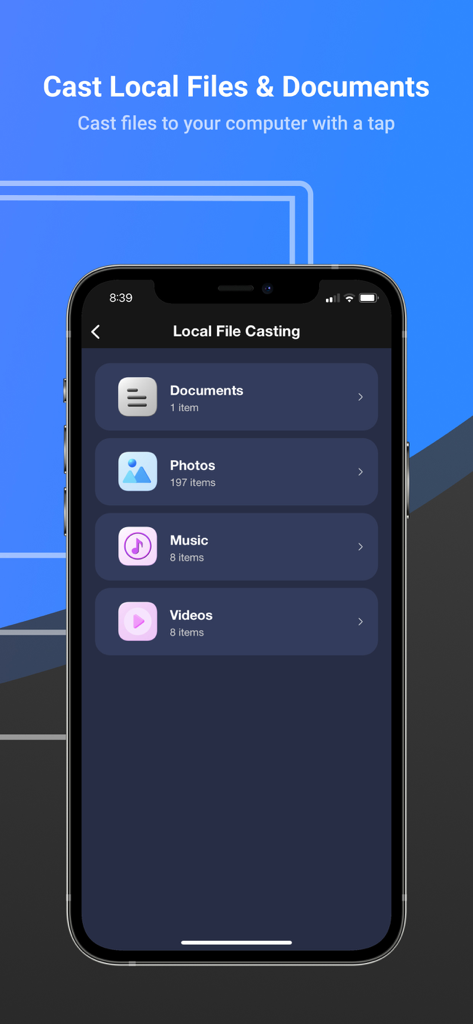
Interface de l'application AnyMirror pour diffuser des documents locaux, des photos, de la musique et des vidéos vers un ordinateur
Description
Download
Apps Similaires
Apps les mieux classées dans la même catégorie

Google LLC

Google Chrome
Google LLC

中国移动(手机营业厅)
China Mobile Online Services Co., Ltd.

Google Authenticator
Google LLC

CNH do Brasil
Servicos e Informacoes do Brasil

Cleanup: Phone Storage Cleaner
DEEP FLOW SOFTWARE SERVICES - FZCO

gov.br
Servicos e Informacoes do Brasil

中国电信-全国统一官方服务平台
CHINA TELECOM Corporation Ltd.

Microsoft Edge: AI Browser
Microsoft Corporation
Cette page n'est pas une page officielle de l'application ou de son développeur, mais une publication éditoriale indépendante créée à des fins d'information et de commentaire. Sauf indication expresse contraire, ni l'application ni son développeur ne sont affiliés, approuvés, sponsorisés, autorisés ou autrement officiellement liés à MWM, Apple, Google Play, à l'éditeur de l'application ou au développeur de l'application, et rien sur cette page n'implique que l'application a été développée en utilisant les services de MWM. Toutes les marques, logos, captures d'écran et autres contenus restent la propriété de leurs propriétaires respectifs.