AnyShare – Share Anywhere

AnyShare – Share Anywhere


Télécharger sur App StoreTélécharger sur Google Play
Logo de AnyShare – Share Anywhere

AnyShare – Partagez N'importeOù : Le Pont Universel Entre iPhone, PC et Plus Encore

Arrêtez de vous battre avec le jardin fermé. Transférez instantanément des vidéos 4K, des photos et des fichiers lourds vers n'importe quel appareil — sans WiFi, sans câbles, et sans aucune perte de qualité.

Éditeur

Technozer Solution

Catégorie

Utilities

Téléchargements

766K+

Note

4.1/5

Nombre d'avis

3K+

Langues

1

Partagez Sans Limites

Découvrez l'interface utilisée par 766K+ utilisateurs.
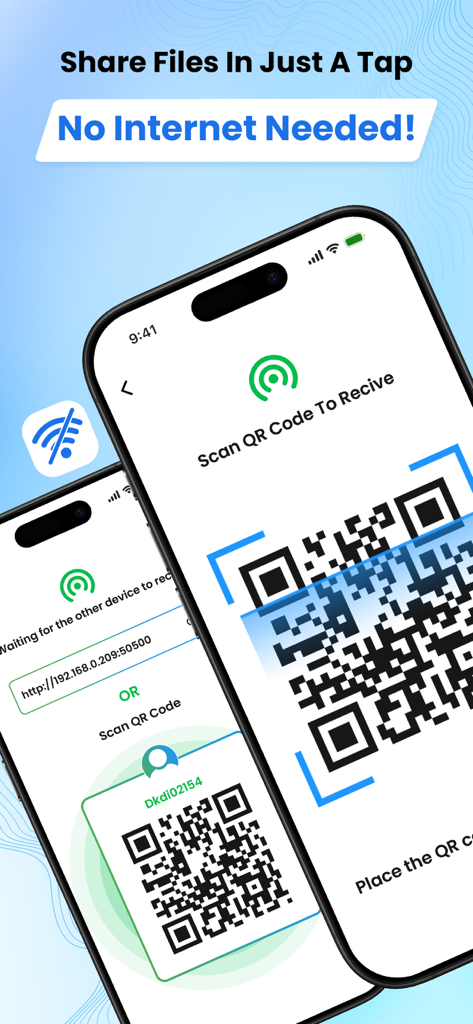
Deux iPhones utilisant l'application AnyShare pour transférer des fichiers en scannant un QR code sans connexion internet.

Deux iPhones utilisant l'application AnyShare pour transférer des fichiers en scannant un QR code sans connexion internet.

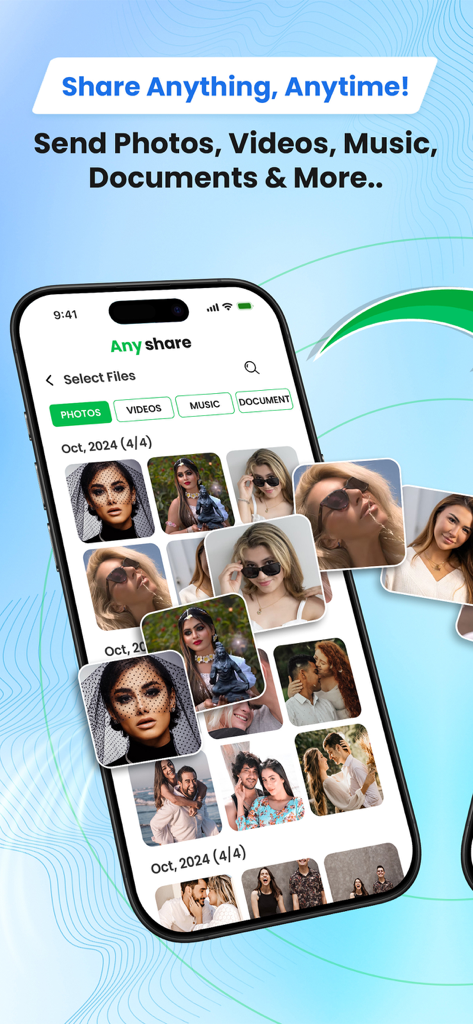
Interface de l'application AnyShare montrant la sélection de photos pour le partage de fichiers multiplateforme

Interface de l'application AnyShare montrant la sélection de photos pour le partage de fichiers multiplateforme

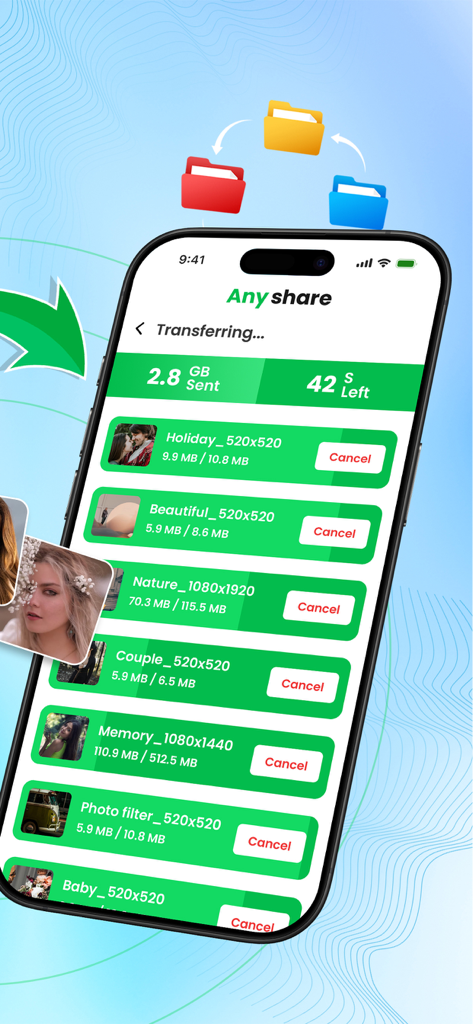
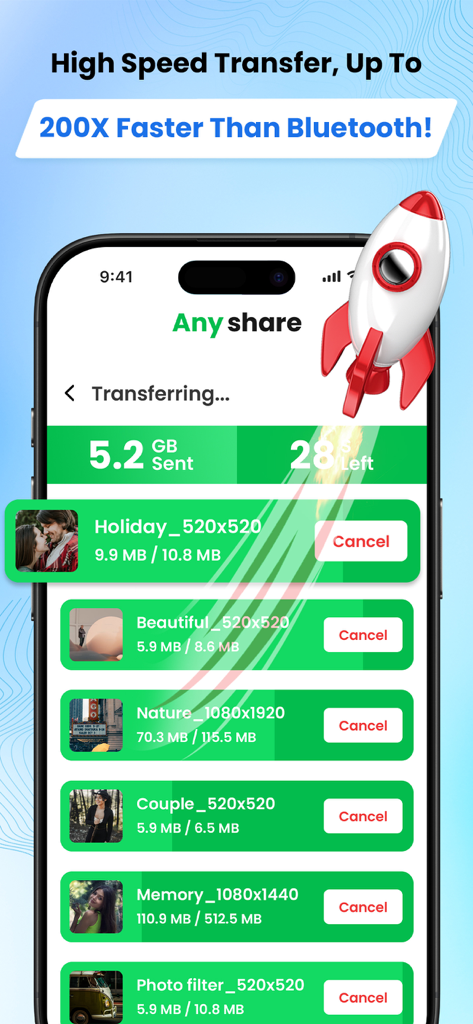
Interface de l'application AnyShare montrant le transfert en masse de photos et vidéos avec détails de progression et temps restant

Interface de l'application AnyShare montrant le transfert en masse de photos et vidéos avec détails de progression et temps restant

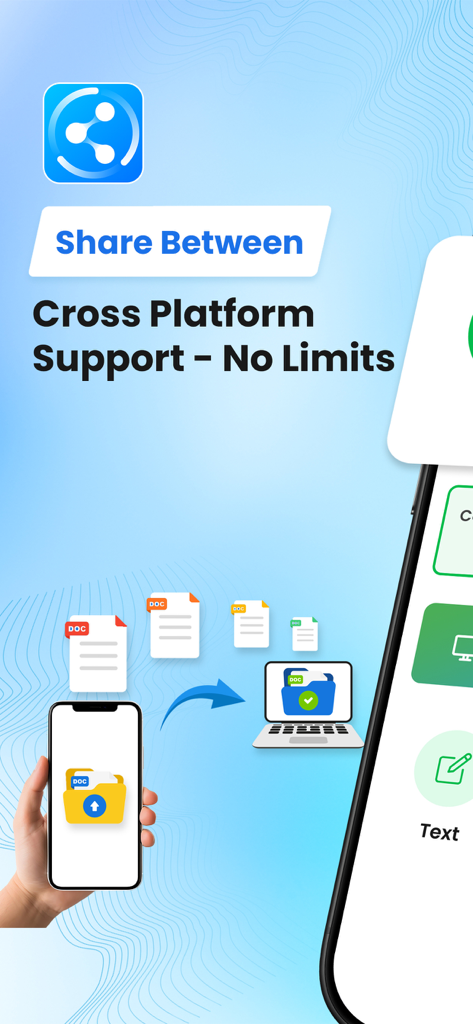
Un smartphone transférant des documents vers un ordinateur portable en utilisant l'application AnyShare

Un smartphone transférant des documents vers un ordinateur portable en utilisant l'application AnyShare

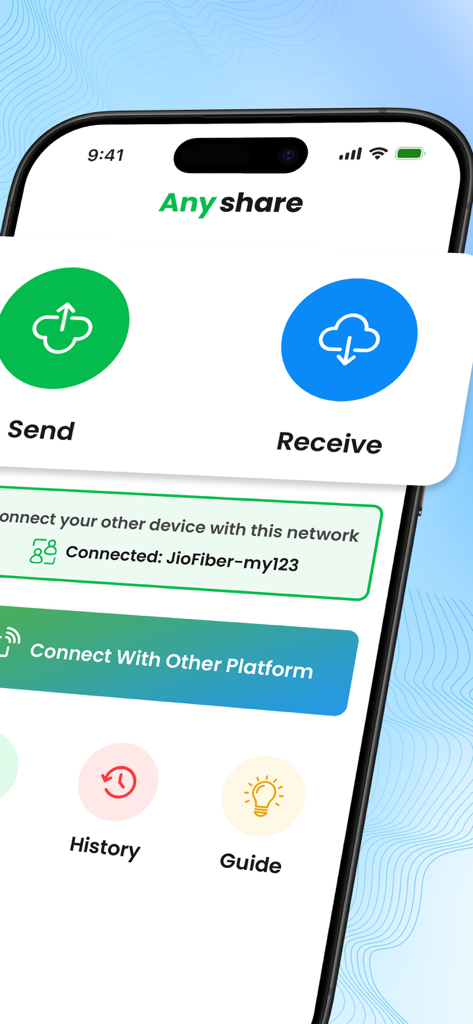
Écran d'accueil de l'application AnyShare avec de gros boutons d'envoi et de réception et des détails de connexion réseau

Écran d'accueil de l'application AnyShare avec de gros boutons d'envoi et de réception et des détails de connexion réseau

Interface de l'application AnyShare montrant la progression rapide du transfert de fichiers avec une icône de fusée

Interface de l'application AnyShare montrant la progression rapide du transfert de fichiers avec une icône de fusée

Libérez Vos Fichiers sur Tous Vos Appareils

Les outils qui font la différence, choisis par 766K+ utilisateurs.

💻

Véritable Liberté Multiplateforme

Enfin, un moyen simple de déplacer des vidéos 4K et des ressources lourdes entre iOS, Android et Windows sans les restrictions du 'jardin fermé'.

Vitesse Éclair, Pas de WiFi Nécessaire

Oubliez les lenteurs d'upload vers le cloud. Transférez des fichiers massifs instantanément via QR code en utilisant la technologie peer-to-peer locale — même dans les zones sans signal.

📦

Partage en Vrac Sans Friction

Envoyez des bibliothèques photo entières ou des dossiers de projet en une seule fois. Aucune limite de taille de fichier, aucune compression de qualité, et aucun abonnement requis pour le partage de base.

Analyse des avis

Insights à partir des avis utilisateurs.

Score de sentiment

23%
Négatif

Résumé

This mobile app receives overwhelmingly negative feedback, with a significant number of users reporting that it is 'useless' and 'doesn't work at all'. Common issues include app crashes, inability to send multiple images, and general unreliability, particularly noted on iPhones and iPads. While a small segment of users praised its ability for rapid and hassle-free data transfer in original quality, the overall experience is severely hampered by weak connections, extremely slow transfer speeds, and an excessive amount of unclosable advertisements, even for premium subscribers. Many reviewers also expressed frustration with complicated steps and the requirement for devices to be on the same WiFi network.

Thèmes récurrents

Overall App Satisfaction(11)
File Transfer Capability(3)
Ease of Use(2)
App Stability(2)
Transfer Speed(1)

À propos de l'app

Tout ce que vous devez savoir sur AnyShare – Share Anywhere.

Description

File transfer app. Share me, an easy share app to send anywhere. Data transfer and share files to TV and other devices. Share nearby. Are you tired of using complex file transfer apps that does not work after hours of trying? Will you like to experience hassle free file sharing app to send files instantly to friends and family? In that case, this file sender app is your best friend. AnyShare is aware how difficult it can be to rely on a stable Internet connection or waiting for hours just to send some bulky files. All the issues that you have ever faced with sharing files are about to disappear with the help of this file sharing app. File sharing was never this swift and reliable! Try Anyshare – Rapid File Transfer, Share Files now! File Sharing Made Easy Gratify all your transfer apps needs through one app! By installing this file sender app you can instantly send files of all formats and all sizes, to any platform, no matter whether you have an Internet connection or not. Plus, the share apps automatically searches for receivers in your vicinity - easing your troubles further. Whether you are switching to a new device or looking to share files with friends and family, this platform has got you covered. Share Videos, Photos & More Gain full control on your productivity by sharing anything, anywhere. No need to convert your files to another mode as this app supports all types of files. Whether it is text, videos, images, or simple files, the user will face no complications in sending them. This means you don’t need multiple data transfer apps for each file type! Instant Connectivity – No WiFi Needed Talk about convenience! Stop worrying about the slow WiFi connection before sharing important files. Share music, transfer videos without any hindrance of internet. Simple QR connect to start sharing heavy files across platforms. All you need to do is select the files that you want to share from the phone and use the file sender to complete the transfer. Send to Mobile to Mobile or Mobile to Pc Are you confused whether you can send files to a friend using different OS? That is hardly a problem for these type of incredible share apps. The file sender app supports not only Mobile, but PC as well! This is why you don’t need other file sharing apps. Features of Anyshare – Rapid File Transfer, Share Files • Send files of various types without any hassle • 100% free photo transfer to transfer videos and photos • Share music without the need for Wifi • Fast and uncompromising transfer apps speed. • Bulk file transfer allows you to share maximum stuff in no time. • Supports cross platform to send to a different operating system • Seamless transfer to share docs, photos, videos and more. • View your history of file sharing. AnyShare sets itself apart from other share apps in the market by offering perks over perks. So, what are you waiting for? Download Anyshare – Rapid File Transfer, Share Files Now. SUBSCRIPTION INFORMATION: • Subscribe on a weekly or monthly basis to remove Ads for the duration of the subscription. • Payment will be charged to iTunes Account at confirmation of purchase • Subscription automatically renews unless auto-renew is turned off at least 24-hours before the end of the current period • The account will be charged for renewal within 24-hours prior to the end of the current period, and identify the cost of the renewal • Subscriptions may be managed by the user and auto-renewal may be turned off by going to the user’s Account Settings after purchase Privacy Policy: https://technozer.com/anyshare/privacy Terms of Use (EULA) : https://technozer.com/anyshare/terms

Dernière version

6.5.3

Taille

89.8 MB

Date de sortie

24 févr. 2022

Partage Instantané sur Tous Vos Appareils

Rejoignez plus de 766 000 utilisateurs expérimentés qui envoient des vidéos 4K et des fichiers volumineux entre iPhone, PC et Android. Pas de WiFi, pas de cloud, et aucune perte de qualité — juste de la pure vitesse.

Télécharger sur App StoreTélécharger sur Google Play

App information, icons, screenshots, and descriptions displayed on this page are sourced from the Apple App Store and are the property of their respective developers. Download estimates and rankings are based on MWM's proprietary models and may not reflect actual figures. This page is provided for informational and analytical purposes only.

Believe this page infringes your intellectual property? File a dispute