BoneBox™ - Skull Viewer

BoneBox™ - Skull Viewer

Télécharger sur App Store
Logo de BoneBox™ - Skull Viewer

BoneBox™ - Visualiseur de crânes : Maîtrisez l'anatomie crânienne complexe en 3D temps réel

Explorez des modèles de crâne d'une précision exceptionnelle, construits à partir de données d'imagerie tomodensitométrique humaine réelle. L'outil interactif par excellence pour les étudiants en médecine, les enseignants et les cliniciens : visualiser, tester et apprendre.

Éditeur

iSO-FORM, LLC

Catégorie

Medical

Téléchargements

123K+

Note

3.8/5

Nombre d'avis

100

Langues

1

La précision dans chaque pixel

Découvrez l'interface utilisée par 123K+ utilisateurs.
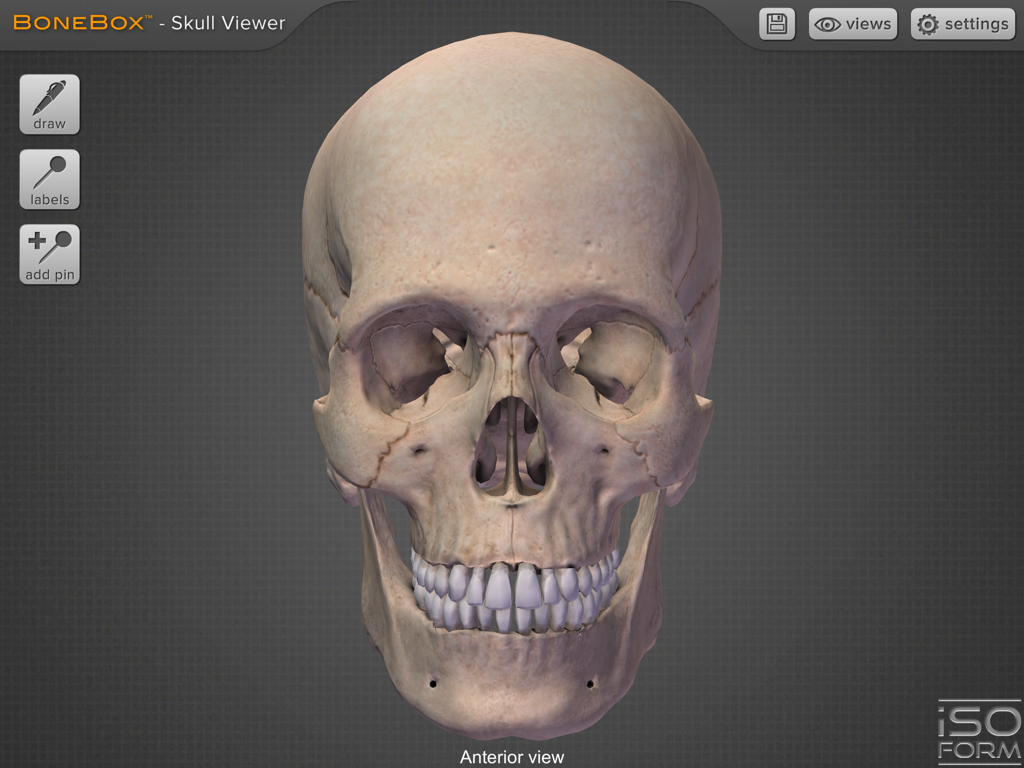
Modèle 3D haute résolution d'un crâne humain en vue antérieure, issu de l'application BoneBox.

Modèle 3D haute résolution d'un crâne humain en vue antérieure, issu de l'application BoneBox.

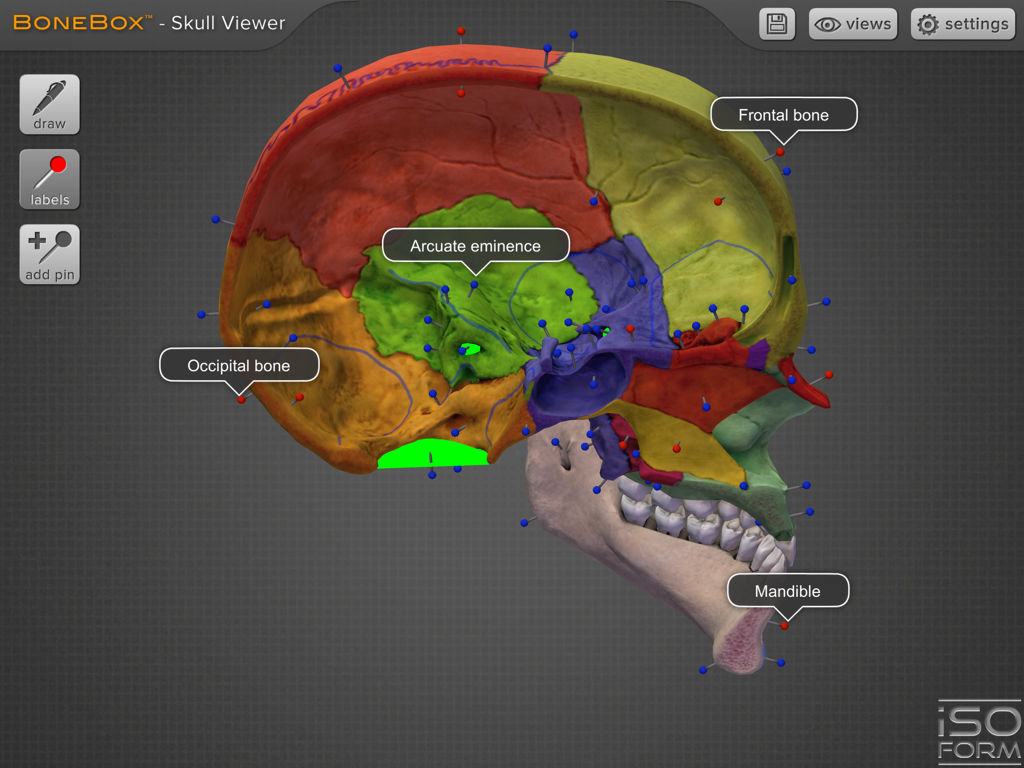
Vue sagittale 3D d'un crâne humain coloré avec des étiquettes anatomiques

Vue sagittale 3D d'un crâne humain coloré avec des étiquettes anatomiques

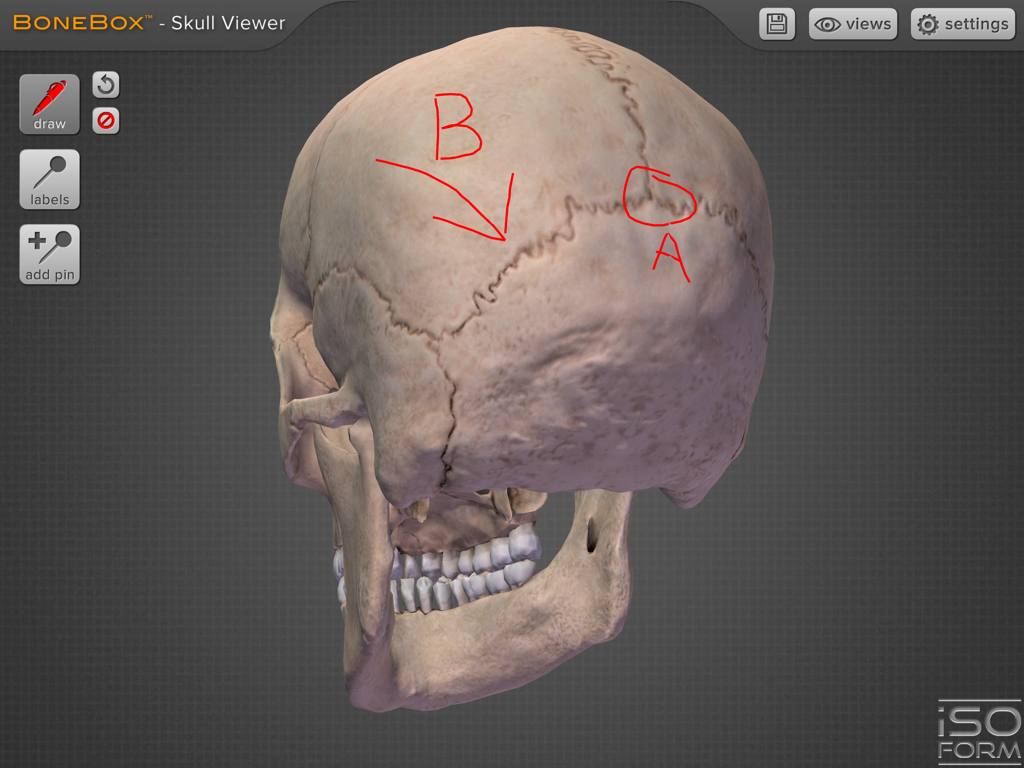
Modèle 3D de crâne humain avec annotations au stylo rouge pour l'étude de l'anatomie dans l'application BoneBox

Modèle 3D de crâne humain avec annotations au stylo rouge pour l'étude de l'anatomie dans l'application BoneBox

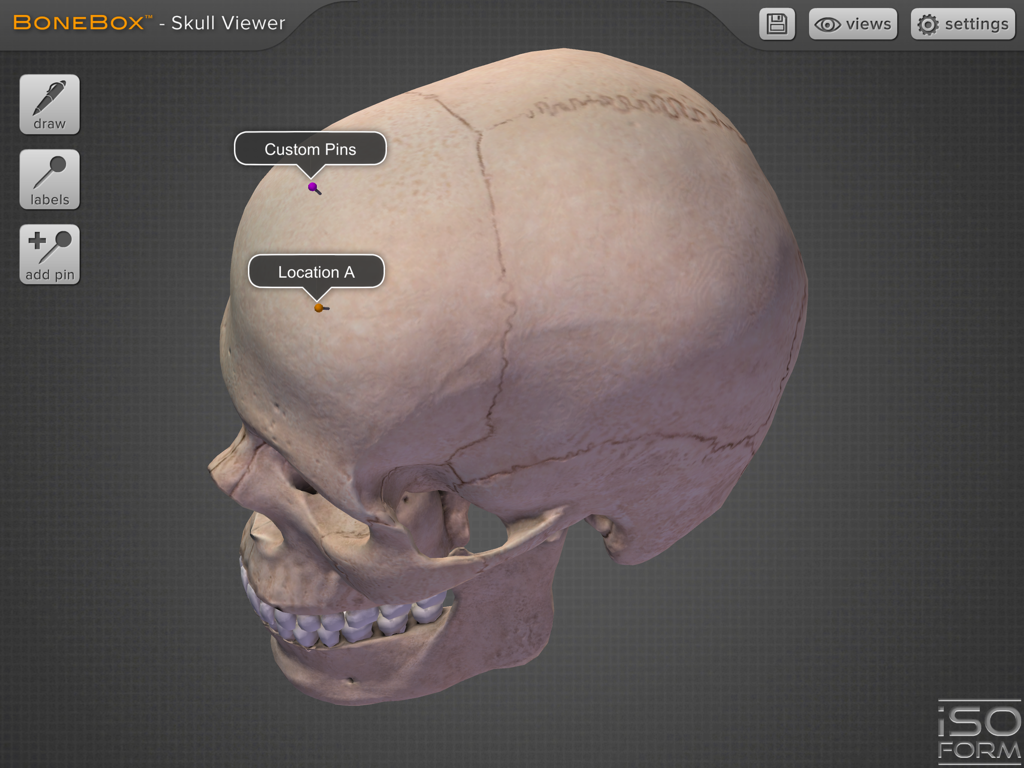
Modèle 3D détaillé d'un crâne humain avec étiquettes anatomiques et repères interactifs dans l'interface de l'application BoneBox

Modèle 3D détaillé d'un crâne humain avec étiquettes anatomiques et repères interactifs dans l'interface de l'application BoneBox

L'anatomie de précision à portée de main

Les outils qui font la différence, choisis par 123K+ utilisateurs.

🔄

Exploration 3D fluide

Naviguez en temps réel dans des modèles haute résolution sans aucun décalage, ce qui vous permet de faire pivoter et de zoomer sur chaque foramen et fissure sous tous les angles.

📍

Rappel actif ciblé

Maîtrisez plus de 100 structures anatomiques grâce à des épingles de couleur et des quiz personnalisés conçus spécifiquement pour la préparation aux examens à enjeux élevés.

🖊️

Outils cliniques et sectoriels

Annotez directement le crâne avec l'outil stylo pour informer le patient, ou explorez en profondeur les structures internes grâce aux vues sagittales et coronales.

À propos de l'app

Tout ce que vous devez savoir sur BoneBox™ - Skull Viewer.

Description

The BoneBox™ Skull Viewer is compatible with the New iPad and the iPad 2. Due to the extremely high resolution models and textures, this app is not compatible with the first generation iPad. OVERVIEW The BoneBox™ Skull Viewer is a real-time 3D medical education tool that features exceptionally detailed anatomical skull models and unique interactive elements. It is the first in a new series of apps developed specifically for the iPad 2 and the New iPad by a team of anatomists, certified medical illustrators, animators, and programmers using actual human CT imaging data, and cutting-edge 3D modeling techniques. Interaction with the BoneBox™ Skull Viewer utilizes true “real-time 3D”. Unlike other anatomical apps and programs, there are no pre-rendered frames or animations. Therefore, the user can orient the 3D skull in any position and zoom in to any location to explore anatomical structures. The BoneBox™ Skull Viewer is appropriate for users at all levels, from secondary students to medical professionals. FEATURES • Views: By selecting the “Views” menu he user can interact with sagittal, coronal, and transverse sections of the skull. Color-coded, didactic models clearly show the bones that comprise the skull. • Pins: By turning on the color coded pins, the user can study the names and locations of over 100 anatomical structures, including: bones, foramina, and prominent anatomical features. The pins and labels remain on screen and in the exact anatomical location during all real time 3D user interaction. • Pen tool: Drawing with the multi-colored pen tool allows the user to draw directly on the surface of the 3D skull for use in the clinic, or classroom. • Quizzing: The BoneBox™ Skull Viewer an excellent tool for any anatomy lecture or lab. Using the custom pin tool, instructors can place color-coded pins anywhere on the skull. Once placed, the instructor can write a question on the label of that pin. Students can then rotate the skull in 3D to gain a better understanding of that pin’s location on the model. About iSO-FORM iSO-FORM is a team of award winning medical artists, programmers and innovators who believe that we are on the verge of a new era of learning, where the user doesn’t just memorize facts, but discovers them through engaging interaction and exploration. We’re passionate about science, technology and art, so we live and work at that intersection. If we’ve piqued your curiosity, check us out at: www.iso-form.com.

Dernière version

2.1.0

Taille

117.0 MB

Date de sortie

1 août 2012

Maîtrisez les complexités de l'anatomie humaine en 3D

Rejoignez des milliers d'étudiants en médecine et de professionnels qui utilisent nos modèles en temps réel basés sur la tomodensitométrie pour visualiser, évaluer et exceller. Téléchargez la référence en matière de visualisation du crâne, exclusivement pour iPad.

Télécharger sur App Store

App information, icons, screenshots, and descriptions displayed on this page are sourced from the Apple App Store and are the property of their respective developers. Download estimates and rankings are based on MWM's proprietary models and may not reflect actual figures. This page is provided for informational and analytical purposes only.

Believe this page infringes your intellectual property? File a dispute