Camera Scanner - PDF

Camera Scanner - PDF

Télécharger sur App Store
Logo de Camera Scanner - PDF

Scanner Photo - PDF : Votre bureau portable haute performance

Scannez, modifiez et signez des documents instantanément avec une précision parfaite. Exploitez la puissance de la reconnaissance optique de caractères pour transformer le papier en texte modifiable et garder votre vie professionnelle organisée, sécurisée et entièrement sans papier.

Éditeur

Position Mobile Ltd SEZC

Catégorie

Business

Téléchargements

3M+

Note

4.4/5

Nombre d'avis

10K+

Langues

8

Votre bureau, réinventé

Découvrez l'interface utilisée par 3M+ utilisateurs.
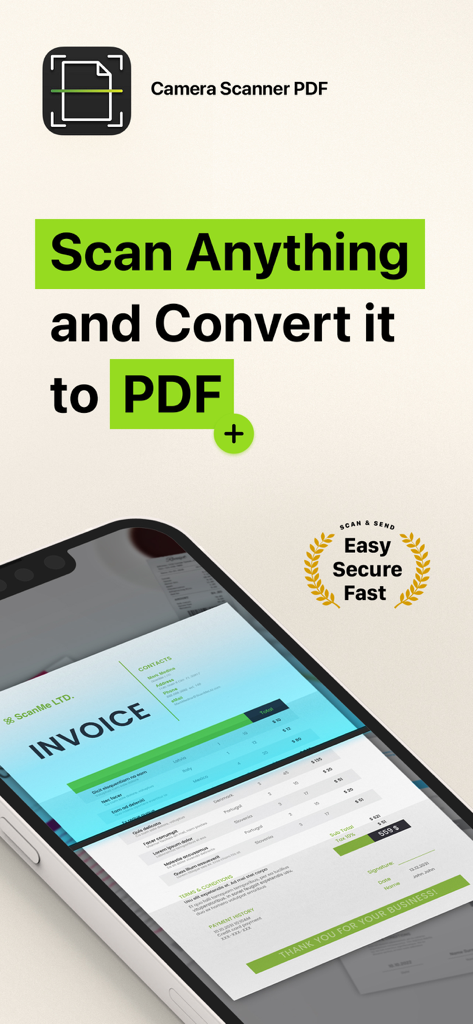
Interface de l'application Scanner Photo PDF montrant une facture en cours de numérisation sur l'écran d'un smartphone

Interface de l'application Scanner Photo PDF montrant une facture en cours de numérisation sur l'écran d'un smartphone

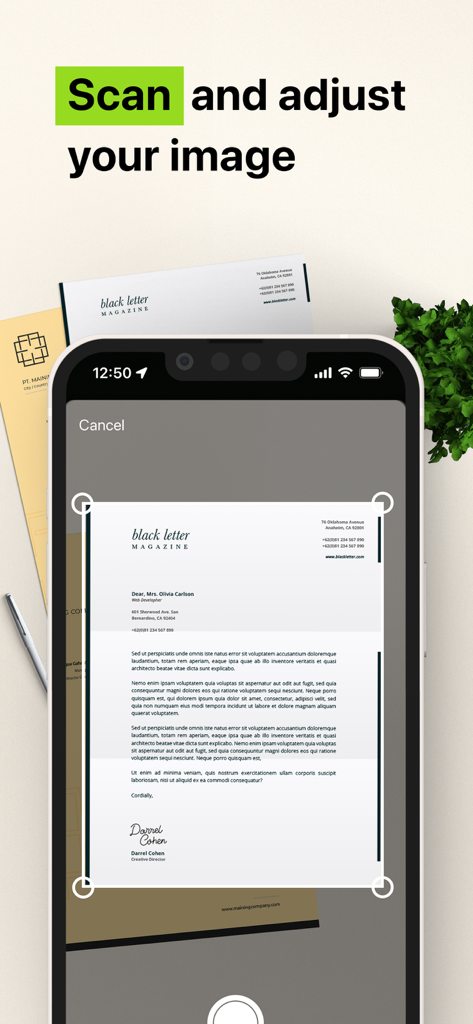
Interface d'application mobile montrant un smartphone numérisant et ajustant un document papier en PDF

Interface d'application mobile montrant un smartphone numérisant et ajustant un document papier en PDF

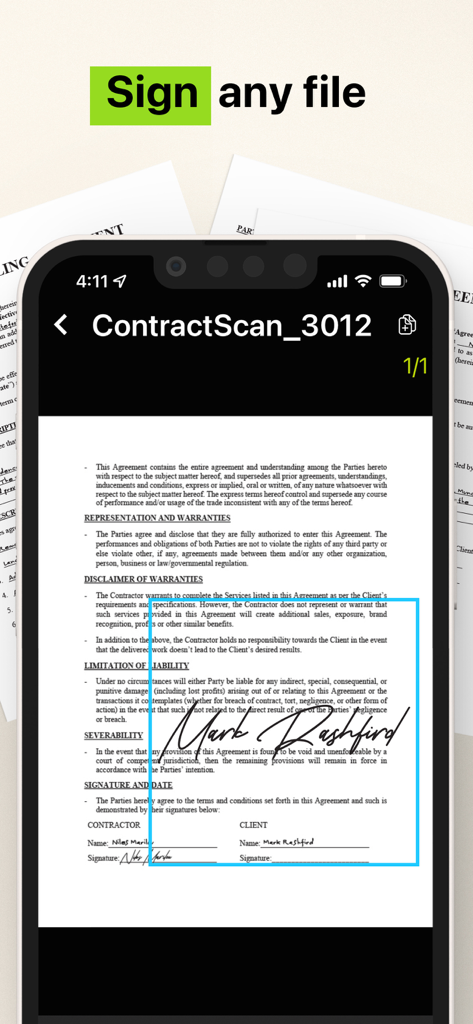
Interface de smartphone montrant un contrat légal signé à l'aide de l'application Scanner Photo PDF

Interface de smartphone montrant un contrat légal signé à l'aide de l'application Scanner Photo PDF

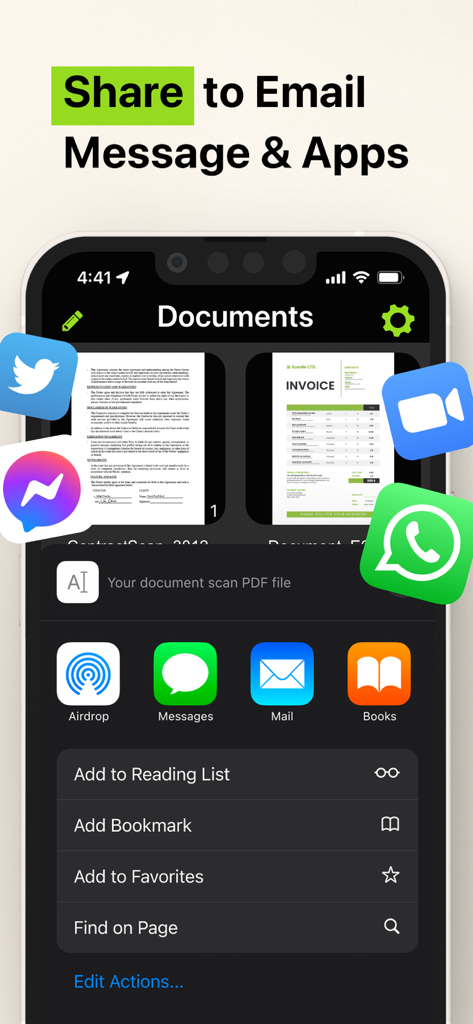
Interface de partage de l'application Scanner Photo PDF montrant des options pour les applications d'e-mail et de messagerie

Interface de partage de l'application Scanner Photo PDF montrant des options pour les applications d'e-mail et de messagerie

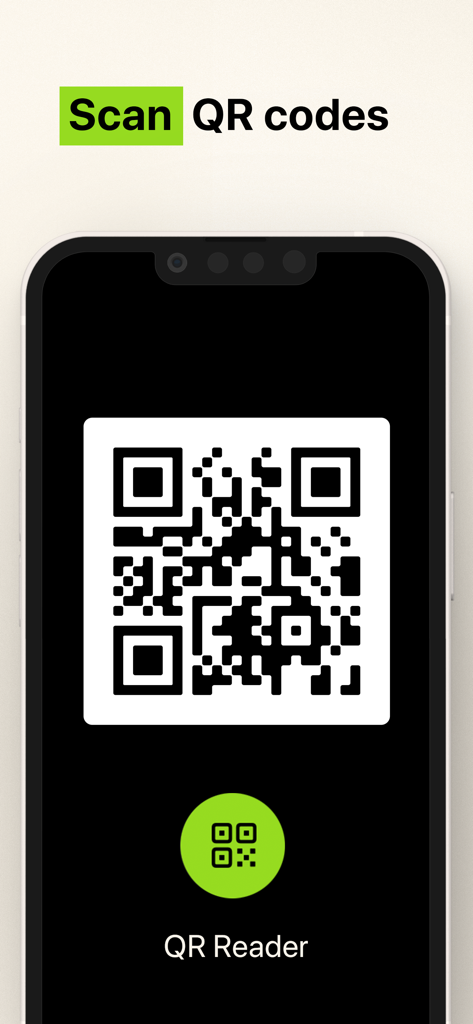
Interface pour numériser des codes QR avec l'application Scanner Photo

Interface pour numériser des codes QR avec l'application Scanner Photo

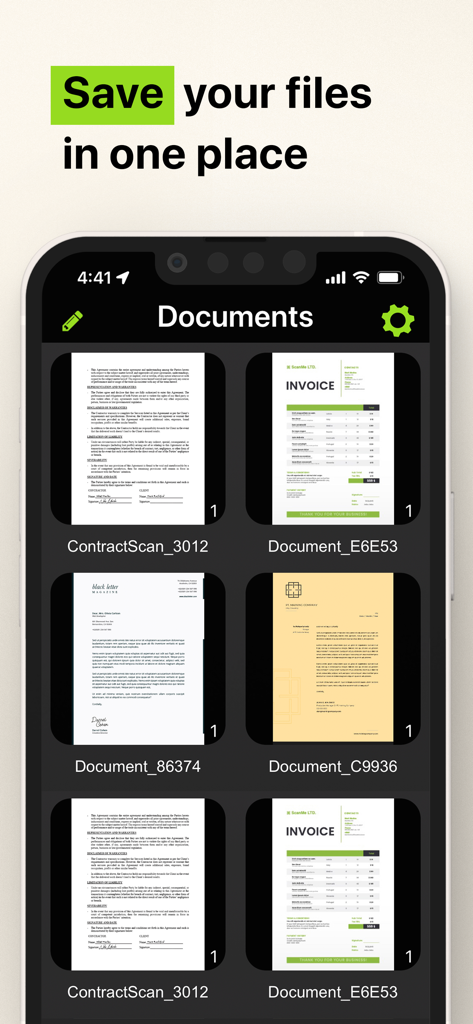
Interface d'application mobile montrant des factures et des contrats numérisés enregistrés au même endroit

Interface d'application mobile montrant des factures et des contrats numérisés enregistrés au même endroit

Votre bureau complet, directement dans votre poche

Les outils qui font la différence, choisis par 3M+ utilisateurs.

📝

Extraction de texte OCR intelligente

Transformez instantanément le texte imprimé ou manuscrit en fichiers numériques modifiables. Économisez des heures de saisie manuelle grâce à notre puissant moteur de reconnaissance de caractères.

✍️

Signez et sécurisez en déplacement

Finalisez des contrats en quelques secondes avec des signatures numériques sécurisées. Stockez vos pièces d'identité sensibles et vos formulaires fiscaux localement sur votre appareil pour une confidentialité maximale.

📂

Organisation parfaite au pixel près

Gardez votre vie sans désordre. Organisez un nombre illimité de scans dans des dossiers personnalisés et partagez instantanément des PDF de qualité professionnelle via Slack, e-mail ou SMS.

Analyse des avis

Insights à partir des avis utilisateurs.

Score de sentiment

7%
Négatif

Résumé

Users express extreme dissatisfaction with this mobile app, primarily due to its aggressive and deceptive subscription model. Many reviews highlight unexpectedly high weekly charges, often incurred automatically after a short or misleading free trial, leading to significant financial frustration. A substantial number of users report considerable difficulty in cancelling subscriptions, with the app lacking clear in-app options, contributing to ongoing unwanted billing and a prevalent feeling of being scammed. Additionally, some users experienced functional shortcomings, such as the app not working as advertised or producing overly large files.

Thèmes récurrents

High Subscription Cost(25)
Automatic Charges(22)
Difficulty Cancelling(18)
App Functionality Issues(12)
Scam Allegations(9)
Misleading Free Trial(9)

À propos de l'app

Tout ce que vous devez savoir sur Camera Scanner - PDF.

Description

The Camera Scanner - PDF app offers you the most accurate PDF scanning capabilities using our powerful text editing (OCR) engine. With enhanced Optical Character Recognition software, you can now edit and sign documents much easier. Your device will become your essential portable document scanner. Manage an endless number of files and folders with just a few taps and keep all your documents securely in one place. You can even share your favorite documents with others easily and immediately or sign them. Use your phone to scan any hand written, printed or graphic material such as: - Contracts - Business Cards - Expenses - School or university documents - Books - Notes - IDs (Driver's License, Passports, Personal Identification, etc) - Tax Forms & Tax Documents PDF Document Scanner with OCR app is easier than ever to use and with a pixel perfect design. Simply follow these easy steps: - SCAN documents from your camera, photos or even from your clipboard - EDIT your documents in order to fit your needs (crop, blur and use many other filters) - PRINT or SHARE your PDF files with anyone via email, message or any other platform that you use - COPY TEXT from your digital scans - STORE securely all your documents on your device with no additional cloud storage cost involved - SIGN your docs in a secure environment This app is your best ally for scanning purposes! -------------------------------------- PDF Document Scanner with OCR Premium Subscription -------------------------------------- Upgrade to the Premium version in order to: - Share your files with no limits - Use our powerful character recognition engine (OCR) to copy and edit text from your scanned files - Enjoy an ad-free experience Document Scanner – PDF, OCR app has different subscription plans. Subscription payments are charged to your iTunes account at confirmation of purchase. Subscription automatically renews unless auto-renew is turned off at least 24 hours before the end of the current subscription period or trial. Subscriptions starting with a trial automatically renew for the indicated price after the trial period ends. Any unused portion of a free trial period, if offered, will be forfeited when you purchase a premium subscription during the trial period. Subscriptions may be managed by you and auto-renewal may be turned off by going to your Account Settings after purchase ("Settings" -> "iTunes & App Store" -> "Apple ID" and select "Subscriptions") * Link to Terms of Use: http://iosdocumentscanner.com/pp.html#terms-of-service * Link to Privacy Policy: http://iosdocumentscanner.com/pp.html#privacy-policy

Dernière version

15.5

Taille

81.6 MB

Date de sortie

12 août 2020

Votre bureau complet, perfectionné pour votre poche

Rejoignez plus de 3 millions de professionnels qui transforment leur façon de travailler. Obtenez le scanner OCR le plus précis pour signer, modifier et sécuriser vos documents dès aujourd'hui.

Télécharger sur App Store

App information, icons, screenshots, and descriptions displayed on this page are sourced from the Apple App Store and are the property of their respective developers. Download estimates and rankings are based on MWM's proprietary models and may not reflect actual figures. This page is provided for informational and analytical purposes only.

Believe this page infringes your intellectual property? File a dispute