CloudBeats: Cloud Music Player

CloudBeats: Cloud Music Player

Télécharger sur App Store
Logo de CloudBeats: Cloud Music Player

CloudBeats : Votre cloud de streaming musical personnel

Reprenez le contrôle de votre collection musicale. Écoutez en streaming un son haute fidélité directement depuis votre espace de stockage cloud ou votre NAS, ou téléchargez votre bibliothèque pour une écoute hors ligne, le tout sans abonnement mensuel.

Éditeur

Roman Burda

Catégorie

Music

Téléchargements

360K+

Note

4.6/5

Nombre d'avis

14K+

Langues

13

Votre bibliothèque, sans reliure

Découvrez l'interface utilisée par 360K+ utilisateurs.
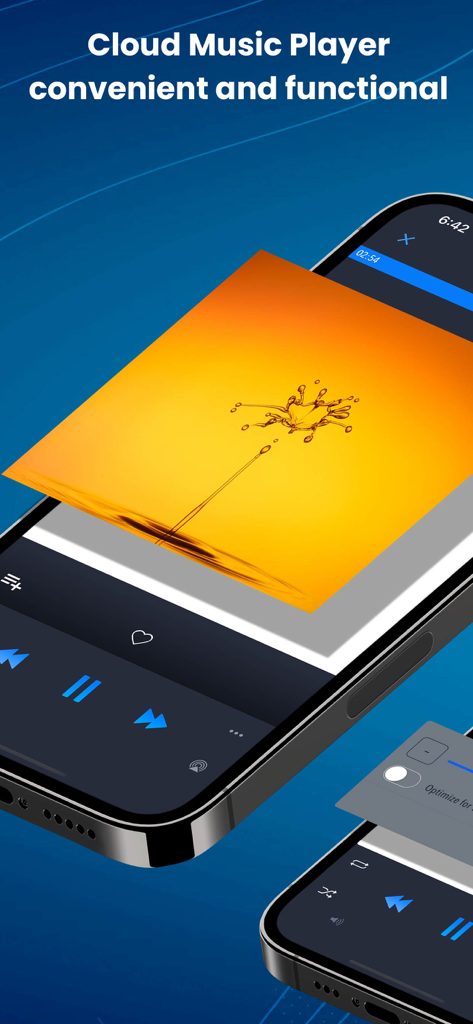
Interface de l'application de lecteur de musique CloudBeats sur un iPhone affichant les commandes de lecture et une pochette d'album dynamique

Interface de l'application de lecteur de musique CloudBeats sur un iPhone affichant les commandes de lecture et une pochette d'album dynamique

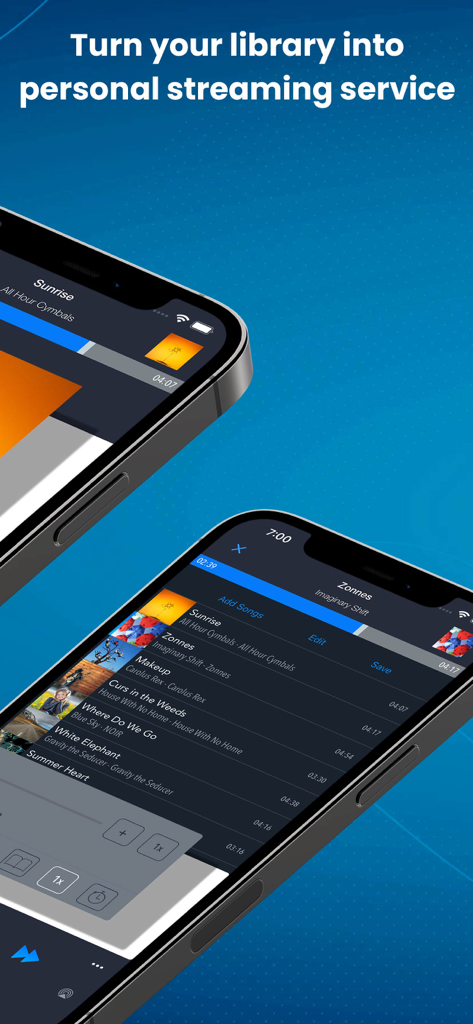
Deux iPhones affichant l'interface de l'application CloudBeats pour le streaming musical personnel

Deux iPhones affichant l'interface de l'application CloudBeats pour le streaming musical personnel

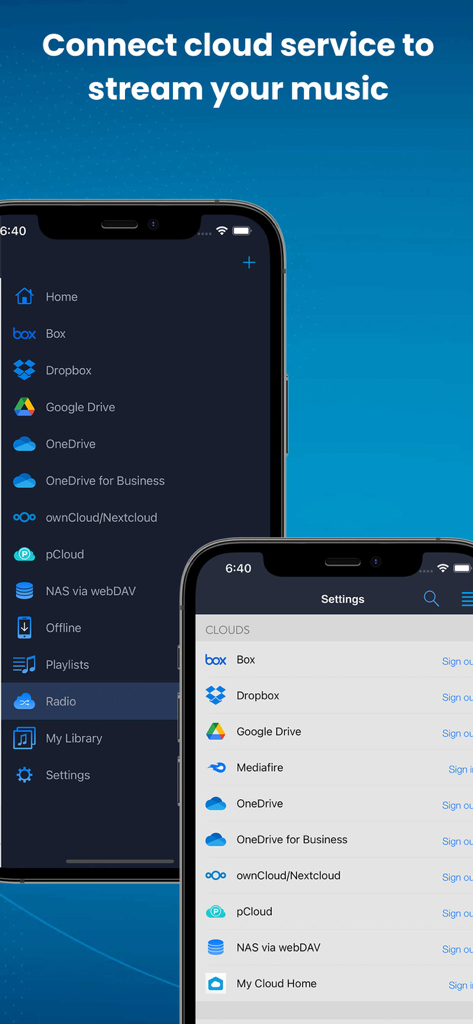
L'interface de l'application CloudBeats affiche des options permettant de connecter des services cloud comme Google Drive et Dropbox pour le streaming musical.

L'interface de l'application CloudBeats affiche des options permettant de connecter des services cloud comme Google Drive et Dropbox pour le streaming musical.

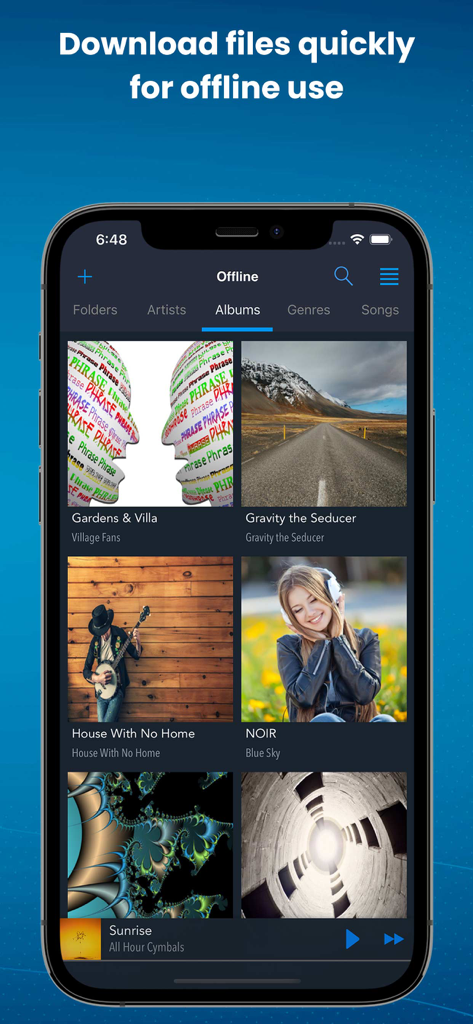
L'interface de l'application CloudBeats affiche les albums musicaux téléchargés pour une écoute hors ligne.

L'interface de l'application CloudBeats affiche les albums musicaux téléchargés pour une écoute hors ligne.

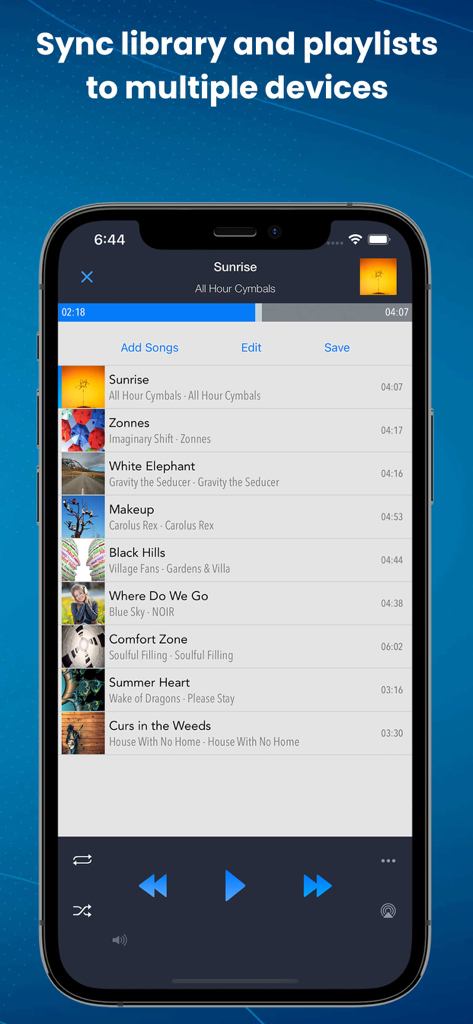
L'application CloudBeats affiche une liste de lecture musicale avec des options de synchronisation et des commandes de lecture.

L'application CloudBeats affiche une liste de lecture musicale avec des options de synchronisation et des commandes de lecture.

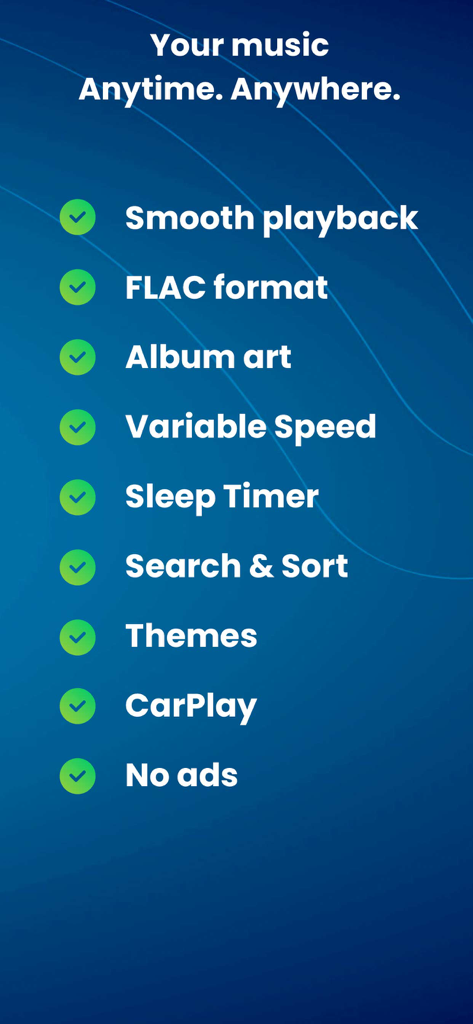
CloudBeats propose une liste de fonctionnalités incluant une lecture fluide, la prise en charge du format FLAC, l'intégration CarPlay et le contrôle de vitesse variable.

CloudBeats propose une liste de fonctionnalités incluant une lecture fluide, la prise en charge du format FLAC, l'intégration CarPlay et le contrôle de vitesse variable.

Prenez le contrôle total de votre bibliothèque musicale privée

Les outils qui font la différence, choisis par 360K+ utilisateurs.

📡

Streaming illimité sur le cloud et le NAS

Connectez Google Drive, Dropbox ou votre NAS domestique via WebDAV. Accédez à l'intégralité de votre collection sans avoir à payer d'augmentation coûteuse du stockage de votre iPhone.

🎼

Lecture de qualité audiophile

Découvrez votre musique avec une précision époustouflante. Nous prenons en charge les formats sans perte FLAC et ALAC avec lecture sans interruption pour une expérience d'écoute optimale.

🚗

Idéal pour la route et les airs

Téléchargez des albums pour une écoute hors ligne et profitez d'une intégration CarPlay fluide. Votre musique vous accompagne partout, que vous soyez en voiture ou à 10 000 mètres d'altitude.

À propos de l'app

Tout ce que vous devez savoir sur CloudBeats: Cloud Music Player.

Description

EASIEST WAY TO STREAM & ORGANIZE YOUR MUSIC Take control over your music and enhance your music listening experience with CloudBeats – cloud music player. Whether you need an offline cloud music player listener, or a music cloud player to sync all your music albums and download mp3 songs on multiple devices, CloudBeats is the only app you need. It simply allows you to create your own music streaming service. All you audiophiles and die-hard music fans finally have a simple app that will organize and play your vast music collection the way you want it. Anywhere. Anytime. It’s time to easily upload, store and access your music on the cloud seamlessly with CloudBeats. ► CLOUD MUSIC PLAYER ● Works with the popular cloud services for music streaming: Dropbox, Google Drive, OneDrive, OneDrive for Business, Box, pCloud, HiDrive. Personal clouds that support webDAV, including ownCloud and NextCloud. Network-Attached Servers (NAS) by Synology, QNAP, Western Digital (WD) and others that support webDAV protocol. These integrations make our cloud music internet song player one of the most versatile cloud music song organizers. ● Plays audio files in different formats: Our free local music player offline app allows you to play mp3, m4a, wav and lossless FLAC and ALAC audio. Meaning our music cloud player can play almost any song you have on your iPhone. ● Works online and offline: Want to enjoy cloud music with no wifi? Well our no wifi music cloud player allows you that. Simply swap between offline and cloud tabs. Also supports shuffle mode & CarPlay. ► MUSIC MANAGER & ORGANIZER ◉ Sync music libraries: The cloud music organizer app auto detects all the music on your phone and syncs all your music libraries. All songs are grouped by artist, album, genre. ◉ Create playlists: Want to organize your music and create cloud playlists? Add files and entire folders to playlists, change the order of the tracks in the Playlist section of our free music player. ◉ Organize & download music, audiobooks, podcasts: download and sync any of your music across multiple devices on the cloud with this cloud music organizer. Our intuitive song manager & song organizer will give amazing control and effectively organize your music the way you want it. It also supports audiobooks and podcast file formats so you can listen offline without wifi. ► ALL FEATURES: ・Supports most cloud services, personal clouds and servers. ・Works without internet. Download albums, playlists, folders or files onto the device for playback in offline mode ・Playlist maker. ・Sync your music library with connected network accounts. ・Supports mp3, wav and m4a, lossless FLAC & ALAC ・Advanced buffering technologies to provide smooth gapless playback ・Repeat all, repeat one and shuffle mode. Shuffle the entire library, a single folder, artist or album. ・Sleep timer to automatically stop music when the timer ends ・Playback speed control (tempo) within the 0.5x-3.0x range ・Play offline–no internet or WiFi needed ・Add music to your favorite playlist ・Carplay ・Siri and Shortcuts “Sync Multiple Devices” is an optional service to keep your Playlists and My Library database in sync between multiple devices. It can also be used to backup and restore your music data. CloudBeats account is required for this service. We offer 1-year auto-renewing subscription for $6.99 per year. The price may vary from country to country. If you choose to purchase “Sync Multiple Devices”, payment will be charged to your iTunes account. You will be charged the same price for renewal within 24-hours prior to the end of the current period. Your subscription automatically renews unless auto-renewal is turned off at least 24 hours prior to the end of the current period. Subscriptions may be managed and auto-renewal may be turned off at any time by going to the user’s Account Settings in the App Store after purchase. CloudBeats privacy policy and terms of use: https://www.cloudbeatsapp.com/privacy-policy/

Dernière version

2.55.11

Taille

39.1 MB

Date de sortie

5 nov. 2012

Prenez le contrôle de votre collection musicale

Arrêtez de louer votre bibliothèque. Écoutez vos fichiers sans perte en streaming depuis Google Drive, Dropbox ou votre NAS personnel grâce au lecteur conçu pour les véritables audiophiles.

Télécharger sur App Store

App information, icons, screenshots, and descriptions displayed on this page are sourced from the Apple App Store and are the property of their respective developers. Download estimates and rankings are based on MWM's proprietary models and may not reflect actual figures. This page is provided for informational and analytical purposes only.

Believe this page infringes your intellectual property? File a dispute