
Cette page n'est pas une page officielle de l'application ou de son développeur, mais une publication éditoriale indépendante créée à des fins d'information et de commentaire. Sauf indication expresse contraire, ni l'application ni son développeur ne sont affiliés, approuvés, sponsorisés, autorisés ou autrement officiellement liés à MWM, Apple, Google Play, à l'éditeur de l'application ou au développeur de l'application, et rien sur cette page n'implique que l'application a été développée en utilisant les services de MWM. Toutes les marques, logos, captures d'écran et autres contenus restent la propriété de leurs propriétaires respectifs.

Genius PDF & Document Scanner
Transformez votre iPhone en un bureau de poche puissant et sans publicité. Protégez votre vie privée avec Face ID et transformez le papier en PDF professionnels instantanément.
Téléchargements
6K+Note
Nombre d'avis
0Éditeur
Catégorie
BusinessLangues
11Dernière version
1.8Taille
24.3 MBDate de sortie
16 sept. 2019Optimisez Votre Flux de Travail Numérique
Transformez votre iPhone en un scanner et éditeur haute performance conçu pour les professionnels qui exigent vitesse, sécurité et qualité.
Sécurité Inébranlable des Documents
Gardez vos contrats commerciaux sensibles et vos pièces d'identité personnelles en sécurité grâce à la protection intégrée Face ID et par mot de passe pour vos fichiers locaux.
Scans Multi-Pages Haute Définition
Scannez en lot tout, des reçus aux cartes de visite, avec détection automatique des bords et correction des couleurs de qualité professionnelle.
Les captures d'écran et la description suivantes proviennent directement de la fiche officielle de l'application sur le store et sont la propriété du développeur.
App Store
Captures
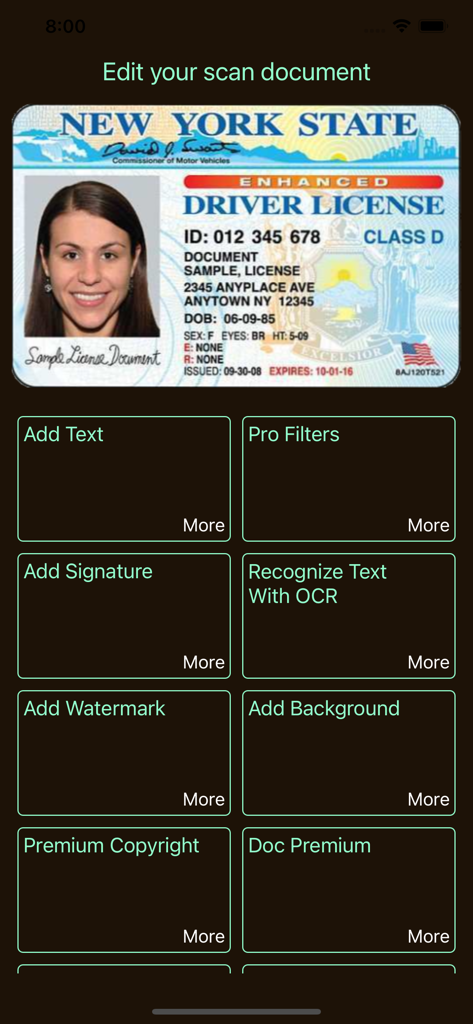
Interface de l'application Genius PDF Scanner montrant les outils d'édition de documents pour un permis de conduire scanné
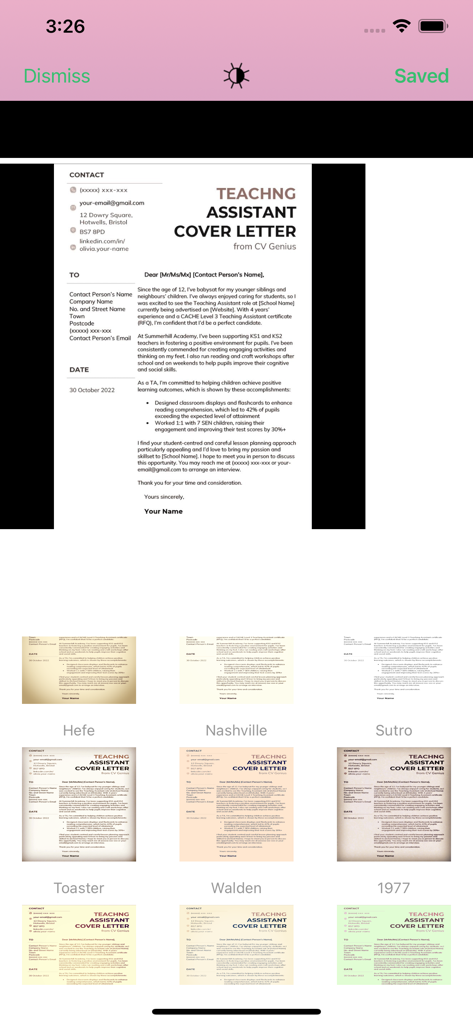
Interface de l'application Genius PDF Scanner affichant divers filtres d'image pour améliorer une lettre de couverture scannée.
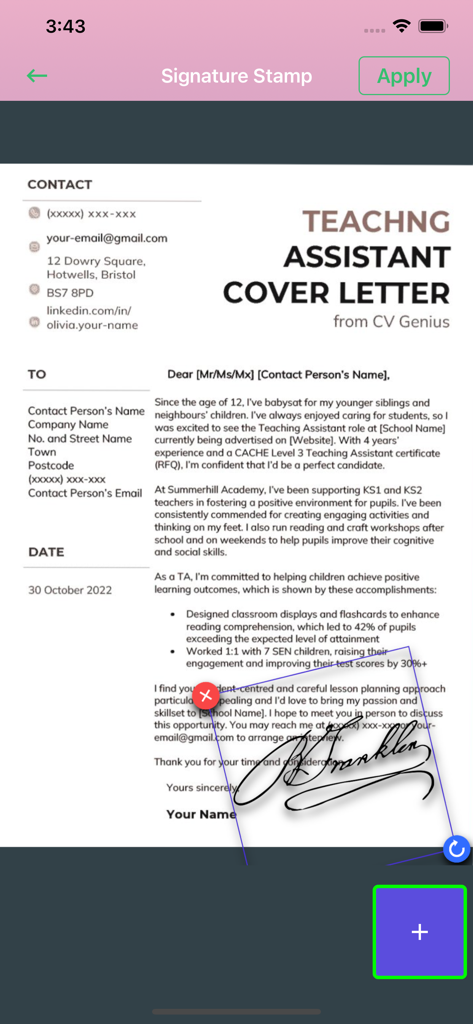
Une interface mobile montrant une signature manuscrite appliquée à une lettre de couverture à l'aide de l'outil de tampon de signature.
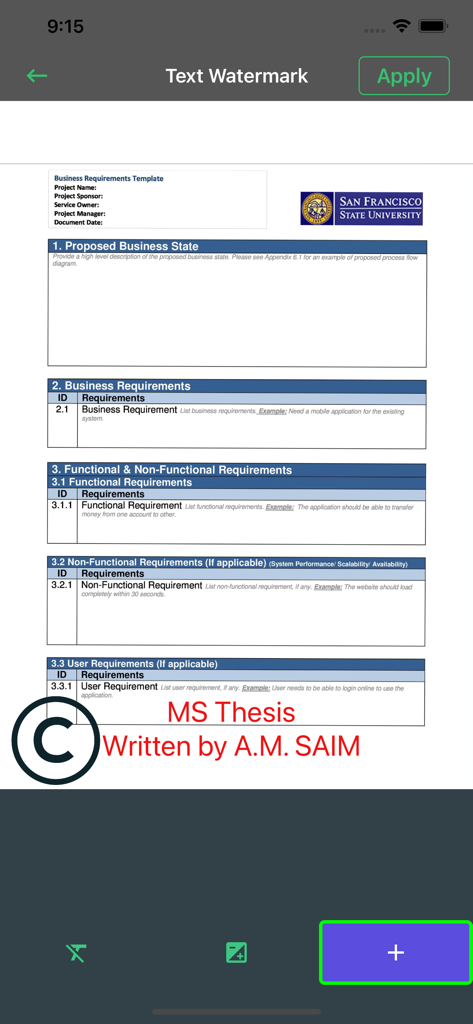
Interface de l'application Genius PDF montrant comment ajouter un filigrane de texte personnalisé à un document
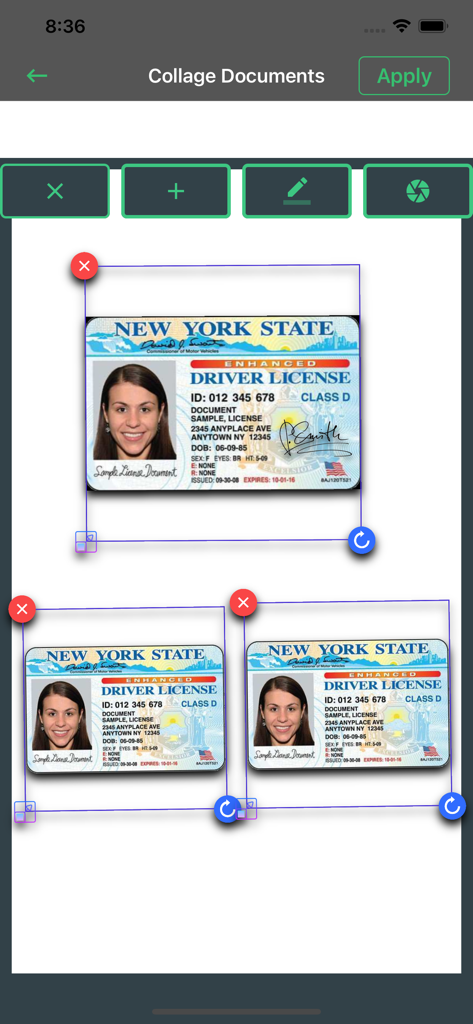
Interface de la fonction de collage de documents montrant plusieurs cartes d'identité scannées disposées sur une seule page.
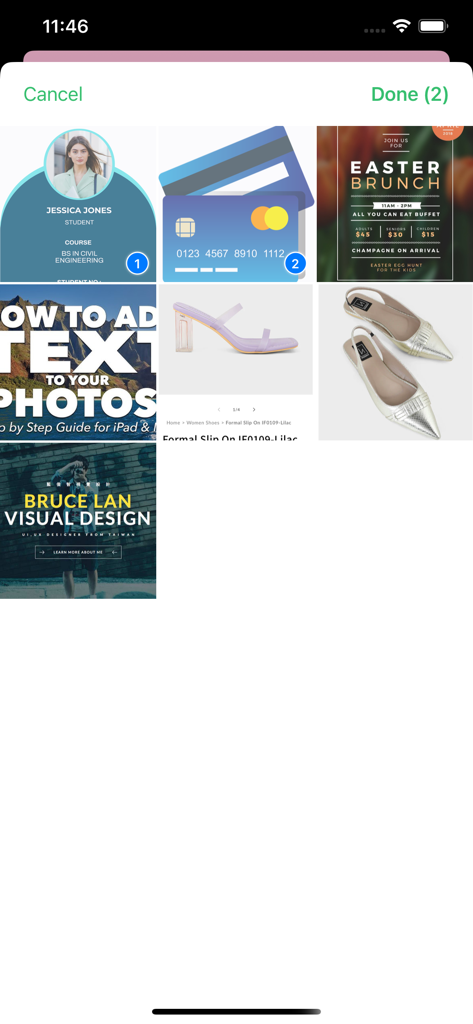
Interface de l'application Genius PDF Scanner montrant une grille de documents et de photos avec deux éléments sélectionnés pour le traitement.

Interface de l'application Genius PDF Scanner affichant la reconnaissance de texte IA et les résultats OCR pour un document étudiant
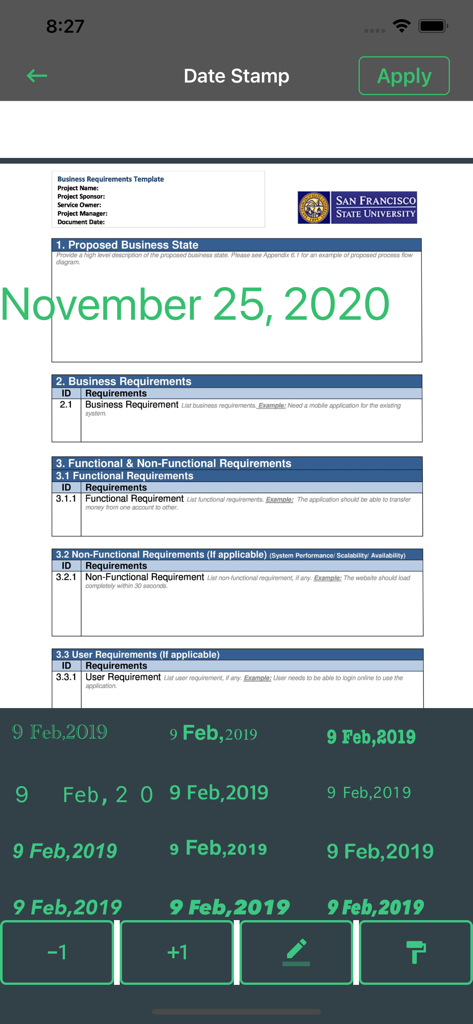
Un document commercial en cours d'édition avec une fonction de tampon de date dans l'application scanner Genius PDF.

Capture d'écran de la section Fichiers Verrouillés de l'application scanner affichant une zone de stockage sécurisée de documents avec des icônes de carte de crédit
Description
Download
Apps Similaires
Apps avec des fonctionnalités et une expérience similaires

PDF PRO Scan Image & Documents
Balzo srl

The PDF Scanner, PDF editor HQ
NEXT K.U.M. LTD

CamScanner - PDF Scanner App
INTSIG Information Co., Ltd

Adobe Scan: PDF & OCR Scanner
Adobe Inc.

WPS Office: PDF, Docs, Sheets
KINGSOFT OFFICE SOFTWARE CORPORATION LIMITED

iLovePDF - PDF Editor & Scan
ILOVEPDF S.L.

Scanner App: Genius Scan
The Grizzly Labs

Microsoft Lens: PDF Scanner
Microsoft Corporation

Clear Scan: Doc Scanner App
INDY MOBILE APP COMPANY LIMITED
Cette page n'est pas une page officielle de l'application ou de son développeur, mais une publication éditoriale indépendante créée à des fins d'information et de commentaire. Sauf indication expresse contraire, ni l'application ni son développeur ne sont affiliés, approuvés, sponsorisés, autorisés ou autrement officiellement liés à MWM, Apple, Google Play, à l'éditeur de l'application ou au développeur de l'application, et rien sur cette page n'implique que l'application a été développée en utilisant les services de MWM. Toutes les marques, logos, captures d'écran et autres contenus restent la propriété de leurs propriétaires respectifs.