Grid Maker & No Crop Photo

Grid Maker & No Crop Photo

Télécharger sur App Store
Logo de Grid Maker & No Crop Photo

Grid Maker & No Crop Photo : Rehaussez l'esthétique de votre Instagram

Transformez votre profil en un chef-d'œuvre visuel. Divisez des photos haute résolution en magnifiques grilles géantes ou publiez des images en pleine taille sans recadrage – conçu pour les créateurs qui exigent la perfection de leur flux.

Éditeur

Appwallet Technologies Private Limited

Catégorie

Photo & Video

Téléchargements

84K+

Note

4.7/5

Nombre d'avis

800

Langues

1

Maîtrisez l'esthétique de votre flux

Découvrez l'interface utilisée par 84K+ utilisateurs.
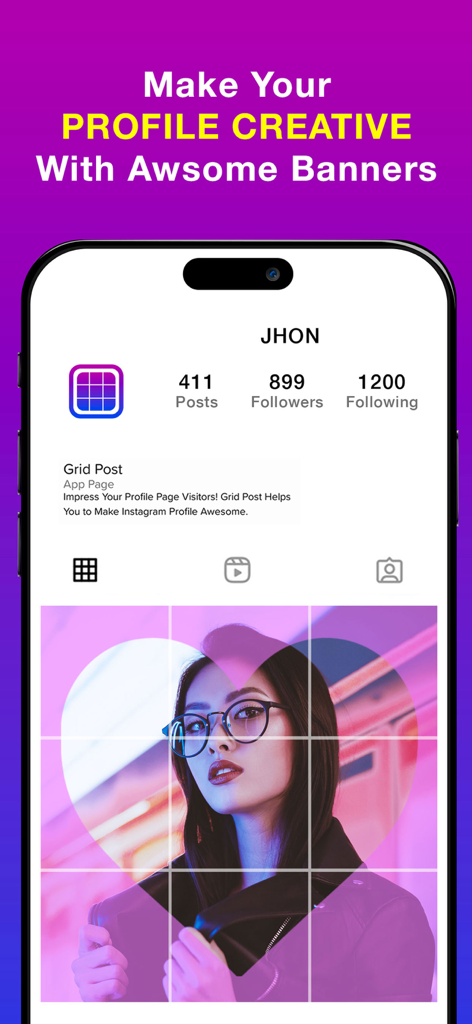
Écran d'application mobile montrant une bannière Instagram créative créée avec une grille photo 3x3.

Écran d'application mobile montrant une bannière Instagram créative créée avec une grille photo 3x3.

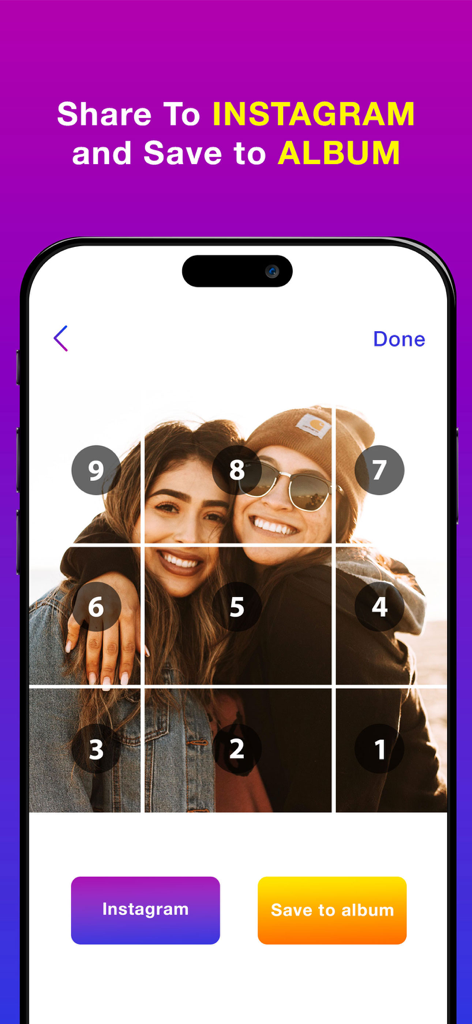
Une grille photo 3x3 divisée en carreaux numérotés pour une publication Instagram séquentielle.

Une grille photo 3x3 divisée en carreaux numérotés pour une publication Instagram séquentielle.

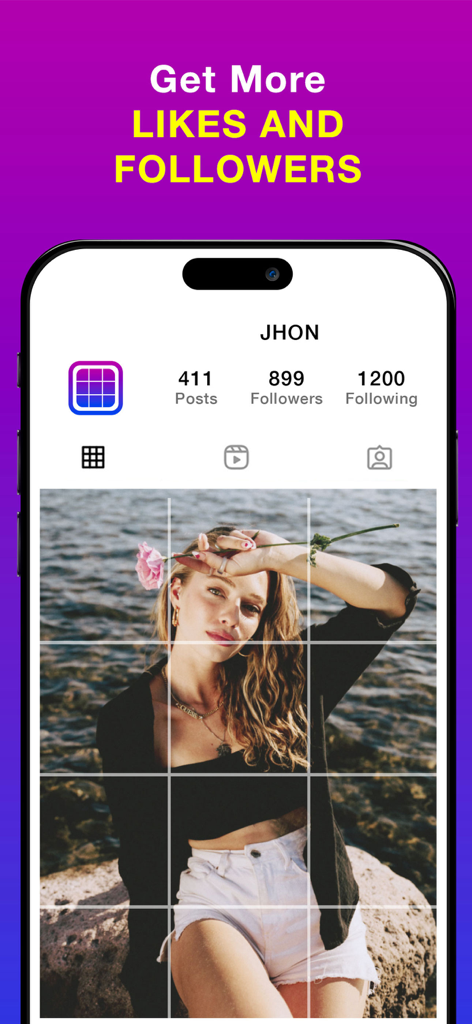
Un écran d'iPhone affichant une grille photo 3x3 sur un profil Instagram fictif avec le texte Obtenez plus de J'aime et d'Abonnés.

Un écran d'iPhone affichant une grille photo 3x3 sur un profil Instagram fictif avec le texte Obtenez plus de J'aime et d'Abonnés.

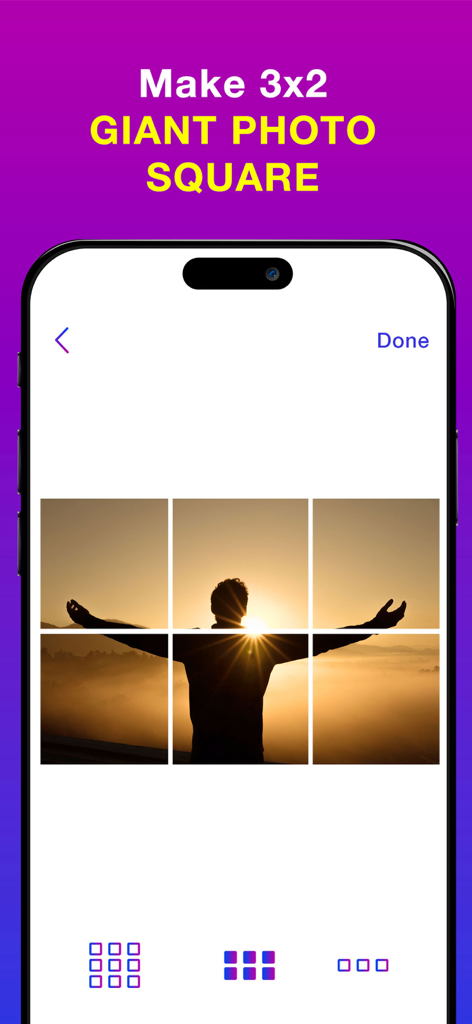
Interface de l'application Grid Maker montrant une personne au coucher du soleil divisée en une grille photo géante 3x2 pour les réseaux sociaux.

Interface de l'application Grid Maker montrant une personne au coucher du soleil divisée en une grille photo géante 3x2 pour les réseaux sociaux.

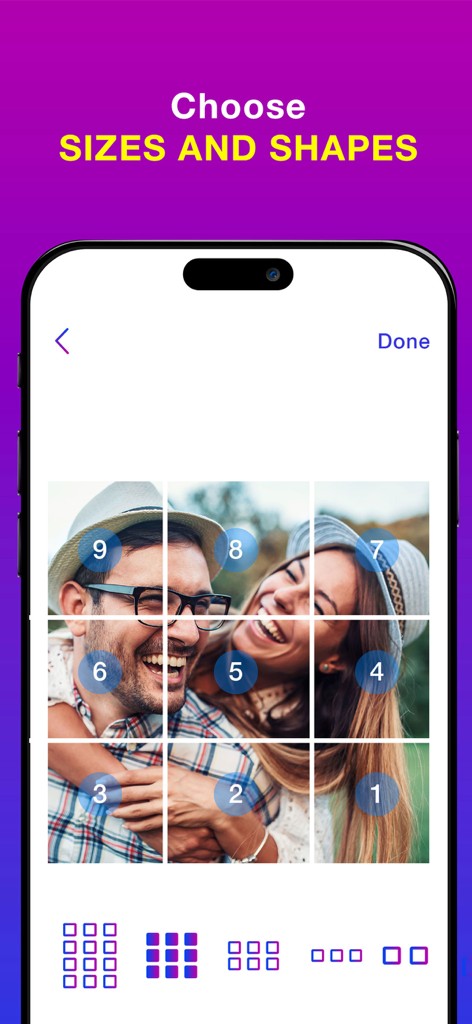
Une mise en page de grille photo 3x3 montrant l'ordre de publication numéroté pour un flux Instagram.

Une mise en page de grille photo 3x3 montrant l'ordre de publication numéroté pour un flux Instagram.

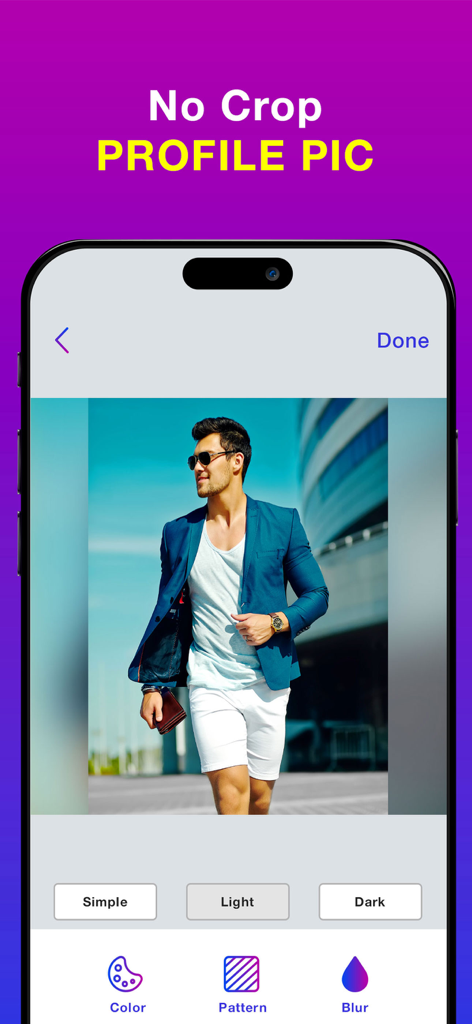
Interface de l'application montrant une photo de profil sans recadrage avec un arrière-plan flou.

Interface de l'application montrant une photo de profil sans recadrage avec un arrière-plan flou.

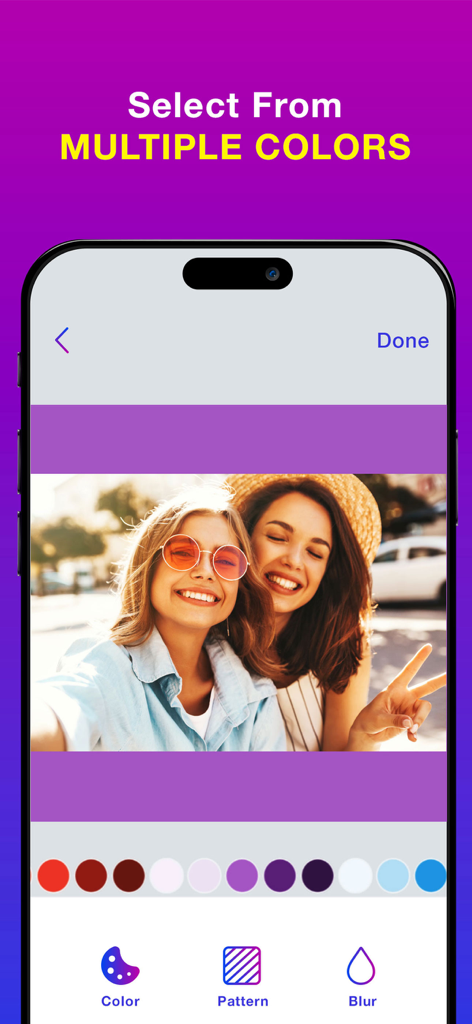
Choix de couleurs d'arrière-plan pour une photo sans recadrage dans l'application Grid Maker.

Choix de couleurs d'arrière-plan pour une photo sans recadrage dans l'application Grid Maker.

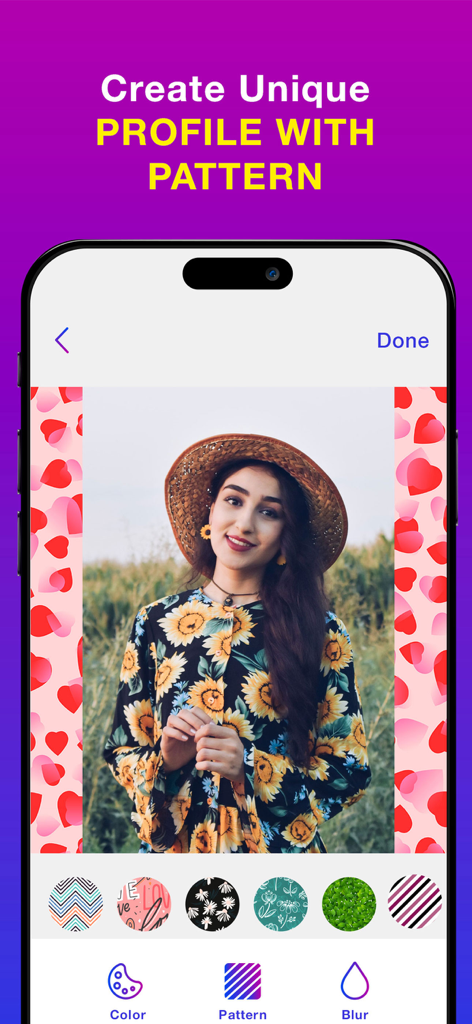
Une interface mobile d'une application montrant comment ajouter un arrière-plan à motif de cœur à une photo de portrait en utilisant la fonction sans recadrage.

Une interface mobile d'une application montrant comment ajouter un arrière-plan à motif de cœur à une photo de portrait en utilisant la fonction sans recadrage.

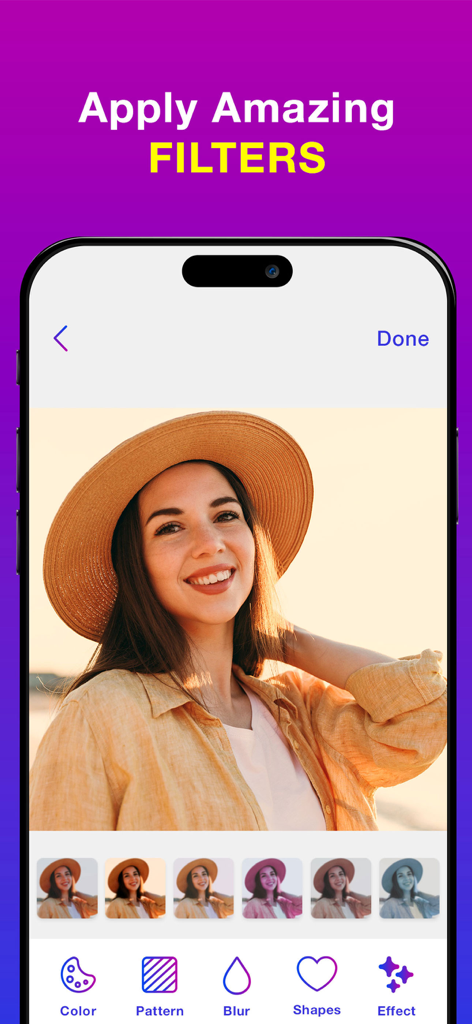
Interface d'application mobile montrant des filtres photo appliqués à un portrait d'une femme portant un chapeau de paille.

Interface d'application mobile montrant des filtres photo appliqués à un portrait d'une femme portant un chapeau de paille.

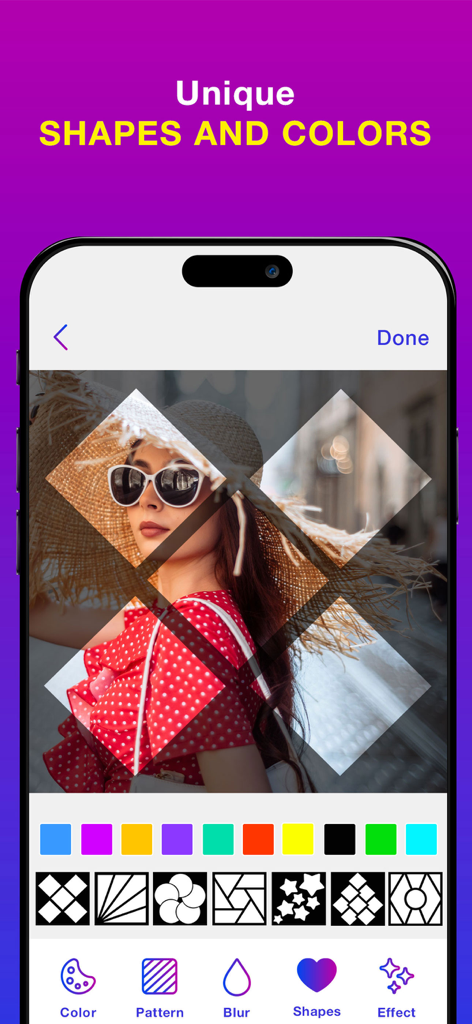
Interface d'application mobile montrant des formes géométriques uniques et des motifs de couleurs appliqués à une photo de portrait.

Interface d'application mobile montrant des formes géométriques uniques et des motifs de couleurs appliqués à une photo de portrait.

Améliorez l'esthétique de votre grille

Les outils qui font la différence, choisis par 84K+ utilisateurs.

🧩

Grilles géantes d'impact

Divisez vos photos en magnifiques mises en page carrées 1x3, 1x6 ou 1x9 qui transforment votre flux en une galerie d'aspect professionnel.

Liberté du cadrage complet

Publiez vos clichés verticaux et horizontaux sans perdre aucun détail. Ajoutez de jolis flous ou des motifs pour adapter parfaitement le format carré.

💎

Résolution de niveau professionnel

Maintenez une qualité d'image cristalline. Notre moteur garantit que chaque carreau reste net et haute résolution pour un look premium, de type influenceur.

À propos de l'app

Tout ce que vous devez savoir sur Grid Maker & No Crop Photo.

Description

Split Pic into the grid styles Grid:- Grid Style app allows you to photo split(crop) your large rectangular photos into a number of square pics and upload them to Instagram and impress your friends and your profile page visitors! Photo Grid app introduces a totally new way of using your Instagram, wrapped in simple and easy to use designs. Don't miss the chance to express yourself by adorning your profile page and posting breathtaking large scale images. This free photo grid app which allows to make the photo divider easily, portrait or an unforgettable landscapes into a few small spilt pic giant squares to get the grid post directly from your device, it will form a masterpiece in your feed. All you need is to take a picture from the photo gallery (or) albums, choose a grid you like and enable insta grid to cut it for you. Photo Split which lets you to slice any photo into the 1x9,1x6,1x3 giant square styles to get the grids for instagram profile while keeping it in a high resolution. In Photo Split, you can zoom in, move, or even rotate your photo to instantly see how it will look like on your Instagram full picture profile. It then quickly lets you post the split images to Instagram to show it as one big photo on your profile. Further, even easier, with a slight movement of the hand you can post the received tiles in the order the app offers. Elevate your facing the giants layout for instagram by giving your profile a professional look. This autostitch panorama is the most popular split the pic for instagram app to get griddy post and share them directly to the Instagram. Pic Grid for instagram is a new era of using posts, ease of use and great design make picture splitter giant square to be a share the griddy posts to the Instagram. Do not miss the opportunity to express yourself by decorating the grids for instagram profile. Using the Insta Grids you'll be on top of popularity among your friends, acquaintances and your followers! Features:- *Choose from a variety of the photo divider grid options: 1x9, 1x6,1x3 insta grid styles. *Move, Zoom or Rotate to get the perfect fit. * Keeps images in high resolution. Does not reduce quality after splitting. Will not blur the image. *If you like, save the spilt pictures to library and get the grid posts with this free photo grid app. *Share the images directly to Instagram to get the social media followers easily. No Crop:- No Crop for Instagram app which provides the best way to post full size photo. Square No Crop for Instagram help you save your time, If you are tired of cropping images, Square quick is the best way to square your photos quickly. Need to take a picture from photo gallery (or) albums, choose the no crop amazing options like colors, patterns, blur to make the full size- the easy no crop the best resizer story for instagram app to get a square no crop for instagram posts. Features:- *Simple and easy to use interface. *No Crop Feature which helps to post the entire photo. The best and full size- the easy no crop photo editor. *This is a best square no crop for instagram to make the color background no crop square photos. *Add the pattern backgrounds to the full size- the easy no crop to get resizer story for instagram square photos. *Make the blur background for snap pic and no crop square function with three options like simple, light and dark blur modes. *Save the high quality photos and share to media social networks. Terms of Use: https://www.apple.com/legal/internet-services/itunes/dev/stdeula/ Privacy Policy: http://178.128.6.196/privacypolicyiosapp.php

Dernière version

1.2

Taille

67.3 MB

Date de sortie

6 janv. 2022

Commencez à organiser votre flux de rêve

Rejoignez plus de 84 000 créateurs qui transforment leurs profils avec des grilles professionnelles et des photos sans recadrage haute résolution. L'évolution de votre esthétique n'est qu'à un toucher.

Télécharger sur App Store

App information, icons, screenshots, and descriptions displayed on this page are sourced from the Apple App Store and are the property of their respective developers. Download estimates and rankings are based on MWM's proprietary models and may not reflect actual figures. This page is provided for informational and analytical purposes only.

Believe this page infringes your intellectual property? File a dispute