Incognito — Private Browser

Incognito — Private Browser


Télécharger sur App Store
Logo de Incognito — Private Browser

Incognito — Navigateur Privé : L'outil du Power User pour une navigation instantanée et sécurisée

Contournez les paywalls, supprimez les traqueurs et naviguez en privé depuis n'importe quelle application via le menu Partager iOS. Pas d'historique, pas de publicités, pas d'abonnements — juste un web plus propre en un seul clic.

Télécharger sur App Store

Éditeur

Overdesigned, LLC

Catégorie

Utilities

Téléchargements

1K+

Note

4.5/5

Nombre d'avis

100

Langues

1

La confidentialité en action

Découvrez l'interface utilisée par 1K+ utilisateurs.
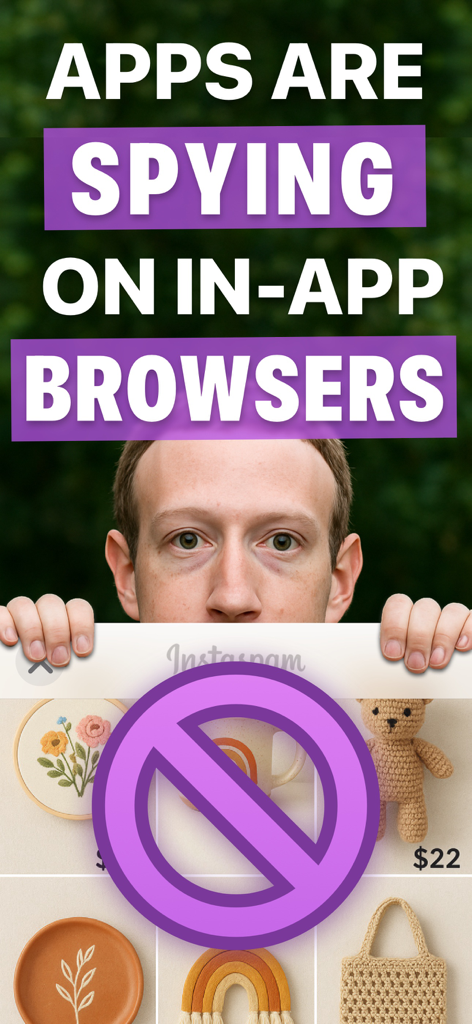
Un écran d'avertissement indiquant que les applications espionnent les navigateurs intégrés aux applications, avec un symbole d'interdiction sur une interface de médias sociaux.

Un écran d'avertissement indiquant que les applications espionnent les navigateurs intégrés aux applications, avec un symbole d'interdiction sur une interface de médias sociaux.

Interface de navigateur privé pop-up avec un badge 100 % privé superposé à une application.

Interface de navigateur privé pop-up avec un badge 100 % privé superposé à une application.

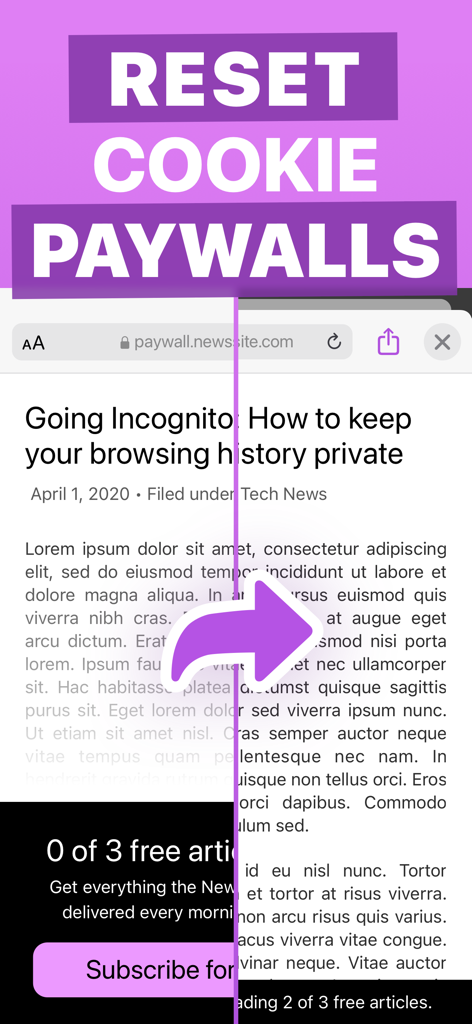
Démonstration du navigateur privé Incognito réinitialisant les paywalls de cookies pour débloquer des articles d'actualité.

Démonstration du navigateur privé Incognito réinitialisant les paywalls de cookies pour débloquer des articles d'actualité.

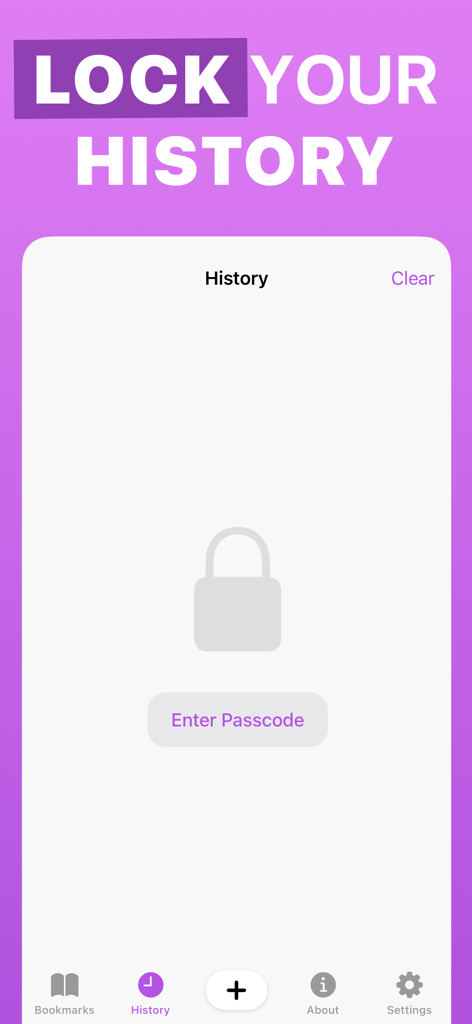
Écran de verrouillage de l'historique du navigateur privé Incognito avec protection par code d'accès.

Écran de verrouillage de l'historique du navigateur privé Incognito avec protection par code d'accès.

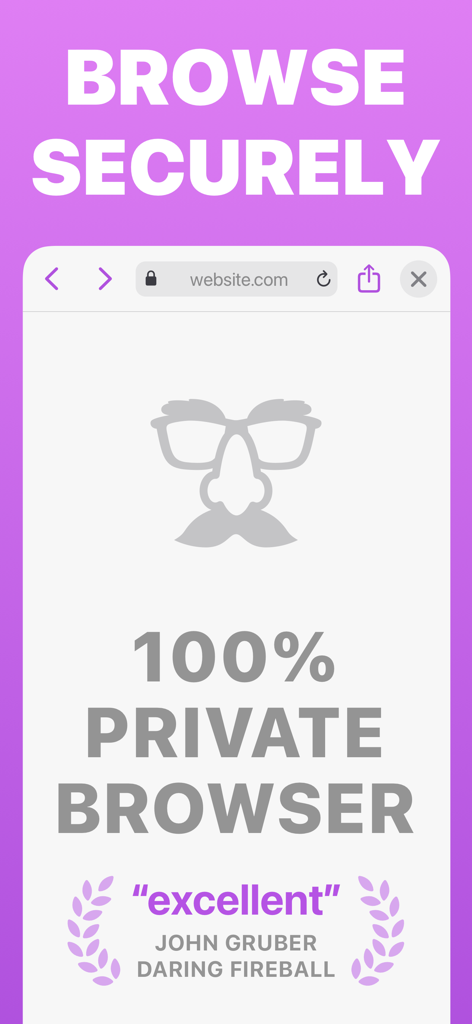
Capture d'écran du navigateur privé Incognito montrant le texte de navigation sécurisée et une citation d'avis de John Gruber de Daring Fireball.

Capture d'écran du navigateur privé Incognito montrant le texte de navigation sécurisée et une citation d'avis de John Gruber de Daring Fireball.

Mode de navigation privé plein écran dans l'application Incognito avec une icône de déguisement sur un fond violet.

Mode de navigation privé plein écran dans l'application Incognito avec une icône de déguisement sur un fond violet.

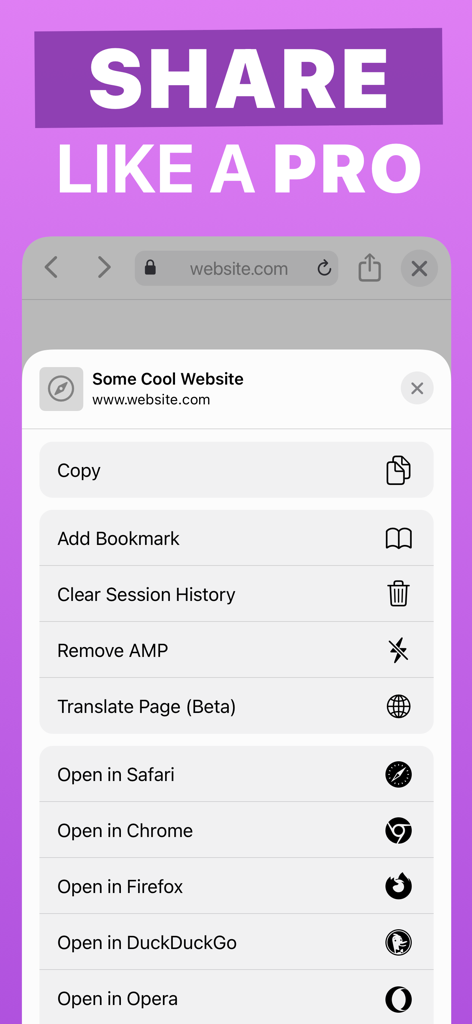
Menu du menu Partager iOS montrant les outils utilitaires du navigateur privé Incognito comme Supprimer AMP et Effacer l'historique de session

Menu du menu Partager iOS montrant les outils utilitaires du navigateur privé Incognito comme Supprimer AMP et Effacer l'historique de session

Votre couteau suisse pour le web privé

Les outils qui font la différence, choisis par 1K+ utilisateurs.

🚀

Extension d'action instantanée

Ouvrez des liens ou recherchez du texte en privé depuis n'importe quelle application en utilisant le menu Partager. Plus besoin de passer de Safari à une autre application juste pour rester anonyme.

🔓

Contournez les barrières du web

Supprimez automatiquement le suivi AMP, désactivez les cookies pour éviter les paywalls et utilisez des services d'archivage pour accéder au contenu restreint en un seul clic.

🛡️

Coffre-fort de confidentialité sécurisé

Gardez votre historique et vos signets protégés derrière un verrouillage par code d'accès. Zéro traqueur, zéro publicité et aucune trace laissée sur votre appareil après chaque session.

À propos de l'app

Tout ce que vous devez savoir sur Incognito — Private Browser.

Description

Incognito is a private web browser you can pull up anywhere. From any app: long-press a link or select text, tap Share, and then choose the Incognito action extension. Boom: instant web browser! Need to lock people out of your web history or bookmarks? Incognito can do that too! Incognito is great for: • Viewing a web page inside the current app without jumping to Safari. • Opening sketchy links without risking your privacy. • Reopening a web page with cookies disabled — and yes, that means Incognito lets you dodge most paywalls. • Searching Google from anywhere — just select the text you want to search, choose “Share” from the popup menu, and then choose the “Search in Incognito” action! • Keeping your web history and bookmarks private and passcode-locked. Or you can disable browsing history and leave no trace! Incognito is also a Swiss Army Knife of web tools: • Open a page in another browser such as Safari, Chrome, Firefox, Opera, Brave, or DuckDuckGo. • Remove AMP so you can browse or share the original URL. • Translate the page using Google Translate (beta). • Open the current URL with the archive.is service. • Save a PDF of an entire web page. • Set Incognito as your default browser. • Reopen a web page with the archive.today service (Incognito is not affiliated with archive.today or archive.is). • Clear your session history. Incognito is all about privacy: • All web browsing is in “private mode” by default, so all cookies and web data are discarded after each session. • Incognito has no ads, no third-party trackers, and does not send or re-route your web searches anywhere. • If you require extra privacy, Incognito has options to disable browsing history and/or exclude it from your iCloud Backups. Incognito is free to download and try for 10 sessions. Once the trial trial ends, unlock the app forever for a small, one-time fee. Incognito was created by Adam, an independent developer living in California.

Dernière version

1.2

Taille

9.7 MB

Date de sortie

23 avr. 2020

Naviguez plus intelligemment, restez privé.

Rejoignez des milliers de power users qui ont abandonné les traqueurs et les paywalls. Commencez votre essai gratuit dès aujourd'hui et débloquez la boîte à outils ultime du web mobile avec un seul achat unique.

Télécharger sur App Store

App information, icons, screenshots, and descriptions displayed on this page are sourced from the Apple App Store and are the property of their respective developers. Download estimates and rankings are based on MWM's proprietary models and may not reflect actual figures. This page is provided for informational and analytical purposes only.

Believe this page infringes your intellectual property? File a dispute