MCBackup : Sauvegarde de mes contacts – Sécurisez vos connexions en un seul tap
La solution axée sur la confidentialité pour sauvegarder, transférer et organiser vos contacts. Pas de comptes ni d'internet requis – juste une gestion hors ligne rapide pour une tranquillité d'esprit totale.
Découvrez l'interface utilisée par 396K+ utilisateurs.
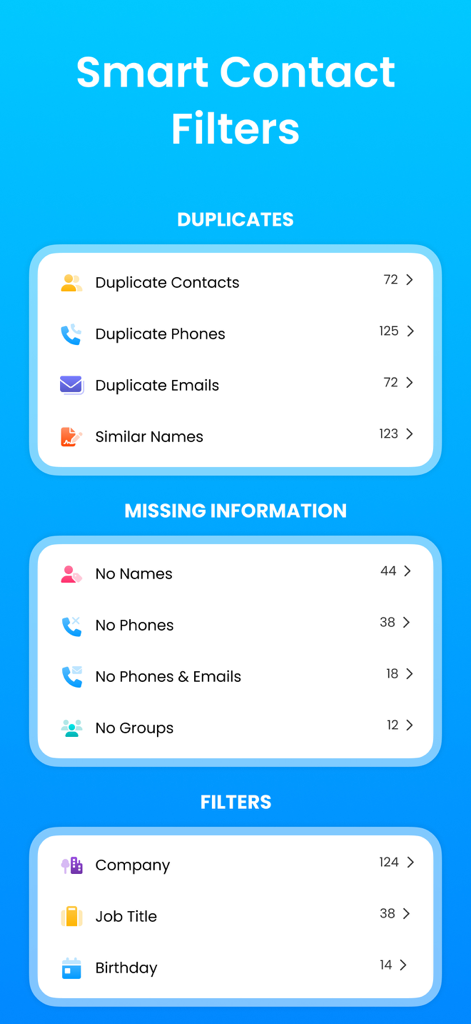
Filtres de contacts intelligents dans l'application MCBackup montrant les doublons et les catégories d'informations manquantes
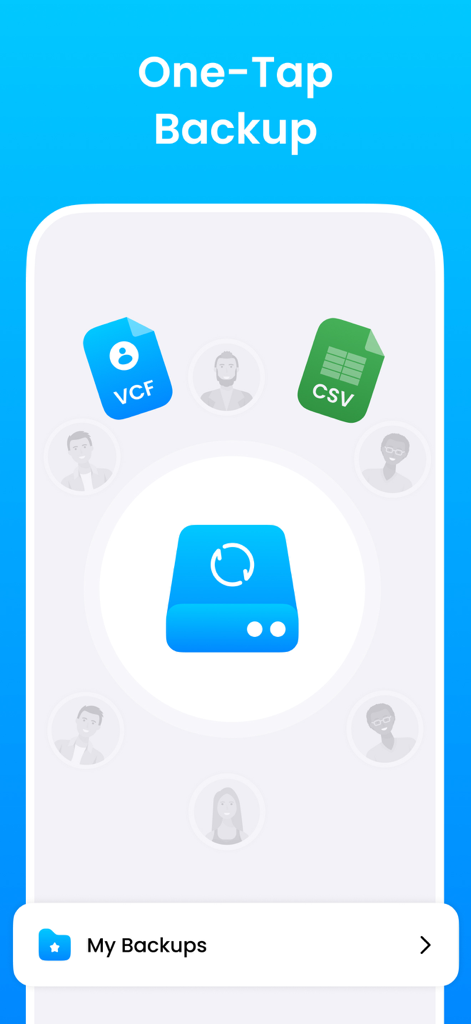
Interface de l'application MCBackup montrant la fonction de sauvegarde en un tap avec options d'exportation de fichiers VCF et CSV.
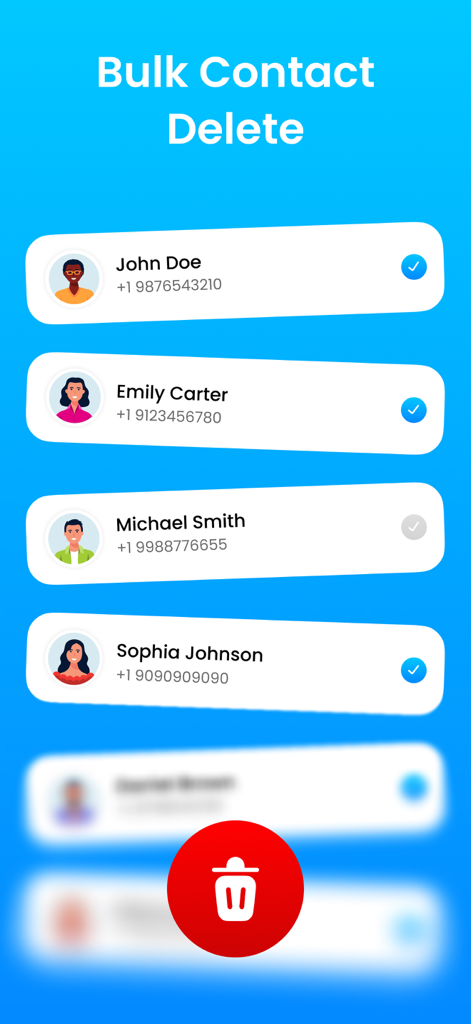
Interface de l'application MCBackup montrant la fonction de suppression de contacts en masse avec les contacts sélectionnés et un bouton icône poubelle
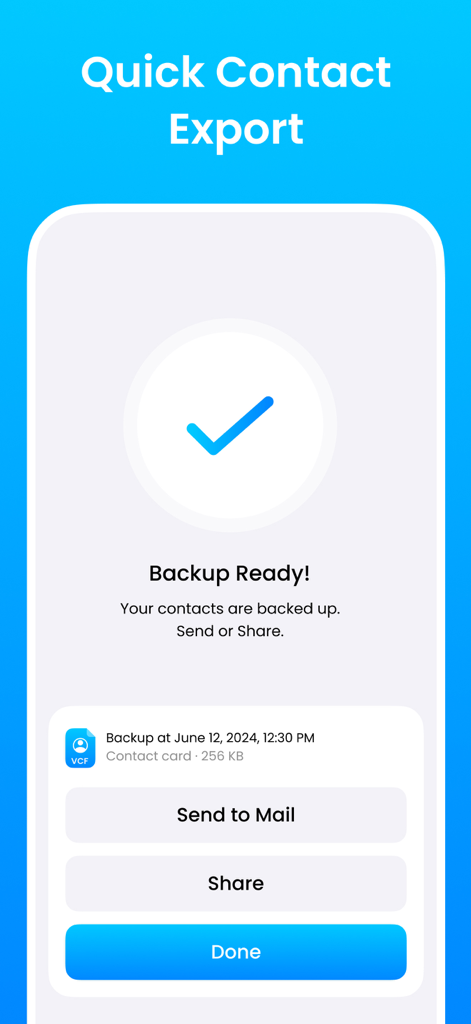
Écran de sauvegarde de contacts réussi avec options pour envoyer par e-mail ou partager
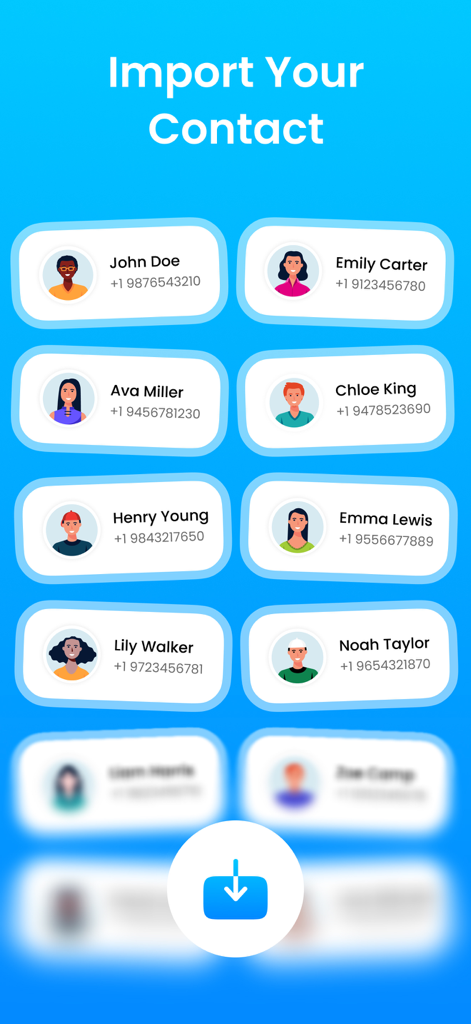
Interface de l'application MCBackup montrant une liste de contacts avec noms et numéros de téléphone prêts à être importés
Interface montrant la fonction de fusion de tous les doublons pour la gestion des contacts dans MCBackup
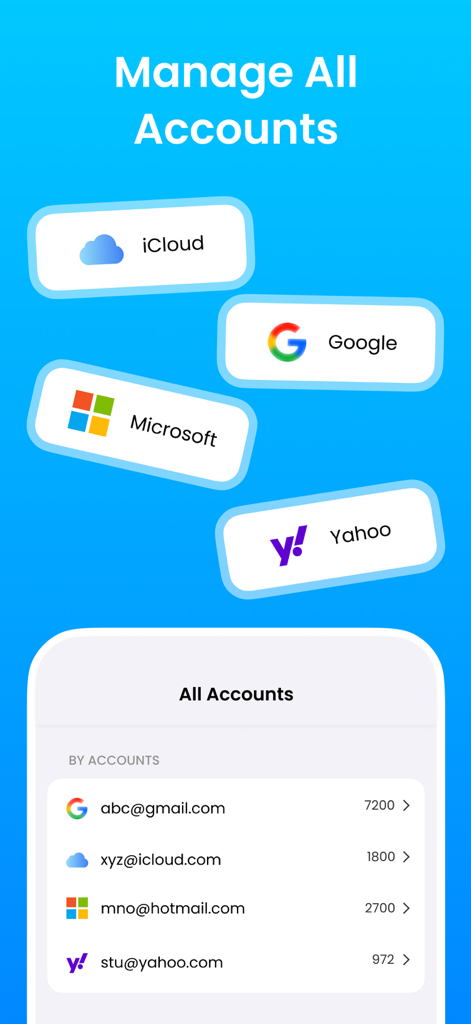
Interface de l'application MCBackup montrant la gestion des contacts pour les comptes iCloud, Google, Microsoft et Yahoo
Maîtrisez Votre Carnet d'Adresses
Les outils qui font la différence, choisis par 396K+ utilisateurs.
🛡️
Sauvegarde Sécurisée en Un Tap
Exportez instantanément vos contacts au format VCF ou CSV. Gardez le contrôle total de vos données sans dépendre du cloud ou de serveurs externes.
🧹
Nettoyeur Intelligent de Doublons
Désencombrez votre répertoire en quelques secondes. Notre algorithme intelligent fusionne les entrées identiques pour garder votre réseau organisé et professionnel.
📲
Transfert Transparent d'Appareil
Vous mettez à niveau votre iPhone ? Restaurez instantanément toute votre liste de contacts ou partagez des cartes spécifiques entre appareils sans aucune difficulté technique.
À propos de l'app
Tout ce que vous devez savoir sur MCBackup : My Contacts Backup.
Description
Are You Looking for a fast, secure, and reliable way to back up contacts on your iPhone or iPad? MCBackup – My Contact Backup is the ultimate contacts backup & transfer pro app designed to protect your phonebook and make sharing simple. Whether you need to recover contacts, remove duplicates, or perform a full contact transfer to a new device, MCBackup is the trusted solution millions of users rely on.
With support for VCF (vCard) and CSV formats, this smart contact exporter lets you back up your contact list in seconds. No complicated setups, no computer needed—just one tap to secure your address book and another to restore. Perfect for anyone switching devices, organizing their phonebook, or simply wanting peace of mind.
Key Features
• One-Tap Contact Backup - Back up your contacts instantly and store them safely on your device. Export files as vCard (VCF) or CSV for universal compatibility.
• Transfer Contacts Easily - Send your contact backup to yourself by email or save it to cloud storage.
• Recover Contacts Anytime - Lost or deleted phone numbers? The contact recovery & backup function allows you to restore from your saved file in seconds. MCBackup makes contact restore easy and stress-free.
• Duplicate Contacts Remover - Clean your phonebook automatically. Use the built-in duplicate contacts remover to merge entries, delete unnecessary numbers, and maintain a tidy contact organizer.
• Smart Sync & Management - With built-in smart sync, you can keep your contact list updated across devices. Organize by job titles, birthdays, or recently added contacts using the powerful contact manager and contact saver tools.
• Selective Contact Transfer - Don’t want to restore your entire phonebook? Choose specific entries to import, delete, or share. Great for contact share and contact delete needs.
• Privacy-First Operation - Unlike other apps, MCBackup does not require servers, accounts, or external tools like CopyTrans. Your trusted contacts are backed up and stored locally—only you decide where to save or send them.
Why Choose MCBackup?
• Complete Contact Management – From contact sync to cleanup, this all-in-one contact management solution keeps your phonebook in perfect shape.
• No Internet Required – All backups and restores happen directly on your device—fast and secure.
• Cross-Platform Friendly – Share your card or full address book across devices with universal file formats like VCF.
• Merge & connect to iPhone – Effortlessly merge and connect to iPhone contacts while avoiding duplicates.
• User-Friendly Design – Simple, intuitive, and optimized for everyone—no tech skills needed.
Supported Languages
MCBackup is available in English, Spanish, French, German, Italian, Chinese, Japanese, Turkish, Russian, Danish, and Arabic—making it a global solution for contact backup and contact transfer.
Beyond its core backup and de-duplication features, MCBackup offers a suite of enhanced tools. The app’s smart sync capability ensures your most recent changes are always accounted for. You can easily perform a contact share or even a bulk contact delete for unwanted entries.
Whether you’re upgrading your device, cleaning duplicates, or preparing for emergencies, MCBackup – My Contact Backup is your go-to solution. This lightweight yet powerful app combines the best of contact backup, contact restore, and contact management into one seamless package.
• Back up your contact list in seconds.
• Organize, clean, and manage your address book with ease.
• Use vCard (VCF) or CSV to transfer contacts across any platform.
Download MCBackup – My Contact Backup today—the contacts backup & transfer pro app that ensures your phonebook is always safe, synced, and under your control.
Privacy Policy: http://ruruinfotech.com/PrivacyPolicy/ContactsbackUp/McBackup_privacy.html
Dernière version
5.4
Taille
19.7 MB
Date de sortie
3 avr. 2017
Ne Perdez Plus Jamais une Connexion
Rejoignez plus de 400 000 utilisateurs qui font confiance à MCBackup pour une gestion de contacts rapide, privée et sécurisée. Un tap pour sauvegarder, aucun compte nécessaire.
App information, icons, screenshots, and descriptions displayed on this page are sourced from the Apple App Store and are the property of their respective developers. Download estimates and rankings are based on MWM's proprietary models and may not reflect actual figures. This page is provided for informational and analytical purposes only.
Believe this page infringes your intellectual property? File a dispute