
Cette page n'est pas une page officielle de l'application ou de son développeur, mais une publication éditoriale indépendante créée à des fins d'information et de commentaire. Sauf indication expresse contraire, ni l'application ni son développeur ne sont affiliés, approuvés, sponsorisés, autorisés ou autrement officiellement liés à MWM, Apple, Google Play, à l'éditeur de l'application ou au développeur de l'application, et rien sur cette page n'implique que l'application a été développée en utilisant les services de MWM. Toutes les marques, logos, captures d'écran et autres contenus restent la propriété de leurs propriétaires respectifs.


Music Transpose - Key Changer
L'outil essentiel pour les chanteurs et les musiciens afin de transposer l'audio ou la vidéo sans effort. Ajustez la tonalité et la vitesse indépendamment, pratiquez hors ligne et profitez d'une utilisation à vie avec un seul achat unique.
Téléchargements
63K+Note
Nombre d'avis
800Éditeur
Catégorie
MusicLangues
32Dernière version
4.4.14Taille
45.9 MBDate de sortie
26 avr. 2022Maîtrisez Chaque Morceau avec Précision
L'utilitaire ultime pour les musiciens afin de transposer les tonalités et d'ajuster le tempo instantanément - pas d'abonnements, pas de complexité, juste de la pure pratique.
Transposez vers Votre Tessiture
Déplacez la tonalité par incréments fins de demi-tons pour correspondre à votre tessiture vocale ou à l'accordage de votre instrument, guidé par des indicateurs visuels de qualité.
Ralentissez les Parties Difficiles
Ajustez indépendamment la vitesse de lecture sans changer la tonalité, vous permettant de maîtriser les solos rapides et les rythmes complexes à votre propre rythme.
Les captures d'écran et la description suivantes proviennent directement de la fiche officielle de l'application sur le store et sont la propriété du développeur.
App Store
Captures
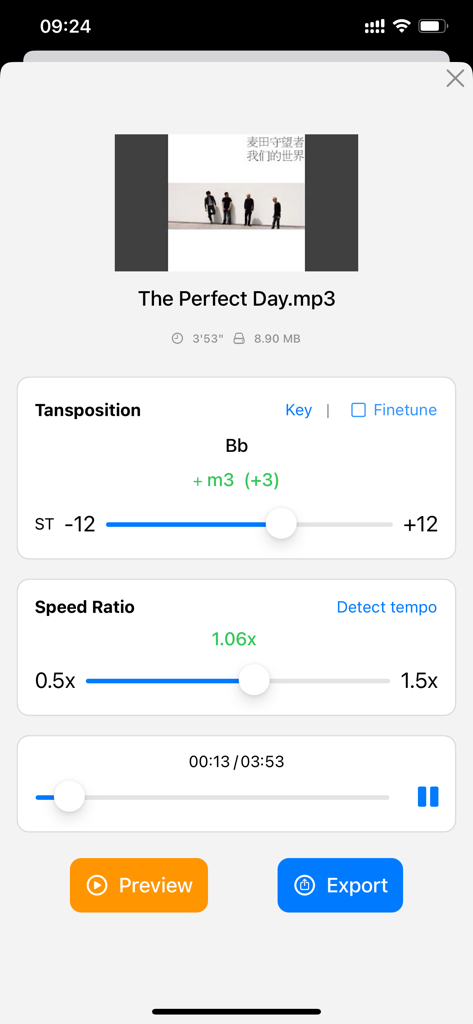
Interface de l'application pour transposer la tonalité de la musique et ajuster le ratio de vitesse de lecture.
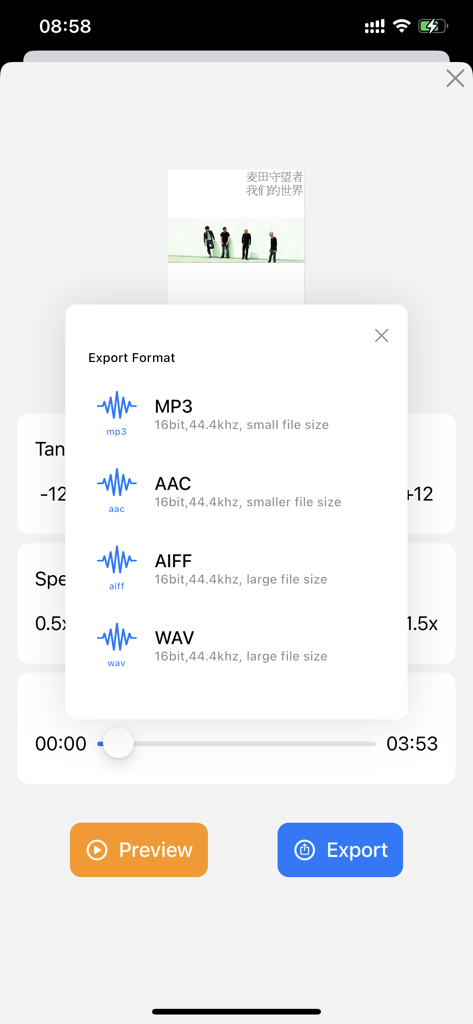
Écran de sélection pour exporter les fichiers musicaux aux formats MP3, AAC, AIFF ou WAV.
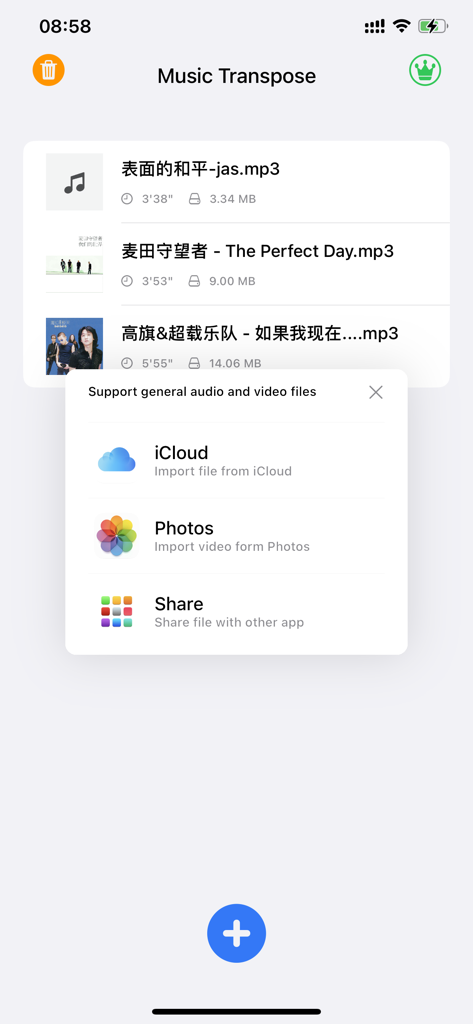
Écran de l'application Transposition Musicale montrant un menu contextuel avec des options pour importer des fichiers audio et vidéo depuis iCloud et Photos.
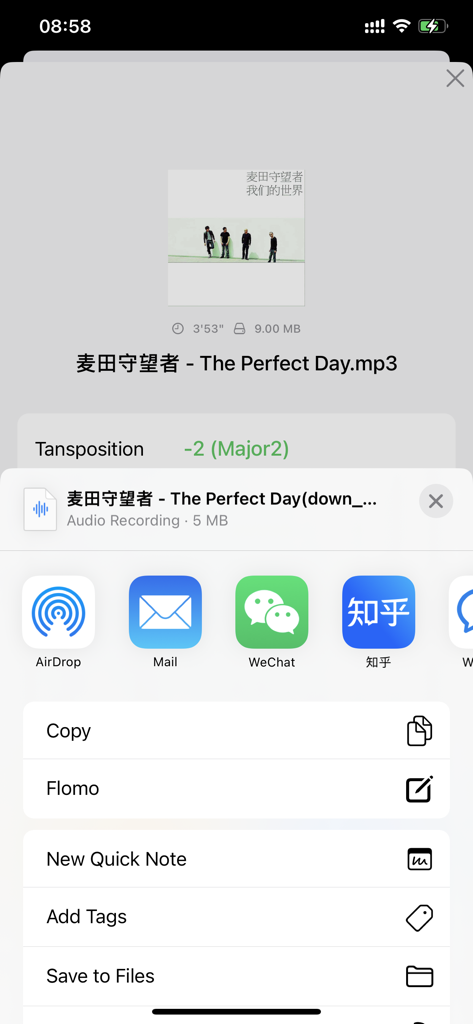
Interface de l'application Transposition Musicale montrant les options d'exportation de fichiers après ajustement de la tonalité.
Description
Download
Apps Similaires
Apps les mieux classées dans la même catégorie

Spotify: Music and Podcasts
Spotify

YouTube Music
Google LLC

Shazam: Find Music & Concerts
Apple Inc.

SoundCloud: The Music You Love
SoundCloud Global Limited & Co KG

Suno - AI Songs & Music
Suno Inc.

QQ音乐 - 听我想听
Tencent Technology (Shenzhen) Company Limited

Audiomack - Play Music Offline
Audiomack, Inc.

GuitarTuna: Tune & Play Guitar
Yousician Ltd

BandLab – Music Maker & Beats
BandLab Singapore Pte Ltd
Cette page n'est pas une page officielle de l'application ou de son développeur, mais une publication éditoriale indépendante créée à des fins d'information et de commentaire. Sauf indication expresse contraire, ni l'application ni son développeur ne sont affiliés, approuvés, sponsorisés, autorisés ou autrement officiellement liés à MWM, Apple, Google Play, à l'éditeur de l'application ou au développeur de l'application, et rien sur cette page n'implique que l'application a été développée en utilisant les services de MWM. Toutes les marques, logos, captures d'écran et autres contenus restent la propriété de leurs propriétaires respectifs.