Passwords & Passkeys-Safe

Passwords & Passkeys-Safe


Télécharger sur App StoreTélécharger sur Google Play
Logo de Passwords & Passkeys-Safe
SafeInCloud : le gestionnaire de mots de passe tout-en-un qui vous appartient vraiment

Prenez le contrôle de votre sécurité numérique grâce à un chiffrement de niveau militaire et à l'authentification à deux facteurs intégrée. Sans abonnement, sans cloud propriétaire : vos données, synchronisées selon vos préférences.

Télécharger sur App Store

Éditeur

SAFEINCLOUD SAS

Catégorie

Productivity

Téléchargements

237K+

Note

4.7/5

Nombre d'avis

4K+

Langues

33

Votre coffre-fort numérique, visualisé

Découvrez l'interface utilisée par 237K+ utilisateurs.
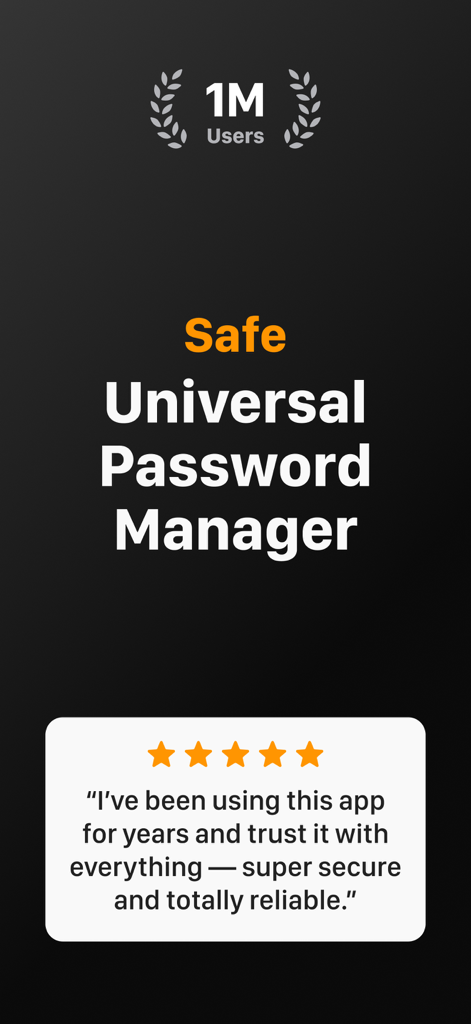
Capture d'écran de l'application SafeInCloud montrant un million d'utilisateurs et un avis client cinq étoiles

Capture d'écran de l'application SafeInCloud montrant un million d'utilisateurs et un avis client cinq étoiles

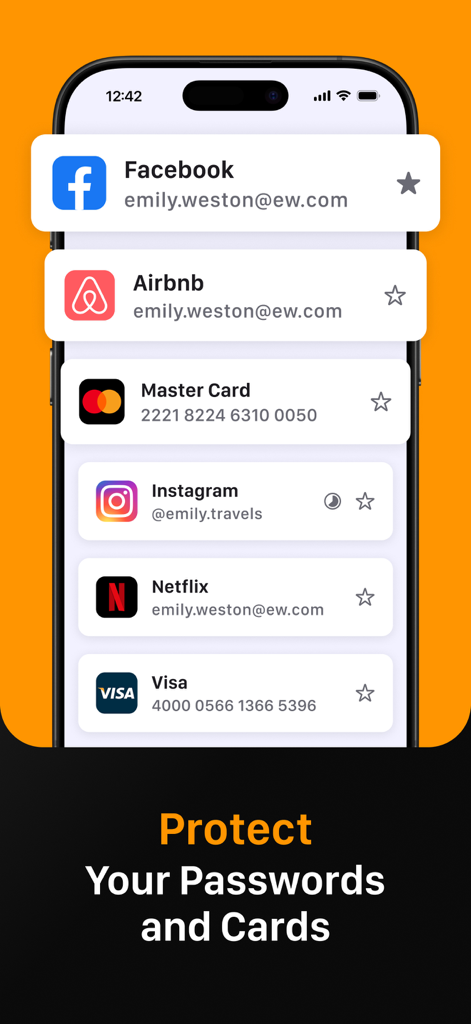
Écran de smartphone affichant l'application SafeInCloud gérant les connexions sécurisées pour Facebook, Instagram et les informations de carte bancaire.

Écran de smartphone affichant l'application SafeInCloud gérant les connexions sécurisées pour Facebook, Instagram et les informations de carte bancaire.

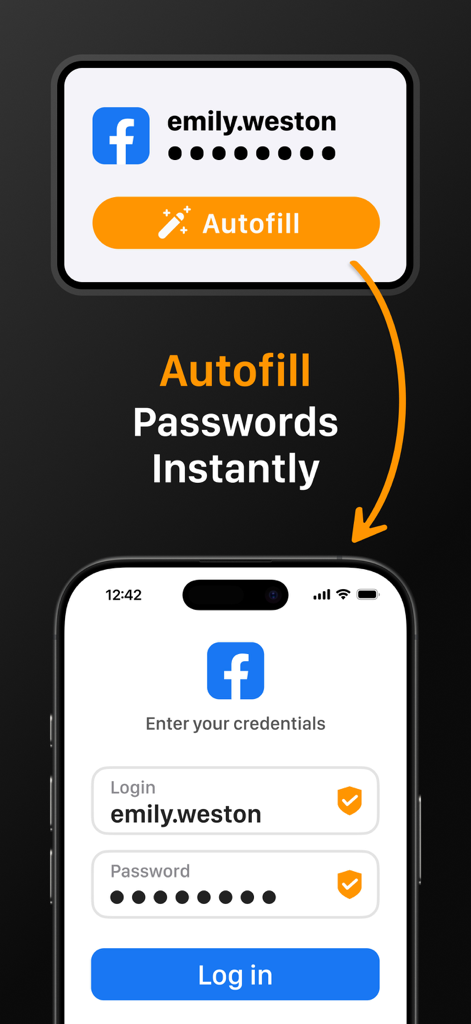
L'application SafeInCloud illustre le remplissage automatique instantané du mot de passe sur l'écran de connexion d'un appareil mobile.

L'application SafeInCloud illustre le remplissage automatique instantané du mot de passe sur l'écran de connexion d'un appareil mobile.

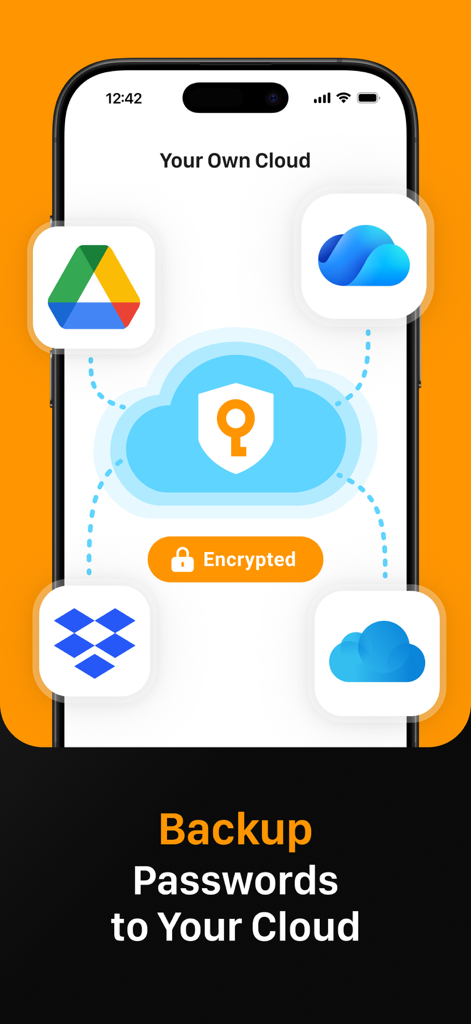
L'interface de l'application SafeInCloud affiche la sauvegarde des mots de passe et la synchronisation avec des services cloud personnels tels que Google Drive et Dropbox.

L'interface de l'application SafeInCloud affiche la sauvegarde des mots de passe et la synchronisation avec des services cloud personnels tels que Google Drive et Dropbox.

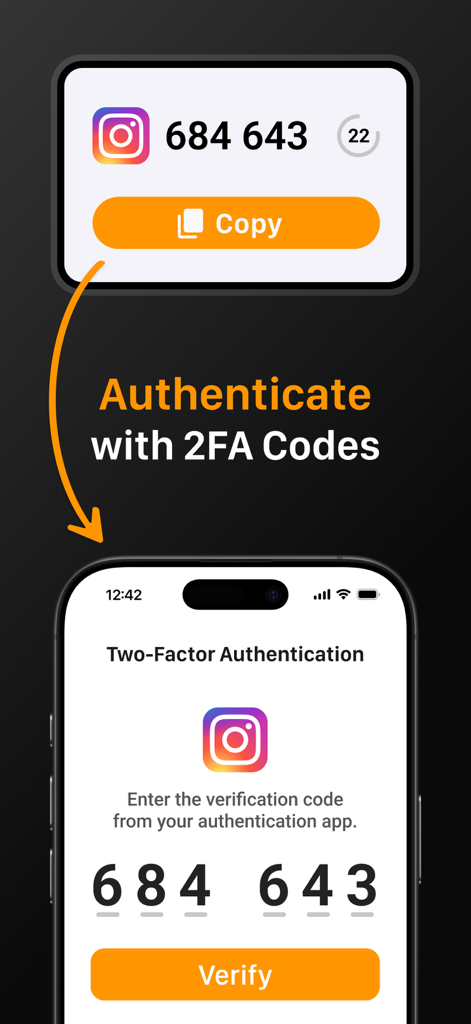
Interface SafeInCloud montrant comment s'authentifier avec des codes 2FA pour un compte Instagram

Interface SafeInCloud montrant comment s'authentifier avec des codes 2FA pour un compte Instagram

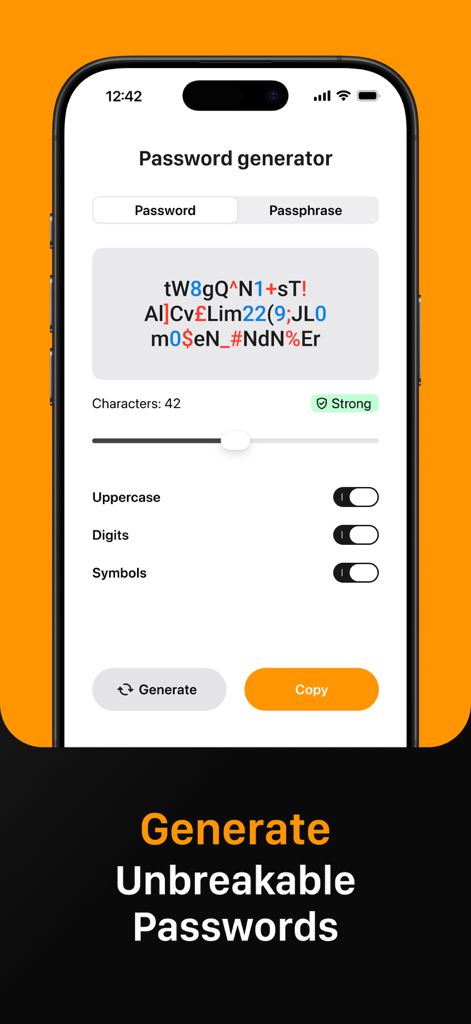
Interface de l'application SafeInCloud affichant la fonctionnalité de générateur de mots de passe pour créer des mots de passe forts et inviolables.

Interface de l'application SafeInCloud affichant la fonctionnalité de générateur de mots de passe pour créer des mots de passe forts et inviolables.

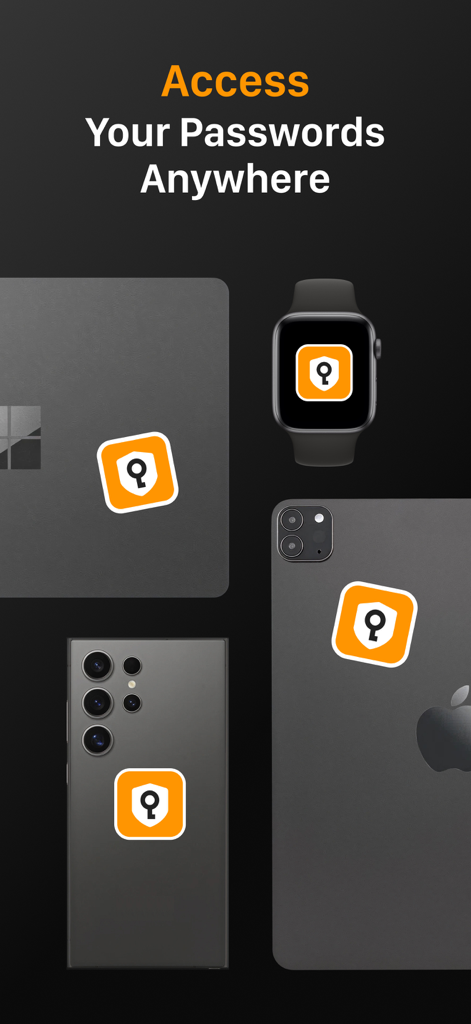
L'icône de l'application SafeInCloud s'affiche sur plusieurs appareils, notamment un ordinateur portable, une montre connectée et des smartphones, pour démontrer l'accès multiplateforme.

L'icône de l'application SafeInCloud s'affiche sur plusieurs appareils, notamment un ordinateur portable, une montre connectée et des smartphones, pour démontrer l'accès multiplateforme.

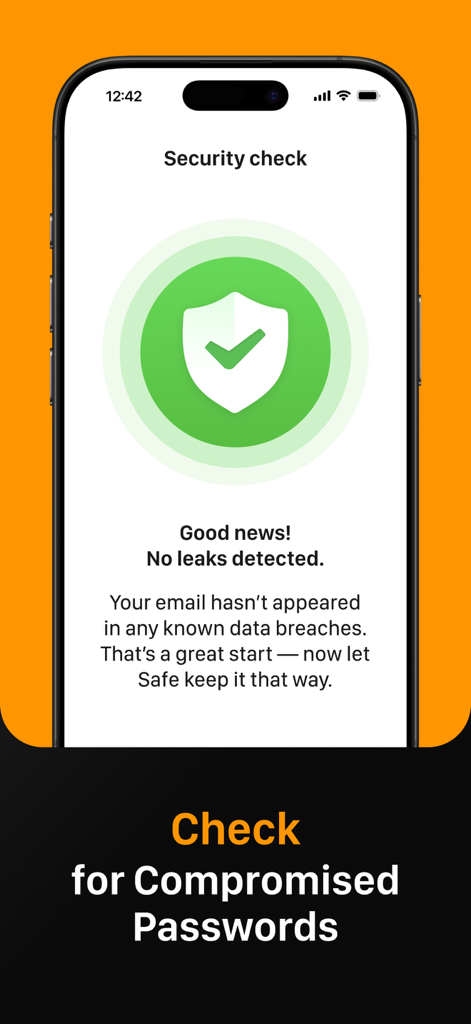
L'écran de vérification de sécurité de SafeInCloud n'indique aucune fuite de données détectée pour les mots de passe compromis.

L'écran de vérification de sécurité de SafeInCloud n'indique aucune fuite de données détectée pour les mots de passe compromis.

Sécurisez votre monde selon vos conditions

Les outils qui font la différence, choisis par 237K+ utilisateurs.

☁️

Souveraineté totale des données

Gardez le contrôle en synchronisant votre coffre-fort chiffré via votre propre compte cloud comme iCloud, Google Drive ou Dropbox plutôt que via des serveurs tiers.

🔐

Authentificateur 2FA intégré

Simplifiez votre flux de travail grâce à un authentificateur intégré qui génère des codes à usage unique, éliminant ainsi le besoin d'applications de vérification distinctes.

Accès multiplateforme transparent

Profitez d'une connexion instantanée grâce à Face ID, Touch ID et au remplissage automatique du système sur votre iPhone, iPad, Mac et PC Windows grâce à une application de bureau gratuite.

À propos de l'app

Tout ce que vous devez savoir sur Passwords & Passkeys-Safe.

Description

SafeInCloud Password Manager allows you to keep your logins, passwords, and other private info safe and secure in an encrypted database. You can synchronise your data with another phone, tablet, Mac or PC via your own cloud account. SafeInCloud is not just a password keeper, but also a 2FA authenticator that generates one-time codes for any website. This means you won't need a separate 2FA authenticator app. ALL-IN-ONE PASSWORD MANAGER ◆ Easy to Use ◆ Strong Encryption (256-bit Advanced Encryption Standard) ◆ Cloud Synchronisation (iCloud, Google Drive, Dropbox, Microsoft OneDrive, NAS, WebDAV) ◆ Login with Touch ID & Face ID ◆ Multiple Databases ◆ Autofill Passwords in Apps ◆ Password Strength Analysis ◆ Password Generator ◆ 2FA Authenticator (MFA, TOTP, OTP) ◆ Check for Compromised Passwords ◆ Free Desktop App (Windows & Mac) ◆ Automatic Data Import ◆ Apple Watch App ◆ Cross Platform EASY TO USE Try it yourself and enjoy an easy-to-use yet powerful user interface. STRONG ENCRYPTION Your data is always encrypted on a device and in a cloud with a strong 256-bit Advanced Encryption Standard (AES). CLOUD SYNCHRONISATION Your database is automatically synchronised with your own cloud account. Thus you can easily restore your entire database from a cloud to a new phone or computer (in case of a loss or an upgrade). LOGIN WITH TOUCH ID & FACE ID You can instantly unlock SafeInCloud with a fingerprint on devices with Touch ID. You can also unlock SafeInCloud by face recognition using Face ID technology. AUTOFILL PASSWORDS IN APPS You can autofill login and password fields into any app on your phone directly from SafeInCloud. You don't need to copy and paste them manually. PASSWORD STRENGTH ANALYSIS SafeInCloud analyses your password strengths and shows a strength indicator next to each password. PASSWORD GENERATOR The password generator helps you generating random and secure passwords. There is also an option to generate memorable, but still strong passwords. 2FA AUTHENTICATOR SafeInCloud supports two factor authentication (2FA, MFA, TOTP, OTP), providing an additional layer of security without the need for a separate verification app like Microsoft authenticator. CHECK FOR COMPROMISED PASSWORDS Hundreds of millions of real world passwords have previously been exposed in data breaches. Safely and anonymously check your passwords for being compromised. FREE DESKTOP APP Download a free Desktop application for Windows or Mac OS from www. AUTOMATIC DATA IMPORT The Desktop application can automatically import your passwords from another password manager like 1password or LastPass. You don't need to manually reenter all your passwords. APPLE WATCH APP You can put some selected cards on your wrist to easily access them on the run. These could be your credit card PINs, door and locker codes. Terms of Use: https://www.apple.com/legal/internet-services/itunes/dev/stdeula/

Dernière version

26.1.9

Taille

76.6 MB

Date de sortie

21 oct. 2014

Prenez le contrôle total de votre sécurité dès aujourd'hui

Rejoignez plus de 237 000 utilisateurs qui privilégient la souveraineté de leurs données aux abonnements. Sécurisez vos mots de passe grâce au chiffrement AES-256 sur votre propre compte cloud : sans frais mensuels, sans compromis.

Télécharger sur App StoreTélécharger sur Google Play

App information, icons, screenshots, and descriptions displayed on this page are sourced from the Apple App Store and are the property of their respective developers. Download estimates and rankings are based on MWM's proprietary models and may not reflect actual figures. This page is provided for informational and analytical purposes only.

Believe this page infringes your intellectual property? File a dispute