
Cette page n'est pas une page officielle de l'application ou de son développeur, mais une publication éditoriale indépendante créée à des fins d'information et de commentaire. Sauf indication expresse contraire, ni l'application ni son développeur ne sont affiliés, approuvés, sponsorisés, autorisés ou autrement officiellement liés à MWM, Apple, Google Play, à l'éditeur de l'application ou au développeur de l'application, et rien sur cette page n'implique que l'application a été développée en utilisant les services de MWM. Toutes les marques, logos, captures d'écran et autres contenus restent la propriété de leurs propriétaires respectifs.

PDF: Reader, Scanner, Editor
Numérisez, modifiez, signez et convertissez des PDF instantanément depuis votre iPhone. L'outil de bureau mobile ultime conçu pour les professionnels et les étudiants occupés qui ont besoin de faire avancer les choses en déplacement.
Téléchargements
100Note
Nombre d'avis
0Éditeur
Catégorie
UtilitiesLangues
1Dernière version
1.0.3Taille
10.9 MBDate de sortie
28 févr. 2025Maîtrisez Vos Documents Partout
De la numérisation de reçus à la signature de contrats, profitez d'une suite bureautique professionnelle complète directement dans votre poche.
Numérisation Intelligente et OCR
Numérisez instantanément n'importe quel document et convertissez des images en texte modifiable grâce à une technologie d'IA de précision.
Signatures Électroniques Instantanées
Signez des contrats et remplissez des formulaires complexes en déplacement – plus besoin de chercher une imprimante ou un bureau FedEx local.
Les captures d'écran et la description suivantes proviennent directement de la fiche officielle de l'application sur le store et sont la propriété du développeur.
App Store
Captures
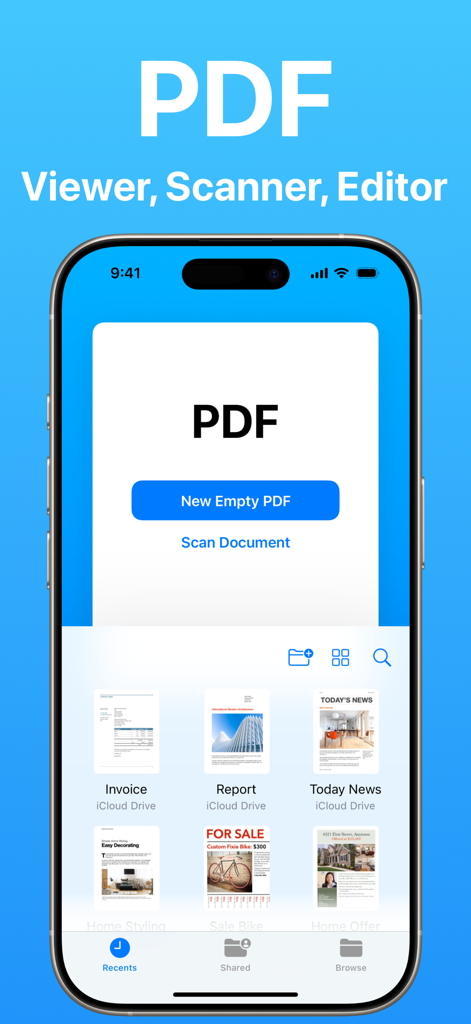
Interface principale d'une application de visualisation et de numérisation de PDF montrant les options de création d'un nouveau PDF ou de numérisation d'un document sur un iPhone.
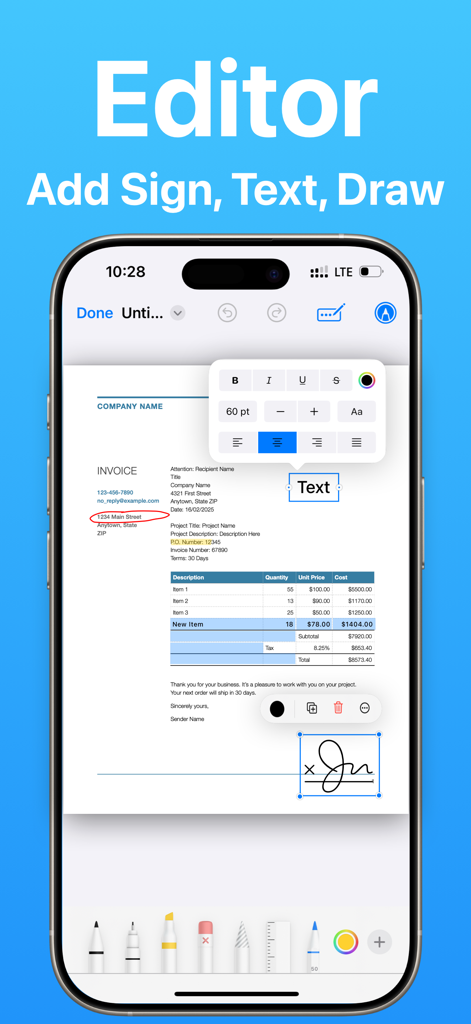
Un écran d'iPhone démontrant les capacités d'édition de PDF, y compris l'ajout de texte et de signatures numériques.
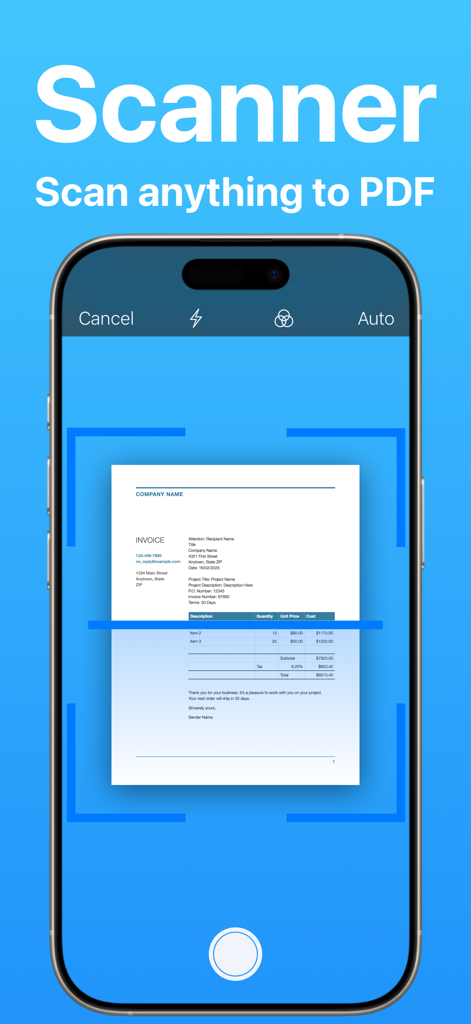
Interface d'iPhone montrant un document en cours de numérisation en PDF avec une application de numérisation mobile.
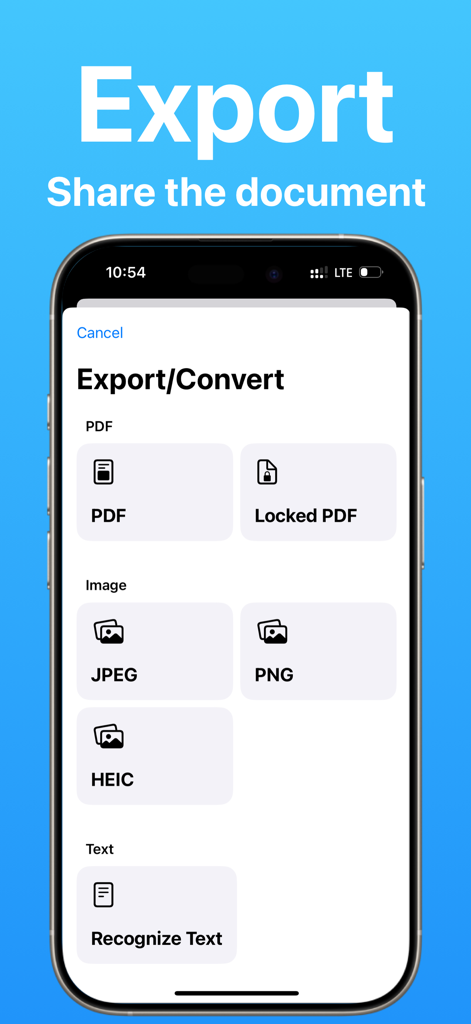
Interface montrant les options d'exportation et de conversion de documents en formats PDF image ou texte.
Description
Download
Apps Similaires
Apps les mieux classées dans la même catégorie

Google LLC

Google Chrome
Google LLC

中国移动(手机营业厅)
China Mobile Online Services Co., Ltd.

Google Authenticator
Google LLC

CNH do Brasil
Servicos e Informacoes do Brasil

Cleanup: Phone Storage Cleaner
DEEP FLOW SOFTWARE SERVICES - FZCO

gov.br
Servicos e Informacoes do Brasil

中国电信-全国统一官方服务平台
CHINA TELECOM Corporation Ltd.

Microsoft Edge: AI Browser
Microsoft Corporation
Cette page n'est pas une page officielle de l'application ou de son développeur, mais une publication éditoriale indépendante créée à des fins d'information et de commentaire. Sauf indication expresse contraire, ni l'application ni son développeur ne sont affiliés, approuvés, sponsorisés, autorisés ou autrement officiellement liés à MWM, Apple, Google Play, à l'éditeur de l'application ou au développeur de l'application, et rien sur cette page n'implique que l'application a été développée en utilisant les services de MWM. Toutes les marques, logos, captures d'écran et autres contenus restent la propriété de leurs propriétaires respectifs.