Conversion PDF vers Word : rapide, sécurisée et hors ligne
Convertissez vos PDF en fichiers Word, Excel et PowerPoint parfaitement formatés en quelques secondes. Aucune connexion Internet n'est requise : vos documents restent sur votre appareil.
Découvrez l'interface utilisée par 750K+ utilisateurs.
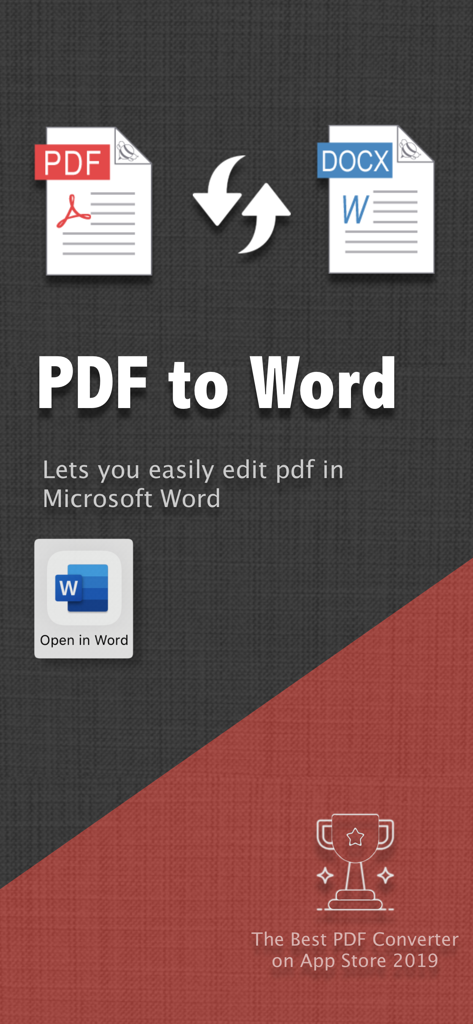
Interface d'application permettant de convertir des documents PDF en fichiers Word pour l'édition mobile.
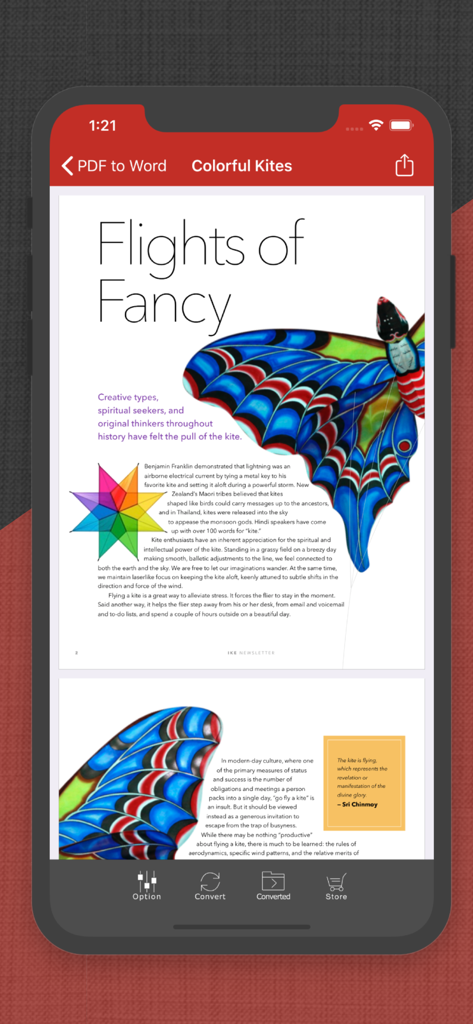
Interface de l'application PDF to Word sur iPhone affichant un document PDF sur les cerfs-volants contenant du texte et des images
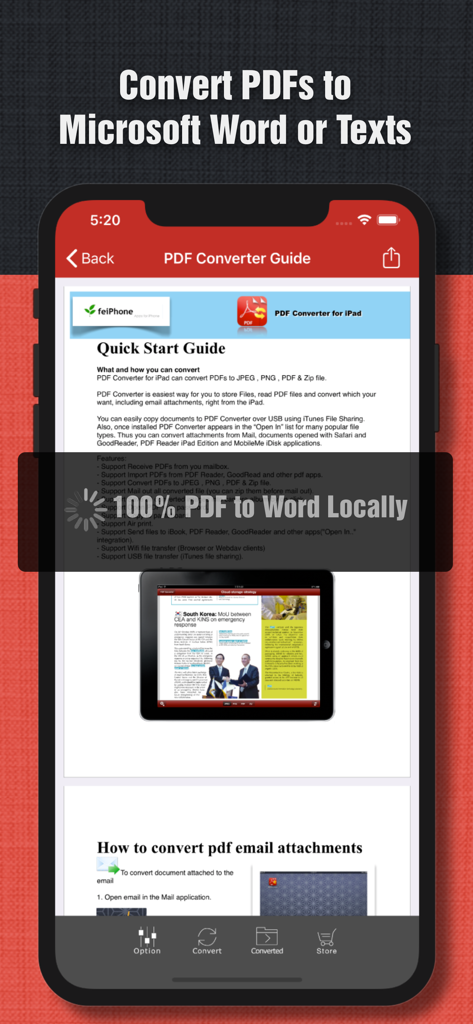
Capture d'écran de l'application PDF vers Word affichant un guide de démarrage rapide pour la conversion de documents locaux sur iPhone
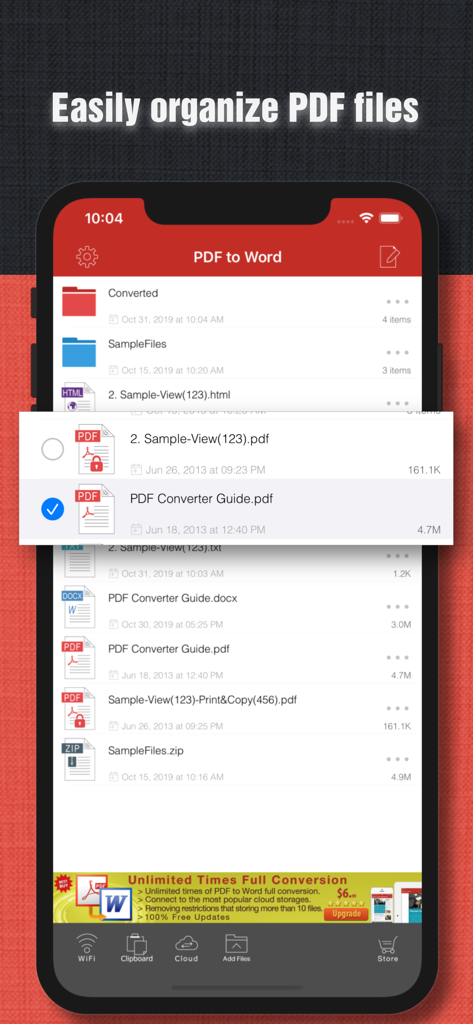
Interface mobile affichant l'organisation des fichiers et la liste des documents dans l'application PDF vers Word
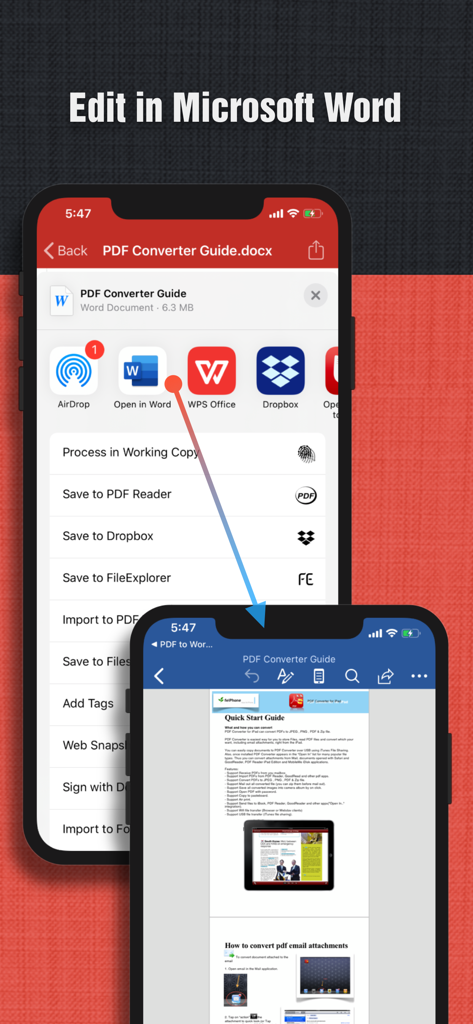
Capture d'écran d'un iPhone montrant le processus d'ouverture et de modification d'un document PDF converti dans Microsoft Word
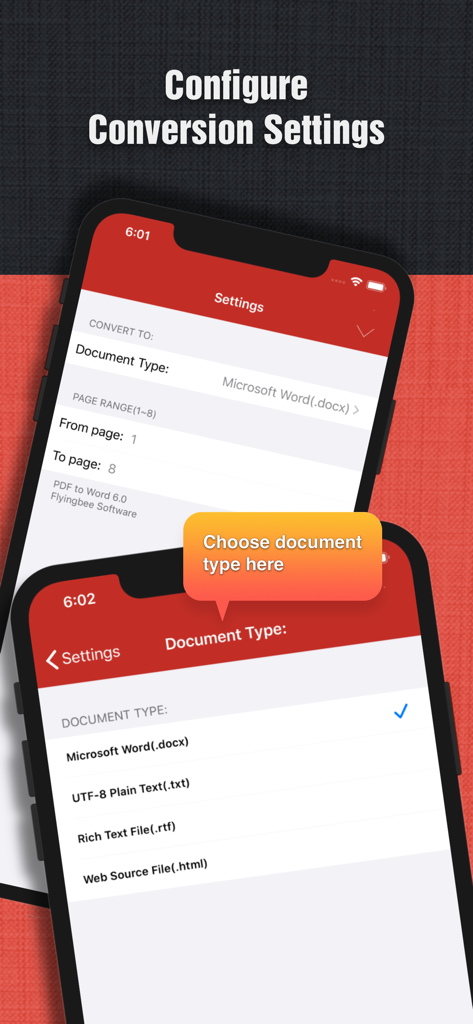
Interface de l'application mobile affichant les options permettant de configurer les paramètres de conversion PDF et de sélectionner les formats de sortie des documents tels que Word et Texte brut.
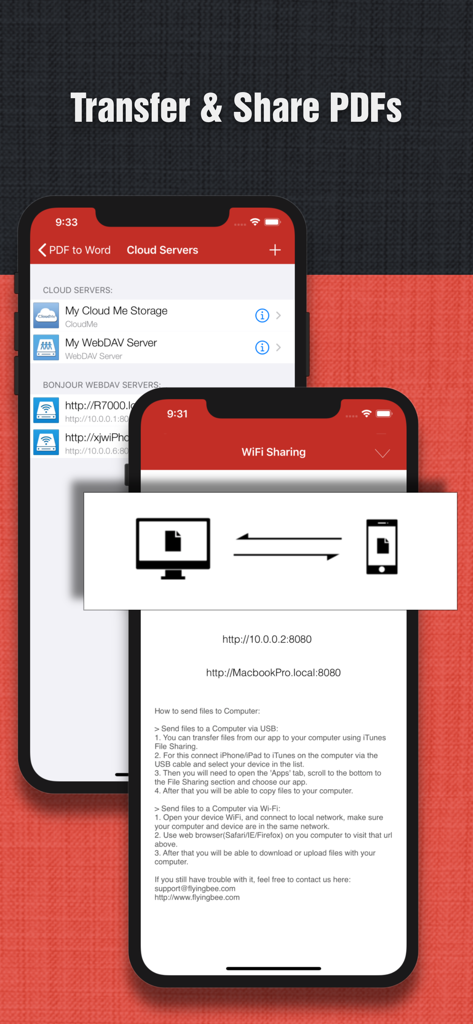
Capture d'écran de l'application PDF to Word illustrant l'intégration du stockage cloud et les fonctionnalités de partage de fichiers via Wi-Fi.
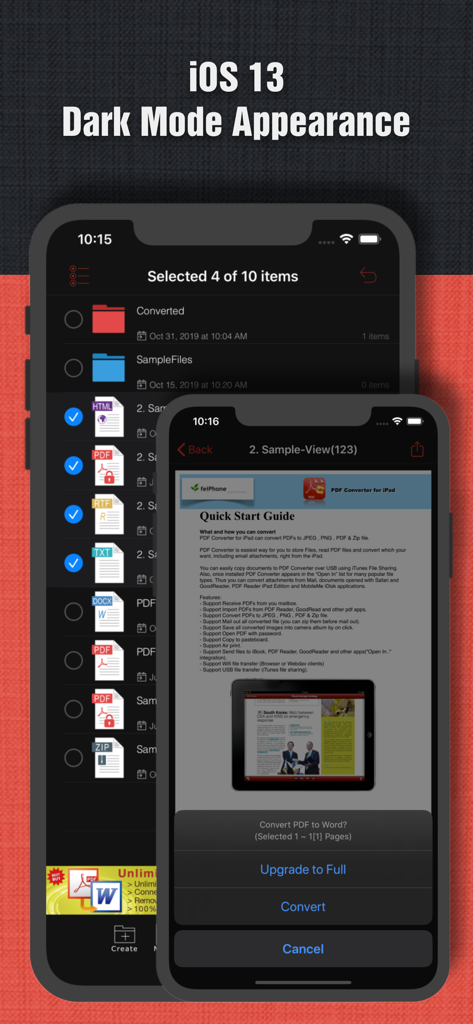
L'interface de l'application PDF to Word sur un iPhone affichant les options de gestion des fichiers et de conversion de documents en mode sombre iOS.
Travaillez plus intelligemment, pas plus dur
Les outils qui font la différence, choisis par 750K+ utilisateurs.
🔐
Conversion hors ligne sécurisée
Vos documents restent toujours sur votre appareil. Convertissez vos fichiers sensibles sans connexion Internet pour une confidentialité totale et une sécurité optimale pour votre entreprise.
📄
Mise en page impeccable
Conservez chaque police, image et tableau à sa place. Obtenez des documents Office de haute qualité, prêts à être modifiés sans ajustements manuels fastidieux.
🚀
Productivité à grande vitesse
Traitez un PDF de 50 pages en seulement 30 secondes. Intégré avec FTP, SMB et le stockage cloud pour une intégration parfaite à votre flux de travail professionnel mobile.
À propos de l'app
Tout ce que vous devez savoir sur PDF to Word.
Description
PDF to Word is an utility designed to convert Adobe PDF document to Microsoft Office Word files(.docx), PDF to Word can keep the original content, layout and formatting for easier editing or reusing the content, support opened in popular mobile office editor app(such as: Microsoft Office Mobile, Polaris Office, Smart Office or QuickOffice).
No Internet Required, No Boring Waiting
Privacy-safe, Process 100% on your iPhone/iPad.
Several sample files have been included, you can test it right now!
Features:
• Initiative interface & simple workflow, easy to use.
• Easily import PDF, convert a 50 pages PDF to Word within 30 secs, Extremely fast!!
• Support convert PDF to Word(.docx), PowerPoint(.pptx), Excel(.xlsx), Image(JPEG, PNG, etc.), RTF(.rtf), Text(.txt) and HTML(.html) formats.
• Output well organized Word content, preserving content layout, the color, font style and images remain the same as the original pdf document, Very convenient tool.
• Convert any particular pages (e.g. 1, 3-8, 26 or all pages) to save your time.
• Save time on learning complicated Word editing knowledge;
• Save energy on skipping ads and annoying pop-up window ask for buying;
• Connect to online cloud storage support, include any FTP, SMB, WebDAV Server.
• Offer you 5 ways to transfer files(Files app, Open in.., iTunes USB file sharing, Wifi Sharing and Cloud Disk)
• Support Microsoft Office 2007, 2008, 2011 Word Application, not completely compatible with iWork Pages.
== Quick Start Guide ==
If your PDF file saved in Mail or other app:
1. Open Mail app, use "Open In.." to send PDF file to PDF to Word app.
2. Go to PDF to Word app, open the PDF file Which saved in Mail app.
3. Click "Convert" button to export PDF to Word files(.docx).
Key Features:
• Really attractive, super easy to use interface.
• Import PDF from Mail, Safari, PDF Reader, GoodReader, Dropbox and other apps.
• Build-in Text Editor let you view and edit text files.
• Mail out documents as email attachments or Send files to other apps("Open In.." integration).
• Share and Compress files to .zip file.
• File manager, rename, copy, move, delete and compress.
• Paste file(s) from clipboard (Add files from other app).
• Copy file to clipboard (Used for mail or other app).
• Wifi file transfer (Use Web Browser or WebDAV clients to Upload or Download files).
• USB file transfer (iTunes USB file sharing).
• Print PDF or Word to AirPrint-enable printers.
Notice: Currently PDF to Word version don't have OCR function, the scanned PDF files will be extracted to image in Word doc. However, we suggest you to use other professional OCR app to recognize editable text from image. (It only can convert 3 pages of PDF to word, you can buy our full version to support more features.)
Q&A: Why I get "Converting failed" error message when I extracting from a PDF file?
Do you have a PDF (Adobe Acrobat) file which cannot be printed, copied, or edited? Your PDF file has had password security and other restrictions added, you need remove restrictions.
== Legal Information ==
Duration and price of each subscription are displayed in PDF to Word storefront, updated at the time of purchase. Payment will be charged to iTunes account at confirmation of purchase. Subscriptions automatically renew unless auto-renew is turned off no later than 24 hours before the end of the current period. Subscriptions and auto-renewal can be managed/turned off in the iTunes account settings. Any unused portion of a free trial period is forfeited as soon as a subscription is purchased.
Terms of use & Privacy policy:
https://www.flyingbee.com/term-of-service/
https://www.flyingbee.com/privacy-policy/
Dernière version
8.8.5
Taille
93.4 MB
Date de sortie
27 févr. 2014
Prêt à travailler plus intelligemment et plus rapidement ?
Convertissez vos PDF en documents Word modifiables, 100 % hors ligne et en toute sécurité. Rejoignez plus de 750 000 professionnels qui font confiance à notre conversion ultra-rapide et sans défaut sur iPhone et iPad.
Recommandations
Apps Similaires
Apps avec des fonctionnalités et une expérience similaires
App information, icons, screenshots, and descriptions displayed on this page are sourced from the Apple App Store and are the property of their respective developers. Download estimates and rankings are based on MWM's proprietary models and may not reflect actual figures. This page is provided for informational and analytical purposes only.
Believe this page infringes your intellectual property? File a dispute