
Cette page n'est pas une page officielle de l'application ou de son développeur, mais une publication éditoriale indépendante créée à des fins d'information et de commentaire. Sauf indication expresse contraire, ni l'application ni son développeur ne sont affiliés, approuvés, sponsorisés, autorisés ou autrement officiellement liés à MWM, Apple, Google Play, à l'éditeur de l'application ou au développeur de l'application, et rien sur cette page n'implique que l'application a été développée en utilisant les services de MWM. Toutes les marques, logos, captures d'écran et autres contenus restent la propriété de leurs propriétaires respectifs.


Pixen - pixel art editor
Créez des sprites 8 bits de précision et des animations fluides avec l'outil natif le plus puissant pour les développeurs de jeux indépendants et les artistes numériques.
Téléchargements
43K+Note
Nombre d'avis
300Éditeur
Catégorie
Graphics & DesignLangues
1Dernière version
3.0.2Taille
6.6 MBDate de sortie
11 oct. 2016Le pixel art de niveau pro, perfectionné pour iPad
Des sprites de jeux rétro aux boucles lo-fi modernes, Pixen fournit les outils précis et les flux de travail d'animation dont vous avez besoin pour donner vie à vos visions 8 bits.
Précision avec l'Apple Pencil
Maîtrisez chaque pixel avec le mode « Pixel Perfect » et la prise en charge complète du survol de l'Apple Pencil Pro pour un contrôle au pixel près.
Studio d'animation fluide
Donnez vie à vos personnages grâce à la vue film fixe intuitive, puis exportez votre travail en GIF, vidéos ou planches de sprites.
Les captures d'écran et la description suivantes proviennent directement de la fiche officielle de l'application sur le store et sont la propriété du développeur.
App Store
Captures
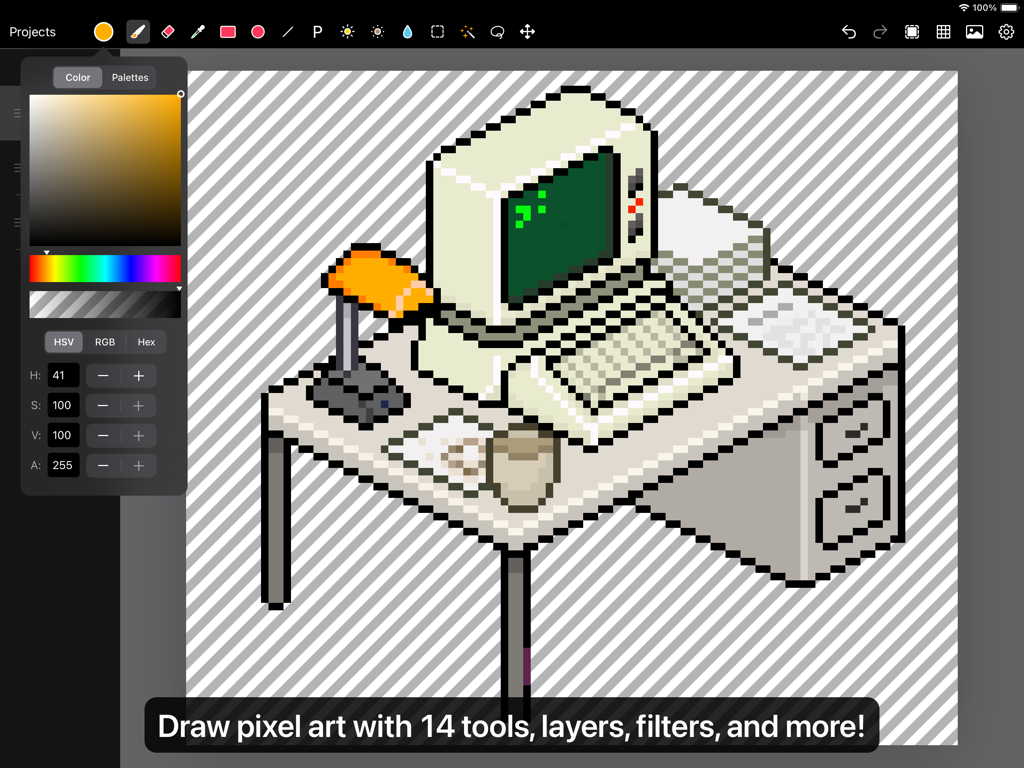
Interface de l'éditeur de pixel art Pixen sur iPad montrant un dessin d'un ordinateur rétro sur un bureau
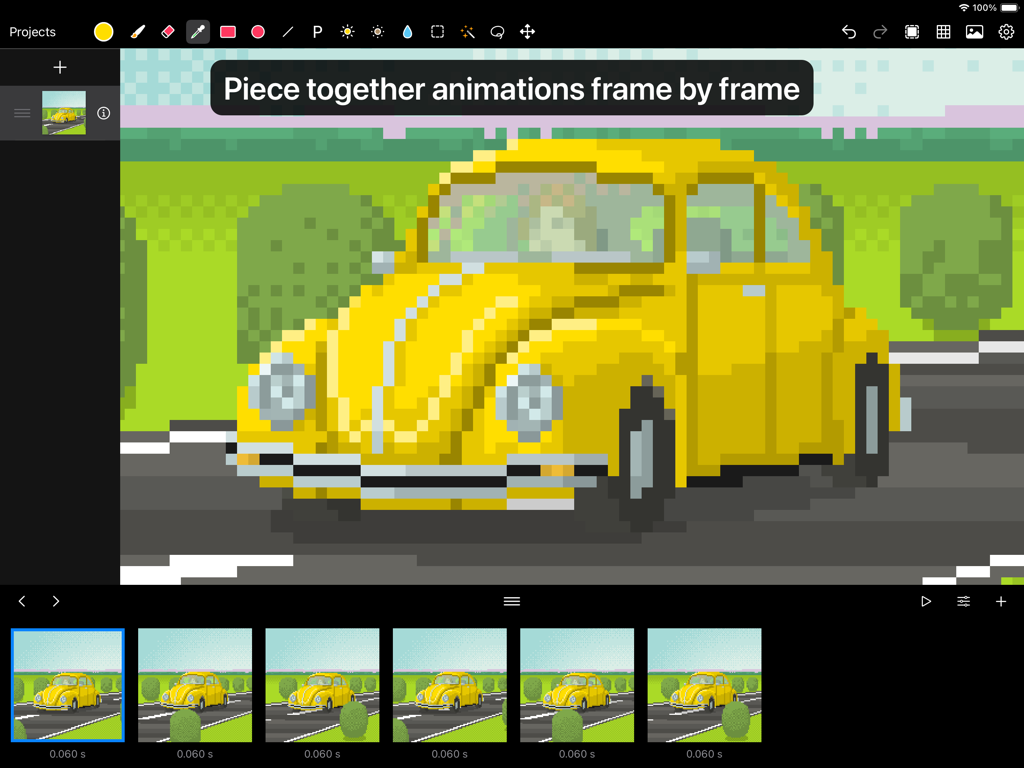
Interface de l'application Pixen montrant une animation pixel art image par image d'une voiture jaune
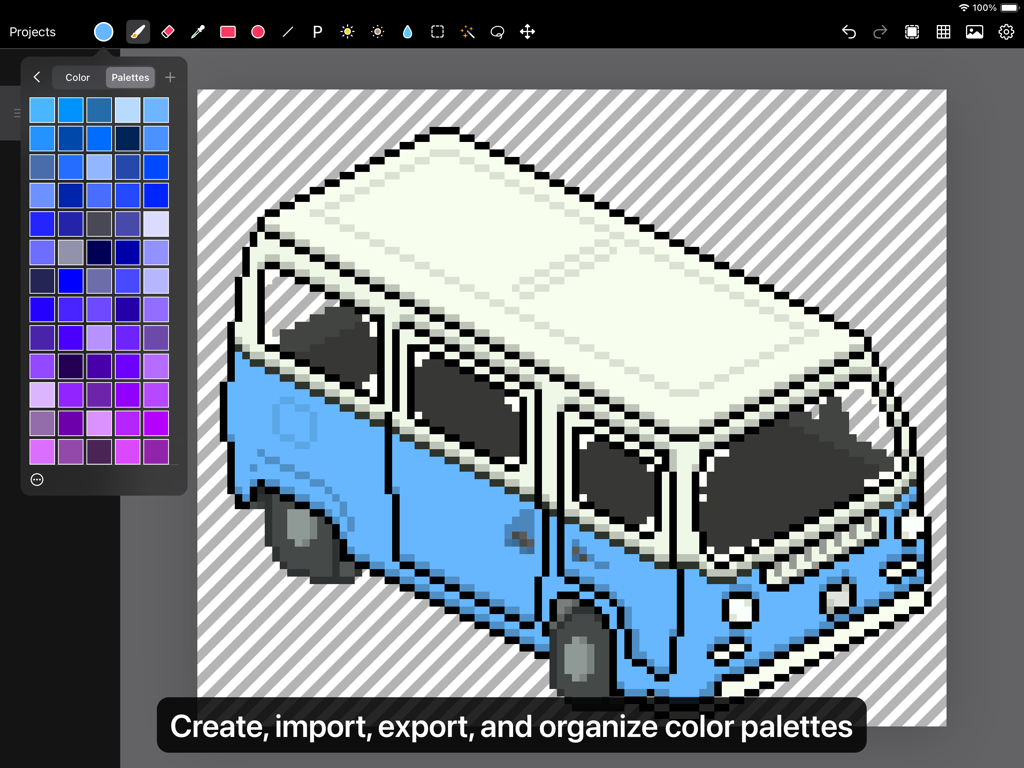
Un dessin isométrique en pixel art d'une camionnette bleue et blanche sur un iPad avec le panneau de palette de couleurs Pixen ouvert.
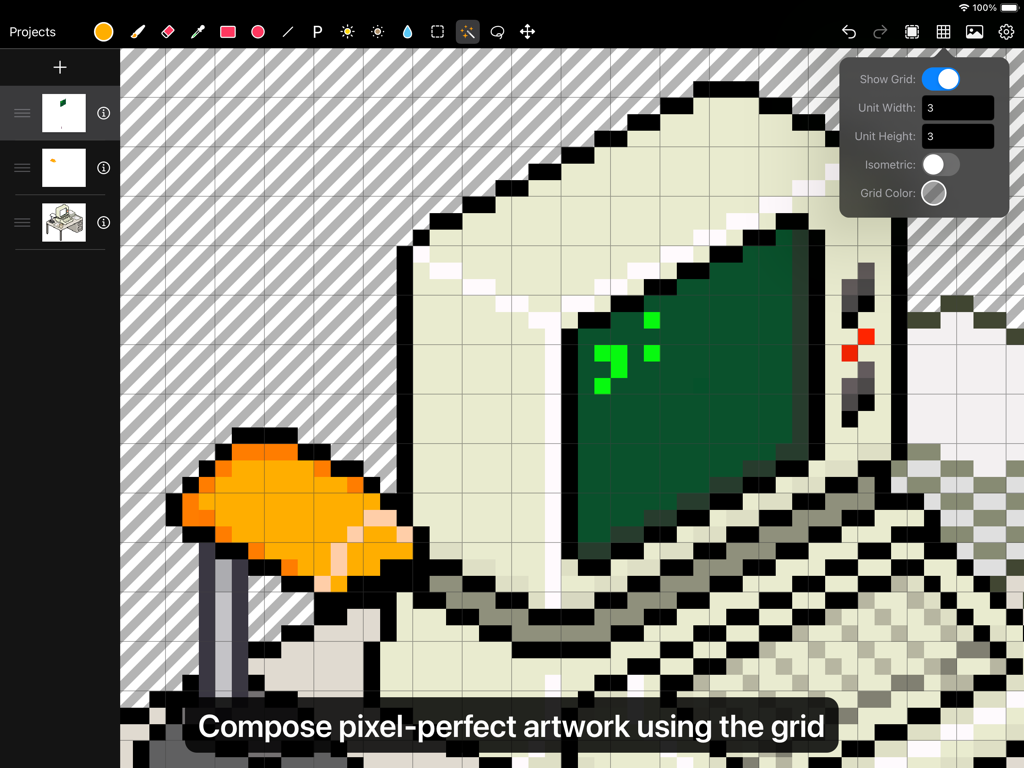
Interface utilisateur de l'application Pixen montrant un ordinateur en pixel art en cours d'édition avec une superposition d'outil de grille
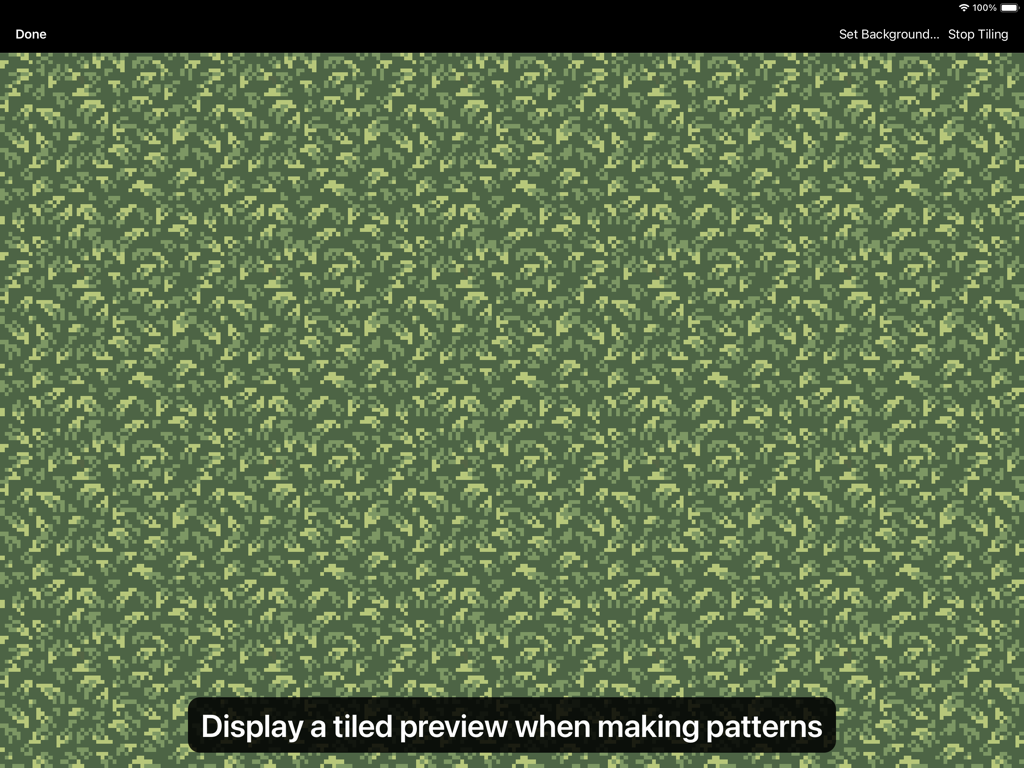
Un aperçu en mosaïque d'un motif de pixel art de feuillage vert dans l'interface de l'application Pixen
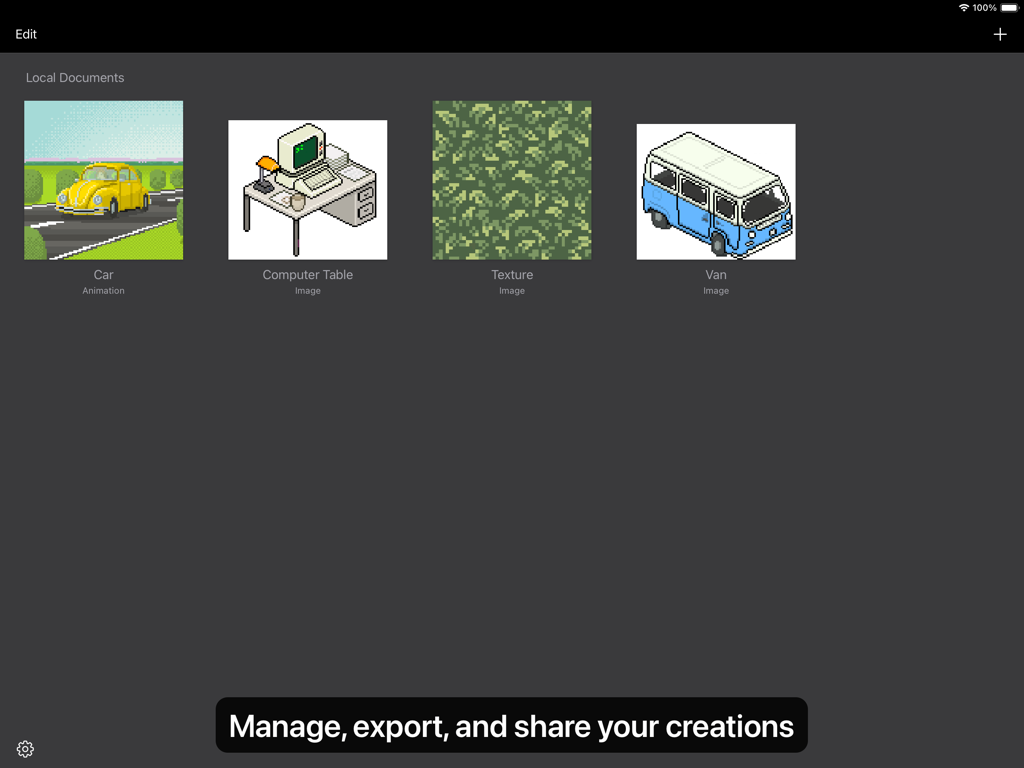
Une vue galerie dans l'application Pixen montrant diverses créations de pixel art comme une voiture, une table d'ordinateur et une texture.
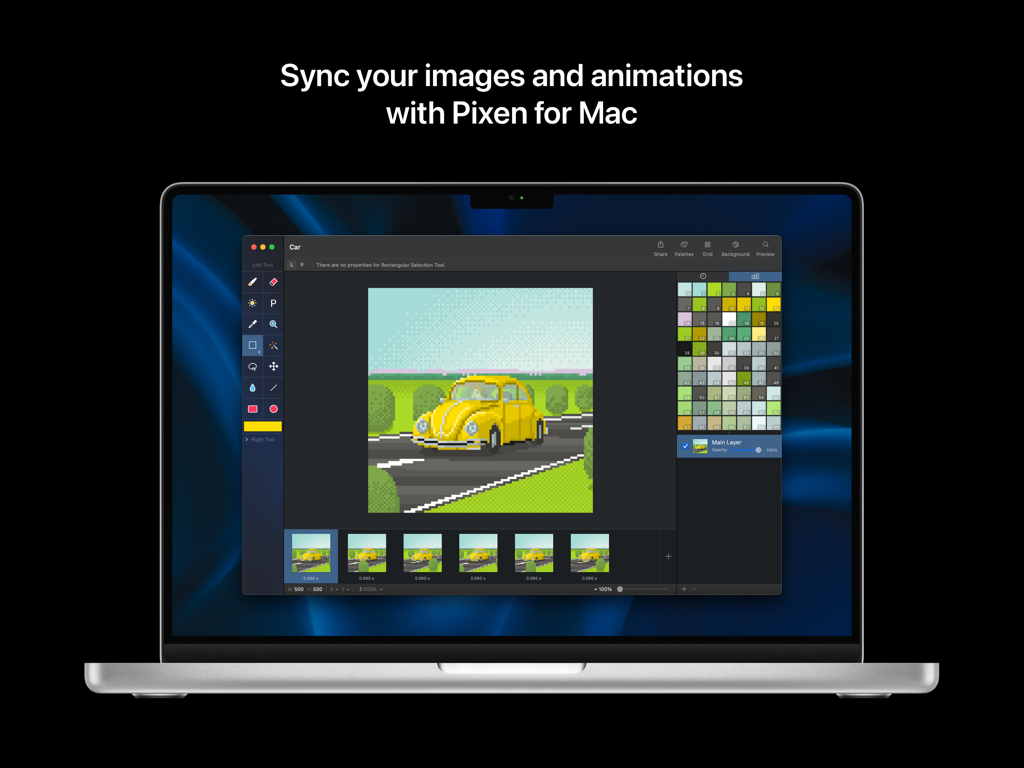
Interface de l'éditeur de pixel art Pixen sur un ordinateur portable Mac montrant une animation de voiture et des palettes de couleurs
Description
Download
Apps Similaires
Apps les mieux classées dans la même catégorie

Kling AI: AI Image&Video Maker
LOHAS GAMES PTE. LTD.

iScreen - Widgets & Wallpaper
Xiamen ShenZhuo Information Technology Co., Ltd.

Dreamina AI: Image&Video Maker
BYTEDANCE PTE. LTD.

Home AI - AI Interior Design
HUBX YAZILIM HIZMETLERI ANONIM SIRKETI

ibis Paint X
ibis inc.

ThemeKit: Widget & Icon Themes
Woohoo Tech. Ltd.

Sketchbook®
Sketchbook, Inc.

Colorful Widget- Widget&Themes
Guangzhou ZHIFENG Information Technology Co.,Ltd.

ReRoom AI: Interior Design
GM UniverseApps Limited
Cette page n'est pas une page officielle de l'application ou de son développeur, mais une publication éditoriale indépendante créée à des fins d'information et de commentaire. Sauf indication expresse contraire, ni l'application ni son développeur ne sont affiliés, approuvés, sponsorisés, autorisés ou autrement officiellement liés à MWM, Apple, Google Play, à l'éditeur de l'application ou au développeur de l'application, et rien sur cette page n'implique que l'application a été développée en utilisant les services de MWM. Toutes les marques, logos, captures d'écran et autres contenus restent la propriété de leurs propriétaires respectifs.