Prizmo Go › Scan Text + OCR

Prizmo Go › Scan Text + OCR


Télécharger sur App Store
Logo de Prizmo Go › Scan Text + OCR

Prizmo Go : Saisie de texte instantanée et OCR à portée de main

Arrêtez de retaper et commencez à agir. Dirigez votre appareil photo pour saisir du texte, traduire des langues et interagir instantanément avec les données, le tout synchronisé de manière fluide sur vos appareils Apple.

Éditeur

Creaceed SRL

Catégorie

Utilities

Téléchargements

410K+

Note

3.9/5

Nombre d'avis

1K+

Langues

17

La magie à portée de main

Découvrez l'interface utilisée par 410K+ utilisateurs.
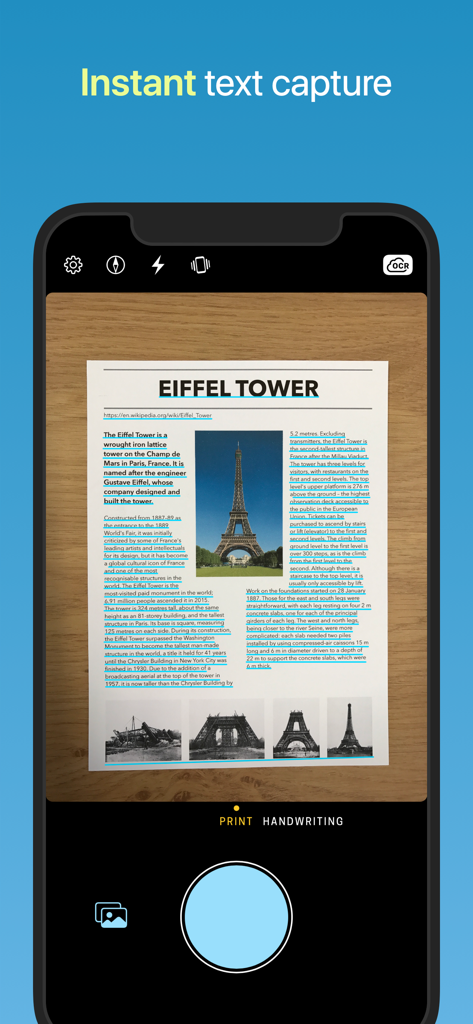
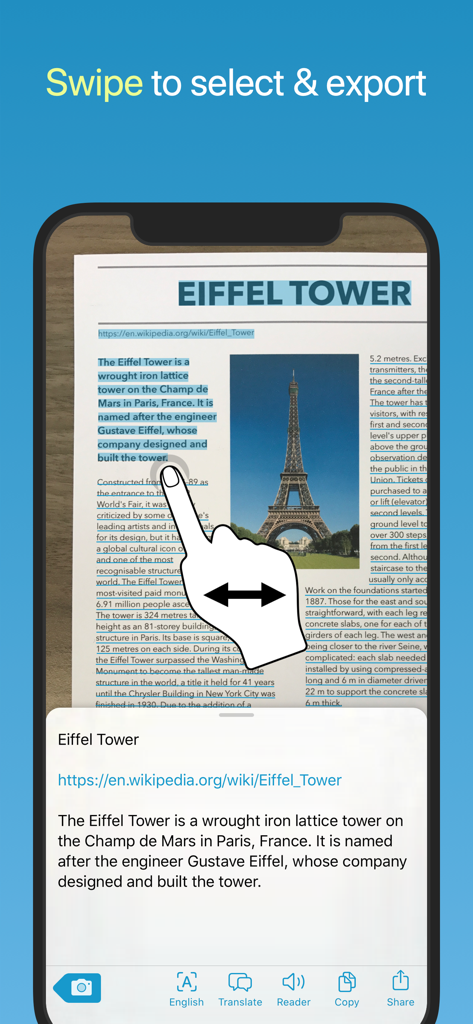
Interface de l'application mobile Prizmo Go montrant la capture de texte en temps réel et la mise en évidence OCR sur un document concernant la tour Eiffel

Interface de l'application mobile Prizmo Go montrant la capture de texte en temps réel et la mise en évidence OCR sur un document concernant la tour Eiffel

Une main balayant l'écran d'un iPhone pour sélectionner du texte reconnu à partir d'un document numérisé sur la tour Eiffel dans l'application Prizmo Go.

Une main balayant l'écran d'un iPhone pour sélectionner du texte reconnu à partir d'un document numérisé sur la tour Eiffel dans l'application Prizmo Go.

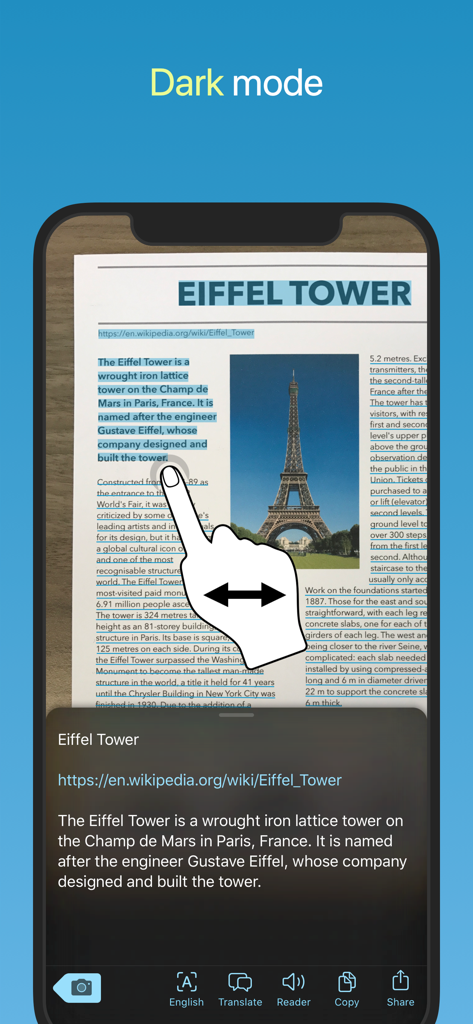
Interface de l'application Prizmo Go affichant la reconnaissance et la sélection de texte en mode sombre

Interface de l'application Prizmo Go affichant la reconnaissance et la sélection de texte en mode sombre

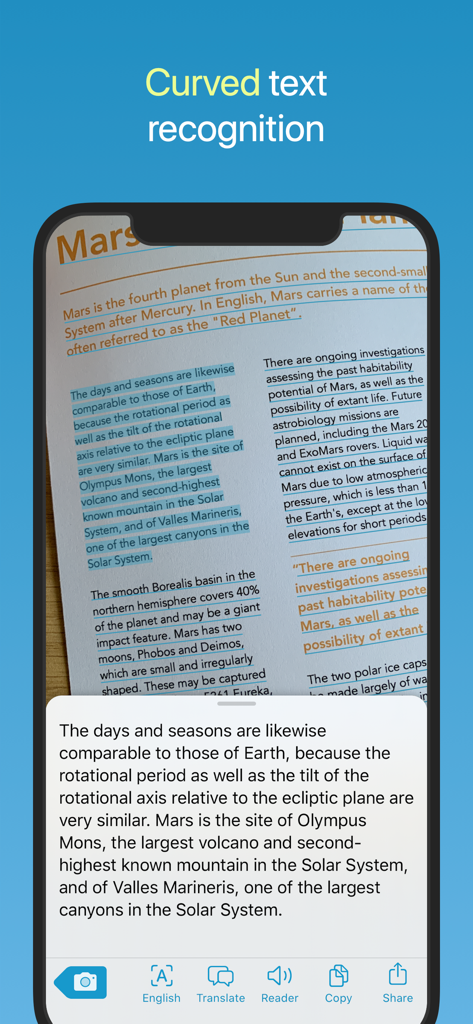
Capture d'écran de l'application Prizmo Go montrant la reconnaissance de texte incurvé sur une page de livre concernant Mars

Capture d'écran de l'application Prizmo Go montrant la reconnaissance de texte incurvé sur une page de livre concernant Mars

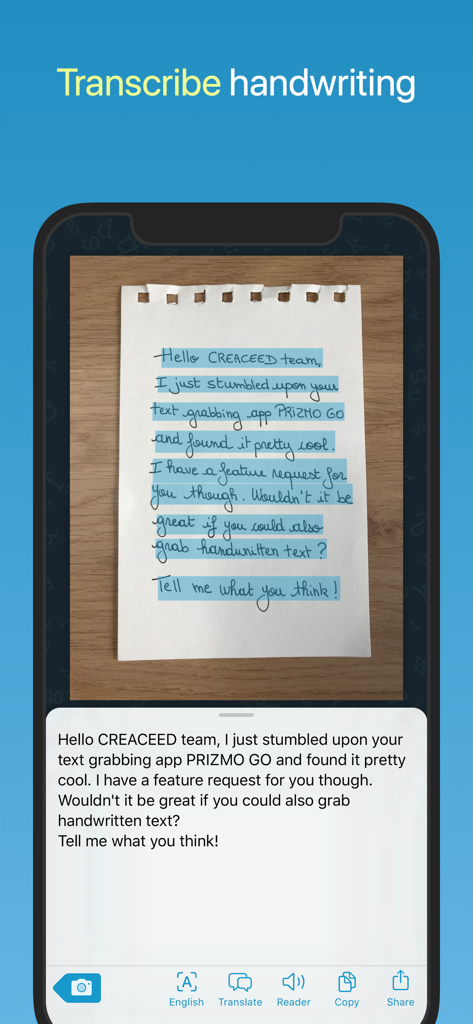
Un écran de smartphone affichant l'application Prizmo Go transcrivant du texte manuscrit d'une note papier en texte numérique

Un écran de smartphone affichant l'application Prizmo Go transcrivant du texte manuscrit d'une note papier en texte numérique

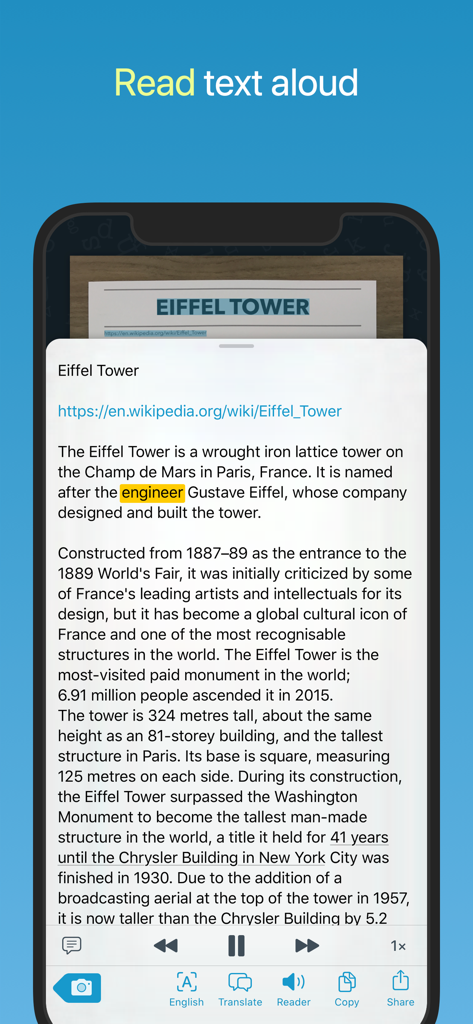
Capture d'écran iPhone de l'application Prizmo Go montrant l'interface du lecteur de synthèse vocale lisant le texte numérisé sur la tour Eiffel.

Capture d'écran iPhone de l'application Prizmo Go montrant l'interface du lecteur de synthèse vocale lisant le texte numérisé sur la tour Eiffel.

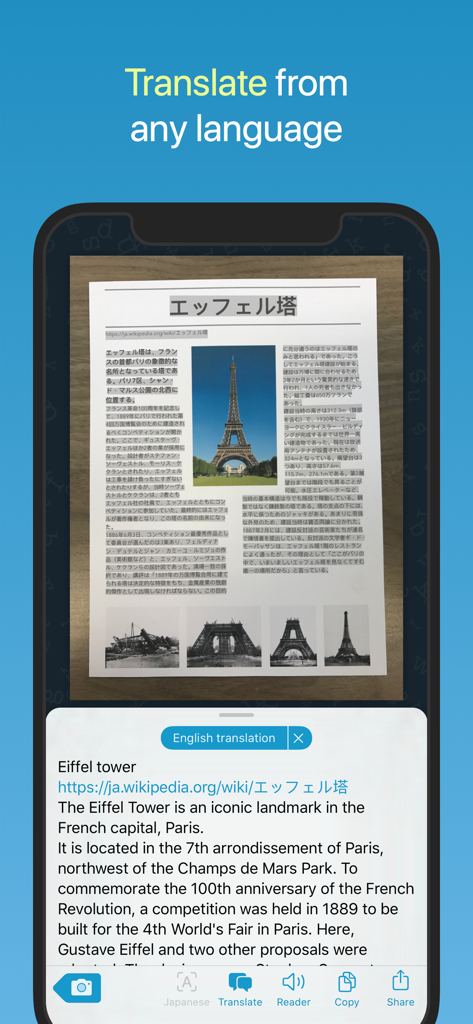
Interface de l'application Prizmo Go traduisant un document imprimé japonais sur la tour Eiffel vers l'anglais.

Interface de l'application Prizmo Go traduisant un document imprimé japonais sur la tour Eiffel vers l'anglais.

Comblez le fossé entre l'imprimé et le numérique

Les outils qui font la différence, choisis par 410K+ utilisateurs.

Synchronisation instantanée et Presse-papiers universel

Arrêtez de retaper vos notes. Capturez du texte avec votre appareil photo et collez-le instantanément sur votre Mac ou iPad pour un flux de travail fluide entre vos appareils.

🎯

Texte intelligent exploitable

Faites plus que simplement lire. Appuyez pour appeler des numéros de téléphone, ouvrir des adresses physiques dans Plans ou visiter des sites web reconnus directement à partir de l'image.

👁️

Inclusif par conception

Conçu pour tous avec une intégration profonde de VoiceOver, un guidage vocal pour les malvoyants et une sortie de synthèse vocale de haute qualité.

À propos de l'app

Tout ce que vous devez savoir sur Prizmo Go › Scan Text + OCR.

Description

Aim at text. Shoot. It's yours! Prizmo Go lets you quickly grab text with the camera. After text is recognized in a blink of an eye, you can interact with it in many useful ways. Or just send it to other apps. And if you've got a Mac, you can even copy/paste it there. No more retyping. Feels like magic, just at your fingertips. Additionally, Prizmo Go provides rich interactions with the captured text. After shooting, text from the original picture is revealed, and swiping through it allows fast and accurate text selection directly from the image. Selected text can then be read aloud, or you can tap to browse to any printed website address, call phone numbers, trigger Mail app from an email address, or even reveal physical address in Apple Maps and initiate navigation to that place. Prizmo Go comes with enhancements specifically built for VoiceOver, in addition to spoken guidance prior to shooting. That, combined with its text-to-speech capabilities, make it a great companion in case you need help reading printed documents. "Prizmo Go is the perfect example of how an app category can be reinvented with fresh approaches and modern tech." — Federico Viticci (MacStories) "By far this app is hands-down the most culturally inclusive app for individuals with visual deficits AND typical vision." — Bridging Apps "Prizmo Go does a fantastic job of recognizing text, specifically now with new machine learning features where the app better understands the gutter of a physical book." — Josh Ginter (The Sweet Setup) PHOTO CAPTURE - Camera-based text capture for iPhone & iPad - Real-time text highlighting in camera preview - Flash and device orientation detection - Innovative image stabilization TEXT RECOGNITION - Advanced image preprocessing - Orientation detection (machine learning) - Curved text handling - Robust neural network-based on-device OCR (works without internet connection) + Apple OCR - Accurate Cloud OCR (*) option (Internet connection required) - Handwritten text recognition (*) - QR code recognition TEXT INTERACTION - Text selection by swiping through the picture - Copy/paste to other apps or to the Mac (*) - Interaction with detected information: phone numbers, email addresses, physical addresses, websites (*) - Audio (text-to-speech) reader with word highlighting - Translation into many languages (*) ACCESSIBILITY - Full support of VoiceOver and improved workflow for low vision and blind users - Text-to-speech output - Spoken guidance prior to actual shooting - Deep integration with Dynamic Type for improved & customisable text appearance OTHER FEATURES & AUTOMATION - Copy to the Mac with Universal Clipboard - 3D Touch Quick Actions - iPad Multitasking: support for Slide Over/Split View - Supports Action Extension and 'Open In' - URL scheme mechanism (x-callback-url) to trigger Prizmo Go from other apps like Shortcuts, and retrieve recognized text. - Siri Shortcuts - iOS: Dark Mode, Core ML, Apple OCR, Shortcuts Actions, SF Symbols, Voice Control (Accessibility) (*) Requires a purchase, see app for available options. Full list of OCR languages available on https://creaceed.com/prizmogo Volume Purchase (VPP): see Prizmo Go (Volume Ed.) Terms of Use: https://creaceed.com/terms Privacy Policy: https://creaceed.com/privacy Feedback: prizmo@creaceed.com

Dernière version

4.3.1

Taille

29.6 MB

Date de sortie

27 avr. 2017

Arrêtez de retaper. Commencez à capturer.

Rejoignez plus de 410 000 utilisateurs avancés qui transforment le monde physique en texte numérique exploitable grâce à l'OCR haute vitesse le plus accessible pour iPhone et iPad.

Télécharger sur App Store

App information, icons, screenshots, and descriptions displayed on this page are sourced from the Apple App Store and are the property of their respective developers. Download estimates and rankings are based on MWM's proprietary models and may not reflect actual figures. This page is provided for informational and analytical purposes only.

Believe this page infringes your intellectual property? File a dispute