
Cette page n'est pas une page officielle de l'application ou de son développeur, mais une publication éditoriale indépendante créée à des fins d'information et de commentaire. Sauf indication expresse contraire, ni l'application ni son développeur ne sont affiliés, approuvés, sponsorisés, autorisés ou autrement officiellement liés à MWM, Apple, Google Play, à l'éditeur de l'application ou au développeur de l'application, et rien sur cette page n'implique que l'application a été développée en utilisant les services de MWM. Toutes les marques, logos, captures d'écran et autres contenus restent la propriété de leurs propriétaires respectifs.

Read&Write
Débloquez votre potentiel académique avec un soutien personnalisé pour la dyslexie, le TDAH et l'apprentissage des langues. De la synthèse vocale à la prédiction intelligente de mots, gagnez en confiance pour lire et écrire dans n'importe quelle application.
Téléchargements
23K+Note
Nombre d'avis
100Éditeur
Catégorie
EducationLangues
12Dernière version
7.14.0Taille
254.4 MBDate de sortie
29 janv. 2015Dynamisez votre parcours de littératie
Transformez votre façon de lire et d'écrire avec une série d'outils intuitifs conçus pour renforcer la confiance, l'autonomie et la réussite académique de chaque apprenant.
Lisez en toute clarté
La mise en surbrillance bicolore suit la synthèse vocale de haute qualité, vous permettant de voir et d'entendre les mots simultanément pour améliorer la compréhension et réduire la fatigue cognitive.
Support d'écriture intelligent
Surmontez la page blanche avec une prédiction de mots intélligente et un dictionnaire d'images qui transforment les difficultés d'orthographe frustrantes en victoires faciles pour tous vos devoirs.
Les captures d'écran et la description suivantes proviennent directement de la fiche officielle de l'application sur le store et sont la propriété du développeur.
App Store
Captures
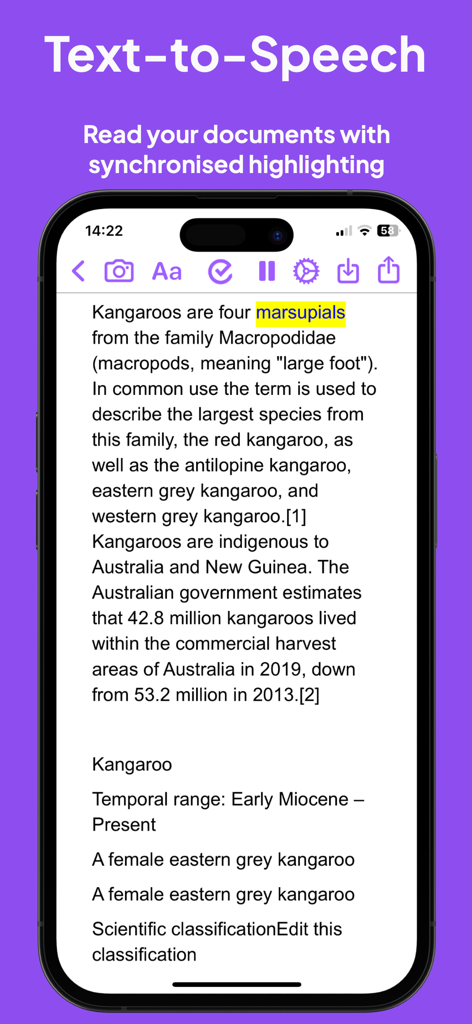
Fonction de synthèse vocale de l'application Read and Write avec mise en surbrillance synchronisée sur un iPhone.
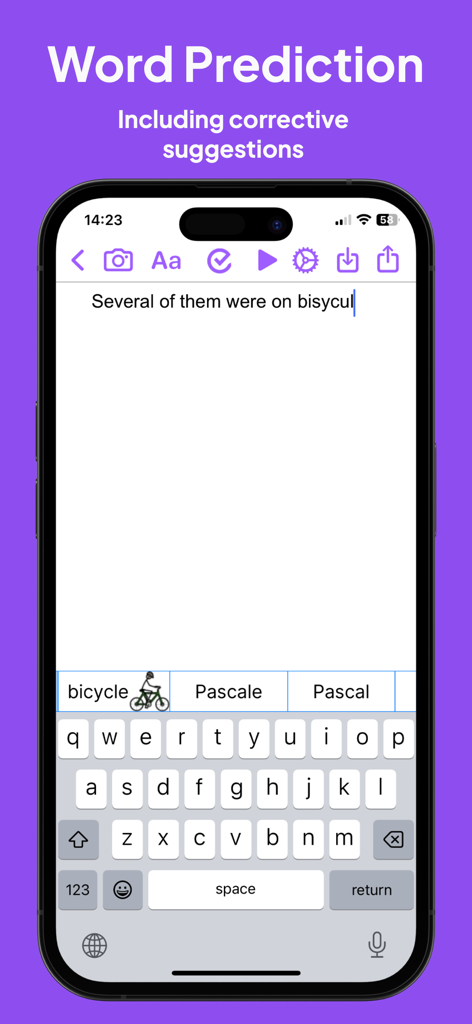
Interface de l'application Read and Write montrant la prédiction de mots et les suggestions du dictionnaire d'images pour un mot mal orthographié.
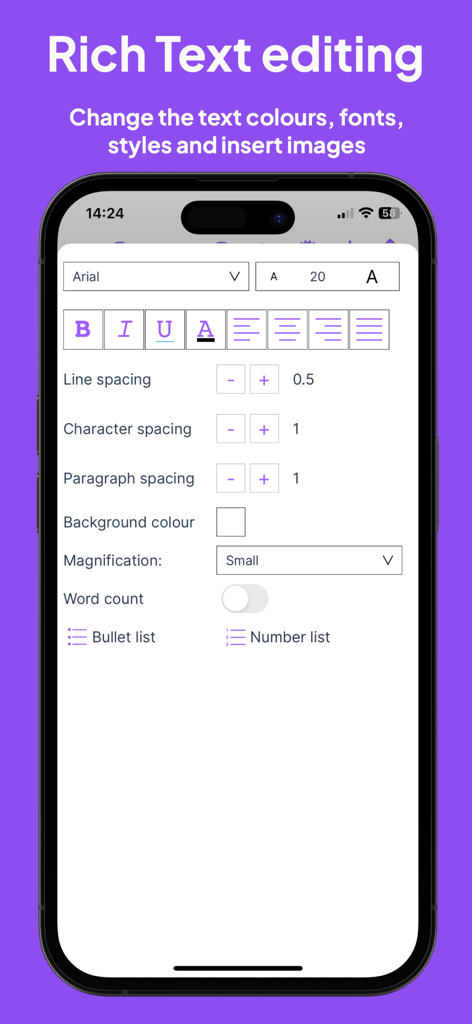
Interface d'édition de texte enrichi dans l'application Read and Write montrant les styles de police et les contrôles d'espacement.
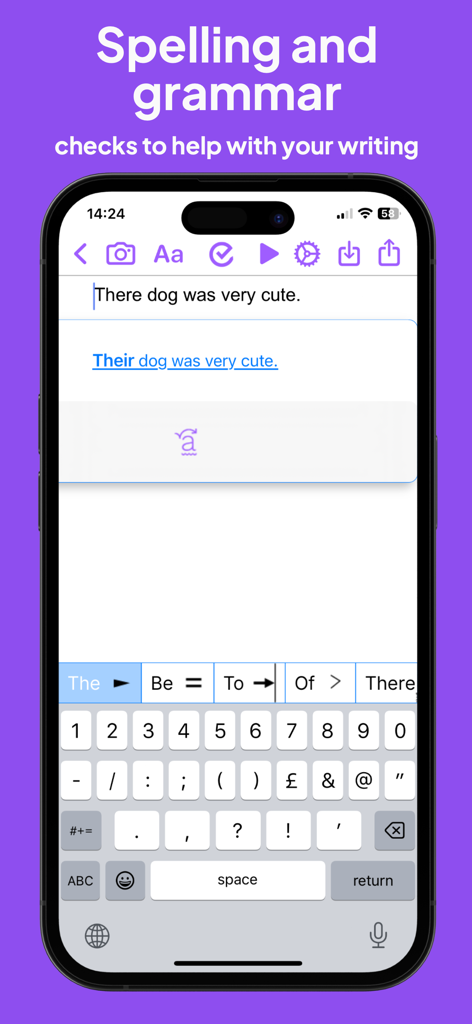
Capture d'écran de l'application Read and Write montrant une correction grammaticale pour une phrase et son clavier prédictif.
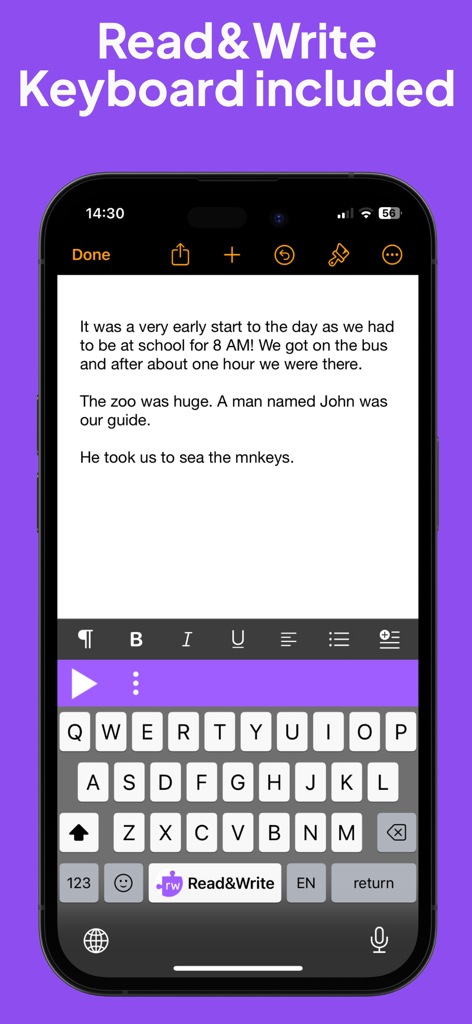
Écran de téléphone mobile montrant l'extension de clavier Read and Write pour le support de lecture et d'écriture.
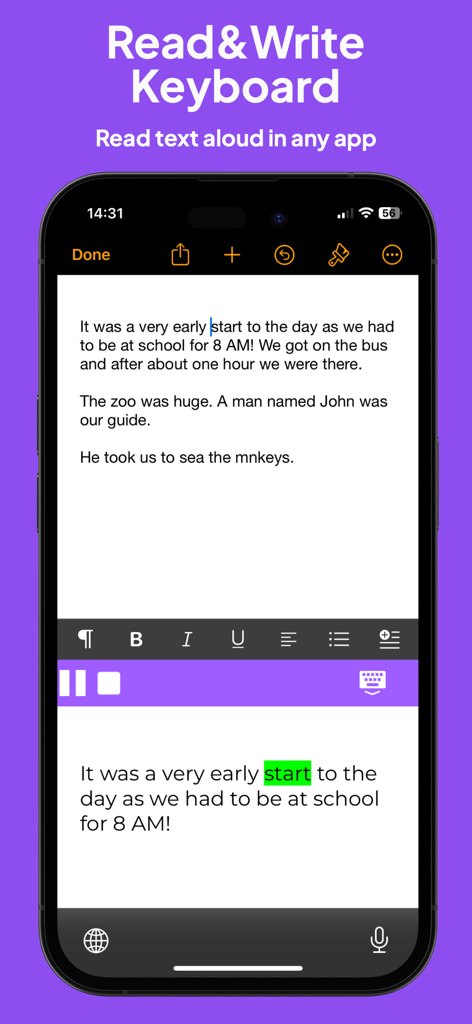
Clavier de l'application Read and Write affichant la synthèse vocale avec mise en surbrillance visuelle des mots.
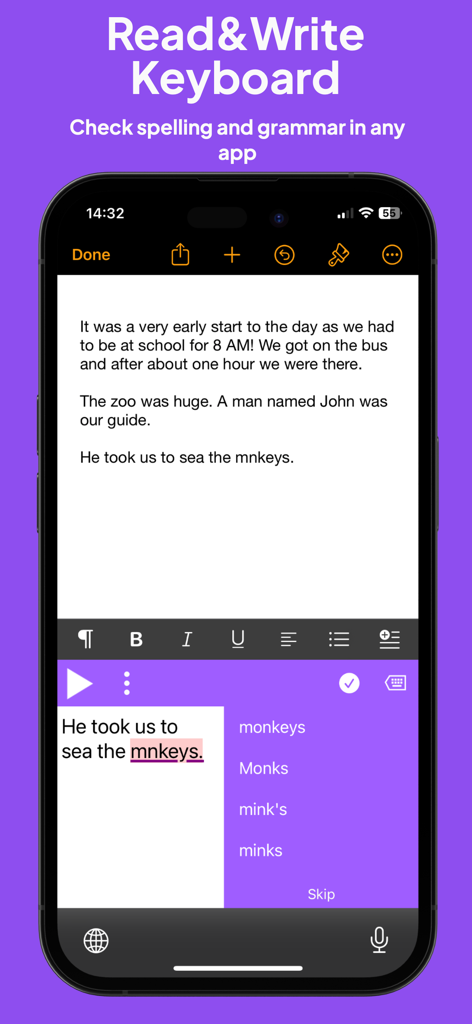
Écran de smartphone montrant le clavier Read and Write fournissant des suggestions d'orthographe et de grammaire pour un mot mal orthographié dans un document.
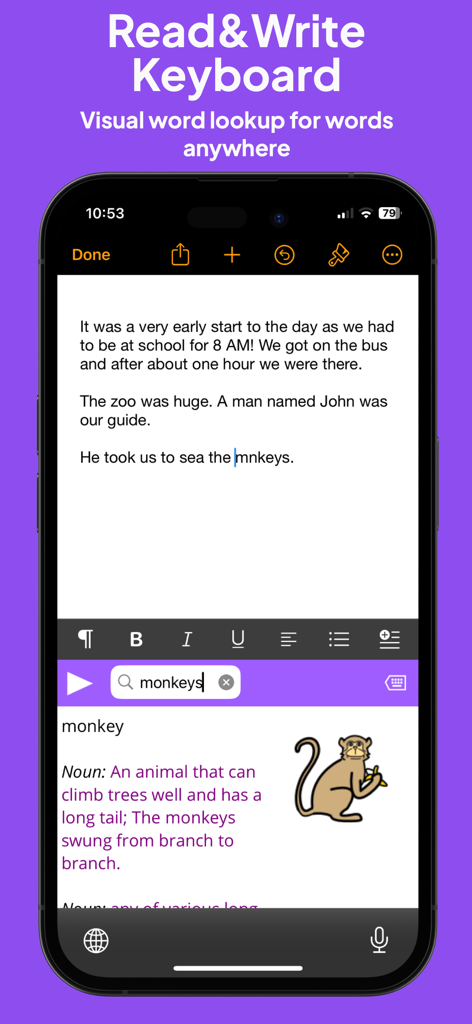
Extension de clavier Read and Write affichant la définition du dictionnaire d'images pour le mot singe.
Description
Download
Apps Similaires
Apps les mieux classées dans la même catégorie

Duolingo - Language Lessons
Duolingo, Inc

Speak & Learn English: Learna
DEEP FLOW SOFTWARE SERVICES - FZCO

驾考宝典-科一科四驾驶证考试驾考通
Wuhan Jiakaobaodian Information Service Co., Ltd.

Toca Boca World
Toca Boca AB

Google Classroom
Google LLC

作业帮-中小学家长作业检查和辅导工具
Guangzhou Polar Future Culture Technology Co., Ltd

Gauth: AI Study Companion
GAUTHTECH PTE. LTD.

学信网
Student Information Consultation Service Co., Ltd.

ArtWorkout: Learn How to Draw
Aleksandr Ulitin
Cette page n'est pas une page officielle de l'application ou de son développeur, mais une publication éditoriale indépendante créée à des fins d'information et de commentaire. Sauf indication expresse contraire, ni l'application ni son développeur ne sont affiliés, approuvés, sponsorisés, autorisés ou autrement officiellement liés à MWM, Apple, Google Play, à l'éditeur de l'application ou au développeur de l'application, et rien sur cette page n'implique que l'application a été développée en utilisant les services de MWM. Toutes les marques, logos, captures d'écran et autres contenus restent la propriété de leurs propriétaires respectifs.