Roku TV Remote, Control Play

Roku TV Remote, Control Play

Télécharger sur App Store
Logo de Roku TV Remote, Control Play

Télécommande Roku TV, Control Play : Le moyen le plus intelligent de naviguer dans votre divertissement

Arrêtez de fouiller dans les coussins du canapé. Transformez instantanément votre iPhone en une télécommande puissante et réactive avec un clavier complet et un pavé tactile pour un streaming sans effort.

Éditeur

Erica Hughes

Catégorie

Utilities

Téléchargements

118K+

Note

4.5/5

Nombre d'avis

600

Langues

1

Le contrôle au bout des doigts

Découvrez l'interface utilisée par 118K+ utilisateurs.
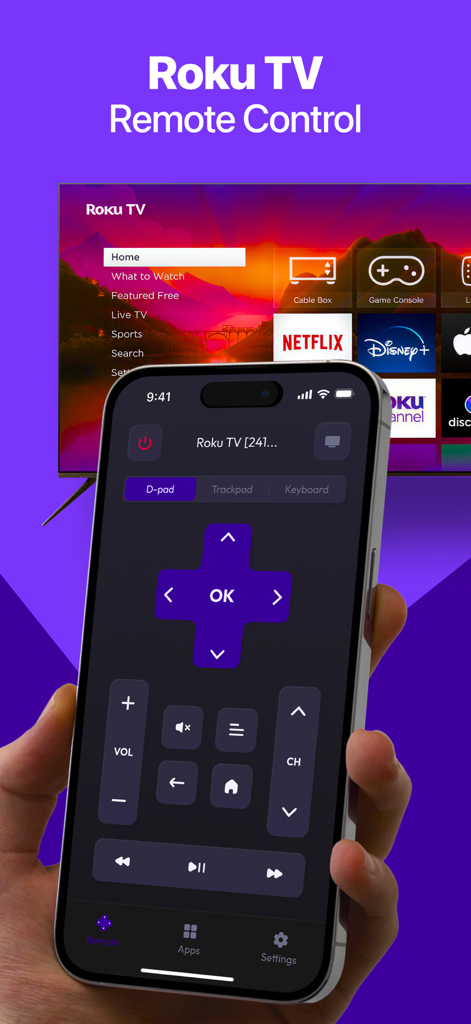
Une main tenant un iPhone affichant une interface de télécommande Roku TV avec un D-pad et des contrôles de volume devant un téléviseur.

Une main tenant un iPhone affichant une interface de télécommande Roku TV avec un D-pad et des contrôles de volume devant un téléviseur.

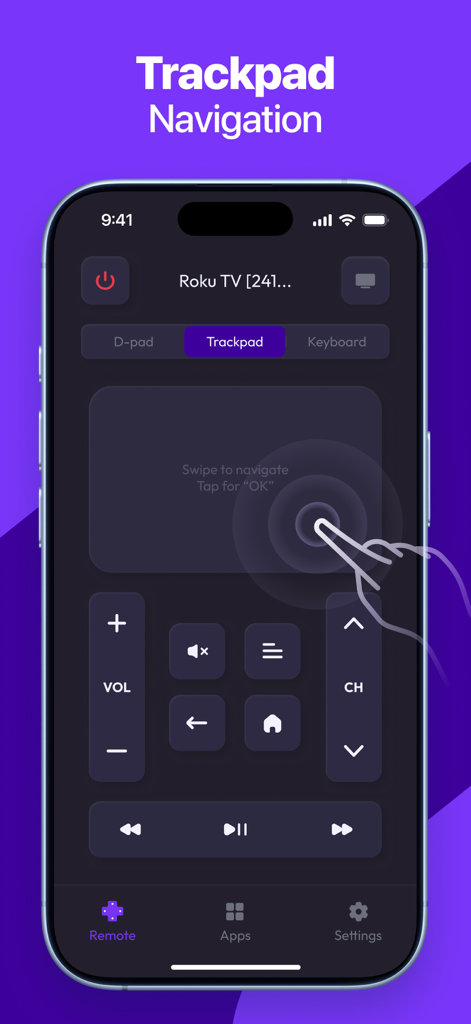
Interface iPhone d'une application de télécommande Roku TV mettant en évidence la fonction de navigation par pavé tactile.

Interface iPhone d'une application de télécommande Roku TV mettant en évidence la fonction de navigation par pavé tactile.

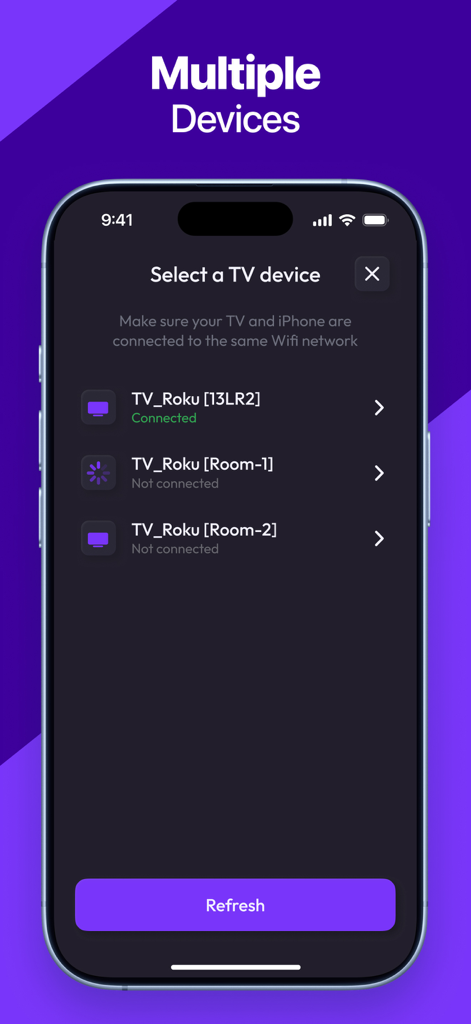
Interface de l'application pour sélectionner et se connecter à différents appareils Roku TV.

Interface de l'application pour sélectionner et se connecter à différents appareils Roku TV.

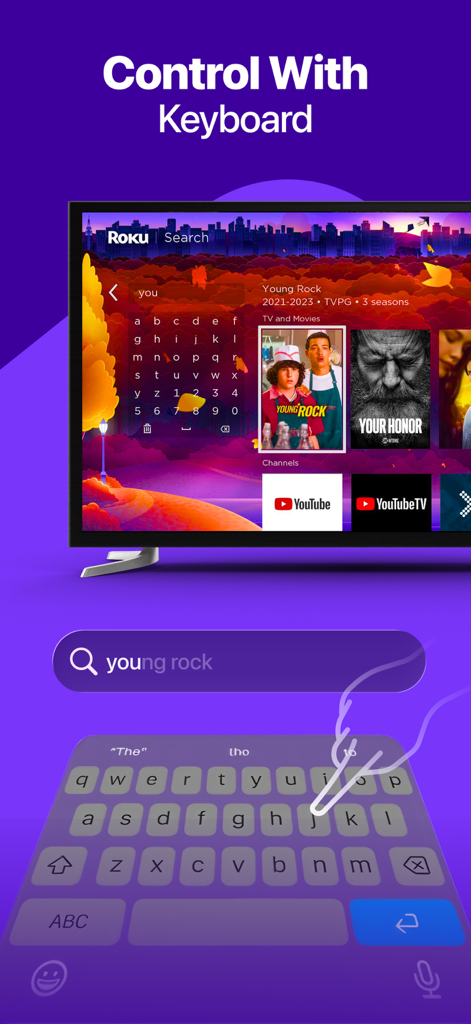
Un utilisateur tapant sur le clavier d'un smartphone pour rechercher un film sur une TV Roku.

Un utilisateur tapant sur le clavier d'un smartphone pour rechercher un film sur une TV Roku.

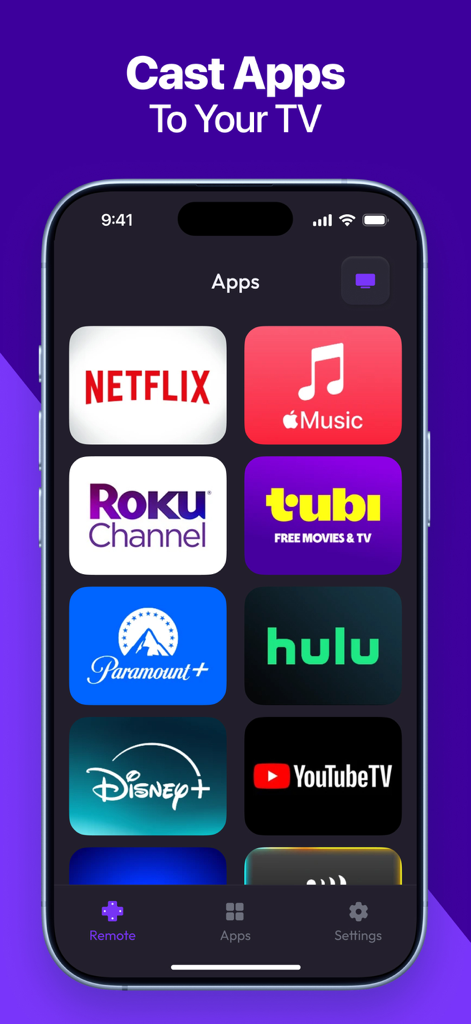
Écran de smartphone montrant diverses icônes d'applications de streaming comme Netflix, Disney Plus et Hulu pour un lancement rapide vers une TV Roku.

Écran de smartphone montrant diverses icônes d'applications de streaming comme Netflix, Disney Plus et Hulu pour un lancement rapide vers une TV Roku.

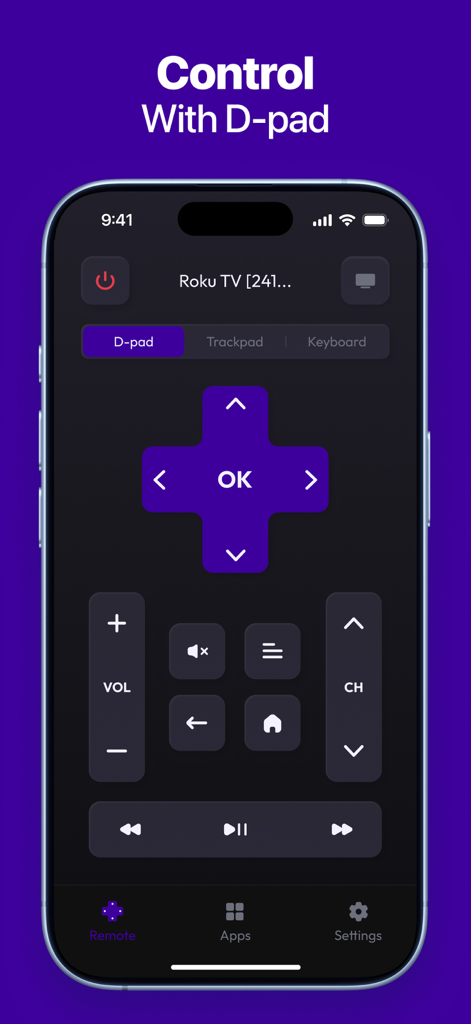
Application Roku TV Remote montrant le contrôleur D-pad numérique sur un iPhone.

Application Roku TV Remote montrant le contrôleur D-pad numérique sur un iPhone.

Prenez le contrôle total de votre expérience Roku

Les outils qui font la différence, choisis par 118K+ utilisateurs.

⌨️

Taper et parler pour rechercher

Laissez tomber le lent clavier à l'écran. Utilisez le clavier de votre iPhone ou votre voix pour trouver vos films et séries préférés en quelques secondes.

🖱️

Contrôle précis par pavé tactile

Naviguez dans votre téléviseur avec des balayages et des gestes fluides. C'est plus réactif qu'une télécommande physique et tient parfaitement dans votre main.

🚀

Changement de chaîne instantané

Naviguez et lancez vos applications de streaming préférées comme Netflix, Hulu et Max d'un simple toucher, directement depuis votre tableau de bord mobile.

À propos de l'app

Tout ce que vous devez savoir sur Roku TV Remote, Control Play.

Description

Roku TV Remote, Control Play is a fast and easy-to-use app that transforms your smartphone into a fully functional remote for your Roku TV or streaming device. Whether you’ve misplaced your physical remote or simply want a more convenient way to control your TV, this app gives you instant access to all key features — right from your phone. KEY FEATURES: - Full Remote Control: Power on/off, change channels, adjust volume, and control playback. - Touchpad Navigation: Smooth and responsive control with an intuitive touch interface. - Quick App Launch: Open your favorite Roku channels with one tap. - Keyboard & Voice Input: Type or speak for faster search and navigation. - Fast Pairing: Instantly connect your phone to any Roku device on the same network. - Simple & Clean Interface: Designed for ease of use and quick access to controls. Download Roku TV Remote, Control Play today and enjoy a smarter, more convenient way to control your Roku experience! Subscription terms: The App offers auto-renewing subscriptions to provide you with unlimited access to all features with no limits while you maintain an active subscription. Payment will be charged to the credit card connected to your iTunes Account when you confirm the initial subscription purchase. Subscriptions automatically renew unless auto-renew is turned off at least 24-hours before the end of the current subscription period. Your account will be charged for renewal within 24-hours prior to the end of the current period, and the cost of the renewal will be identified. You may manage your subscription and auto-renewal may be turned off by going to your Account Settings after the purchase. Any unused portion of a free trial period, if offered, will be forfeited when you purchase a subscription, where applicable. Privacy Policy: https://docs.google.com/document/d/1shtewogzyXFtpvUPpgdX2ye3YvnthE5LgSCuCkH_i8o/edit?usp=sharing Terms of Use: https://docs.google.com/document/d/1dDhIHxJWI3qWR52FcgKFLCbGHAnd6hW_L_oCBZNyno8/edit?usp=sharing

Dernière version

1.5

Taille

49.8 MB

Date de sortie

6 déc. 2023

La seule télécommande Roku que vous ne perdrez jamais

Rejoignez plus de 118 000 utilisateurs qui ont amélioré leur divertissement. Téléchargez maintenant pour profiter d'un appairage instantané, d'une frappe facile et d'un contrôle complet de votre TV Roku directement depuis votre iPhone.

Télécharger sur App Store

App information, icons, screenshots, and descriptions displayed on this page are sourced from the Apple App Store and are the property of their respective developers. Download estimates and rankings are based on MWM's proprietary models and may not reflect actual figures. This page is provided for informational and analytical purposes only.

Believe this page infringes your intellectual property? File a dispute